Fire-building in fresh snow
A lone trekker kneeling in fresh Alaskan snowfall at dusk, hands cupped around a struggling tinder bundle, sparks catching, breath fogging, the dark spruces closing in around the small circle of orange light.
Edit prompt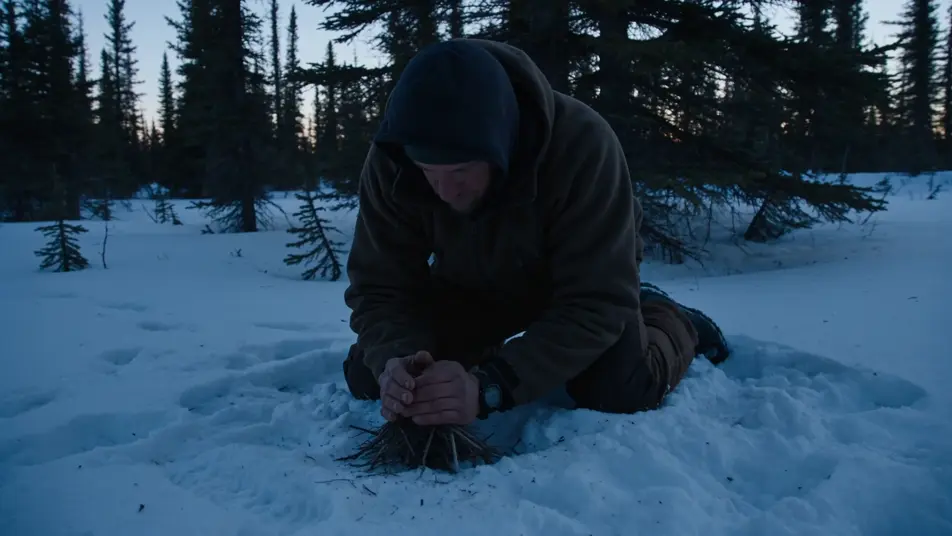
Direct a survival film in your browser with Morphic's survival AI video generator. Generate a trekker's fire in Alaskan snow or a capsized raft at dawn, add a hoarse voiceover and sparse strings with Speech and Music, and cut a survival short on the Canvas.
A lone trekker kneeling in fresh Alaskan snowfall at dusk, hands cupped around a struggling tinder bundle, sparks catching, breath fogging, the dark spruces closing in around the small circle of orange light.
Edit promptA small orange life raft rocking on a glassy Pacific swell at first light, a single sunburned figure huddled inside, an empty water bottle floating tethered to the side, no land in any direction.
Edit prompt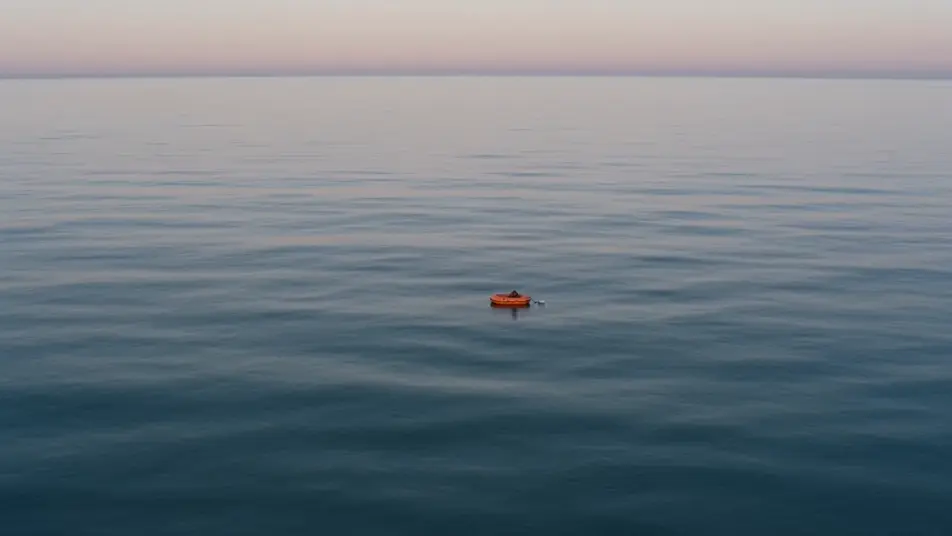
A cramped snow-cave bivouac at night high on a mountain, the head-torch beam fogging the close air, a climber wrapped in a frosted sleeping bag, the storm muffled to a low roar outside the entrance.
Edit prompt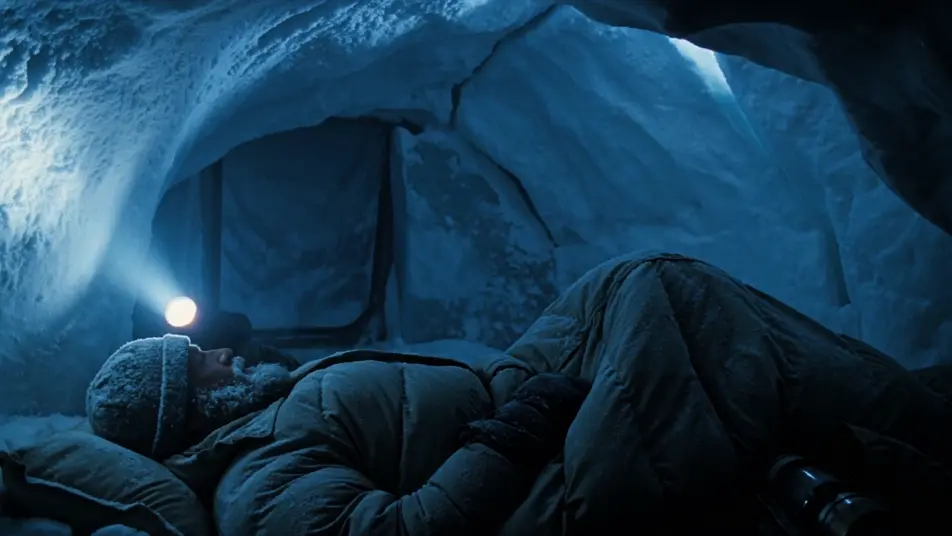
A wide low-angle shot of a single figure crossing an empty white salt flat at midday, heat shimmer warping the horizon, a long line of footprints trailing back into nothing, the sky a hard pale blue.
Edit prompt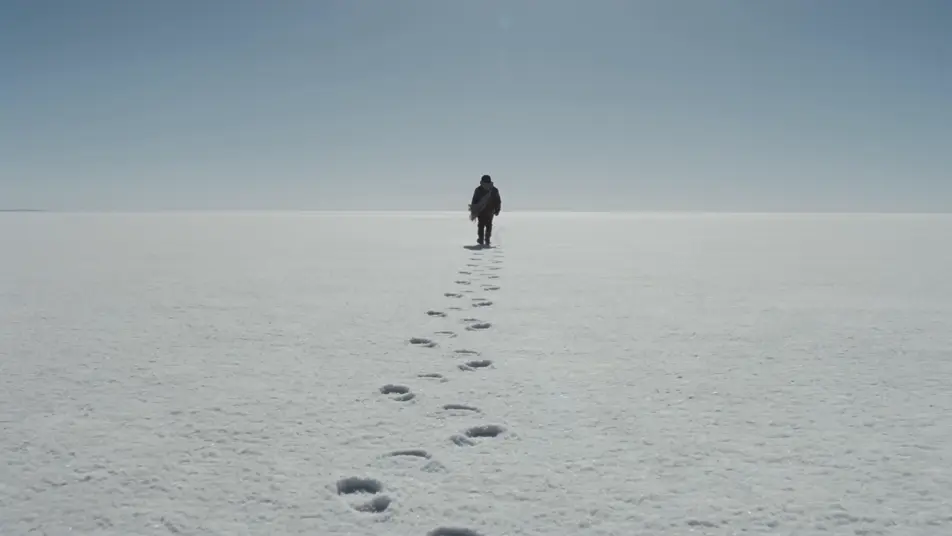
Write the survival scene you want, in plain words.
Morphic generates a cinematic, frame-ready clip on your canvas in seconds.
Tweak the prompt, regenerate variations, then download or share the shot.
Cinematic time-freeze short film for any scene

Dramatize any text conversation into a cinematic multi-shot video.
One image to a 9-scene cinematic video.
Drop in a photo of yourself. Get a 12-second cinematic movie with animation and a matched soundtrack.

Share a scene description with character references. Get a full storyboard with shot angles and mood.

Feed in a single image. Get 9 cinematic beats laid out as a 3x3 storyboard grid.
Post-apocalyptic AI Videos
Generate post-apocalyptic videos with Morphic. Dust-orange highways, rusted gas pumps, patched-leather scavengers, and wasteland-grade scene prompts.
Zombie AI videos
Generate zombie videos on Morphic. Outbreak survivors, overrun streets, barricaded shelters, and undead-horde scenes from plain-language prompts.
Disaster AI Videos
Create powerful AI Disaster videos with our Disaster video generator. Find unique, cinematic Disaster scenes for any project in seconds.
Dystopian AI Videos
Generate dystopian videos with Morphic. Brutalist megablocks, propaganda screens, surveillance drones, and 1984-grade scene prompts.
Get started for free today, with the option to upgrade or cancel anytime.
Basic
2400 monthly credits
1 user only
All models
Workflows
Standard
3625 monthly credits
1 user only
All models
Workflows
Pro
6350 shared monthly credits
1 user
All models
Workflows
Max
24650 shared monthly credits
1 user
All models
Workflows
Enterprise
For higher limits
Custom
pricing and billing terms

Free
For playing around
$0
forever free