Foggy street of porch lights
A tree-lined street at dusk, pumpkins and porch lights glowing at every house, fog on the road and small costumed groups far down the walk.
Edit prompt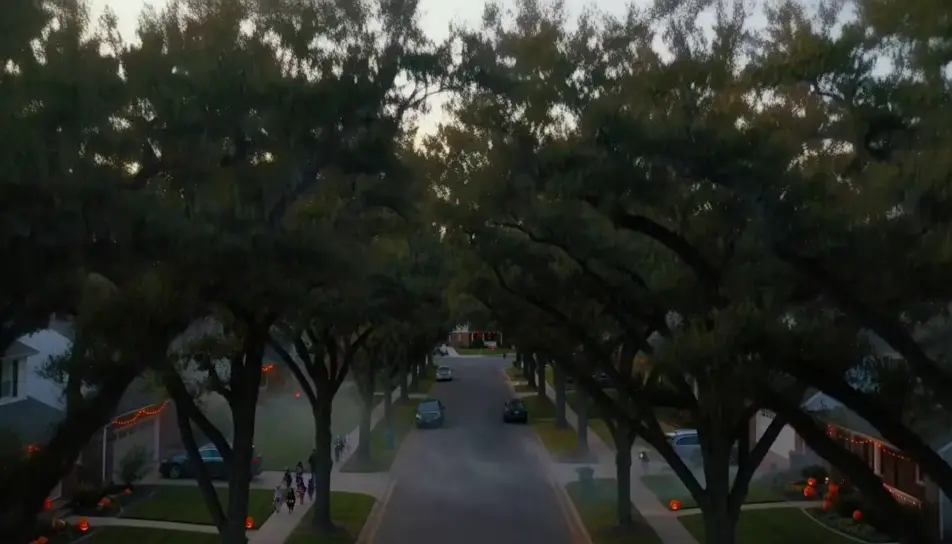
Generate trick or treat videos in Morphic's AI video generator: a ghost-sheet costume knocking at a lit door, or porch lights glowing down a foggy street. Cut the night on Compose.
A tree-lined street at dusk, pumpkins and porch lights glowing at every house, fog on the road and small costumed groups far down the walk.
Edit promptA ghost, a witch and a black cat seen from behind on a porch as the door swings open and warm light spills over three raised buckets.
Edit prompt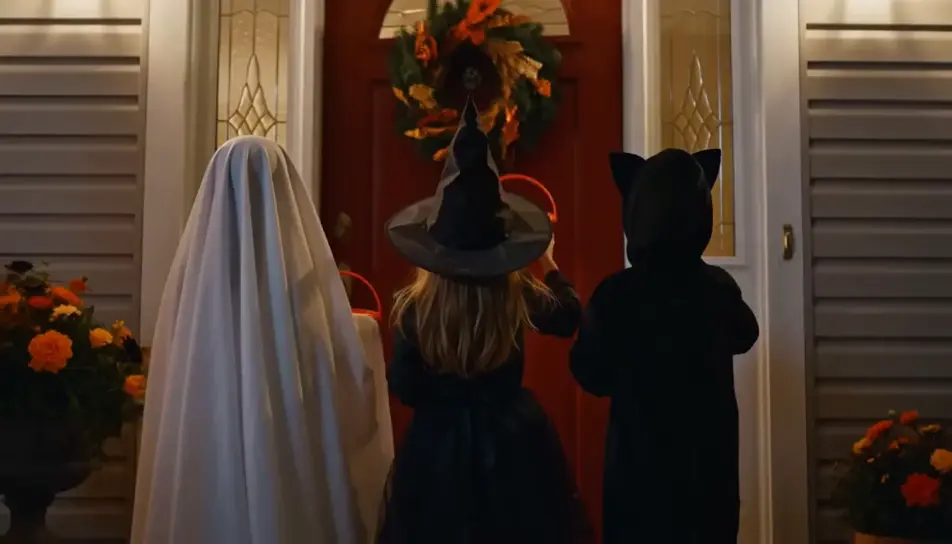
A decorated porch waiting for its first callers, cobwebs on the rails, pumpkins glowing and low fog rolling slowly down the wooden steps.
Edit prompt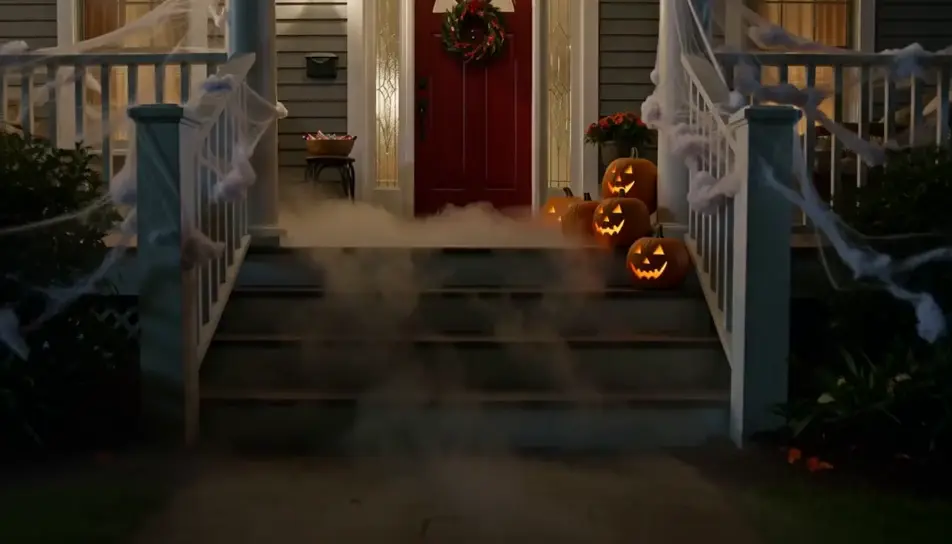
A small bat and a grown-up walking side by side down a leafy sidewalk, a flashlight beam ahead and a full candy bucket swinging.
Edit prompt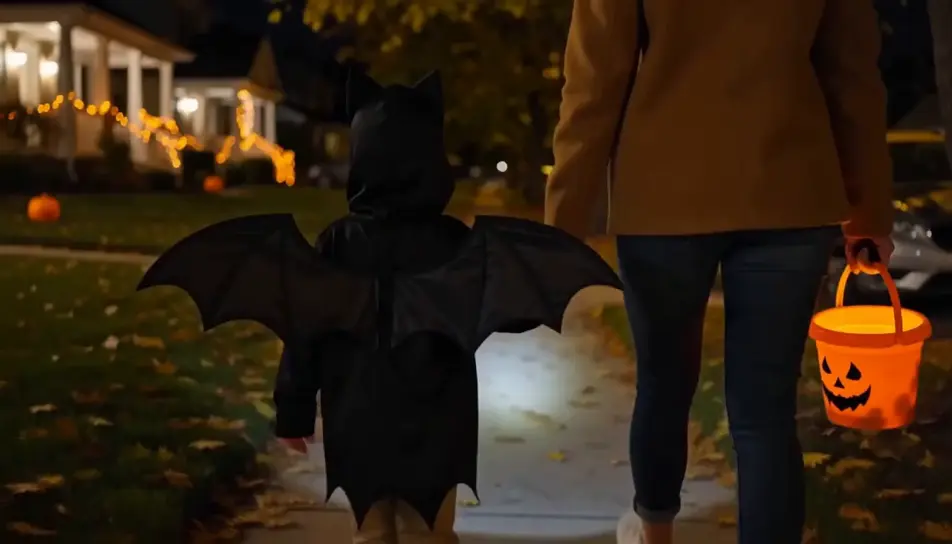
Write the trick or treat scene you want, in plain words.
Morphic generates a cinematic, frame-ready clip on your canvas in seconds.
Tweak the prompt, regenerate variations, then download or share the shot.

Dramatize any text conversation into a cinematic multi-shot video.
Cinematic time-freeze short film for any scene

Generate a professional film title card from scratch, with optional cinematic animation.
Photo of any real-estate becomes a cinematic renovation timelapse video with construction SFX and music.
One image to a 9-scene cinematic video.
Drop in a photo of yourself. Get a 12-second cinematic movie with animation and a matched soundtrack.
Halloween AI videos
Create spooky Halloween videos with AI in seconds. Haunted houses, pumpkins, ghosts, costumes. Pick a style, add your prompt, and generate in minutes.
AI Halloween costume videos
Generate Halloween costume videos with AI: try-on reveals, character transformations and costume ideas. Create and share in minutes.
Halloween AI images
halloween images for the festive season. AI-generated designs in HD, ready to download, share, and customize with Morphic.
Haunted House AI Videos
Generate haunted house AI videos with Morphic. Brooding mansions, candlelit staircases, and self-opening-door scene prompts you can direct in the browser.
Get started for free today, with the option to upgrade or cancel anytime.
Basic
2400 monthly credits
1 user only
All models
Workflows
Standard
3625 monthly credits
1 user only
All models
Workflows
Pro
6350 shared monthly credits
1 user
All models
Workflows
Max
24650 shared monthly credits
1 user
All models
Workflows
Enterprise
For higher limits
Custom
pricing and billing terms

Free
For playing around
$0
forever free