A tracking-glitch living room
A 90s living room on VHS, rolling tracking lines, color-bled lamps, a glowing timestamp in the corner, a slow handheld pan.
Edit prompt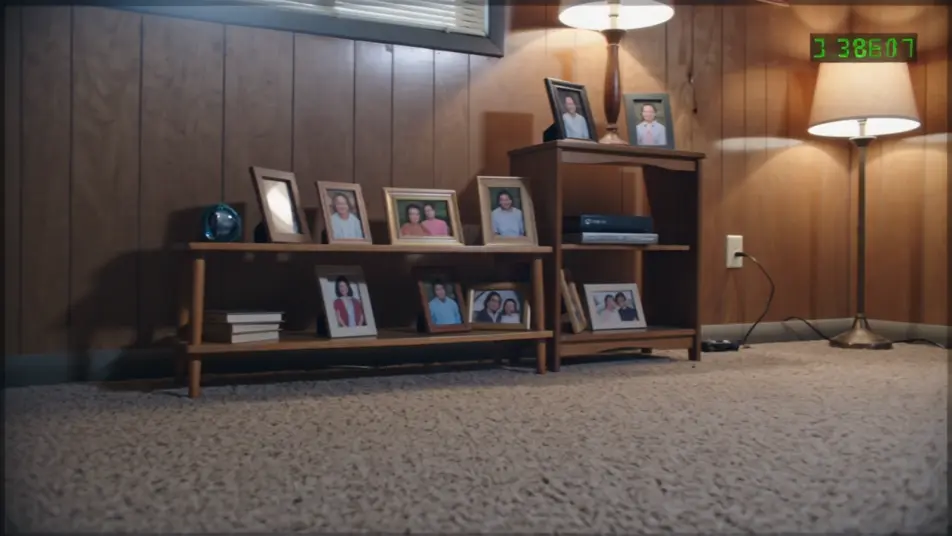
Press record in your browser with Morphic's VHS aesthetic AI video generator. Generate a tracking-glitch living room, a camcorder backyard party, or a public-access TV set. Dub and score it with Speech and Music, then stitch the tape-warped footage into a full VHS short on the Canvas.
A 90s living room on VHS, rolling tracking lines, color-bled lamps, a glowing timestamp in the corner, a slow handheld pan.
Edit promptA handheld backyard party on tape, sun-blown highlights, chromatic fringing on the edges, tape warble across the frame.
Edit prompt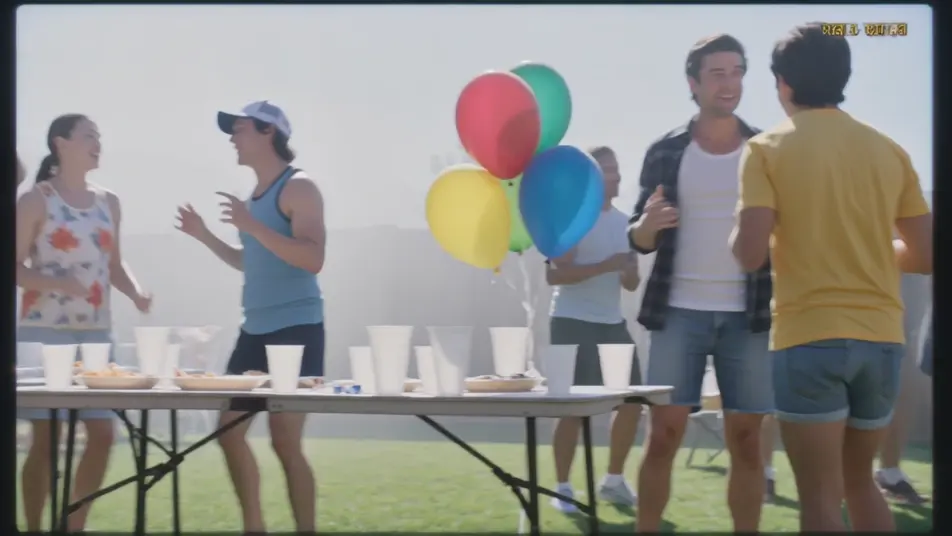
A flat-lit low-fi studio set, scanlines, oversaturated colors, a slow zoom with faint ghosting trails.
Edit prompt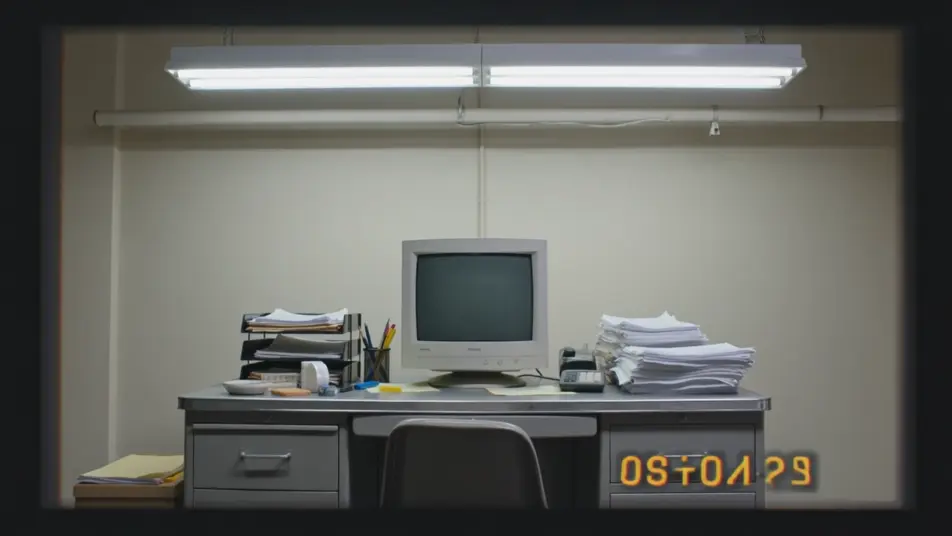
A frame breaking into tape static and tracking noise, warped color bands, a flickering REC dot.
Edit prompt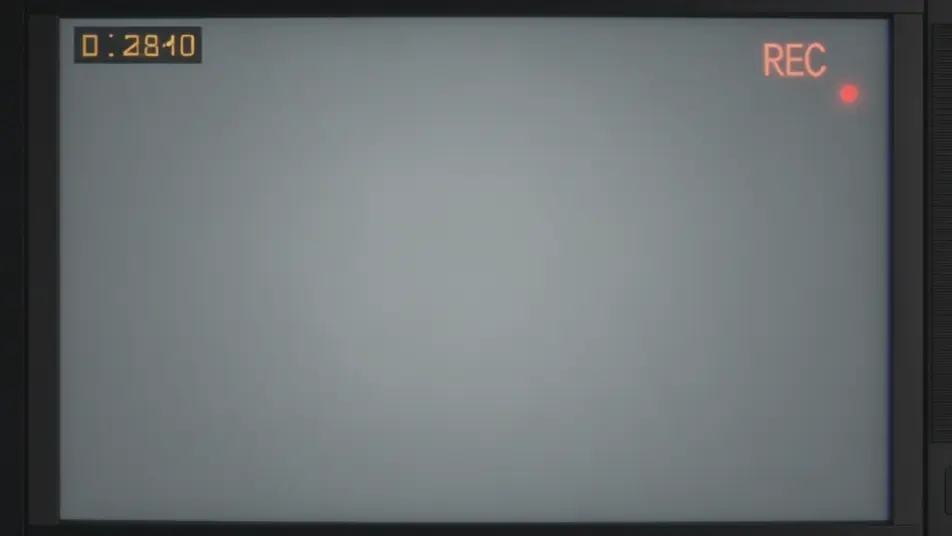
Write the VHS aesthetic scene you want, in plain words.
Morphic generates a cinematic, frame-ready clip on your canvas in seconds.
Tweak the prompt, regenerate variations, then download or share the shot.
Cinematic time-freeze short film for any scene

Dramatize any text conversation into a cinematic multi-shot video.
One image to a 9-scene cinematic video.
Drop in a photo of yourself. Get a 12-second cinematic movie with animation and a matched soundtrack.

Share a scene description with character references. Get a full storyboard with shot angles and mood.

Feed in a single image. Get 9 cinematic beats laid out as a 3x3 storyboard grid.
Retro AI videos
Generate retro videos on Morphic. Film grain, faded colour, period detail, and 70s-90s nostalgia scenes from plain-language prompts, no software needed.
80s AI videos
Generate 80s videos on Morphic. Neon grids, synthwave horizons, malls, arcades, and VHS-textured scenes from plain-language prompts, no software needed.
Synthwave AI Videos
Create AI Synthwave videos with Morphic. Generate authentic Synthwave scenes, looks, and visuals for any project in seconds.
Vaporwave AI Videos
Create AI Vaporwave videos with Morphic. Generate authentic Vaporwave scenes, looks, and visuals for any project in seconds.
Get started for free today, with the option to upgrade or cancel anytime.
Basic
2400 monthly credits
1 user only
All models
Workflows
Standard
3625 monthly credits
1 user only
All models
Workflows
Pro
6350 shared monthly credits
1 user
All models
Workflows
Max
24650 shared monthly credits
1 user
All models
Workflows
Enterprise
For higher limits
Custom
pricing and billing terms

Free
For playing around
$0
forever free