A neon-grid synthwave horizon
An endless neon grid receding to a low-poly sun, a magenta-to-purple sky, mountains in silhouette, the classic 80s synthwave vista.
Edit prompt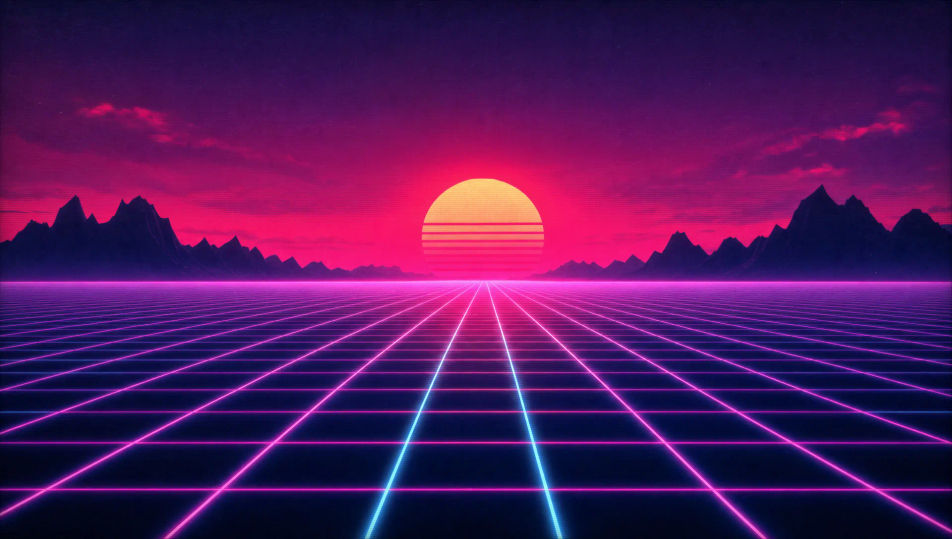
Direct the 1980s in your browser with Morphic's 80s AI video generator. Generate a grid-lit synthwave horizon, a crowded shopping mall at golden hour, or a roller rink under spinning lights. Score every shot with Speech and Music, then stitch the short on the Canvas.
An endless neon grid receding to a low-poly sun, a magenta-to-purple sky, mountains in silhouette, the classic 80s synthwave vista.
Edit promptA bustling indoor mall at golden hour, neon storefront signs, a tiled fountain, glass elevators, layered 80s fashion in the crowd.
Edit prompt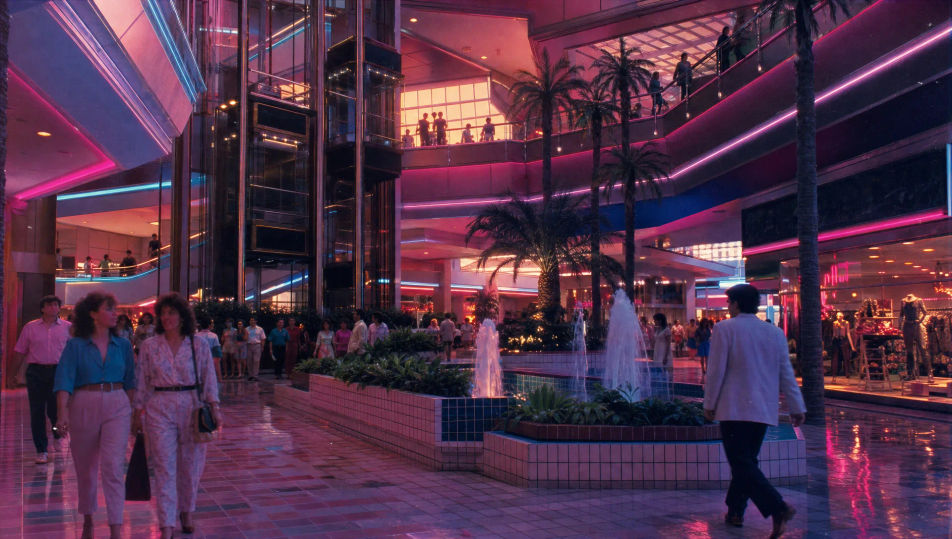
A packed roller rink with a mirror ball and coloured spotlights sweeping the floor, skaters mid-glide, warm haze and soft VHS grain.
Edit prompt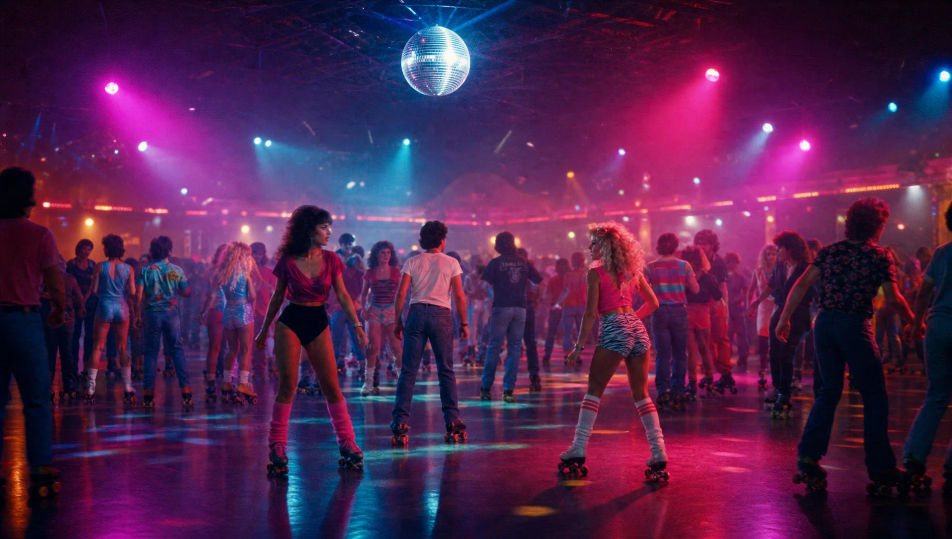
A stylised set of neon tubes and geometric props, a performer mid-pose, hard magenta-cyan light, dry ice and heavy lens flare.
Edit prompt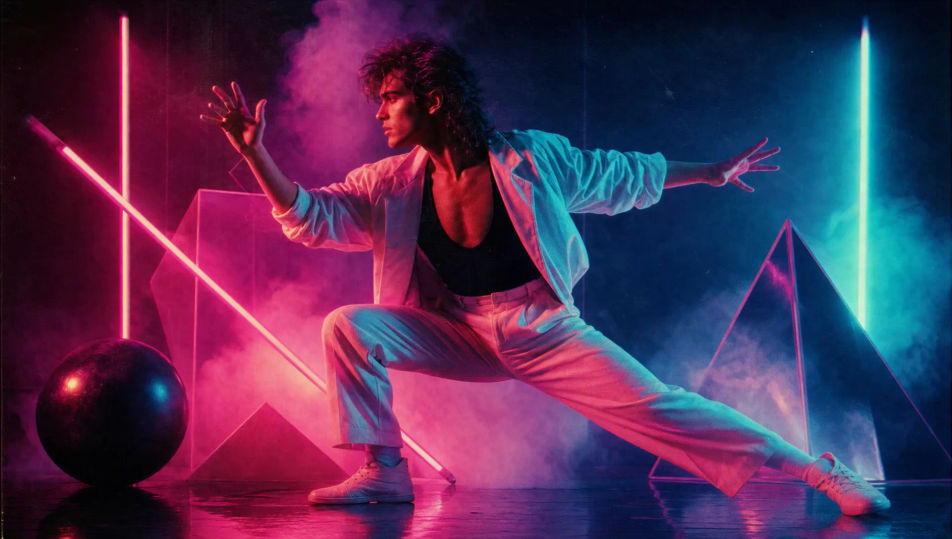
Write the 80s scene you want, in plain words.
Morphic generates a cinematic, frame-ready clip on your canvas in seconds.
Tweak the prompt, regenerate variations, then download or share the shot.
Cinematic time-freeze short film for any scene

Dramatize any text conversation into a cinematic multi-shot video.
One image to a 9-scene cinematic video.
Drop in a photo of yourself. Get a 12-second cinematic movie with animation and a matched soundtrack.

Share a scene description with character references. Get a full storyboard with shot angles and mood.

Feed in a single image. Get 9 cinematic beats laid out as a 3x3 storyboard grid.
Retro AI videos
Generate retro videos on Morphic. Film grain, faded colour, period detail, and 70s-90s nostalgia scenes from plain-language prompts, no software needed.
Cyberpunk AI videos
Generate cyberpunk videos on Morphic. Neon megacity streets, body-augmented characters, and rain-slick sci-fi scenes from plain-language prompts.
AI music videos
Generate music videos on Morphic. Performance stages, narrative cutaways, neon sets, and concept visuals from plain-language prompts, no editor needed.
Sci-fi AI videos
Generate sci-fi videos on Morphic. Starships, alien worlds, space stations, and far-future scenes from plain-language prompts, no software needed.
Get started for free today, with the option to upgrade or cancel anytime.
Basic
2400 monthly credits
1 user only
All models
Workflows
Standard
3625 monthly credits
1 user only
All models
Workflows
Pro
6350 shared monthly credits
1 user
All models
Workflows
Max
24650 shared monthly credits
1 user
All models
Workflows
Enterprise
For higher limits
Custom
pricing and billing terms

Free
For playing around
$0
forever free