A sun-faded 70s road trip
An empty highway under a hazy warm sky, a station wagon mid-drive, dry hills beyond, heavy film grain and washed-out 70s colour.
Edit prompt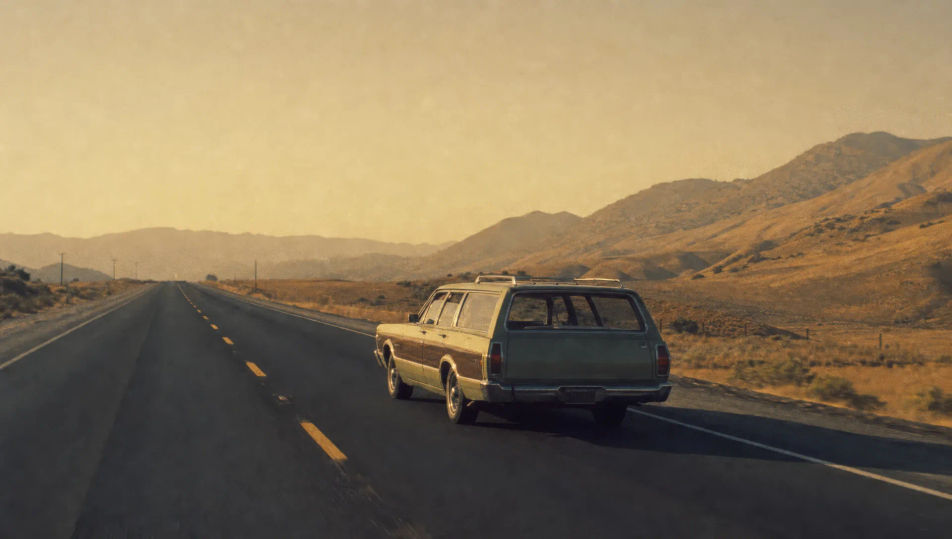
Direct vintage footage in your browser with Morphic's retro AI video generator. Generate a sun-faded 70s road trip, a glowing 80s arcade, or a 90s camcorder home movie. Score every shot with Speech and Music, then stitch the sequences into a full retro short on the Canvas.
An empty highway under a hazy warm sky, a station wagon mid-drive, dry hills beyond, heavy film grain and washed-out 70s colour.
Edit promptA dim arcade packed with glowing cabinets, carpet patterns, a hazy smoke layer, magenta-and-blue light and a soft VHS softness.
Edit prompt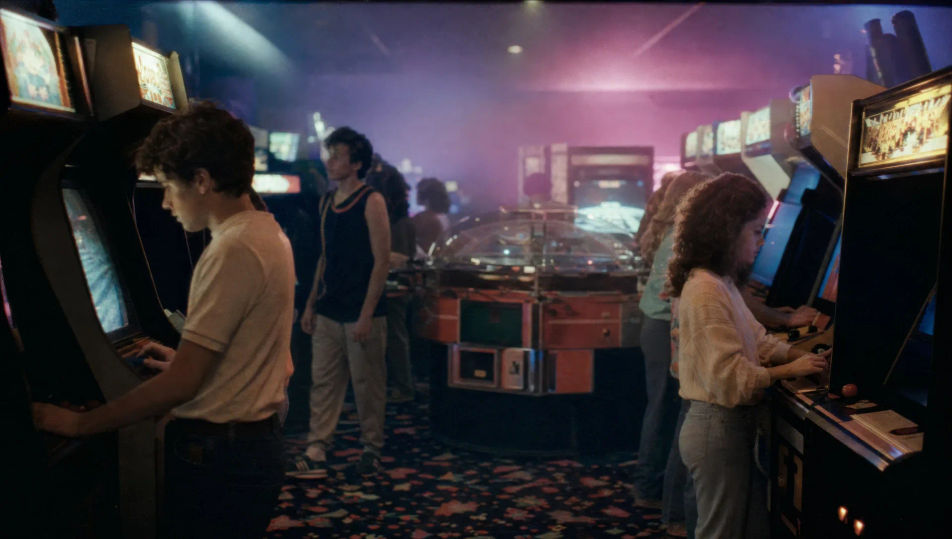
A backyard gathering shot on a handheld camcorder, soft VHS smear, a timestamp glow implied, slightly blown-out summer light.
Edit prompt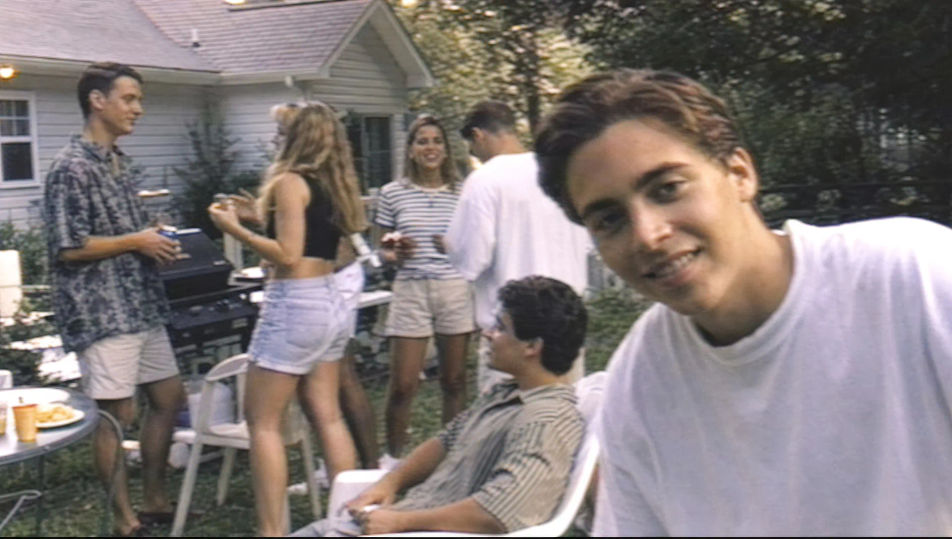
A chrome-and-neon diner at dusk, a glowing sign, vinyl booths through the windows, a couple of parked classic cars, warm grain.
Edit prompt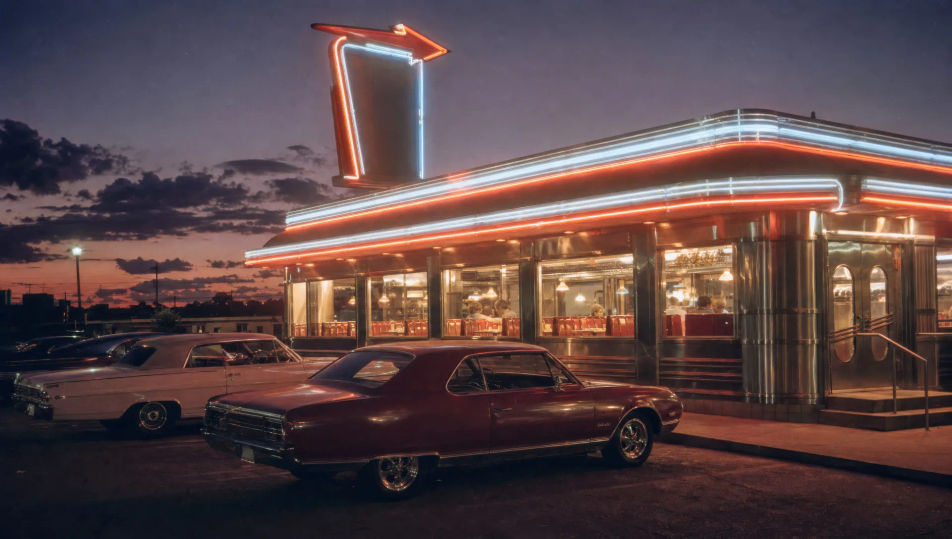
Write the Retro scene you want, in plain words.
Morphic generates a cinematic, frame-ready clip on your canvas in seconds.
Tweak the prompt, regenerate variations, then download or share the shot.
Cinematic time-freeze short film for any scene

Dramatize any text conversation into a cinematic multi-shot video.
One image to a 9-scene cinematic video.
Drop in a photo of yourself. Get a 12-second cinematic movie with animation and a matched soundtrack.

Share a scene description with character references. Get a full storyboard with shot angles and mood.

Feed in a single image. Get 9 cinematic beats laid out as a 3x3 storyboard grid.
80s AI videos
Generate 80s videos on Morphic. Neon grids, synthwave horizons, malls, arcades, and VHS-textured scenes from plain-language prompts, no software needed.
Silent film AI Videos
Generate silent film videos with Morphic. Caligari painted shadow, Murnau unchained camera, Eisenstein montage, Lang crowds, and intertitle typography.
Cyberpunk AI videos
Generate cyberpunk videos on Morphic. Neon megacity streets, body-augmented characters, and rain-slick sci-fi scenes from plain-language prompts.
AI music videos
Generate music videos on Morphic. Performance stages, narrative cutaways, neon sets, and concept visuals from plain-language prompts, no editor needed.
Get started for free today, with the option to upgrade or cancel anytime.
Basic
2400 monthly credits
1 user only
All models
Workflows
Standard
3625 monthly credits
1 user only
All models
Workflows
Pro
6350 shared monthly credits
1 user
All models
Workflows
Max
24650 shared monthly credits
1 user
All models
Workflows
Enterprise
For higher limits
Custom
pricing and billing terms

Free
For playing around
$0
forever free