The breathing portrait
An extreme slow-motion close-up of a face against deep black, barely moving, a single slow blink and breath stretched across the shot, soft single-source light, locked-off and hypnotic.
Edit prompt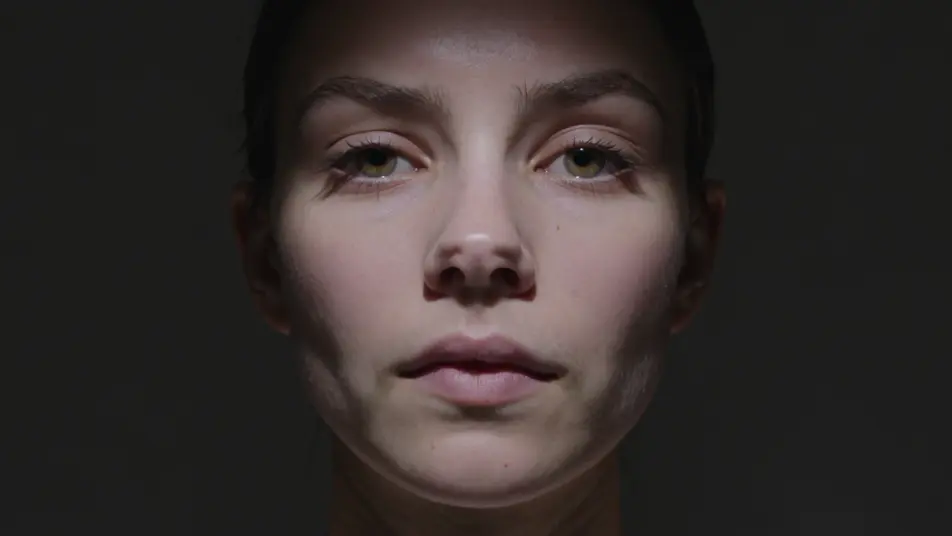
Direct gallery-grade moving image in your browser with Morphic's video art AI video generator. Generate a slow portrait barely breathing, stacked monitors looping, or a gesture repeating into hypnosis. Add spatial sound with Speech, a drone with Music, then stitch the reel on the Canvas.
An extreme slow-motion close-up of a face against deep black, barely moving, a single slow blink and breath stretched across the shot, soft single-source light, locked-off and hypnotic.
Edit promptA dark gallery wall of stacked vintage monitors all looping a fragment of the same image slightly out of phase, a flickering grid of light in the black, slow contemplative dolly across.
Edit prompt
A figure suspended underwater in soft blue light, hair and fabric drifting in slow motion, shafts of light from above, weightless serene stillness, slow drifting camera.
Edit prompt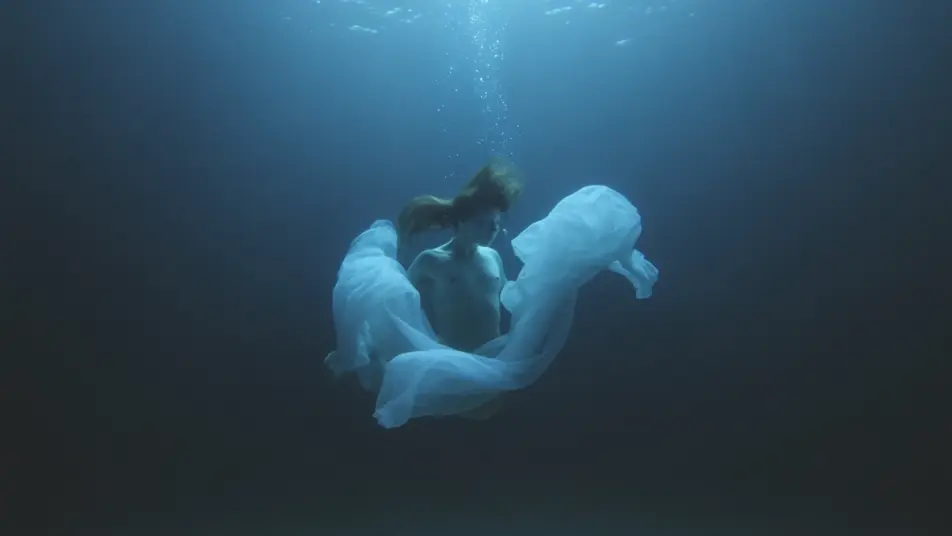
A performer on a bare set repeating one simple gesture in a perfect seamless loop, neutral even light, the repetition emptying the action into pure rhythm, static frame.
Edit prompt
Write the video art scene you want, in plain words.
Morphic generates a cinematic, frame-ready clip on your canvas in seconds.
Tweak the prompt, regenerate variations, then download or share the shot.
Cinematic time-freeze short film for any scene

Dramatize any text conversation into a cinematic multi-shot video.
One image to a 9-scene cinematic video.

Share a scene description with character references. Get a full storyboard with shot angles and mood.
Drop in a photo of yourself. Get a 12-second cinematic movie with animation and a matched soundtrack.
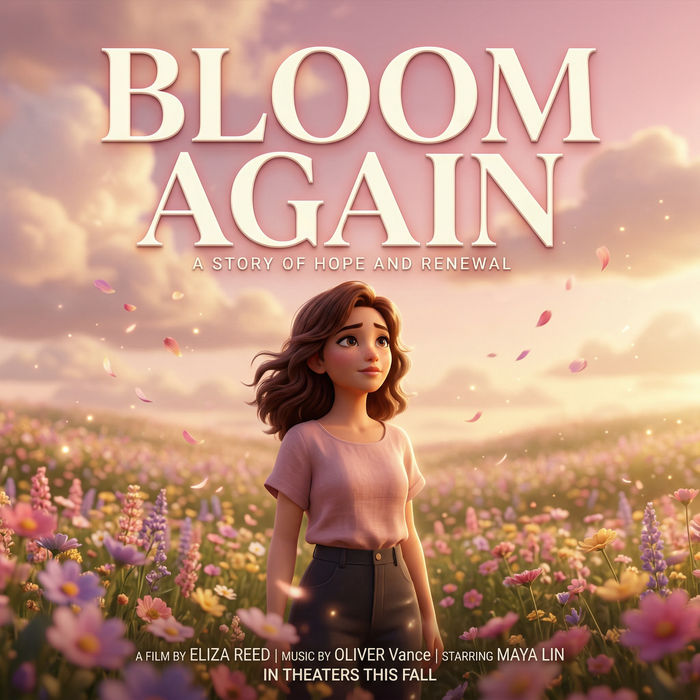
Generate a professional film title card from scratch, with optional cinematic animation.
Experimental Film AI Videos
Generate experimental film AI videos with Morphic. Non-narrative image, optical play, and rhythmic abstract scene prompts you can direct in the browser.
Avant-Garde Film AI Videos
Generate avant-garde film AI videos with Morphic. Surreal juxtaposition, dream logic, and impossible-space scene prompts you can direct in the browser.
Vaporwave AI Videos
Create AI Vaporwave videos with Morphic. Generate authentic Vaporwave scenes, looks, and visuals for any project in seconds.
Weirdcore AI Videos
Create AI Weirdcore videos with Morphic. Generate authentic Weirdcore scenes, looks, and visuals for any project in seconds.
Get started for free today, with the option to upgrade or cancel anytime.
Basic
2400 monthly credits
1 user only
All models
Workflows
Standard
3625 monthly credits
1 user only
All models
Workflows
Pro
6350 shared monthly credits
1 user
All models
Workflows
Max
24650 shared monthly credits
1 user
All models
Workflows
Enterprise
For higher limits
Custom
pricing and billing terms

Free
For playing around
$0
forever free