Guttural AI voices
Try MorphicBrowse AI guttural voices from throat-deep growlers to rasping beasts, or build your own with the guttural voice generator, then lip sync any line so your creature speaks it on screen.
Guttural voices for monster games, metal trailers, and creature animation
Brack
A vast, throat-deep growler, slow and grinding, every word dragged up from somewhere enormous
Morr
A thick, pressing brute, heavy and blunt, pushing each line out with a strained chest rumble
Scathe
A cracked, arid croak, dry and scraping, a voice that sounds like it has not drunk in an age
Ruk
A hard, barking warlord, guttural and clipped, commands torn out in short rough bursts
Vorn
A buzzing, subsonic horror, impossibly low and vibrating, words half-swallowed by a throat hum
Design your guttural voice
Mix and match the traits below. Your prompt builds as you go.
A bottomless, gravelly, menacing overlord guttural voice
GenerateTurn a guttural voice into a talking character
Most voice tools stop at an audio file. Morphic maps the read onto a face so your creature speaks the line on screen, mouth and timing matched, so the growl and the jaw move together. You go from a written line to a talking guttural clip in one pass.
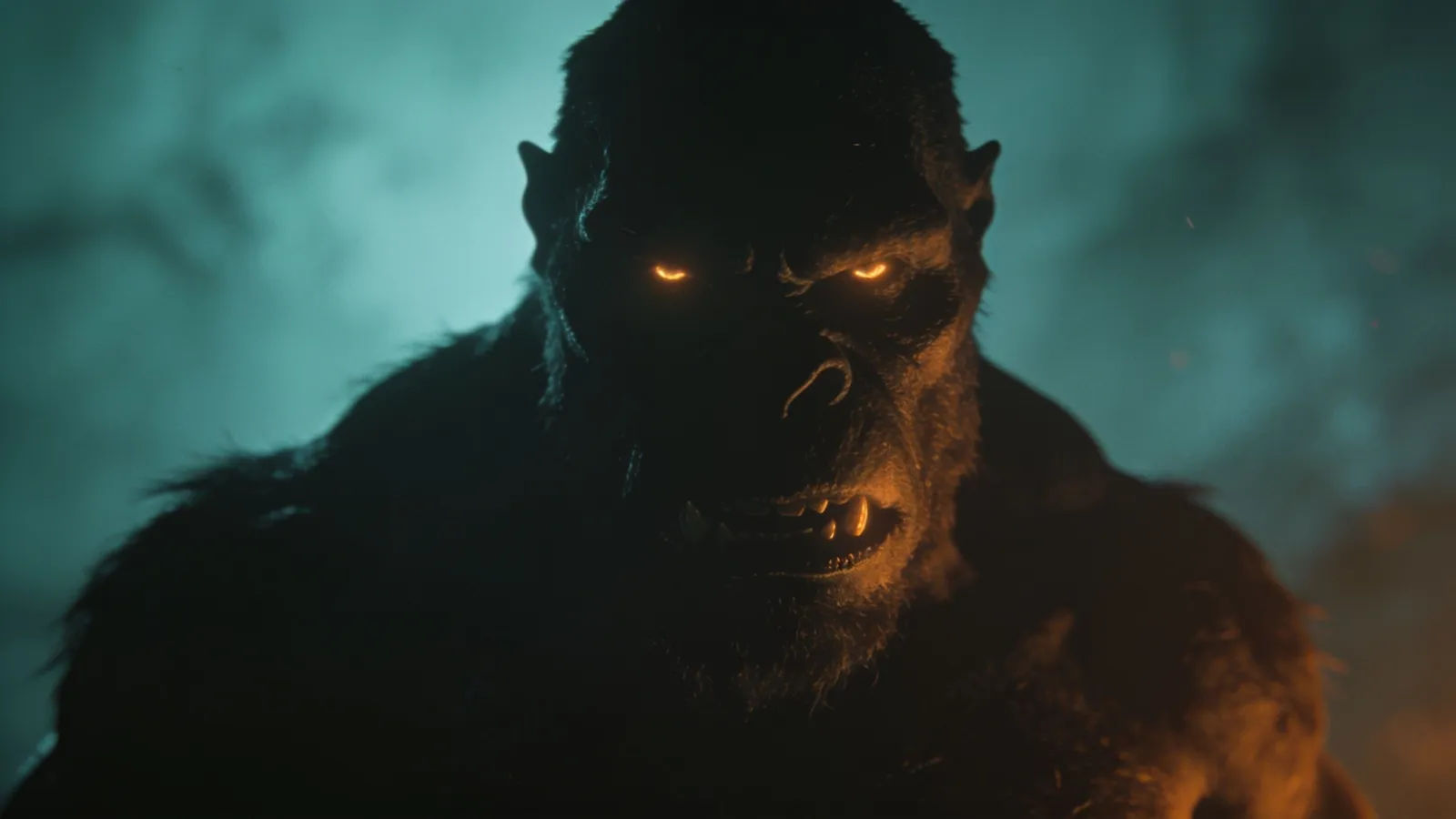
Growling voices for monster games, metal trailers, and creature animation
Give every beast, warlord, and pit-dweller its own guttural voice. Browse archetypes from a vast throat-deep growler to a buzzing subsonic horror, spanning slow and enormous down to sharp and feral. Each one is directed from a prompt and ready to drop into a monster game, a metal trailer, or a creature animation.
Guttural voice text to speech for narration and creature dialogue
Paste a script and turn it into a growling read in seconds, no recording booth. Morphic converts written dialogue into a throat-heavy, rasping delivery for dark trailers, boss taunts, and creature dialogue, with pace, pitch, and grind you direct in plain English.
A guttural voice generator you direct in plain English
Describe the beast you want, name the depth, texture, and snarl, and the generator builds the read. Re-voice the same line as a heavier or more feral creature anytime by editing the prompt, so a whole roster of guttural horrors comes from one workspace.
More voice styles
Simple pricing
Get started for free today, with the option to upgrade or cancel anytime.
Basic
2400 monthly credits
1 user only
All models
Workflows
Standard
3625 monthly credits
1 user only
All models
Workflows
Pro
6350 shared monthly credits
1 user
All models
Workflows
Max
24650 shared monthly credits
1 user
All models
Workflows
Enterprise
For higher limits
Custom
pricing and billing terms

Free
For playing around
$0
forever free