Online course narrator AI voices

Try Morphic

Browse AI online course narrator voices, from engaging instructors to clear module narrators, build your own in the generator, then lip sync the lecture to an instructor on screen.

Online course narrator voices for lecture videos, module intros, and lesson recaps

Merit

An engaging course narrator, clear and patient delivering a lecture

Callum

A warm lecturer voice, steady and approachable for a module intro

Odile

A bright recap voice, upbeat and concise for a lesson summary

Brooks

A confident expert voice, articulate and assured on a technical topic

Yara

An encouraging coach voice, supportive and clear for a practice section

Dex

A calm narrator, grounded and even across a long lecture

Design your online course narrator voice

Mix and match the traits below. Your prompt builds as you go.

Archetype
Depth
Texture
Mood

A bottomless, gravelly, menacing overlord online course narrator voice

Generate

Turn an online course narrator voice into a talking instructor on screen

Most voice tools stop at an audio file. Morphic maps the lecture onto a face so an instructor or narrator delivers every line on screen, mouth and timing matched, taking you from a written script to a talking instructor clip for a lecture video, a module intro, or a lesson recap.
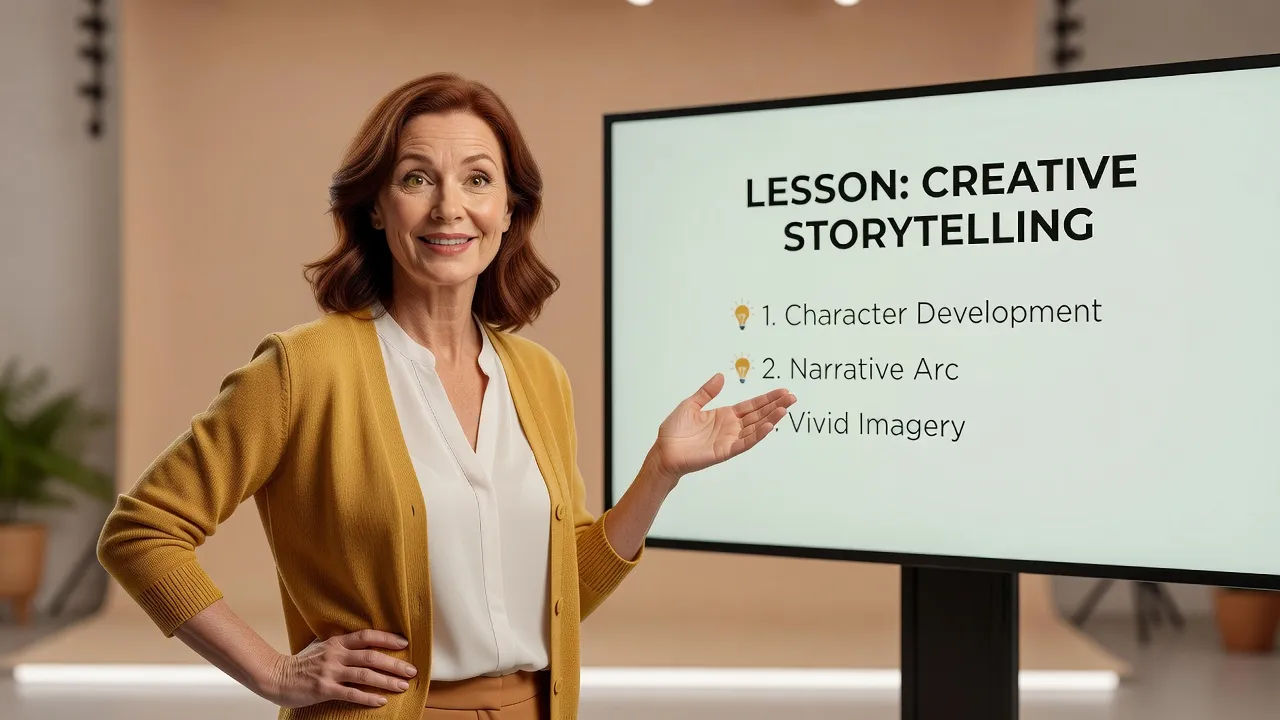
Instructor speaking beside a lesson slide

Instructor voices for lecture videos, module intros, and lesson recaps

Give every course a voice learners stay with for hours. Browse reads from an engaging instructor to a calm narrator, each directed from a prompt and ready to carry a lecture video, a module intro, or a lesson recap without booking a booth.

Home learning corner by a window

Online course narrator voice text to speech for lecture videos and recaps

Paste your lecture script and turn it into a finished narration in seconds, no recording session. Morphic converts your material into a clear, engaging read for lecture videos, module intros, and lesson recaps, with pace and patience you direct in plain English.
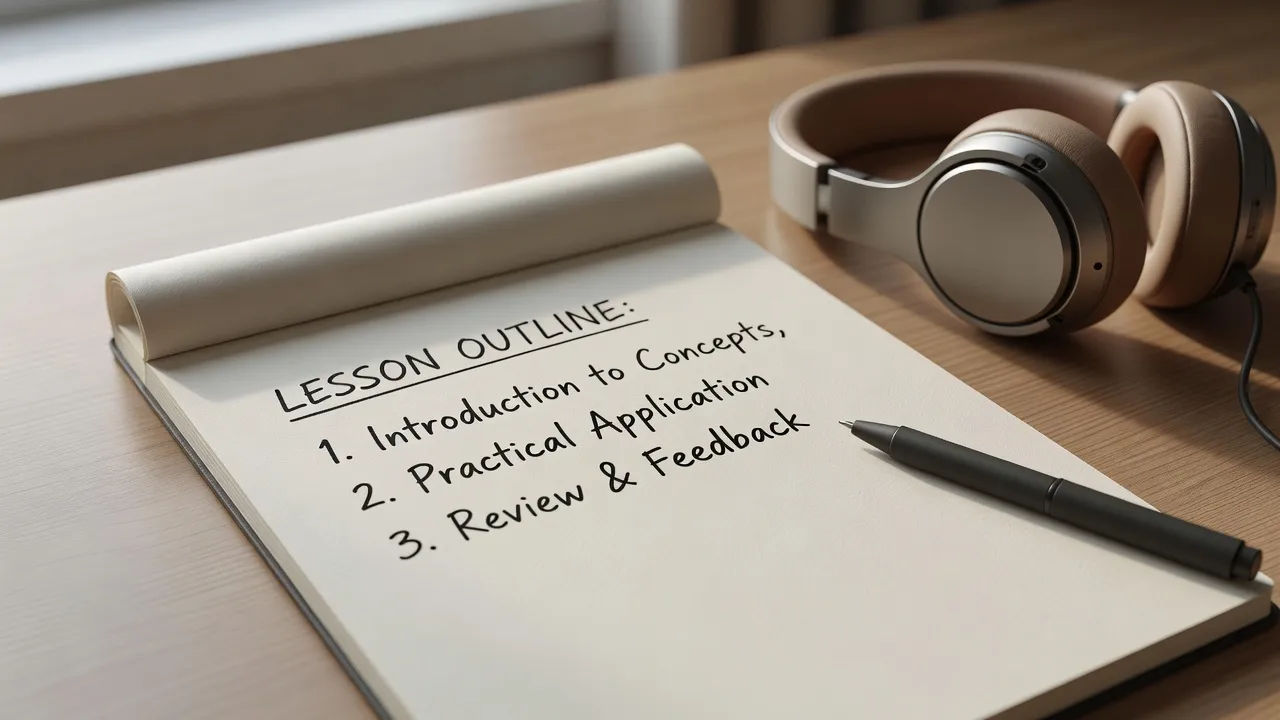
Lesson outline with a pen and headphones

An online course narrator voice generator you direct in plain English

Describe the instructor you want, name the clarity, patience, and warmth, and the generator builds the read. Re-voice the same lecture as a warmer take or a more concise recap cut anytime by editing the prompt, your whole course library from one workspace.

Narrator recording lecture audio

More voice styles

Simple pricing

Get started for free today, with the option to upgrade or cancel anytime.

Basic

$0/ month
billed as $0 per year

900 monthly credits

1 user only

All models

Workflows

Standard

$0/ month
billed as $0 per year

3200 monthly credits

1 user only

All models

Workflows

Pro

$0/ month
billed as $0 per year

6200 shared monthly credits

1 user

+ up to 4 more at extra cost

All models

Workflows

Pro Max

$0/ month
billed as $0 per year

24000 shared monthly credits

1 user

+ up to 9 more at extra cost

All models

Workflows

Enterprise

For higher limits

Custom

pricing and billing terms

Unlimited credits
Custom seat limits
All models
Workflows
Pricing Gradient

Free

For playing around

$0

forever free

Up to 20 credits
1 user only
Limited models
Workflows

FAQs

What is an AI online course narrator voice?
An AI online course narrator voice is a narration shaped around an instructor persona rather than a single fixed model. You describe the read, such as an engaging instructor or a calm narrator, then direct clarity and patience so learners follow across hours. In Morphic the same lecture can be re-voiced as a different instructor without re-recording.
How do I make a custom online course narrator voice in Morphic?
Open the speech tool, paste your lecture script, and describe the instructor in plain English. Name the clarity, patience, and warmth, then generate, listen, and refine the prompt until it holds attention. The configurator on this page composes that direction and carries it into Studio.
Can I turn an online course narrator voice into a talking instructor?
Yes. After you render the narration, the lip sync tool maps the audio onto a face so the mouth and timing match. That takes you from a written script to a talking instructor clip for lecture videos and module intros, the step a voice-only generator cannot complete.
Can I use online course narrator voices commercially?
Yes, voices generated on paid Morphic plans can be used in commercially shared lecture videos, module intros, and course content. Review the Morphic terms for full licensing detail before publishing.
How many online course narrator voices can I create?
There is no fixed roster. Because each narrator is directed from a prompt, you can build as many distinct reads as your course needs, an engaging instructor, an encouraging coach, a calm narrator, and revise any of them by editing the direction.
What languages and accents do online course narrator voices support?
The Morphic speech tool supports English plus a growing set of languages and accents. For a course you can match your learner region or choose a neutral accent for the broadest reach.