Radio DJ AI voices
Try MorphicBrowse AI radio DJ voices from smooth late-night hosts to high-energy morning jocks, or build your own with the radio DJ voice generator, then lip sync any line so your host speaks it on screen.
Radio DJ voices for podcast intros, ad spots, and station bumpers
Calloway
A smooth late-night radio host, warm and low, speaking close to the mic with easy confidence
Jett
A high-energy morning radio jock, fast and upbeat, bouncing between songs with a big grin in the voice
Marlowe
A classic broadcast announcer, rich and polished, delivering station lines with rounded, even tone
Reese
A mellow late-evening jazz host, slow and velvety, introducing tracks in a hushed, intimate tone
Soriah
A bright chart-show host, bubbly and friendly, counting down hits with warm, infectious energy
Dax
A punchy sports-talk radio voice, loud and opinionated, firing off takes at a brisk clip
Design your radio dj voice
Mix and match the traits below. Your prompt builds as you go.
A bottomless, gravelly, menacing overlord radio dj voice
GenerateTurn a radio DJ voice into a talking character
Most voice tools stop at an audio file. Morphic maps the read onto a face so your host speaks the line on screen, mouth and timing matched. That takes you from a written line to a talking radio DJ clip you can drop straight into a video intro.
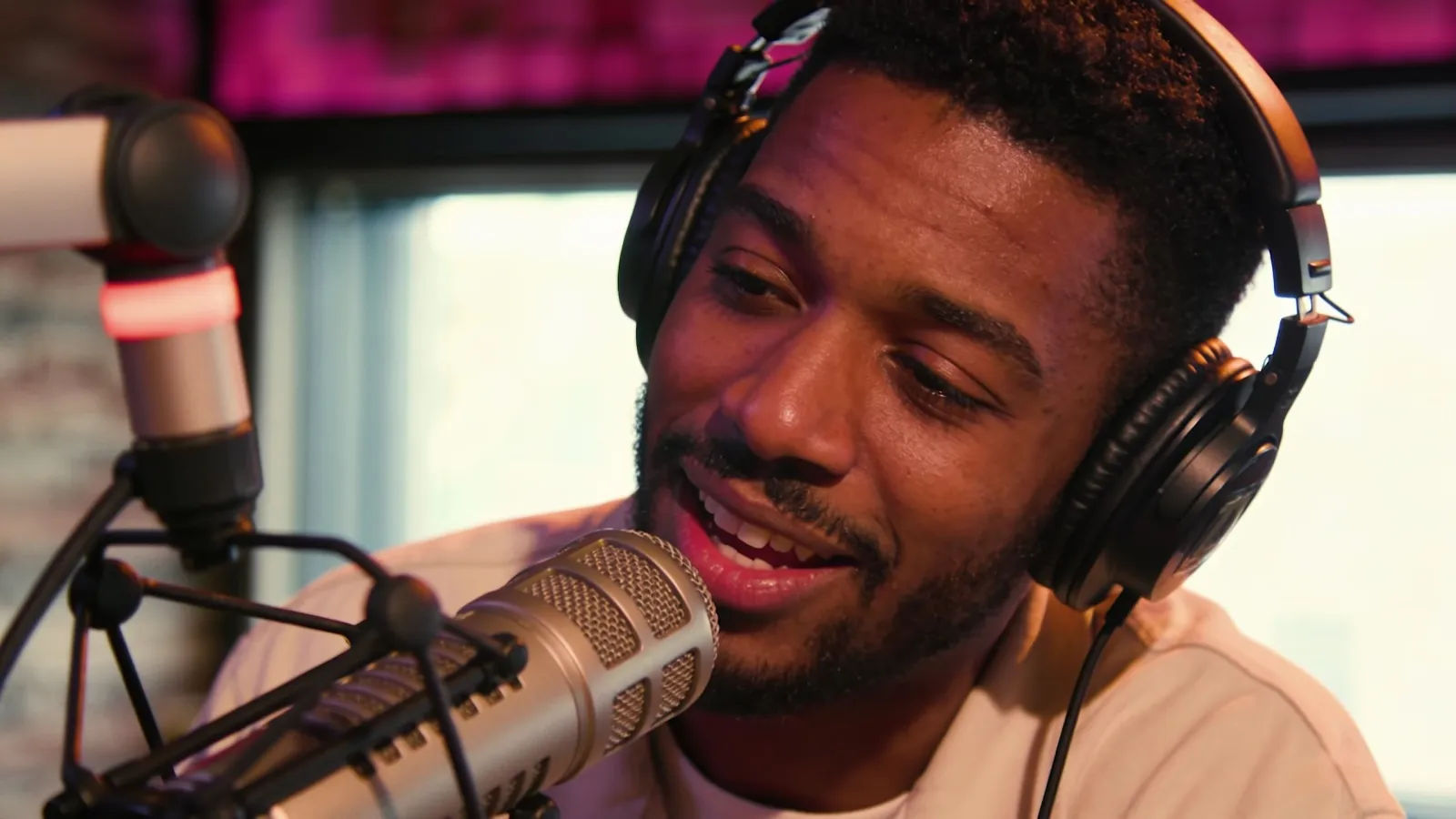
On-air voices for podcast intros, ad spots, and station bumpers
Give every host, announcer, and countdown jock its own voice. Browse radio archetypes from smooth late-night hosts to fast morning jocks, each directed from a prompt and ready to drop into a podcast intro, a radio-style ad, or a between-track bumper.
Radio DJ voice text to speech for promos and announcements
Paste a script and turn it into a polished on-air read in seconds, no recording booth. Morphic converts written dialogue into a broadcast-ready delivery for promos, station IDs, and show announcements, with pace, pitch, and energy you direct in plain English.
A radio DJ voice generator you direct in plain English
Describe the host you want, name the tone, texture, and tempo, and the generator builds the read. Re-voice the same line as a warmer or more hyped announcer anytime by editing the prompt, a whole station lineup from one workspace.
More voice styles
Simple pricing
Get started for free today, with the option to upgrade or cancel anytime.
Basic
2400 monthly credits
1 user only
All models
Workflows
Standard
3625 monthly credits
1 user only
All models
Workflows
Pro
6350 shared monthly credits
1 user
All models
Workflows
Max
24650 shared monthly credits
1 user
All models
Workflows
Enterprise
For higher limits
Custom
pricing and billing terms

Free
For playing around
$0
forever free