Russian accent AI voices

Try Morphic

Browse English voices spoken with a Russian accent, build your own with the Russian accent voice generator, then lip sync any line to a talking character.

Russian accent voices for characters, film, and games

Viktor

A cold, calculating russian accent voice, low and menacing

Dmitri

A heavy, weary russian accent voice, slow and somber

Irina

A sharp, commanding russian accent voice, firm and severe

Nikolai

A resonant, grave russian accent voice, deep and steady

Alexei

A flat, hardened russian accent voice, terse and unwavering

Boris

A gruff, gravelly russian accent voice, blunt and weighted

Design your russian accent voice

Mix and match the traits below. Your prompt builds as you go.

Archetype
Depth
Texture
Mood

A bottomless, gravelly, menacing overlord russian accent voice

Generate

Turn a Russian accent voice into a talking character

Most voice tools stop at an audio file. Morphic maps the read onto a face so your character speaks the line on screen, mouth and timing matched, taking you from a script to a talking Russian accent clip for a film scene or a game cutscene.
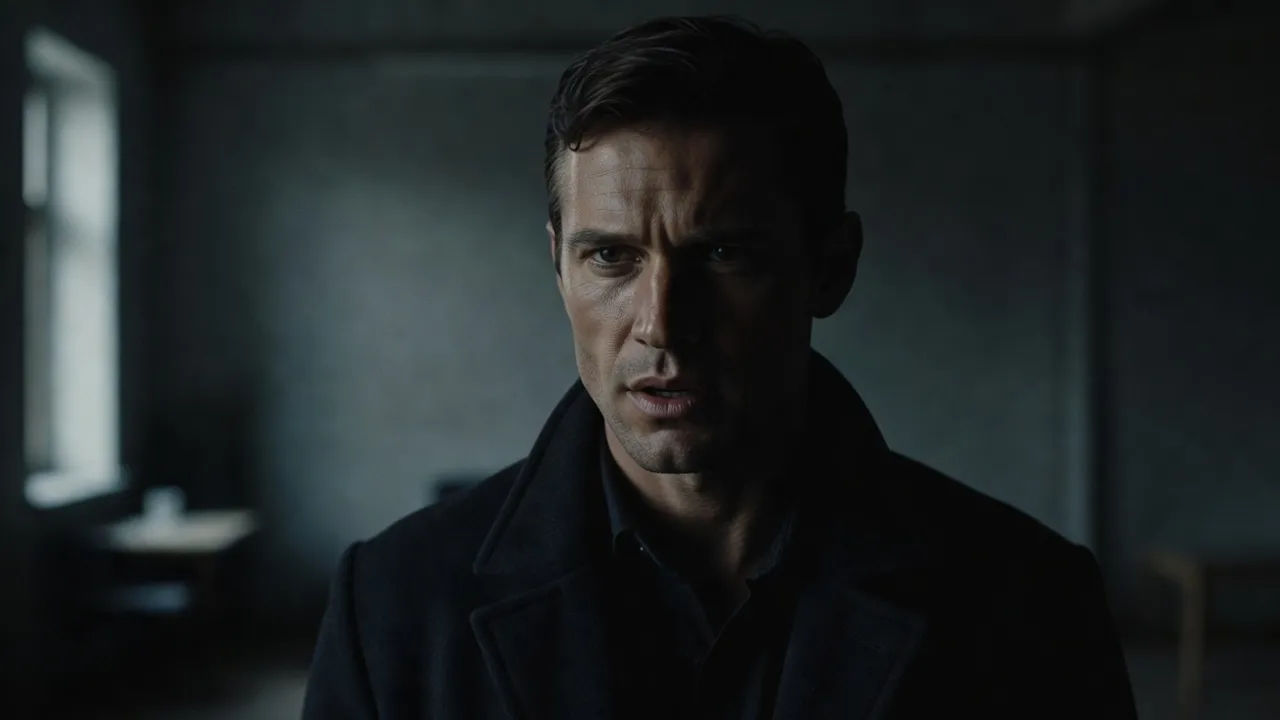
Brooding character speaking to camera with a deep Russian inflection

Intense voices for characters, film, and games

Cast a cold spy villain who threatens in a whisper, a brooding war-drama lead carrying loss, or an intimidating boss who fills a room. Bring in a stoic soldier or a gravelly game NPC and let the deep, heavy cadence ground the scene.
Film scene voiced with a deep, intense Russian inflection

Russian accent voice text to speech for film and games

Paste a dialogue line or a narration passage and turn it into a Russian accent voiceover in seconds, with no studio booth. Morphic reads the line with a deep, intense tone, and you direct the pace, the menace, and the weight in plain English.
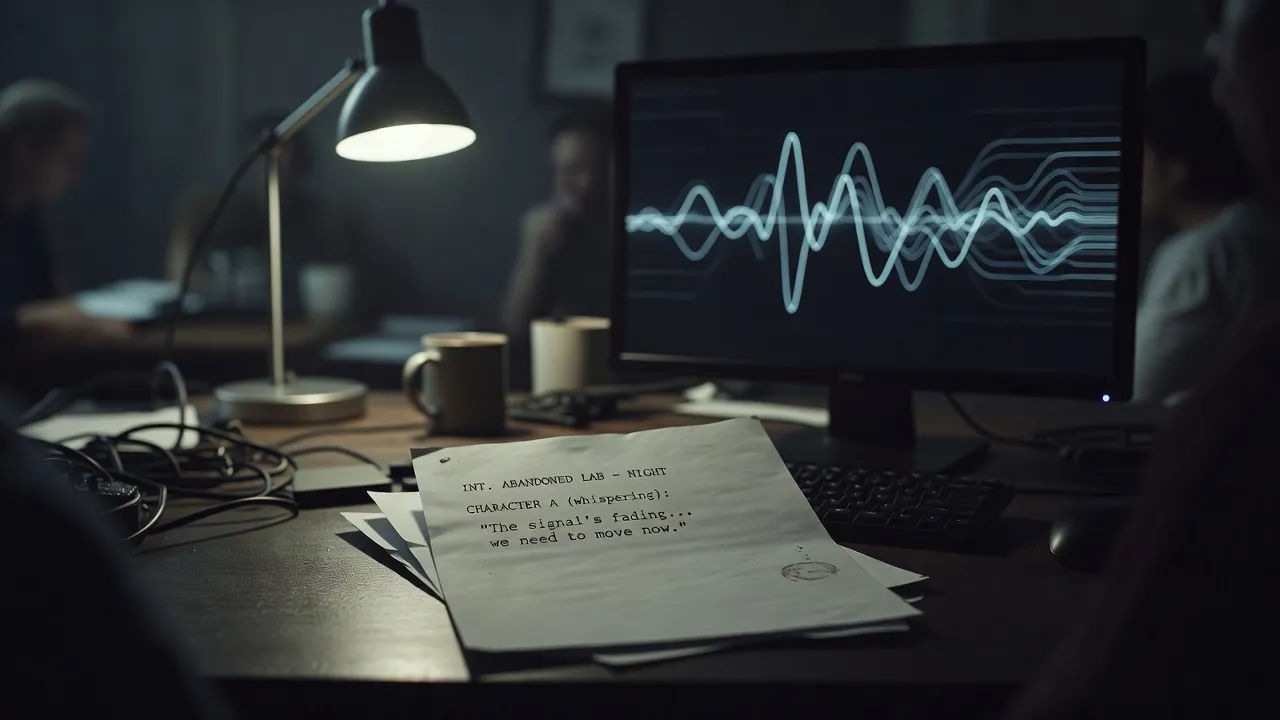
Script for a game cutscene becoming a Russian accent voiceover waveform

A Russian accent voice generator you direct in plain English

Describe the voice you want, name the texture, the mood, and the intensity, and the generator builds the read. Re-voice the same line as a cold villain or a weary soldier anytime, a whole cast of deep reads from one workspace.
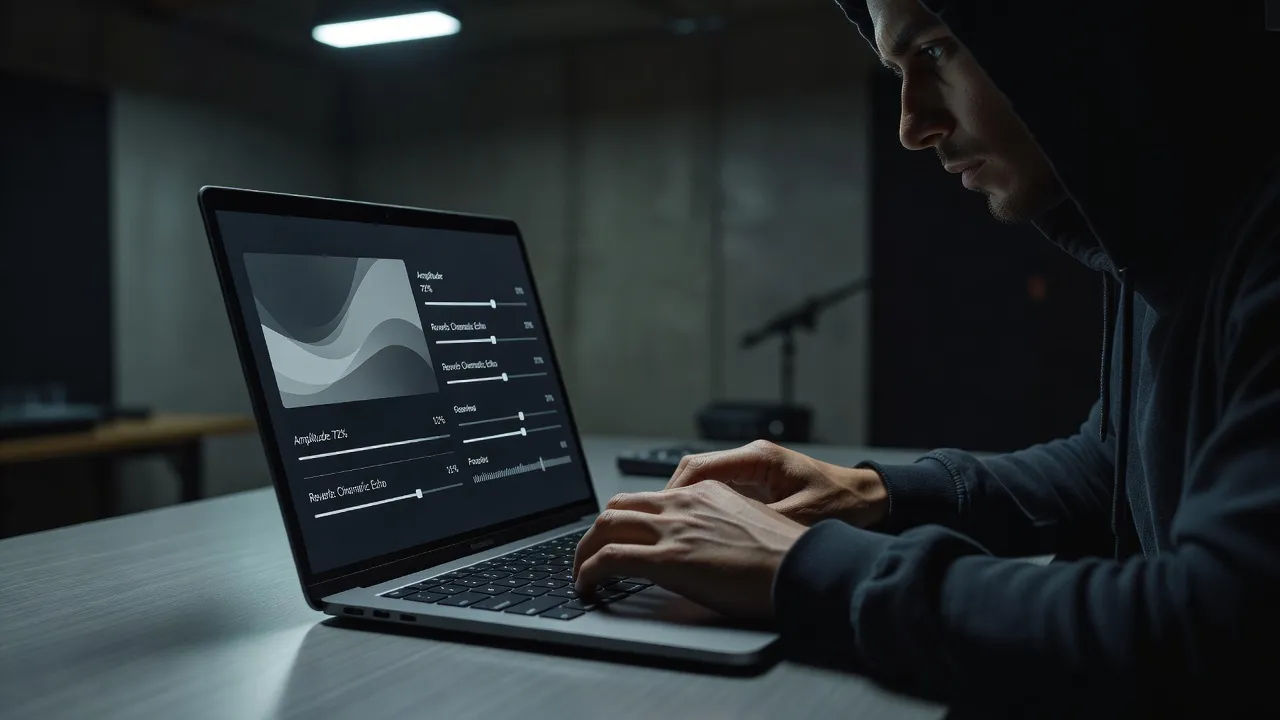
Editing a Russian accent voice prompt for a war drama film

More voice styles

Simple pricing

Get started for free today, with the option to upgrade or cancel anytime.

Basic

$0/ month
billed as $0 per year

900 monthly credits

1 user only

All models

Workflows

Standard

$0/ month
billed as $0 per year

3200 monthly credits

1 user only

All models

Workflows

Pro

$0/ month
billed as $0 per year

6200 shared monthly credits

1 user

+ up to 4 more at extra cost

All models

Workflows

Pro Max

$0/ month
billed as $0 per year

24000 shared monthly credits

1 user

+ up to 9 more at extra cost

All models

Workflows

Enterprise

For higher limits

Custom

pricing and billing terms

Unlimited credits
Custom seat limits
All models
Workflows
Pricing Gradient

Free

For playing around

$0

forever free

Up to 20 credits
1 user only
Limited models
Workflows

FAQs

What is an AI Russian accent voice?
An AI Russian accent voice is a generated voiceover that speaks English with the cadence and consonants of a Russian speaker. You describe the persona you want, such as a cold villain or a weary soldier, then direct weight, pace, and menace so it fits the scene. In Morphic the same line can be re-voiced as a different Russian character without recording anyone.
How do I make a custom Russian accent voice in Morphic?
Open the speech tool, paste your script, and describe the voice in plain English. Name the texture, the mood, and how strong the Russian accent should read, then generate, listen, and adjust the prompt until it lands. The voice designer on this page composes that direction for you and carries it into Studio.
Can I turn a Russian accent voice into a talking video?
Yes. After you render the voiceover, the lip sync tool maps the audio onto a face so the mouth and timing match the read. That takes you from a script to a talking character with a Russian accent in one workflow, the step a voice-only generator cannot finish.
Can I use these Russian accent voices commercially?
Yes, voices generated on paid Morphic plans can be used in commercial films, games, and branded content. Review the Morphic terms for full licensing detail before you publish a project.
How many Russian accent voices can I create?
There is no fixed roster. Because each voice is directed from a prompt, you can create as many Russian accent voices as a project needs and revise any of them by editing the direction. Build a whole cast of deep reads from a single workspace.
What languages and accents do these voices support?
The Morphic speech tool supports English plus a growing set of languages and accents. For this page you can dial the Russian accent from a light inflection to a heavier one in the prompt, and pair it with the timbre and mood the scene needs.