Toronto accent AI voices

Try Morphic

Browse laid-back, city-inflected Toronto voices, build your own with the Toronto accent voice generator, then lip sync any line to a talking character.

Toronto voices for comedy sketches, music skits, and character work

Devon

A laid-back Toronto voice, clipped and unbothered

Amara

A quick Toronto narrator voice, melodic with a light lilt

Jules

A polite Toronto host voice, warm with a clipped city edge

Omar

A dry Toronto street-interview voice, observant and even

Priya

A bright Toronto podcaster voice, fast and conversational

Marcus

A low Toronto music-scene voice, unhurried and cool

Design your toronto accent voice

Mix and match the traits below. Your prompt builds as you go.

Archetype
Depth
Texture
Mood

A bottomless, gravelly, menacing overlord toronto accent voice

Generate

Turn a Toronto voice into a talking character

Most voice tools stop at an audio file. Morphic maps the read onto a face so the character speaks the line on screen, mouth and timing matched, turning a script into a talking Toronto clip.

Toronto character speaking to camera on a downtown street

Torontonian voices for comedy sketches, music skits, and character work

A polite Canadian base carried at a faster, clipped pace, with the inflections of the neighbourhoods around it. A laid-back regular anchors a street bit, a melodic narrator opens a short, a low music-scene read sets a mood.

Comedy performers filming a street interview in downtown Toronto

Toronto accent voice text to speech for skits and narration

Paste your script and get a Toronto read in seconds, no booth required. Morphic keeps the Canadian base under a quicker delivery, with rhythm and pace you direct in plain English.
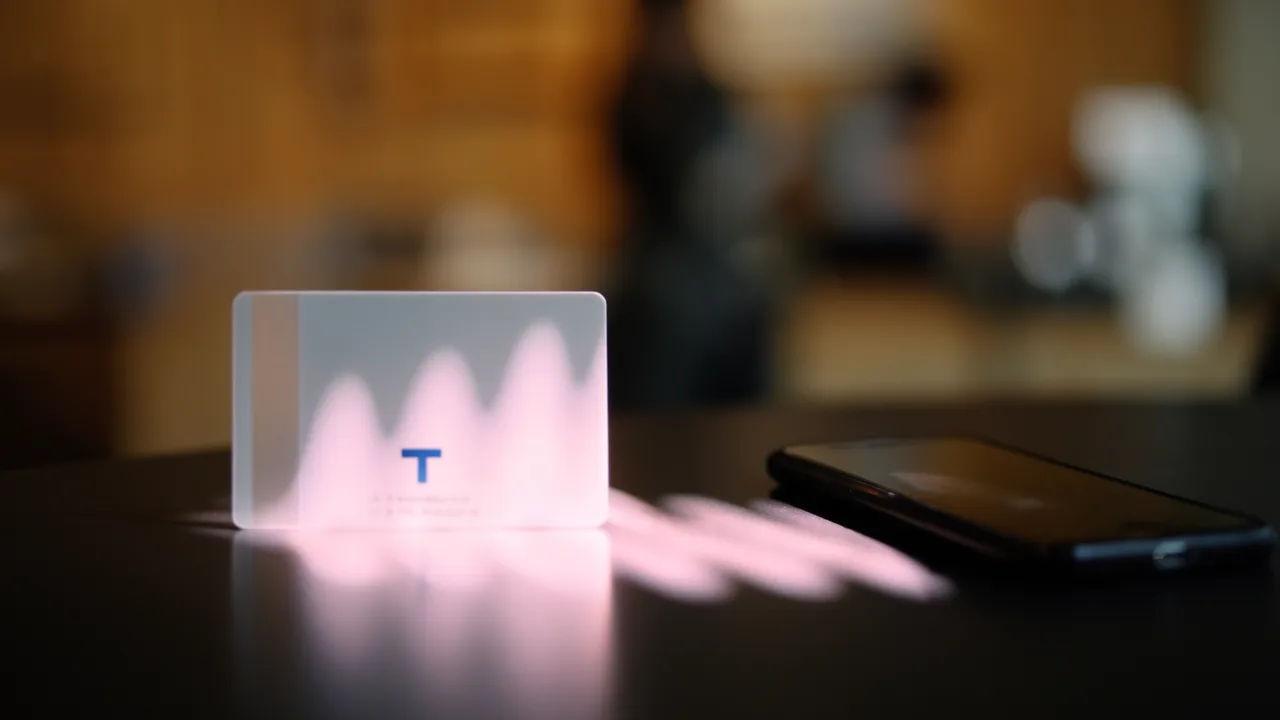
Script page becoming a clipped Toronto voiceover waveform

A Toronto accent voice generator you direct in plain English

Describe the voice, name the pace and the clip, and the generator builds the read. Re-voice the same line as a polite host or a dry street interviewer by editing the prompt.
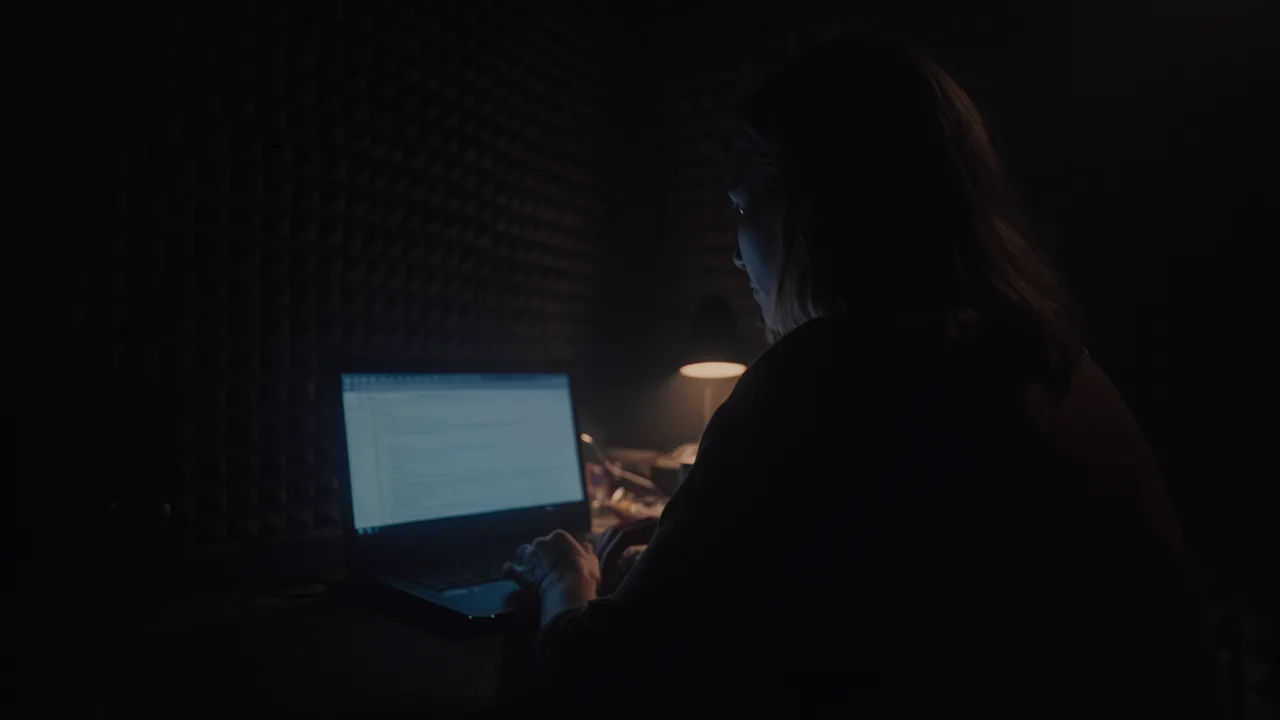
Creator editing a Toronto voice prompt on a laptop

More voice styles

Simple pricing

Get started for free today, with the option to upgrade or cancel anytime.

Basic

$9/ month
billed as $0 per year

1100 monthly credits

1 user only

All models

Workflows

Standard

$24/ month
billed as $0 per year

3625 monthly credits

1 user only

All models

Workflows

Pro

$45/ month
billed as $0 per year

6350 shared monthly credits

1 user

+ up to 4 more at extra cost

All models

Workflows

Pro Max

$170/ month
billed as $0 per year

24650 shared monthly credits

1 user

+ up to 9 more at extra cost

All models

Workflows

Enterprise

For higher limits

Custom

pricing and billing terms

High-volume credits
Custom seat limits
All models
Workflows
Pricing Gradient

Free

For playing around

$0

forever free

Up to 20 credits
1 user only
Limited models
Workflows

FAQs

What is an AI Toronto accent voice?
A Toronto accent voice is a generated voiceover shaped around the way the city speaks, a polite Canadian base carried at a faster, clipped pace with the multicultural inflections of the neighbourhoods around it, rather than one fixed speaker. You describe the voice you want, such as a laid-back regular or a dry interviewer, then direct the rhythm and mood. In Morphic the same line can be re-voiced as a different Toronto speaker without re-recording anything.
How is a Toronto accent different from a general Canadian accent?
The Canadian accent page covers the national register, warm, polite, and even. Toronto sits inside it but moves faster, clips the ends of lines, and picks up inflections from the city that do not appear in a general Canadian read. Pick Toronto when you want the city rather than the country.
How do I make a custom Toronto accent voice in Morphic?
Open the speech tool, paste your script, and describe the voice in plain English. Name the pace, how clipped the delivery should be, and the mood, then generate, listen, and adjust the prompt until the read lands. The voice designer on this page composes that direction for you and carries it straight into Studio.
Can I turn a Toronto accent voice into a talking video?
Yes. After you render the voiceover, the lip sync tool maps the audio onto a face so the mouth and timing match the read. That takes you from a script to a talking Toronto character in one workflow, which is the step a voice-only generator cannot complete.
What languages and accents do Toronto accent voices support?
The Morphic speech tool supports English plus a growing set of languages and accents. For a Toronto read you can specify how much city rhythm you want against the Canadian base, so the voiceover matches a street bit, a warm host segment, or a low music-scene narration.
Can I use these Toronto accent voices commercially?
Yes, voices generated on paid Morphic plans can be used in commercial sketches, films, ads, and branded content. Review the Morphic terms for full licensing detail before you publish a campaign or ship an episode.