Vignette narrator AI voices

Try Morphic

Browse AI vignette narrator voices, from atmospheric mood reads to reflective voices, build your own, then lip sync a vignette onto a reader.

Vignette narrator voices for anthologies, fiction podcasts, and dramatized readings

Sena

A soft, drifting narrator, atmospheric tone that lets mood carry the scene

Brael

A low, thoughtful narrator, unhurried reflection over a single quiet moment

Yara

A warm, vivid narrator, rich sensory detail for image-driven vignettes

Cove

A gentle, aching narrator, quiet melancholy across a still scene

Illa

A tender, slow narrator, wistful warmth for nostalgic memory pieces

Renn

A calm, precise narrator, spare observation that notices small things

Design your vignette narrator voice

Mix and match the traits below. Your prompt builds as you go.

Archetype
Depth
Texture
Mood

A bottomless, gravelly, menacing overlord vignette narrator voice

Generate

Turn a vignette narrator voice into a talking character

Most voice tools stop at an audio file. Morphic maps the vignette onto a reader so the line is delivered on screen, mouth and timing matched, taking you from a written scene to a talking vignette clip ready for a mood piece, a reading, or a fiction podcast intro.
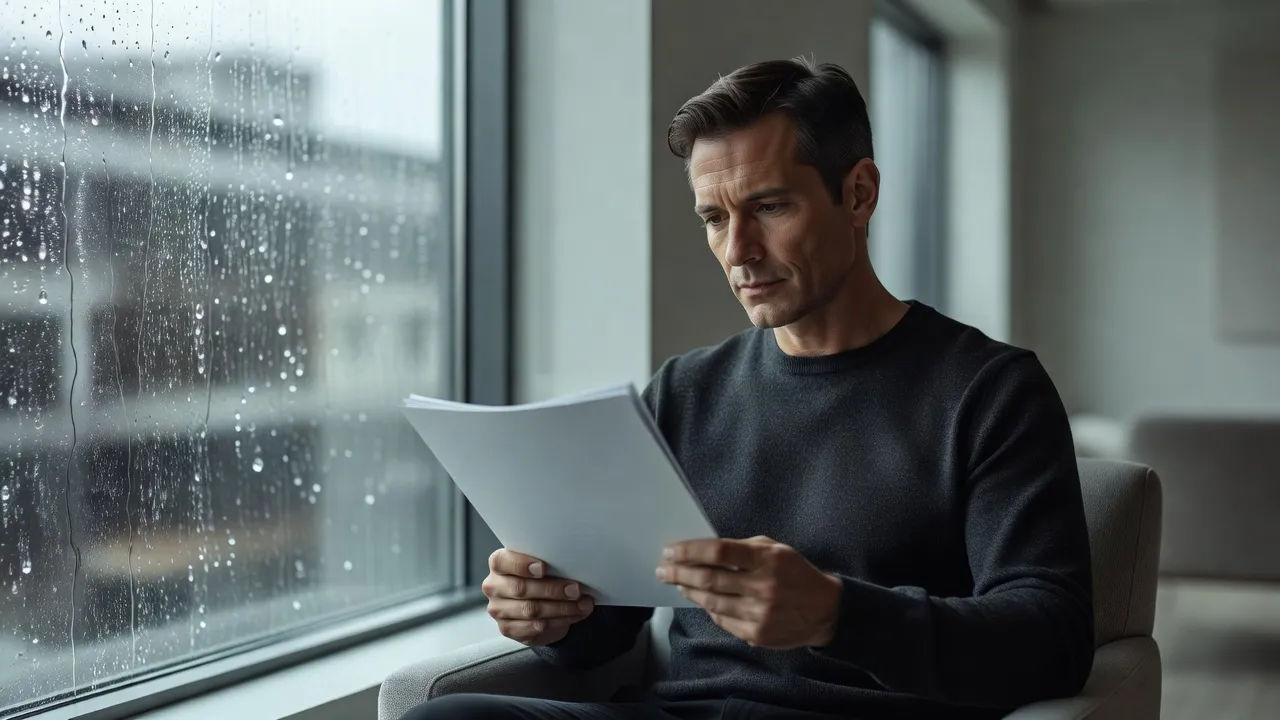
Narrator reading a single page by a rain-streaked window

Narration voices for anthologies, fiction podcasts, and dramatized readings

Cast the whole set, from atmospheric mood reads to quiet reflective voices. Browse narrators who range from sensory image readers to melancholy voices, each directed from a prompt and ready to carry an anthology piece, a fiction podcast, or a dramatized reading.
Quiet interior scene with an open notebook and soft lamp light

Vignette narrator voice text to speech for readings and previews

Paste a vignette and turn it into a finished read in seconds, no booth. Morphic converts the text into an atmospheric vignette voice for anthology drops, mood-piece previews, and podcast episodes, with pace and mood you direct in plain English.
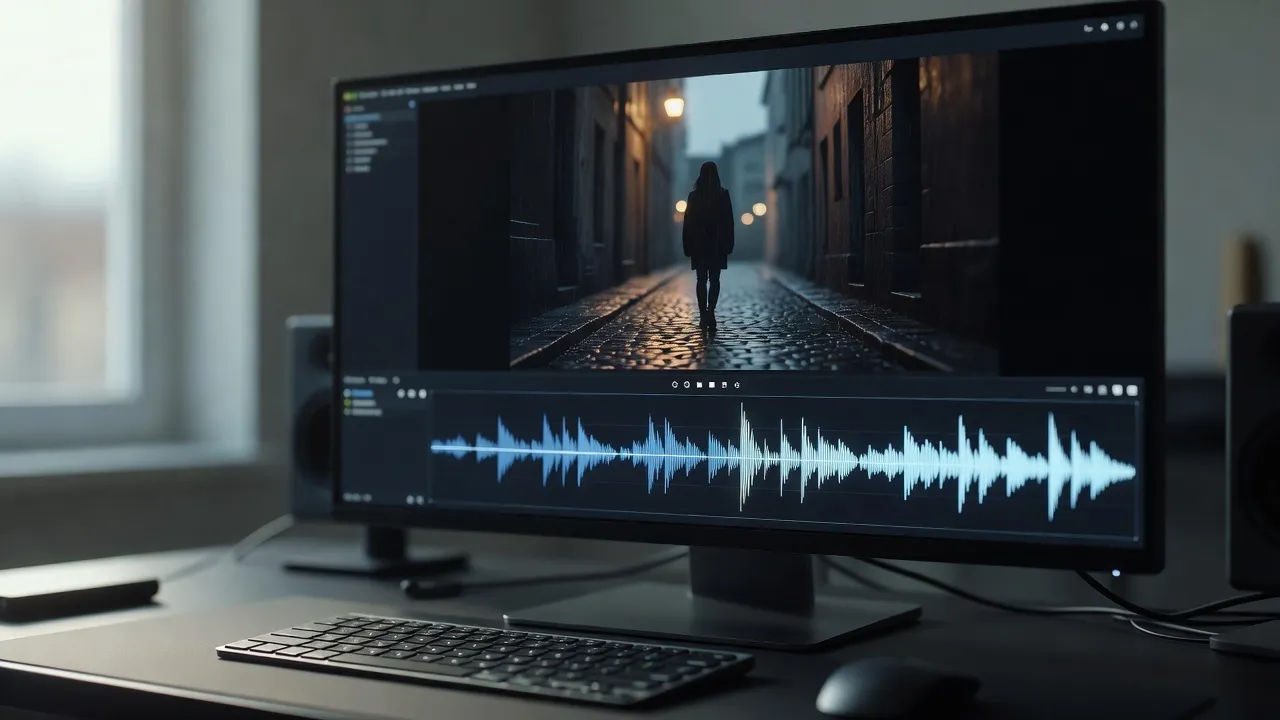
Screen showing a short vignette draft above an audio waveform

A vignette narrator voice generator you direct in plain English

Describe the reader you can hear, name the atmosphere, pace, and feeling you want held, and the generator builds the voice. Re-voice the same vignette as a different narration style anytime by editing the prompt, a whole anthology cast from one workspace.
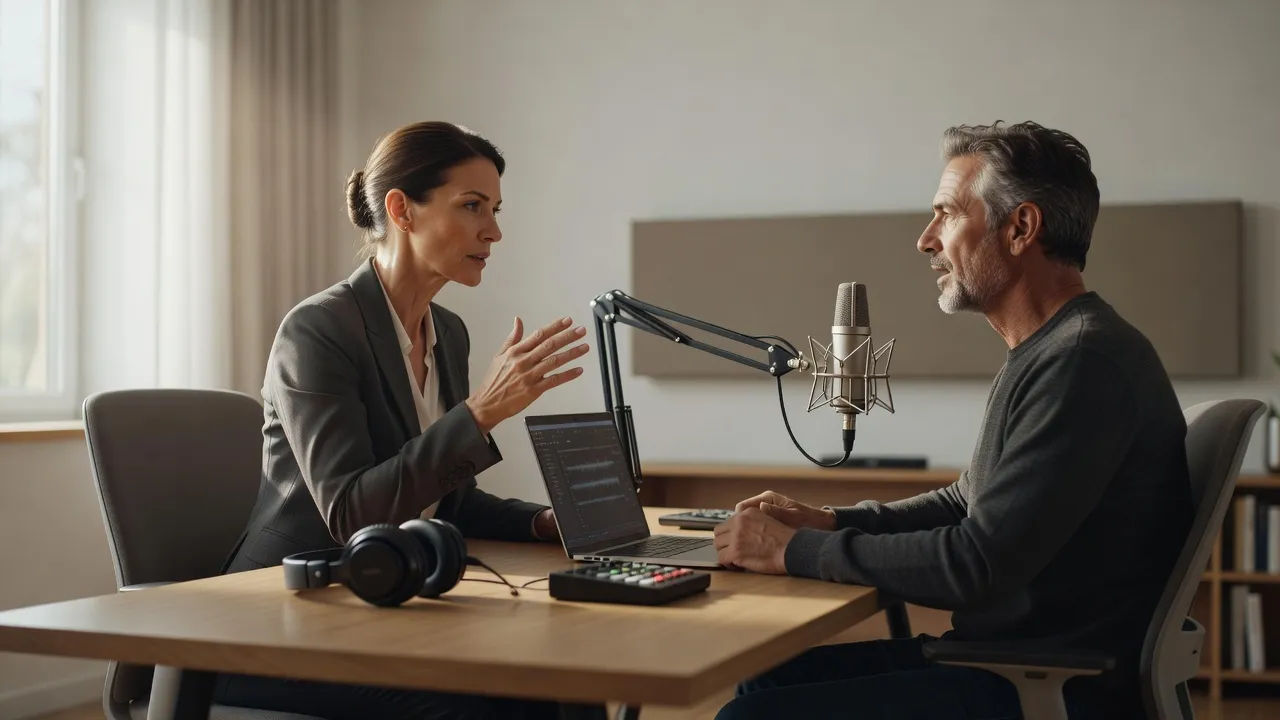
Editor directing a narrator voice at a softly lit desk

More voice styles

Simple pricing

Get started for free today, with the option to upgrade or cancel anytime.

Basic

$19/ month
billed as $0 per year

2400 monthly credits

1 user only

All models

Workflows

Standard

$24/ month
billed as $0 per year

3625 monthly credits

1 user only

All models

Workflows

Pro

$45/ month
billed as $0 per year

6350 shared monthly credits

1 user

+ up to 4 more at extra cost

All models

Workflows

Max

$170/ month
billed as $0 per year

24650 shared monthly credits

1 user

+ up to 9 more at extra cost

All models

Workflows

Enterprise

For higher limits

Custom

pricing and billing terms

High-volume credits
Custom seat limits
All models
Workflows
Pricing Gradient

Free

For playing around

$0

forever free

Up to 20 credits
1 user only
Limited models
Workflows

FAQs

What is an AI vignette narrator voice?
An AI vignette narrator voice is a short atmospheric read shaped around a reader persona rather than a single fixed model. You describe the narrator, such as an atmospheric mood voice or a quiet reflective read, then direct atmosphere, pace, and feeling so the scene holds without much plot. In Morphic the same vignette can be re-voiced as a different narrator without re-recording.
How do I make a custom vignette narrator voice in Morphic?
Open the speech tool, paste a vignette or sample lines, and describe the narrator in plain English. Name the atmosphere, cadence, and feeling, then generate, listen, and adjust the prompt until the read settles. The configurator on this page composes that direction for you and carries it into Studio.
Can I turn a vignette narrator voice into a talking character?
Yes. After you render the voice, the lip sync tool maps the audio onto a reader so the mouth and timing match the read. That takes you from a written scene to a talking vignette clip for a mood piece or reading, the step a voice-only generator cannot complete.
Can I use vignette narrator voices commercially?
Yes, voices generated on paid Morphic plans can be used in commercial anthologies, fiction podcasts, and audio collections. The voices are AI-generated performers, not recordings of real narrators. Review the Morphic terms for full licensing detail before you publish.
How many vignette narrator voices can I create?
There is no fixed roster. Because each vignette narrator voice is directed from a prompt, you can build as many distinct readers as your collection needs and revise any of them by editing the direction. Cast a whole set from one workspace.
What languages and accents do vignette narrator voices support?
The Morphic speech tool supports English plus a growing set of languages and accents. For a vignette narrator voice you can match a regional accent to the setting or keep a neutral read for the widest reach.