Compose

The agentic video editor. Prompts become edits on a real multi‑track timeline.

Reel V3
TextAssets
+3 more
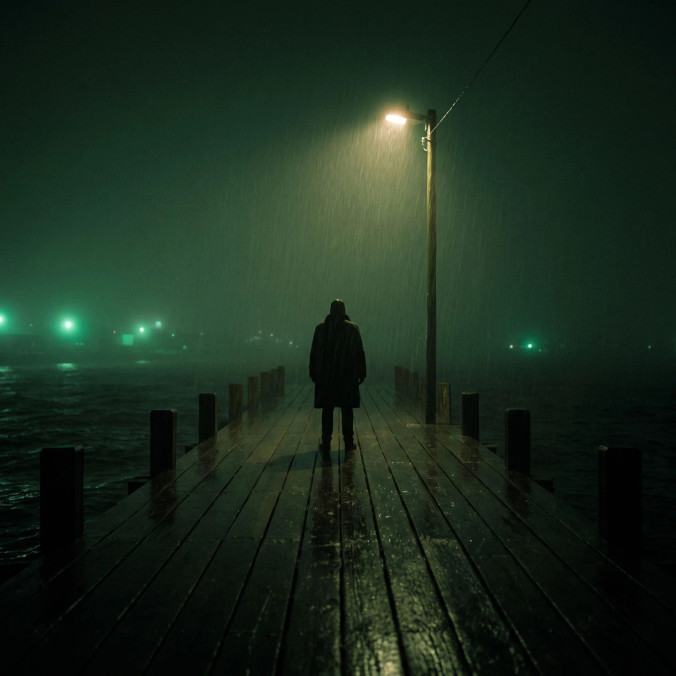
A fishing town on a green cliff at dawn, sea mist and a lighthouse beam over the harbour
0:00 / 0:15
0s2s4s6s8s10s12s14s
Put these shots on the timeline, in order
Read the timeline and edited it

Placed six shots on the timeline, in order, with their audio linked. Want me to change the cut?

Agentic editingPrompt it, watch it happen
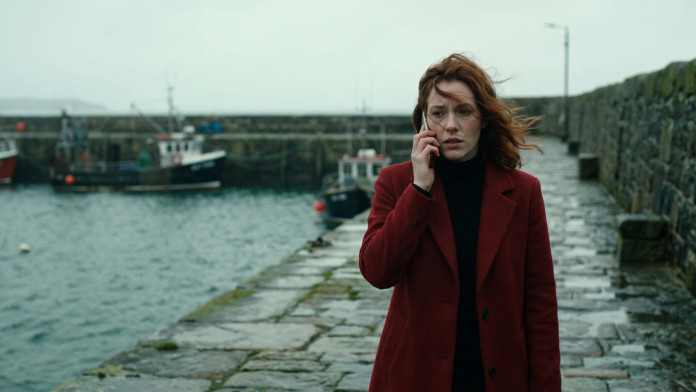
I need you to come home
Ineedyoutocomehome
Cut the pauses and add captions
Cut silencesAdd captions
Cut pauses, add captions
The agent cuts silences and filler words, keeps a natural breath at each cut, and writes captions you can edit.
Reframe for every platform
Prompt a vertical version. The agent reframes the whole sequence to 9:16, refits every clip, and trims to your runtime.
Make a 30-second vertical version
Reframe to 9:16Refit every clipTrim to 0:30
BeforeAfter
Give it a warm film look
Grade six clipsAdd film grain
Color grade with a prompt
Prompt a quick look like warm film or teal and orange, or a complex grade across every clip you select. Fine-tune it with wheels, curves, and LUTs.
Generate the missing shot
Missing an insert, a music bed, or a voiceover? Prompt it, and the agent makes it and drops it on the timeline.
New
Add a close-up of the letter here
Generate the shotPlace after shot 4
  • Knows what you selected. It sees the clip and the playhead, so “make this shorter” is enough.

  • Changes every clip at once. One prompt levels every voice or trims every clip to two seconds.

  • Listens to your footage. It transcribes the dialogue and finds the beats in your music.

  • Handles complex edits. Keyframes, green screen, layered edits. Nearly anything the timeline does.

Made in ComposeEpisodes, ads, social cuts, and trailers
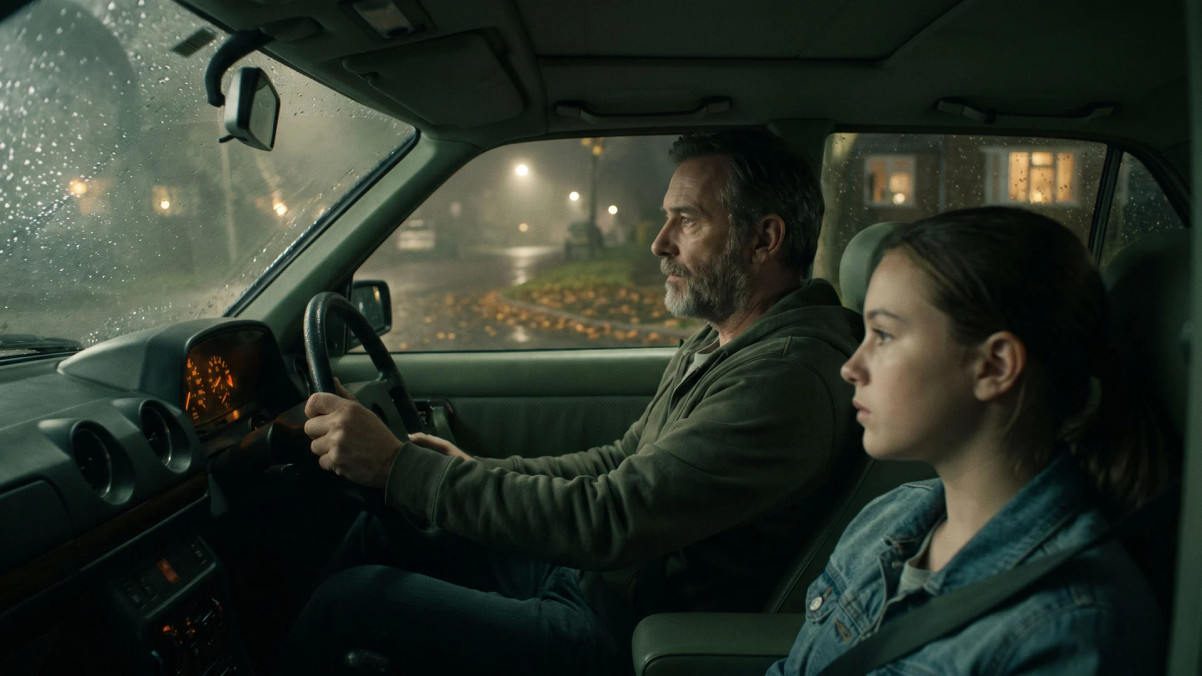
Multi-track timelineColor, motion, compositing, and sound

Color grade the picture

Wheels, curves, and LUTs, from a quick fix on one clip to a full grade on every shot.

BeforeAfter
Warm film look, light grain

Animate anything

Keyframe position, scale, opacity, effects, and levels across a shot.
Scale
115%

Green screen and layers

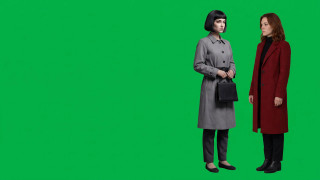
Green-screen keying, blend modes, and opacity, to layer one shot over another.
Chroma key · Green
Source

Mix the sound

Dialogue, music, and effects on their own lanes, with fades and ducking.
Music ducked under dialogue
Dialogue
Music
Effects

Built for teamsOne file, everyone on it
MayaTheoEditing now

Edit together, live
Everyone’s changes land on one timeline, on Pro and above.

Putletter-insert after shot four

The whole library on hand
Everything your team has made, ready to drag in or tag with @.

MasterVerticalSquare

Every cut in one file
Master, vertical, and square cutdowns sit side by side as tabs.

FAQs
What is Morphic Compose?
Morphic’s agentic video editor: a full multi-track timeline with an AI agent built in. Prompt an edit in plain words and the agent makes it, or cut it yourself. Everything you generate in the file is already in its library.
Do I need editing experience?
No. Prompt the result you want, like “bring the music down under the voiceover”, and the agent works out the edits. Experienced editors get the full toolset, from rolling trim and slip to keyframes and color wheels.
What can the agent do on my timeline?
Nearly anything the editor can: trim, reorder, retime, reframe, grade, add transitions, titles and captions, animate, and mix. It is quickest at changes across the whole video, like a cross dissolve between every clip.
Can I undo the agent’s edits?
Yes. Prompt the agent to undo, and it reverses its own change without touching yours, using credits like any edit. Cmd + Z covers your manual edits.
Does Compose cost credits?
Editing by hand doesn’t. The agent uses credits for each edit it applies and shows the amount in its reply. An edit that fails costs nothing. Generating new media is priced at that model’s usual rate.
Can I start an edit from a chat?
Yes. Prompt for a Compose timeline in any Morphic chat and Copilot builds one. Open it in Compose, and every cut, grade, and caption stays editable.
What can I export?
An MP4 in H.264 or H.265, from 720p up to 4K. Burn captions into the picture or save them as a separate SRT or ASS file. Render in your browser for free, or on Morphic’s servers on a paid plan, which uses credits for the render time.
Can my team edit together?
Yes, on the Pro plan and above. Teammates open the same timeline and edit at once, and two people changing different things both keep their change. Compose saves as you go.
Can I keep my usual shortcuts?
Yes. Pick a keyboard preset that follows Premiere, DaVinci Resolve, or Final Cut, then remap any shortcut you like.
chair
Cut your first video
Start from your footage or anything made in Morphic.