Email header loop
A wide banner-shaped loop with the motion kept to one edge, so the headline text can sit still and legible beside it.
编辑提示词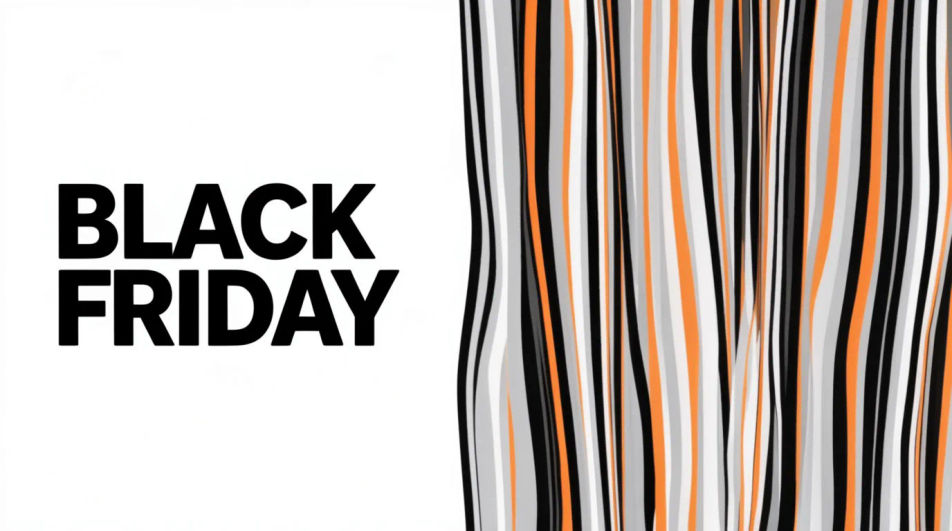
Make a Black Friday GIF in Morphic by describing a short animated moment, a price tag flipping, a bag filling with confetti, or bold type sliding into frame. Morphic generates a short clip from your prompt, which you then export as a looping GIF. Set the palette and pace to match your brand, generate a few options to compare, and drop the loop into an email header, a story, or an ad.
A wide banner-shaped loop with the motion kept to one edge, so the headline text can sit still and legible beside it.
编辑提示词A tall full-bleed loop built for a phone screen, with the main motion centered and a few seconds of clean breathing room.
编辑提示词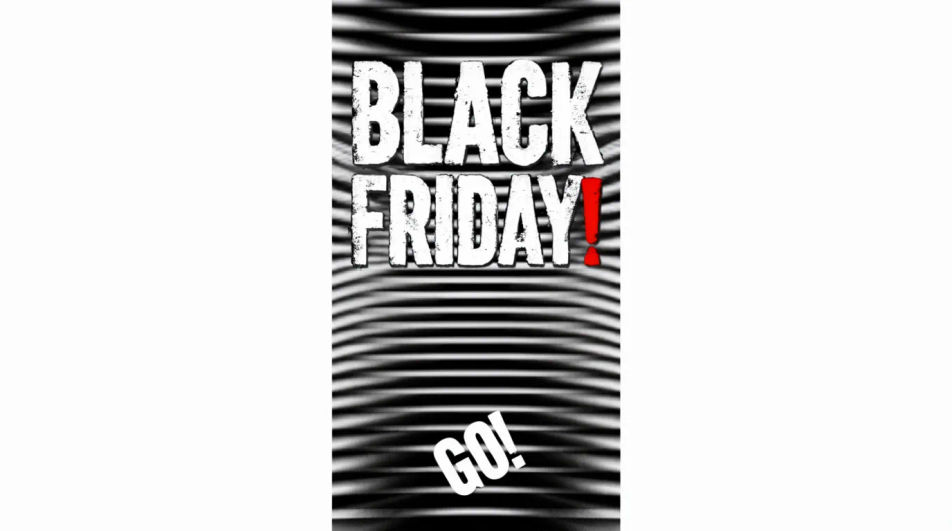
A square loop with the animated element offset to one side, leaving a flat quadrant for a logo or price to sit on top.
编辑提示词
A restrained loop on a near-black ground with one small bright element moving, built to feel premium rather than loud.
编辑提示词
用简单的话描述你想要的Black Friday GIF。
Morphic 在几秒内于画布上生成可直接发布的图像。
调整提示词,重新生成,满意后即可下载或分享图像。
Black Friday Banner AI Images
Create black friday banner without a photoshoot. Adjust style, colour and composition until it fits the brief. No stock licence needed.
AI GIF生成器:文字生成循环动图
一句提示词或一张图,生成动图。 循环干净,随手就能发。
Cyber Monday AI Designs
Create AI cyber monday designs with our cyber monday design generator. Find unique cyber monday designs for any project in seconds.
Memorial Day AI images
Create AI memorial day images with our memorial day image generator. Find high-quality memorial day images for any project in seconds.
今天就免费开始,随时可以升级或取消。
Basic
2400 每月 信用
1 个用户
所有模型
工作流
Standard
3625 每月 信用
1 个用户
所有模型
工作流
Pro
6350 共享 每月 信用
1 用户
所有模型
工作流
Max
24650 共享 每月 信用
1 用户
所有模型
工作流
Enterprise
更高的限制
自定义
定价和账单条款

Free
供随意体验
$0
永久免费