Tight face crop
A close head-and-shoulders framing with the calm Buddha face filling the square, soft glow, readable down to a tiny avatar size.
编辑提示词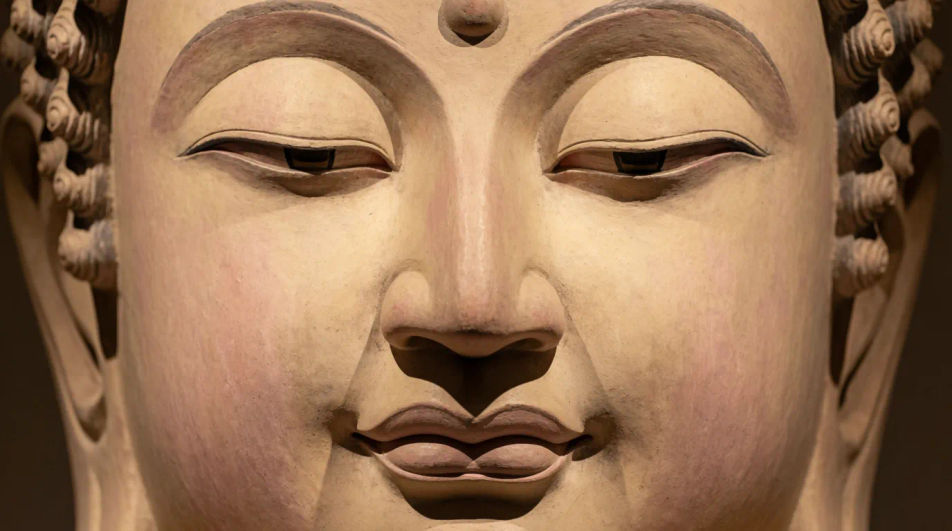
Design a Buddha DP in your browser with Morphic's Buddha avatar generator. Create a serene Buddha profile picture like a meditating golden type, a calm lotus type, or a minimal silhouette type, and use the Character Lineup workflow to keep one Buddha design consistent across a matching set. Crop, recolour, and refine every Buddha DP on the Canvas.
A close head-and-shoulders framing with the calm Buddha face filling the square, soft glow, readable down to a tiny avatar size.
编辑提示词A Buddha turned three-quarters in serene meditation, gentle light, a blurred temple backdrop, quiet and contemplative.
编辑提示词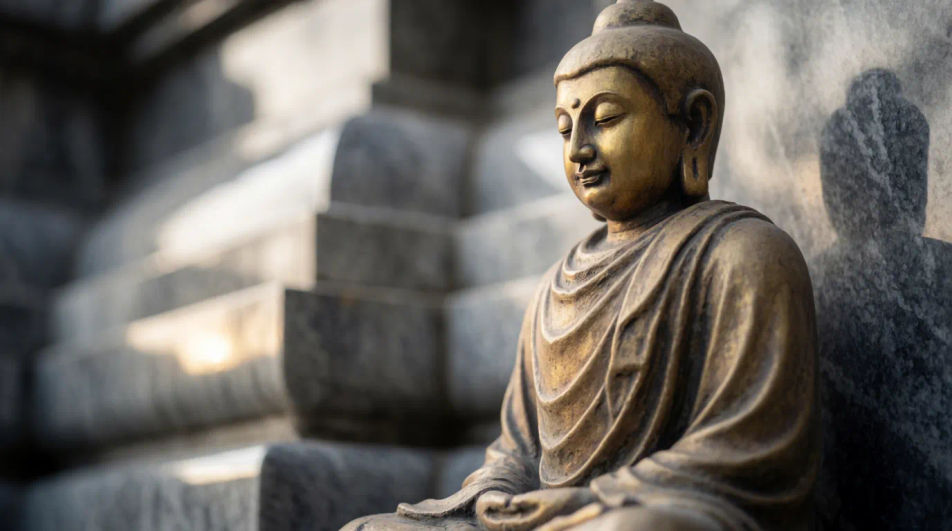
A backlit Buddha framed against a soft radiant glow, features gently silhouetted, warm haze, minimal and calm.
编辑提示词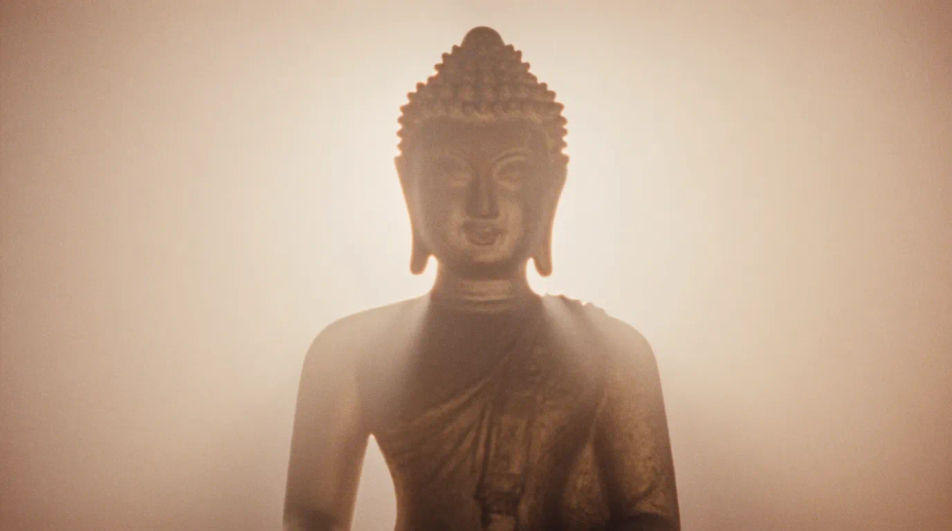
A head-and-shoulders Buddha framed by lotus petals around the edges, soft light, a shallow-focus water backdrop.
编辑提示词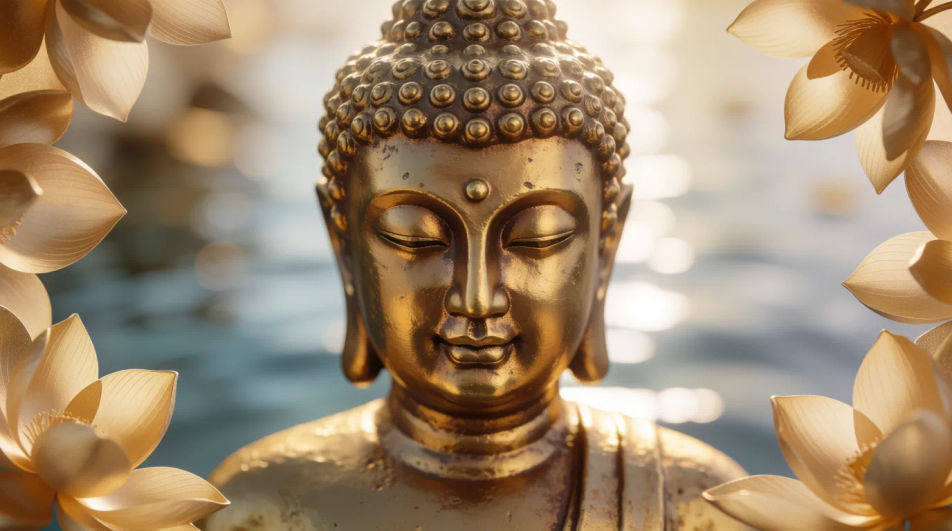
用简单的话描述你想要的Buddha DP。
Morphic 在几秒内于画布上生成可直接发布的图像。
调整提示词,重新生成,满意后即可下载或分享图像。
美学头像 AI 生成器
高清美学头像下载。浏览独特的 AI 生成头像,适用于 WhatsApp、Instagram 和 Discord,或用 Morphic 制作专属头像。
Jesus AI Profile Pictures
Create AI jesus profile pictures with our jesus avatar generator. Find professional jesus profile pictures for any project in seconds.
Princess AI Profile Pictures
Create AI princess profile pictures with our princess avatar generator. Find vibrant princess profile pictures for any project in seconds.
Galaxy AI Profile Pictures
Create AI galaxy profile pictures with our galaxy avatar generator. Find stunning galaxy profile pictures for any project in seconds.
今天就免费开始,随时可以升级或取消。
Basic
2400 每月 信用
1 个用户
所有模型
工作流
Standard
3625 每月 信用
1 个用户
所有模型
工作流
Pro
6350 共享 每月 信用
1 用户
所有模型
工作流
Max
24650 共享 每月 信用
1 用户
所有模型
工作流
Enterprise
更高的限制
自定义
定价和账单条款

Free
供随意体验
$0
永久免费
