One sticker on white
A single cute sticker centred on a clean white field with a soft shadow beneath it, thick white die-cut border, even light.
编辑提示词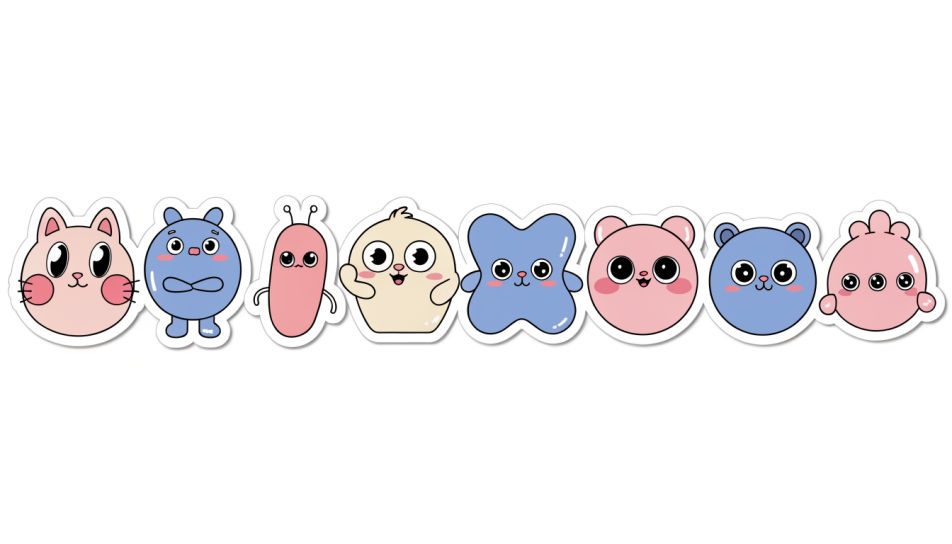
Design cute single stickers in Morphic's Image tool, one clear motif at a time: a blushing cat, a pastel heart, a tiny bubble-tea cup. Set the palette, the outline thickness and the transparent background, then download each sticker on its own, ready for a chat, a planner or a print sheet.
A single cute sticker centred on a clean white field with a soft shadow beneath it, thick white die-cut border, even light.
编辑提示词One cute sticker sitting beside a plain grey chat bubble on a pale screen, crisp edges, soft daylight, lots of empty space.
编辑提示词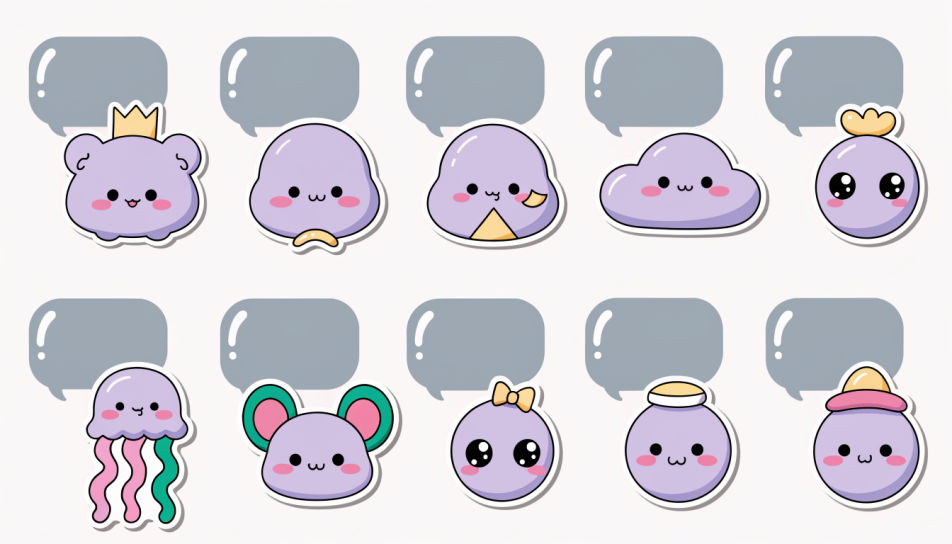
A close shot of a cute sticker half-peeled from its backing paper, one corner lifting, warm side light catching the curl.
编辑提示词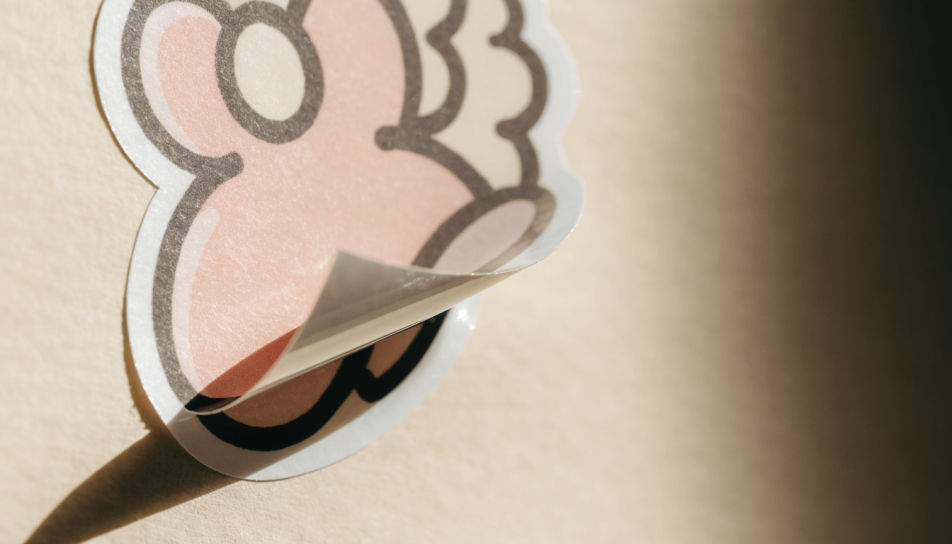
Several separate cute stickers scattered loosely across a cream desk, each with its own white border, bright overhead light.
编辑提示词
用简单的话描述你想要的Cute Single Stickers。
Morphic 在几秒内于画布上生成可直接发布的图像。
调整提示词,重新生成,满意后即可下载或分享图像。
Kawaii cute sticker generator
Generate kawaii cute stickers in Morphic. Describe the character, colours and style you want, generate options to compare, then refine the prompt and save it.
Cool sticker generator
Generate cool stickers in Morphic. Describe the character, colours and style you want, generate options to compare, then refine the prompt and save it.
贴纸设计AI图像
在Morphic上创作贴纸设计AI图像。几秒钟即可为任何项目生成模切贴纸、贴纸包和贴花。
Fun emoji generator
Generate fun emoji images in Morphic. Describe the expression, colour and style you want, generate options, then refine the prompt and download it.
今天就免费开始,随时可以升级或取消。
Basic
2400 每月 信用
1 个用户
所有模型
工作流
Standard
3625 每月 信用
1 个用户
所有模型
工作流
Pro
6350 共享 每月 信用
1 用户
所有模型
工作流
Max
24650 共享 每月 信用
1 用户
所有模型
工作流
Enterprise
更高的限制
自定义
定价和账单条款

Free
供随意体验
$0
永久免费



