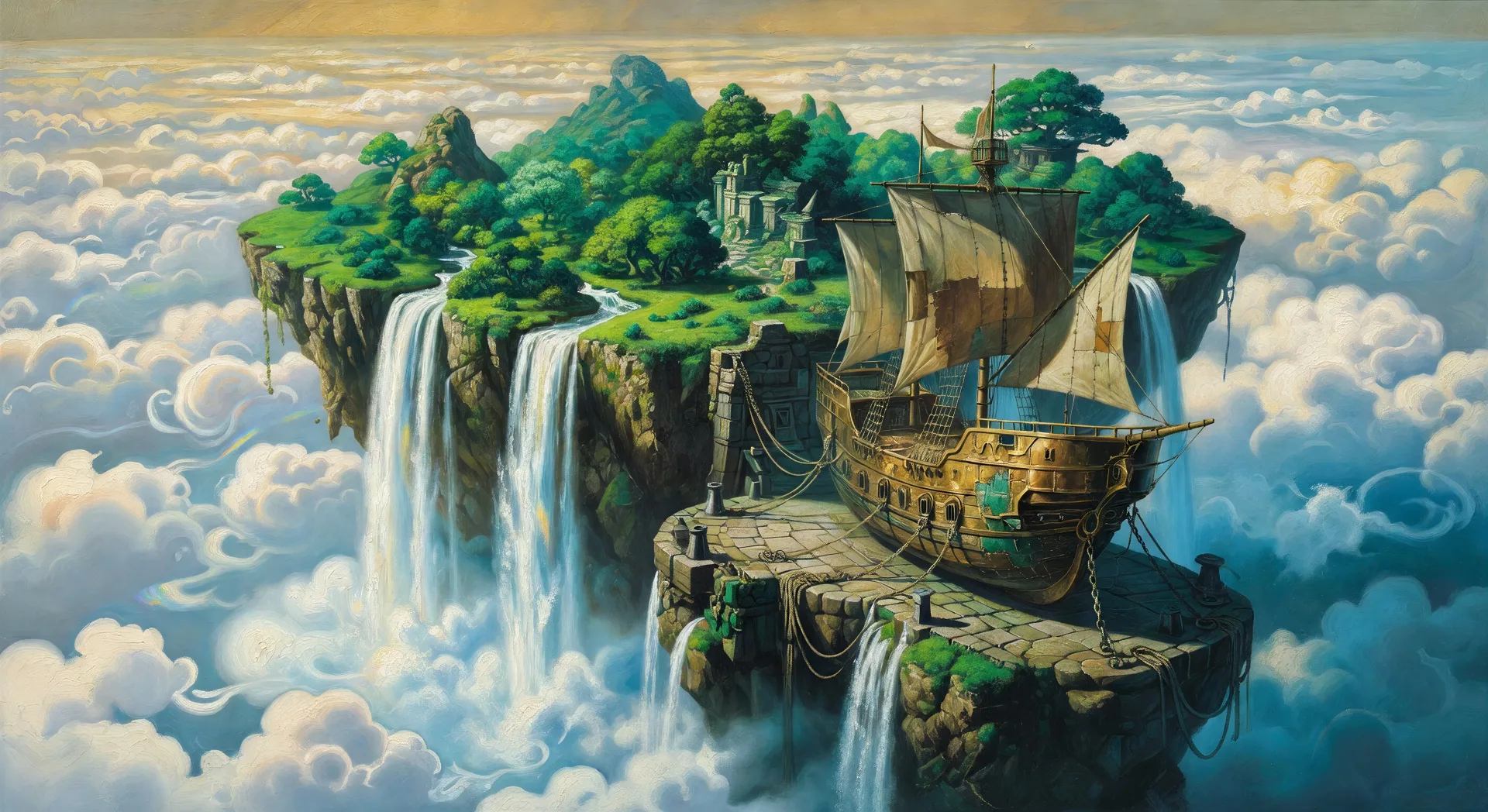
可设计的异世界艺术主题
可组合的异世界构图
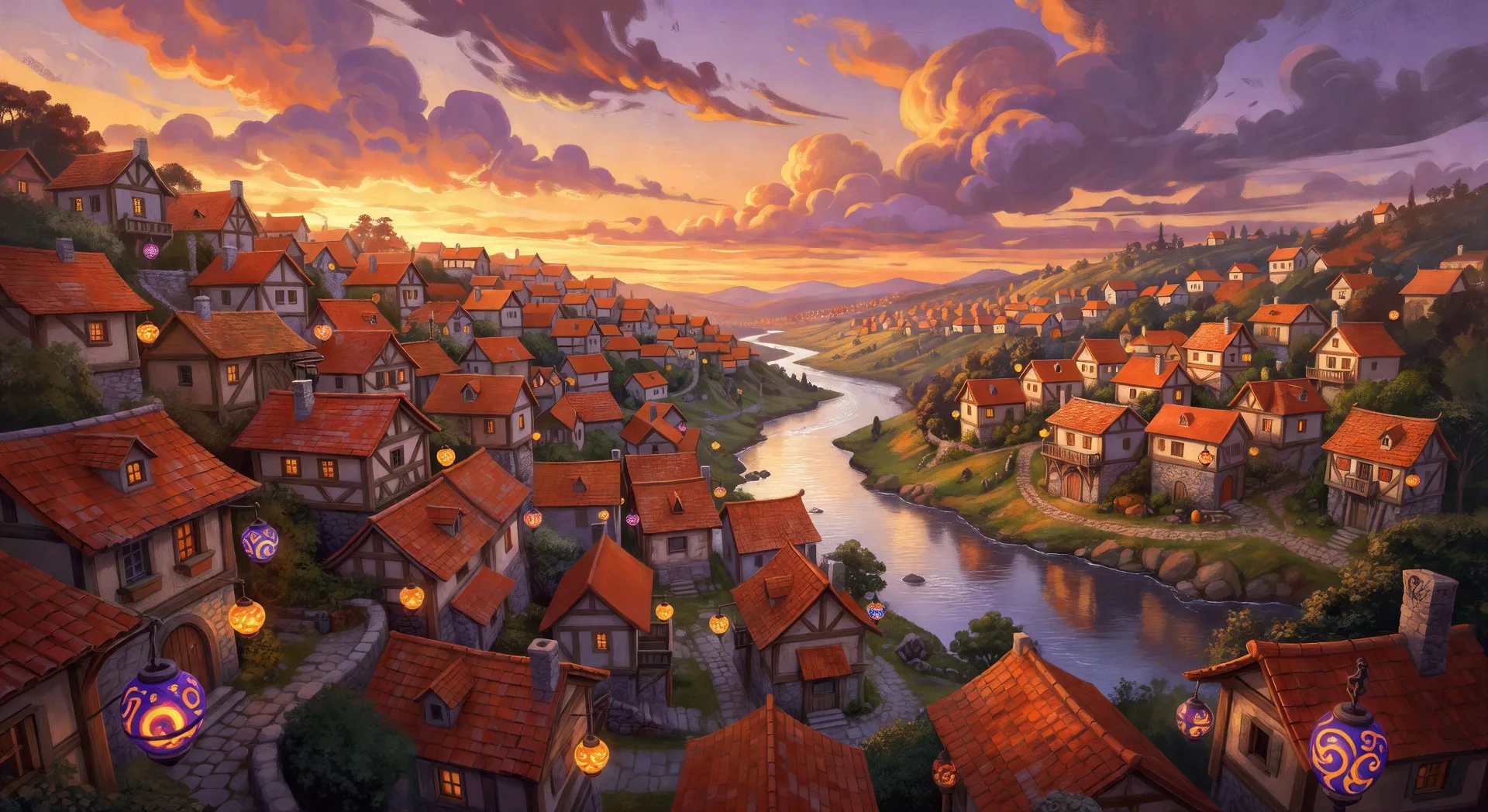
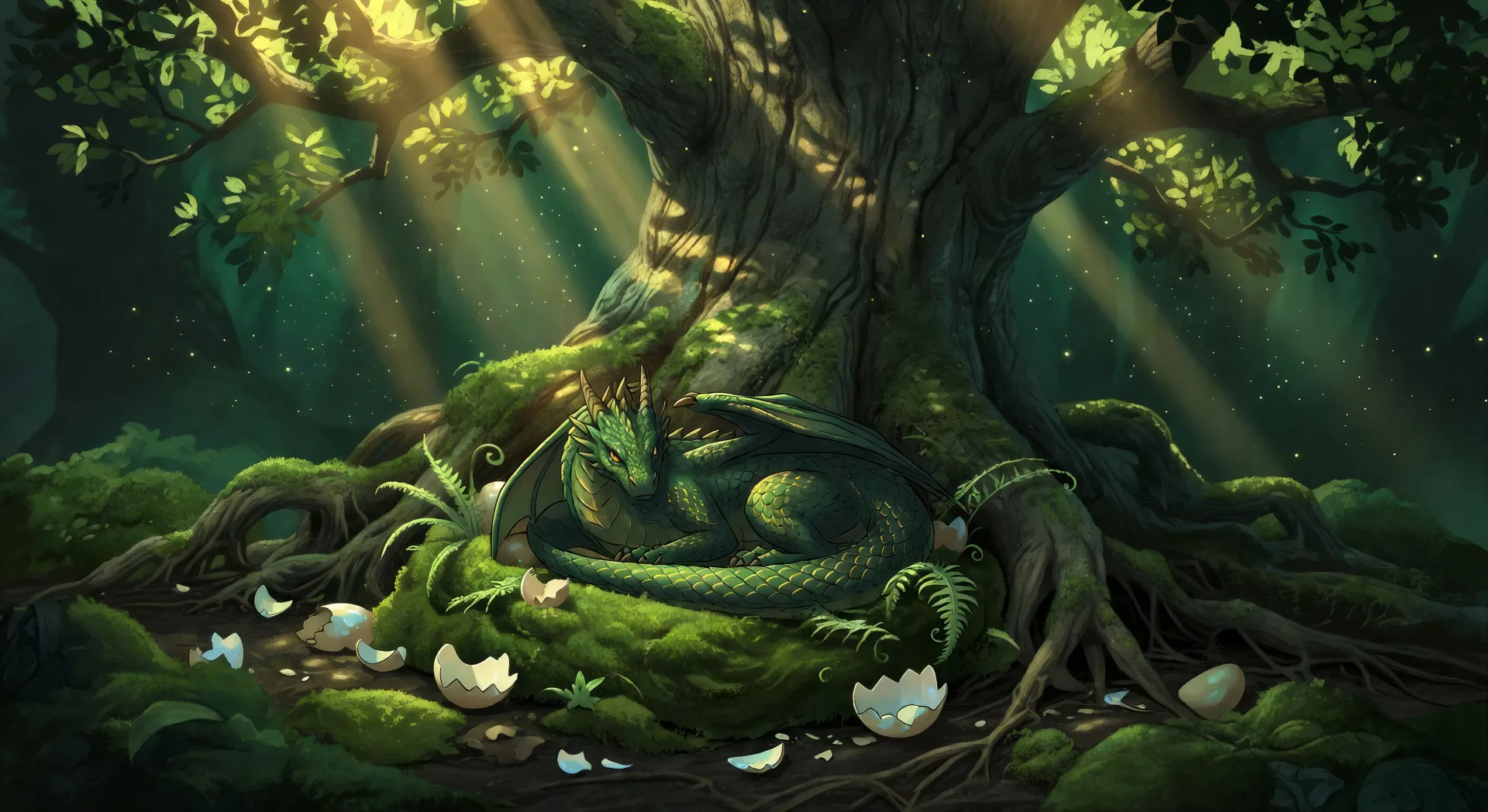
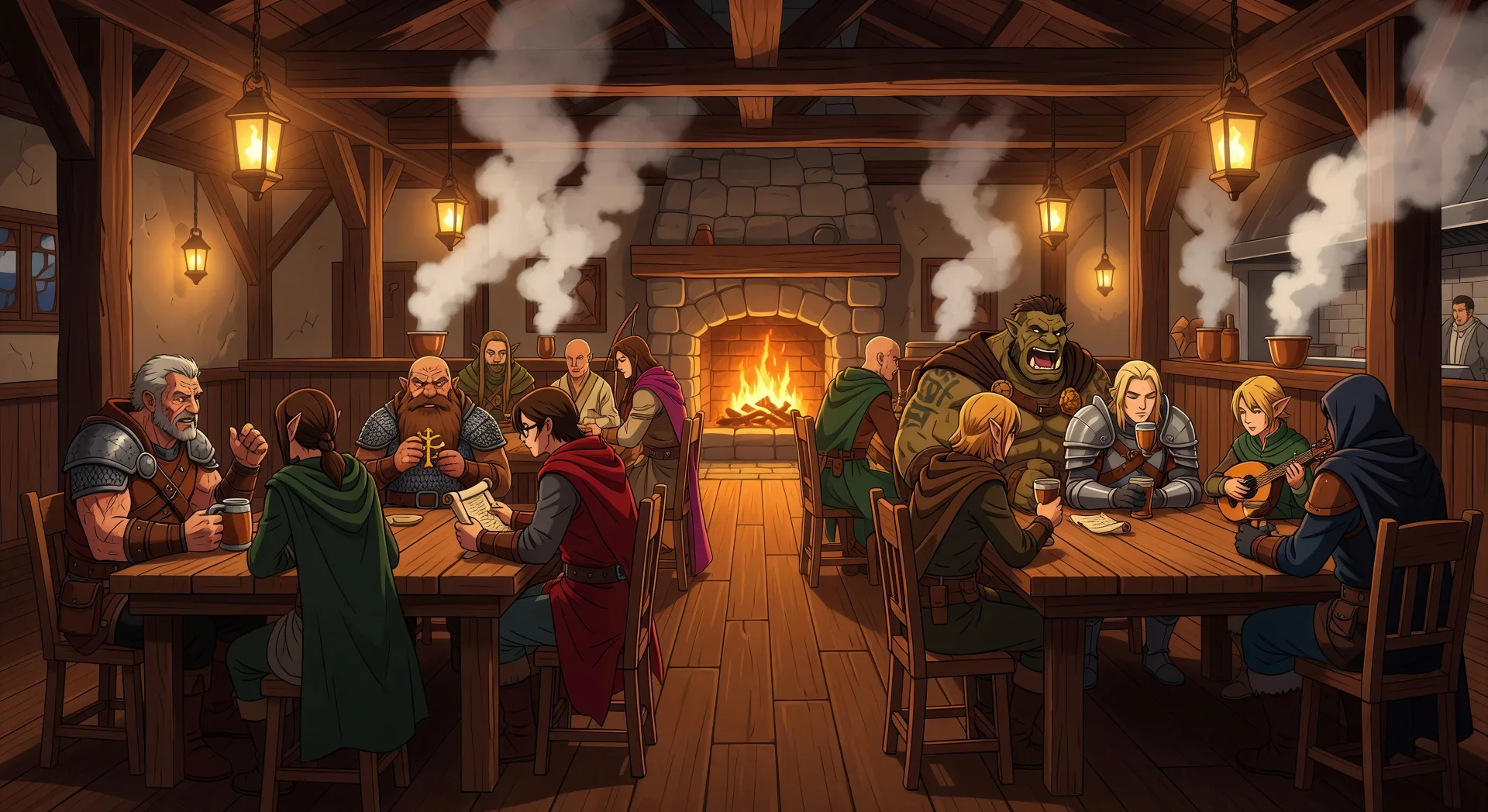
三步制作异世界艺术
- 一
描述你的图像
用简单的话描述你想要的异世界艺术。
- 二
生成图像
Morphic 在几秒内于画布上生成可直接发布的图像。
- 三
优化并分享
调整提示词,重新生成,满意后即可下载或分享图像。





你可能也喜欢
简单定价
今天就免费开始,随时可以升级或取消。
Basic
$19/ 月
账单金额为 $0 每年2400 每月 信用
1 个用户
所有模型
工作流
Standard
$24/ 月
账单金额为 $0 每年3625 每月 信用
1 个用户
所有模型
工作流
Pro
$45/ 月
账单金额为 $0 每年6350 共享 每月 信用
1 用户
+ 最多 4 人额外付费可增加
所有模型
工作流
Max
$170/ 月
账单金额为 $0 每年24650 共享 每月 信用
1 用户
+ 最多 9 人额外付费可增加
所有模型
工作流
Enterprise
更高的限制
自定义
定价和账单条款
大容量信用
自定义席位限制
所有模型
工作流

Free
供随意体验
$0
永久免费
最多 20 积分
仅1个用户
部分模型
工作流
常见问题
可以在哪里用AI制作异世界艺术?
可以在Morphic上直接通过浏览器制作异世界艺术。打开Image工具,把子类型、画面定位与光线写清楚,Morphic就会生成画面。无需安装,也无需专业软件。
能生成哪些异世界艺术的画面定位?
职业卡角色肖像(骑士、法师、弓手、盗贼、奶妈)、泛黄羊皮纸上的世界地图制图、酒馆宽幅构图、地下城图书馆内景、龙巢静物,以及漂浮天空岛的宽幅插画。把画面定位写在提示开头,Morphic才能挑对构图。
如何让异世界角色在多张职业卡里保持同一形象?
用Character Lineup工作流,在画任何卡之前先锁定每位角色的职业、标志性装备和配色,每次提示都引用那张设定卡。Morphic会在职业卡、酒馆宽幅、地下城场景之间保留角色设计,让一整套战役卡读起来没有断裂。
如何写提示来呈现写意奇幻的异世界风?
把写意线索叠在一起。使用「头顶写意感的云层结构」、「赭红屋瓦」、「手绘奇幻世界地图」、「墨水与水彩插画」、「温暖的钨丝灯笼光」这类措辞。写意媒介加上温暖的奇幻光,正是异世界结果与普通RPG插画拉开差距的地方。
能把异世界艺术变成异世界视频吗?
可以。打开Image to Video工具,上传生成的静帧,描述想要的动作(缓慢推近天空岛、龙张开双翼、酒馆门被推开)。Morphic基于原图生成动画,视频会保持同样的角色与世界设计。
制作异世界艺术需要绘画经验吗?
不需要。Morphic在浏览器里运行,只需用平实的语言写提示来指挥它。任何能描述异世界角色或场景的人都能做出作品。手绘板插画、奇幻概念美术技法、数字绘画软件都不需要。