LinkedIn profile on desktop
A LinkedIn banner displayed as it would appear on a desktop profile, showing the full 16:9 format with name.
编辑提示词
Design LinkedIn banners in your browser with Morphic's AI image generator. Generate a professional tech-industry banner, a creative portfolio backdrop, or a coaching-focused brand banner. Lock your color scheme and style with Style Transfer, then customize text and upload directly to your profile.
A LinkedIn banner displayed as it would appear on a desktop profile, showing the full 16:9 format with name.
编辑提示词Three or four different LinkedIn banner styles side by side, showing variety of color palettes and design.
编辑提示词
A LinkedIn banner displayed on mobile phone screen, showing how the design crops and appears on mobile.
编辑提示词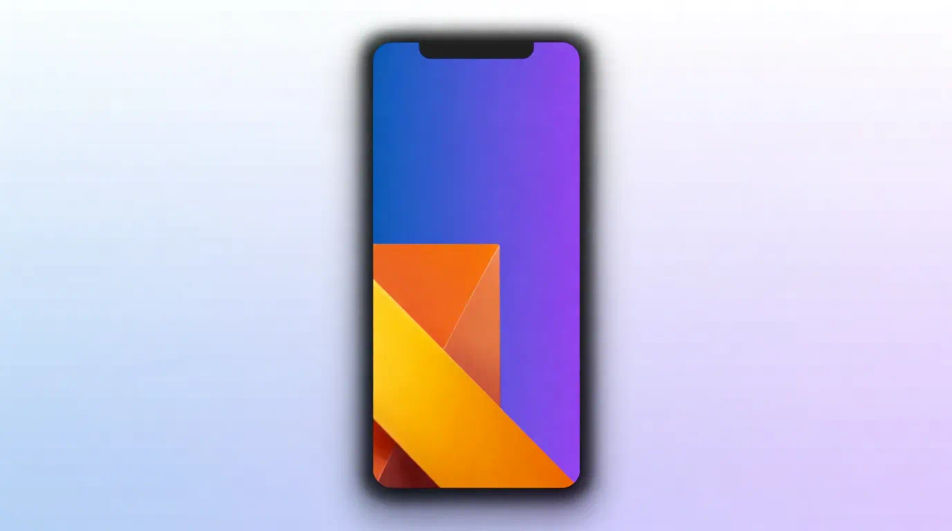
A LinkedIn banner displayed with supporting elements like profile photo frame, consistent color palette.
编辑提示词
用简单的话描述你想要的LinkedIn banner design。
Morphic 在几秒内于画布上生成可直接发布的图像。
调整提示词,重新生成,满意后即可下载或分享图像。
Business card AI designs
Create AI business card designs with our business card design generator. Generate professional business card layouts for any industry including corporate, creative, tech, and retail. Find custom business card designs for any project in seconds.
Certificate AI designs
Create AI certificate designs with our certificate design generator. Generate professional award certificates, diplomas, and achievement recognitions for education and events. Find professional certificate designs for any project in seconds.
Fish AI clipart
Create AI fish clipart with our fish clipart generator. Generate clean vector-style fish illustrations for education, design projects, web graphics, and creative work. Find unique, high-quality fish clipart designs for any project in seconds.
Halloween AI clipart
Create AI halloween clipart with our halloween clipart generator. Generate spooky and playful Halloween illustrations for parties, decorations, and educational activities. Find custom, original halloween clipart for any project in seconds.
今天就免费开始,随时可以升级或取消。
Basic
2400 每月 信用
1 个用户
所有模型
工作流
Standard
3625 每月 信用
1 个用户
所有模型
工作流
Pro
6350 共享 每月 信用
1 用户
所有模型
工作流
Max
24650 共享 每月 信用
1 用户
所有模型
工作流
Enterprise
更高的限制
自定义
定价和账单条款

Free
供随意体验
$0
永久免费



