Profile headshot
Square, evenly lit headshot on a clean backdrop with space around the face for a professional avatar.
编辑提示词
Create LinkedIn profile pictures in your browser with Morphic's AI portrait generator. Describe a clean studio headshot, a bright office portrait, or a relaxed outdoor shot and Morphic composes a polished, professional image. Adjust the crop and color on the Canvas, then download in HD, no studio session required.
Square, evenly lit headshot on a clean backdrop with space around the face for a professional avatar.
编辑提示词Crisp portrait sized for the top corner of a CV beside a name, role, and contact details.
编辑提示词
Clean headshot cropped for an event or panel roster beside a name, title, and session label.
编辑提示词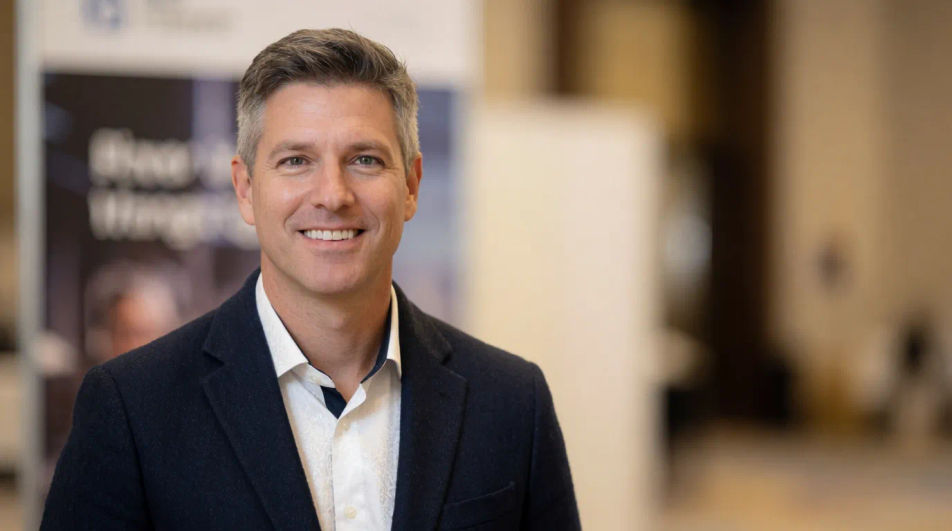
Small, sharp portrait that stays clear at thumbnail size for a signature block or team roster row.
编辑提示词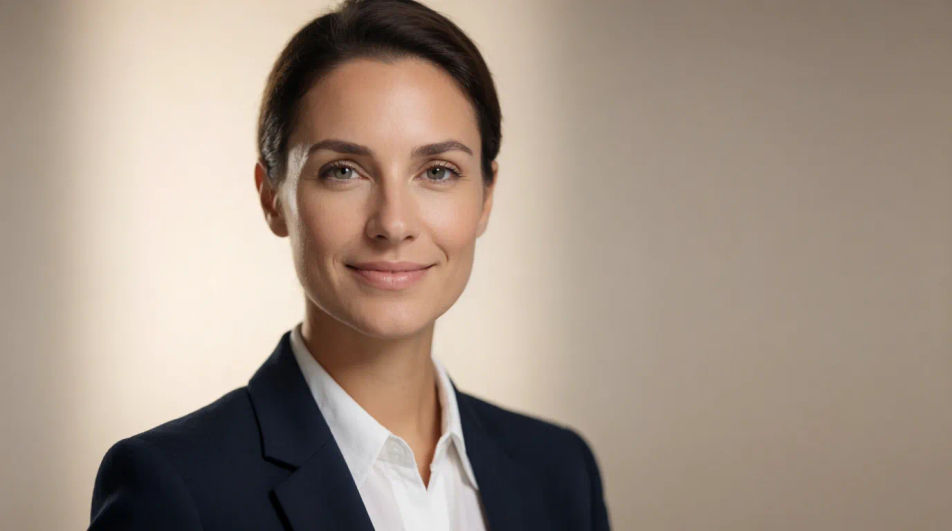
用简单的话描述你想要的LinkedIn profile picture。
Morphic 在几秒内于画布上生成可直接发布的图像。
调整提示词,重新生成,满意后即可下载或分享图像。
AI专辑封面生成器
在线生成专辑封面,独立、说唱、氛围电子、黑胶复古风格随心选,几秒出图即可商用。
Amazon Listing AI Images
Make amazon listing images from a text prompt. Adjust style, colour and composition until it fits the brief. No stock licence needed.
Annual Report Cover AI Images
Create annual report cover without a photoshoot. Generate variations until one lands, then refine it. No stock licence needed.
Hair drawing generator
Turn a hair drawing idea into a finished image in Morphic. Describe the line work and style, generate variations, then refine it on the canvas.
今天就免费开始,随时可以升级或取消。
Basic
2400 每月 信用
1 个用户
所有模型
工作流
Standard
3625 每月 信用
1 个用户
所有模型
工作流
Pro
6350 共享 每月 信用
1 用户
所有模型
工作流
Max
24650 共享 每月 信用
1 用户
所有模型
工作流
Enterprise
更高的限制
自定义
定价和账单条款

Free
供随意体验
$0
永久免费