Sponsored feed post
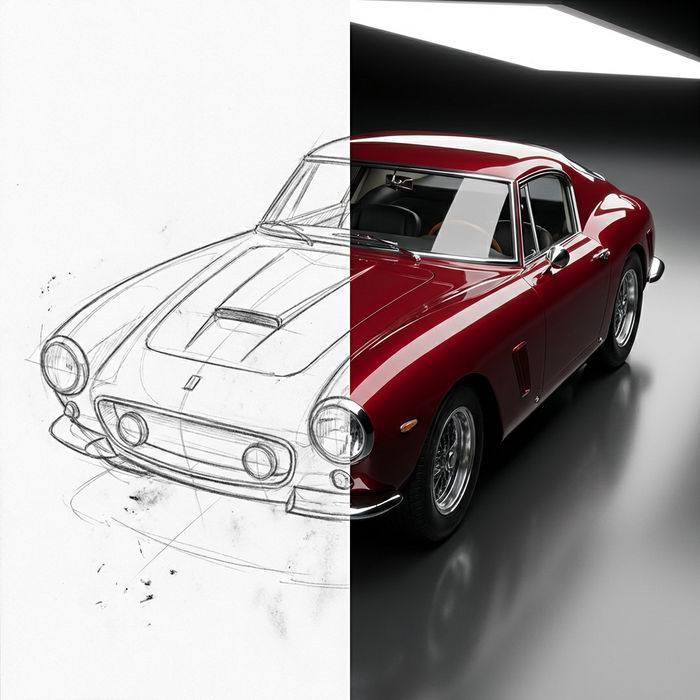
Professional single-image ad pairing a business hook with clean visuals tuned for a B2B audience.
编辑提示词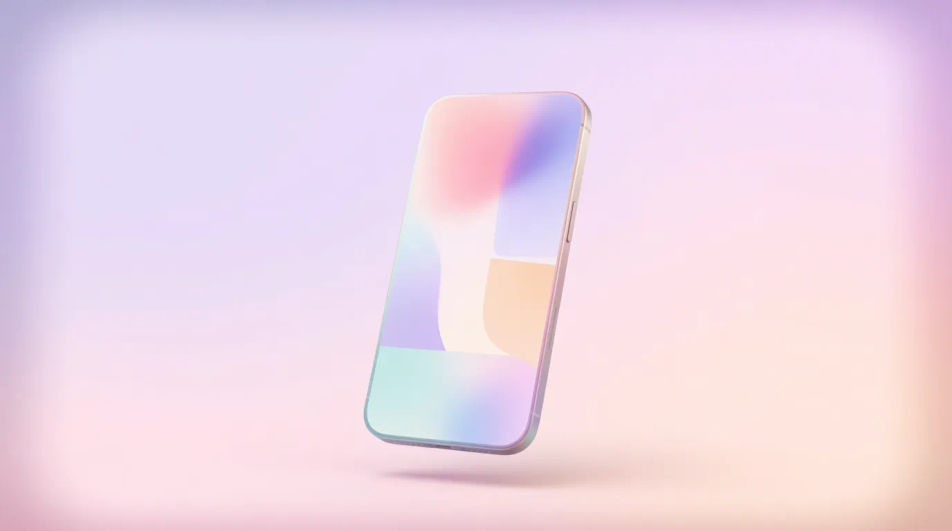
Design LinkedIn sponsored images in your browser with Morphic's AI image generator. Spin up a bold B2B feed visual, a webinar promo, or a case-study teaser, each in the right crop for the LinkedIn feed. Adjust color and framing on the Canvas, then download in HD, no photoshoot or stock license required.
Professional single-image ad pairing a business hook with clean visuals tuned for a B2B audience.
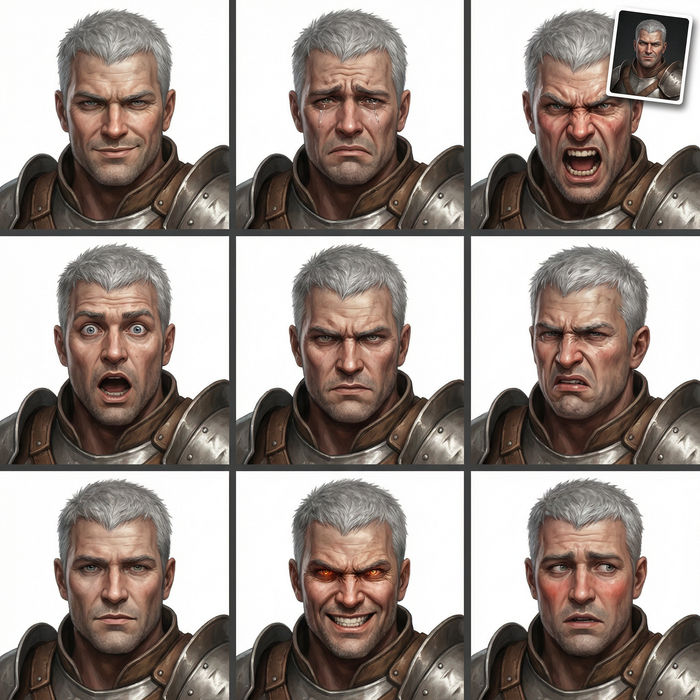
编辑提示词Image fronting a gated offer, signaling the value that earns a contact-info submission.
编辑提示词
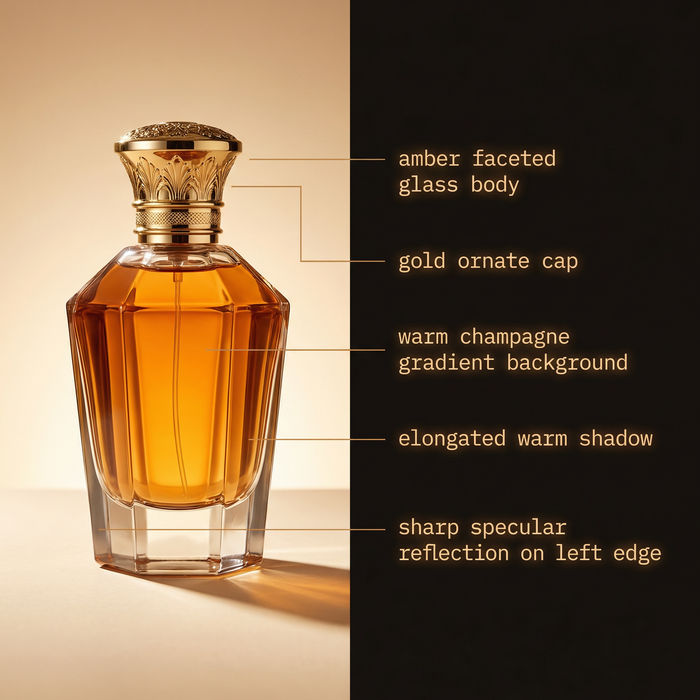
Post-topping graphic for an insight piece, framing the idea with credible, understated styling.
编辑提示词
Feed image driving webinar or conference signups, with date space and a register prompt.
编辑提示词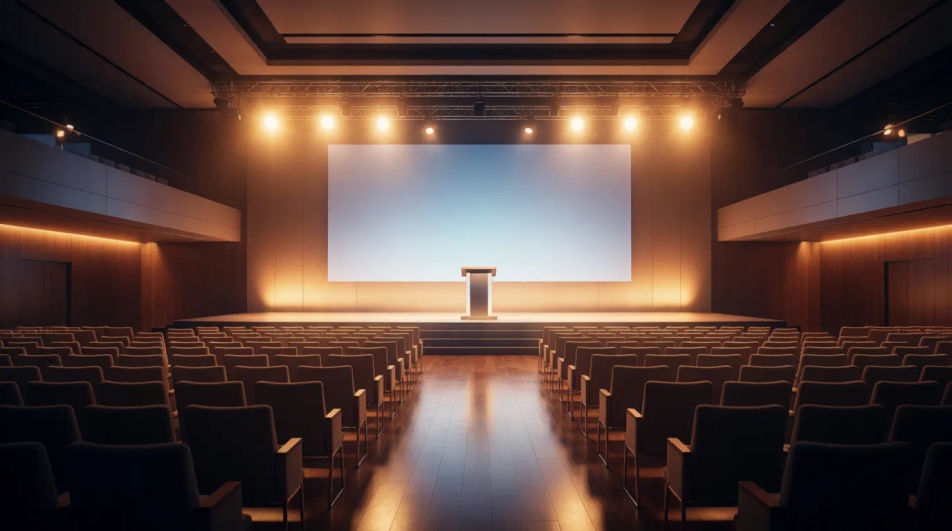
用简单的话描述你想要的LinkedIn sponsored image。
Morphic 在几秒内于画布上生成可直接发布的图像。
调整提示词,重新生成,满意后即可下载或分享图像。
Announcement Graphic AI Images
Create announcement graphic without a photoshoot. Spin up variations for every placement before you commit media spend. Commercial rights included.
App Install Ad Creative AI Images
Turn a brief into app install ad creative instantly. Test ten versions of the idea for the cost of briefing one. No stock licence needed.
Before After Slider AI Images
Turn a brief into before after slider image instantly. Spin up variations for every placement before you commit media spend.
Blood drop emoji maker
Generate blood drop emoji images in Morphic. Describe the expression, colour and style you want, generate options, then refine the prompt and download it.
今天就免费开始,随时可以升级或取消。
Basic
2400 每月 信用
1 个用户
所有模型
工作流
Standard
3625 每月 信用
1 个用户
所有模型
工作流
Pro
6350 共享 每月 信用
1 用户
所有模型
工作流
Max
24650 共享 每月 信用
1 用户
所有模型
工作流
Enterprise
更高的限制
自定义
定价和账单条款

Free
供随意体验
$0
永久免费