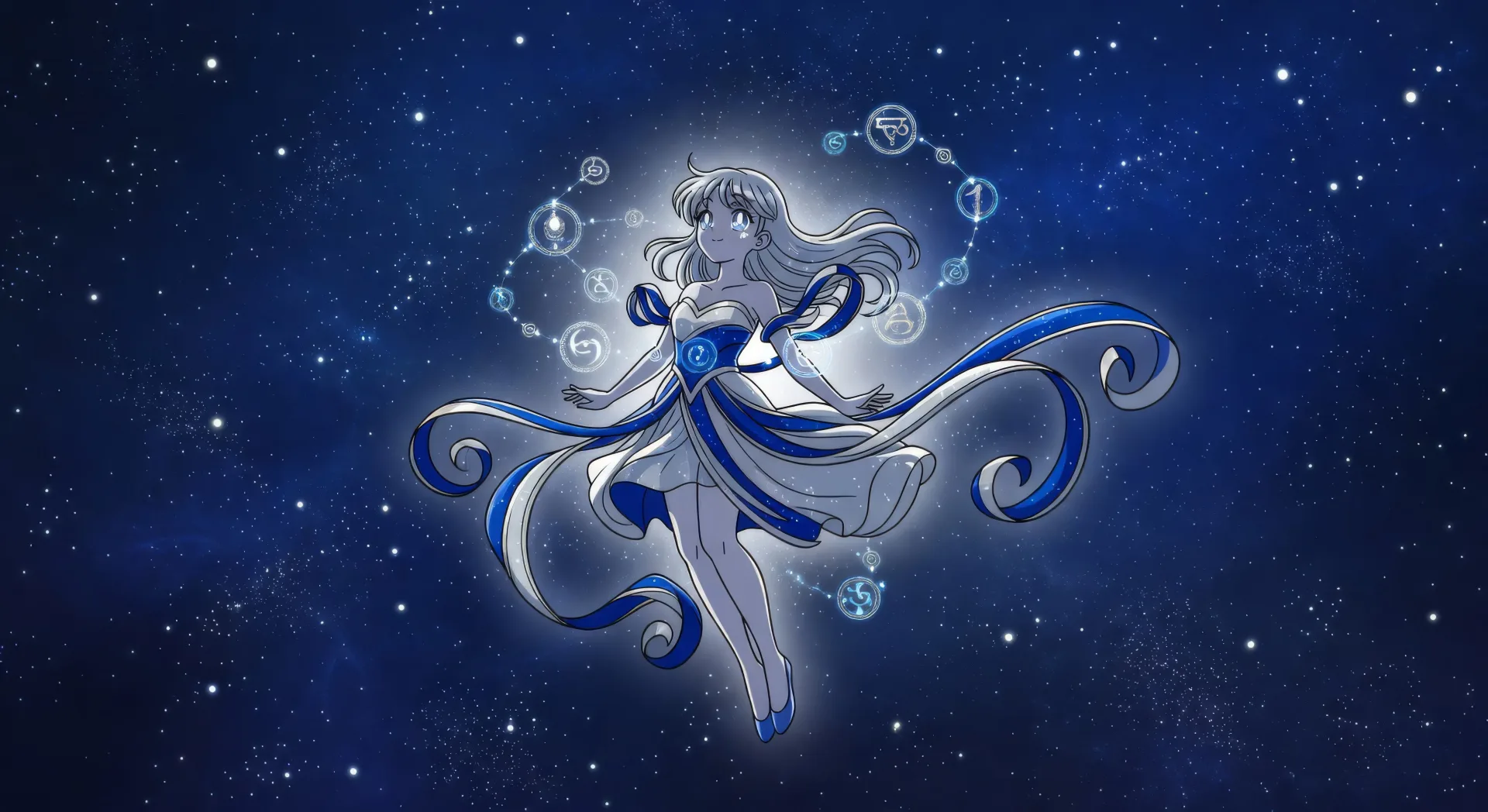
可设计的魔法少女艺术主题
可组合的魔法少女构图
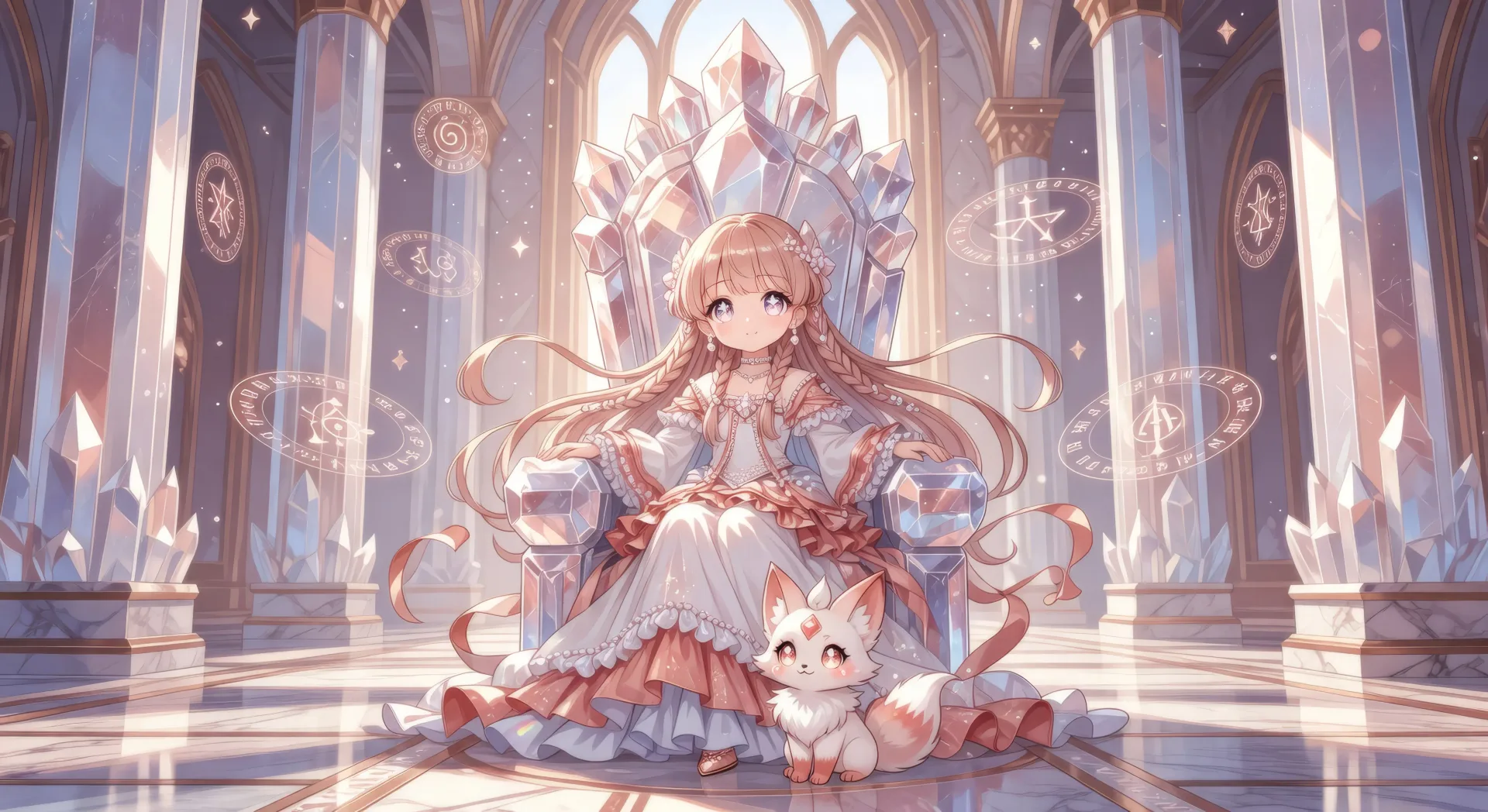
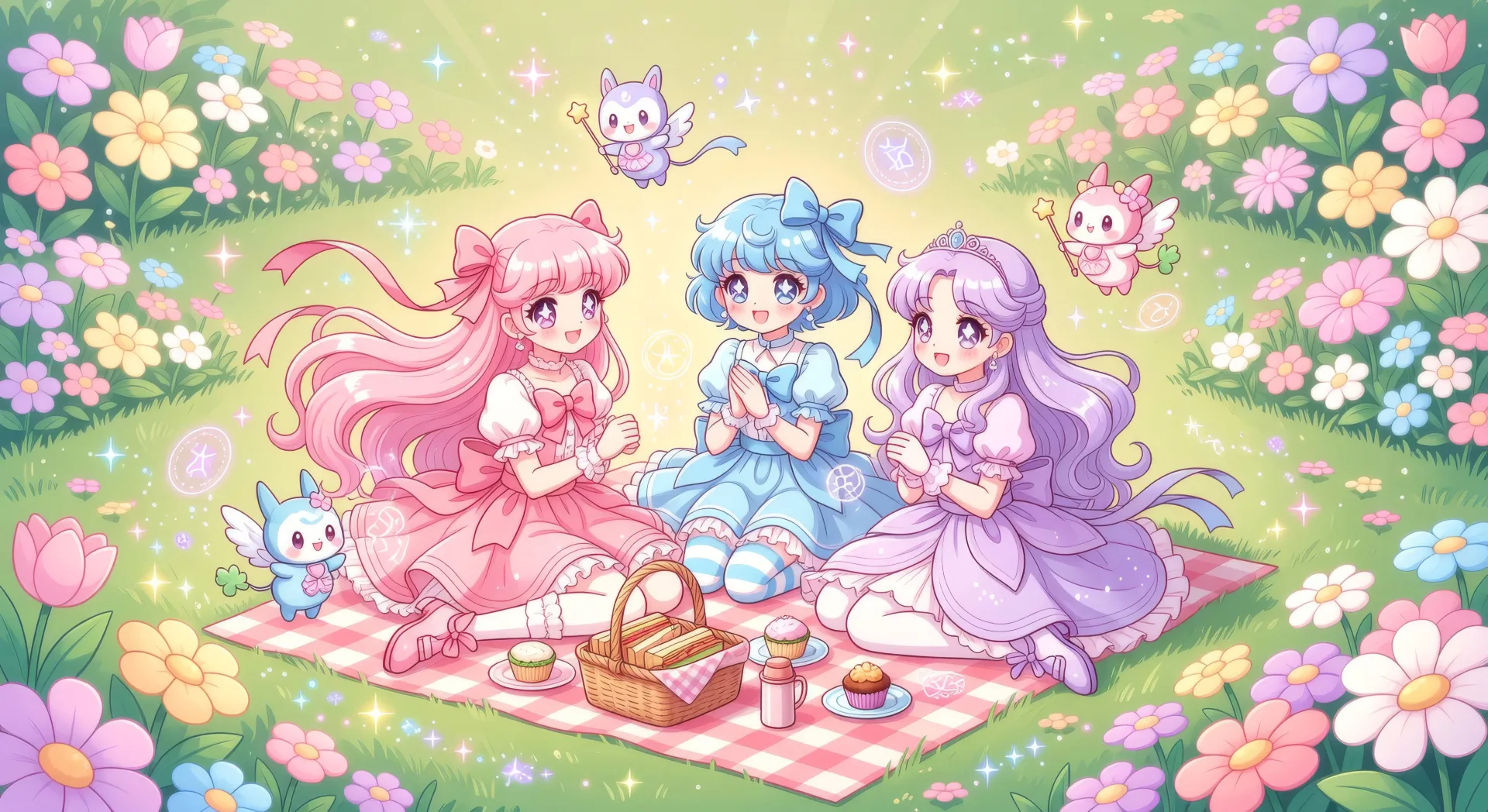
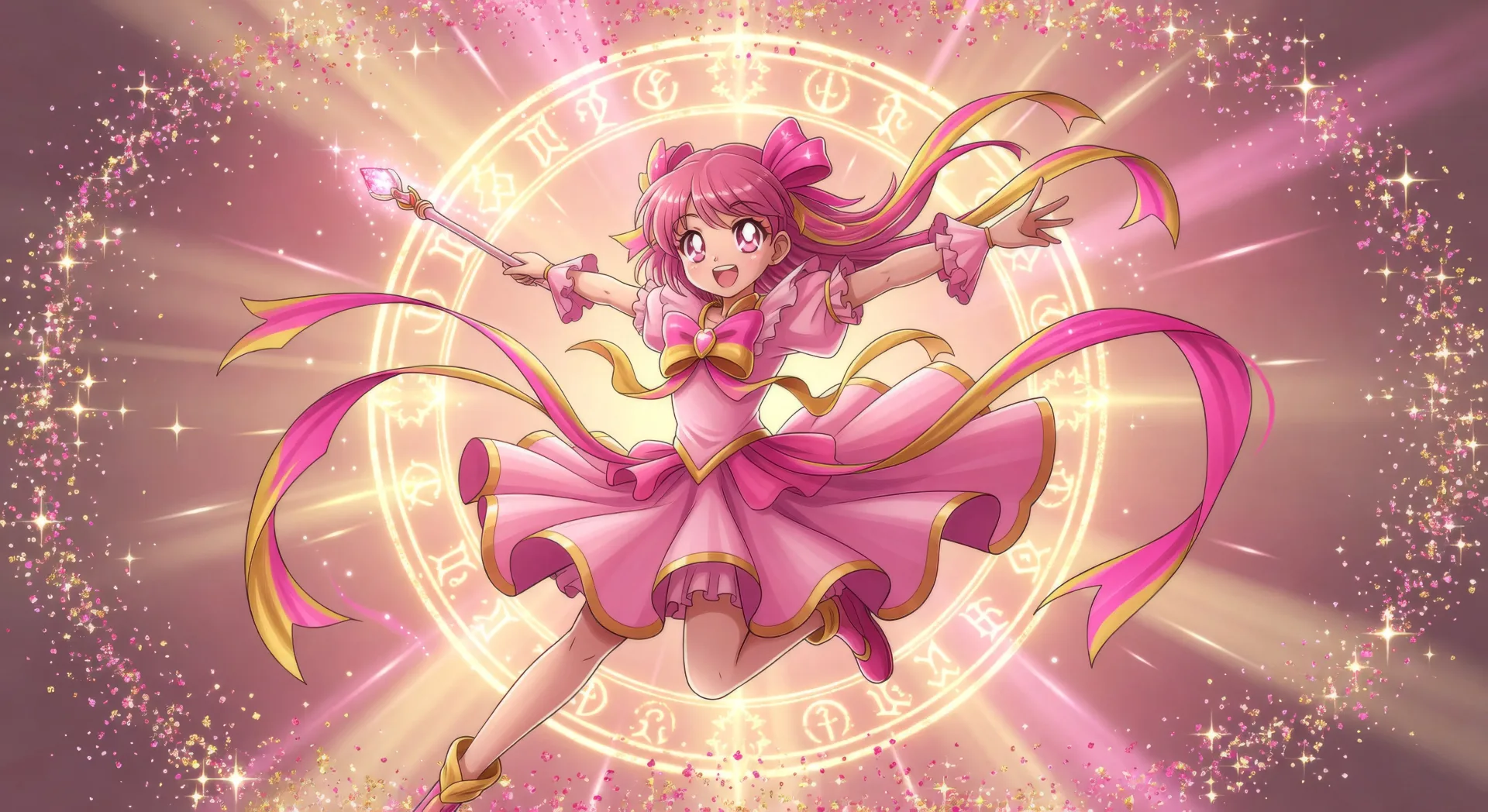
三步制作魔法少女艺术
- 一
描述你的图像
用简单的话描述你想要的魔法少女艺术。
- 二
生成图像
Morphic 在几秒内于画布上生成可直接发布的图像。
- 三
优化并分享
调整提示词,重新生成,满意后即可下载或分享图像。





你可能也喜欢
动漫艺术AI图像
用Morphic创作动漫艺术。角色肖像、关键视觉场景、表情丰富的眼部特写以及整幅动漫插画,一次提示即可生成。
Q版艺术AI图像
用Morphic制作Q版艺术。大头可爱角色、动物伙伴、贴纸表情、群像合影,一次提示即可生成。
Kawaii cute sticker generator
Generate kawaii cute stickers in Morphic. Describe the character, colours and style you want, generate options to compare, then refine the prompt and save it.
Kawaii drawing maker
Turn a kawaii drawing idea into a finished image in Morphic. Describe the line work and style, generate variations, then refine it on the canvas.
简单定价
今天就免费开始,随时可以升级或取消。
Basic
$19/ 月
账单金额为 $0 每年2400 每月 信用
1 个用户
所有模型
工作流
Standard
$24/ 月
账单金额为 $0 每年3625 每月 信用
1 个用户
所有模型
工作流
Pro
$45/ 月
账单金额为 $0 每年6350 共享 每月 信用
1 用户
+ 最多 4 人额外付费可增加
所有模型
工作流
Max
$170/ 月
账单金额为 $0 每年24650 共享 每月 信用
1 用户
+ 最多 9 人额外付费可增加
所有模型
工作流
Enterprise
更高的限制
自定义
定价和账单条款
大容量信用
自定义席位限制
所有模型
工作流

Free
供随意体验
$0
永久免费
最多 20 积分
仅1个用户
部分模型
工作流
常见问题
可以在哪里用AI制作魔法少女艺术?
可以在Morphic上直接通过浏览器制作魔法少女艺术。打开Image工具,把子类型、画面定位与标志性元素写清楚,Morphic就会生成画面。无需安装,也无需专业软件。
能生成哪些魔法少女艺术的子类型?
粉彩经典魔法少女、色彩分明的战队、暗紫色调的暗色魔法少女、舞台上的偶像魔法少女,以及男性的魔法少年。把子类型写在提示开头,Morphic才能挑对配色与情绪。
怎样让魔法少女角色在一套贴纸或卡牌包里保持同一形象?
用Character Lineup工作流,在画任何画之前先锁定每位角色的标志性法杖、吉祥物和配色,每次提示都引用那张设定卡。Morphic会在贴纸、关键视觉、群像合影之间保留角色设计,让卡牌包读起来像同一组阵容。
如何写提示来呈现星辉闪烁的魔法少女风?
把天体相关的线索叠在一起。使用「星空背景」、「肩头悬浮的咒纹星座」、「向外卷曲的丝带轨迹」、「柔和的放射光晕」、「闪光彩纸边框」、「五点高光的大眼睛」这类措辞。星座意象与丝带的物理感正是这一题材的看点。
能把魔法少女艺术变成魔法少女视频吗?
可以。打开Image to Video工具,上传你生成的静帧,描述想要的动作(变身闪光、法杖旋身、必杀技姿势)。Morphic基于原始插画来生成动画,视频会维持原本的服装设计和配色。
制作魔法少女艺术需要绘画经验吗?
不需要。Morphic在浏览器里运行,只需用平实的语言写提示来指挥它。任何能描述魔法少女角色的人都能做出作品。手绘板插画、服装设计技法、数字绘画软件都不需要。