Emoji reaction row
A row of running emoji marks in one shared style, each in a slightly different stride, evenly spaced on a plain flat backdrop.
编辑提示词
Generate running emoji images in Morphic's Image tool by describing the pose, the energy, and the colour you want in the mark. You control the outline weight, the gloss, the palette, and the crop, so you finish with an original running emoji you can drop into a chat, a deck, or a club badge.
A row of running emoji marks in one shared style, each in a slightly different stride, evenly spaced on a plain flat backdrop.
编辑提示词A running icon set laid out on a clean grid, matched line weight and palette across every mark, generous space around each shape.
编辑提示词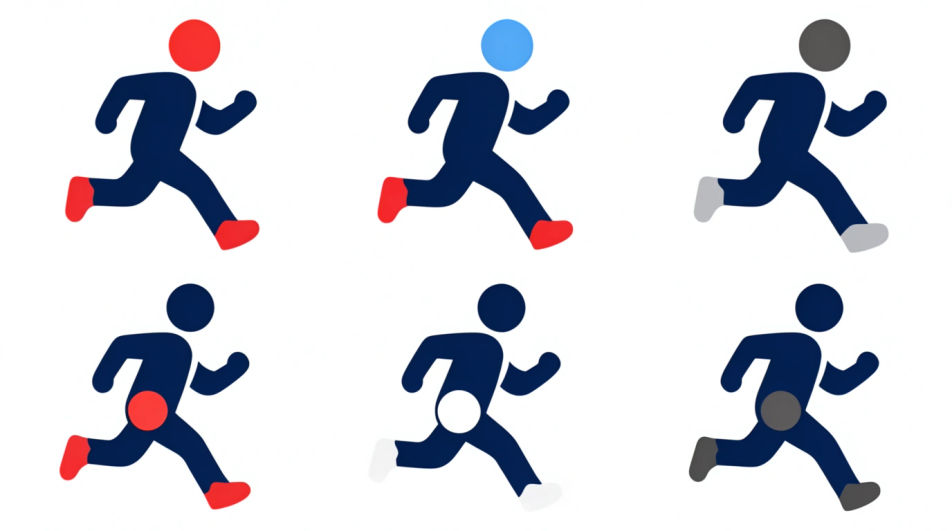
A running emoji figure repeated across the frame with growing motion streaks, warm-to-cool colour shift, energy building left to right.
编辑提示词
A running emoji mark placed inside a circular club badge, laurel rim and blank banner beneath it, flat muted print colours.
编辑提示词
用简单的话描述你想要的Running Emoji。
Morphic 在几秒内于画布上生成可直接发布的图像。
调整提示词,重新生成,满意后即可下载或分享图像。
表情符号设计 AI 图像
在浏览器里制作表情符号设计 AI 图像:光泽脸部套组、定制反应、轮廓贴纸表情。从一条提示词构建风格统一的表情包。立即开始创作。
跑步 AI 图像
用我们的跑步图像生成器创作 AI 跑步图像。几秒之内就能为任何项目找到富有电影感的跑步图像。
Standing emoji generator
Generate standing emoji images in Morphic. Describe the expression, colour and style you want, generate options, then refine the prompt and download it.
Working out drawing maker
Turn a working out drawing idea into a finished image in Morphic. Describe the line work and style, generate variations, then refine it on the canvas.
今天就免费开始,随时可以升级或取消。
Basic
2400 每月 信用
1 个用户
所有模型
工作流
Standard
3625 每月 信用
1 个用户
所有模型
工作流
Pro
6350 共享 每月 信用
1 用户
所有模型
工作流
Max
24650 共享 每月 信用
1 用户
所有模型
工作流
Enterprise
更高的限制
自定义
定价和账单条款

Free
供随意体验
$0
永久免费
