Slideshow background image generator

Design slideshow background images in your browser with Morphic's slideshow background generator. Create looks like a soft gradient wash, a clean abstract shape backdrop, or a subtle textured paper, then use Style Transfer to keep one look across every slide. Crop, recolour, and refine each background on the Canvas, or add gentle motion for reels with Image to Video.

Slideshow background styles you can design

Slideshow backgrounds in use

Title slide

A slideshow background behind a title slide, the calmest area centred so a headline and subtitle read clearly.

编辑提示词

Title slide

Content slide

A slideshow background behind body content, low-contrast detail kept to the edges so bullets stay easy to read.

编辑提示词

Content slide

Section divider

A bolder slideshow background for a section break, a stronger accent with clear space for one large heading.

编辑提示词

Section divider

Reel or video slide

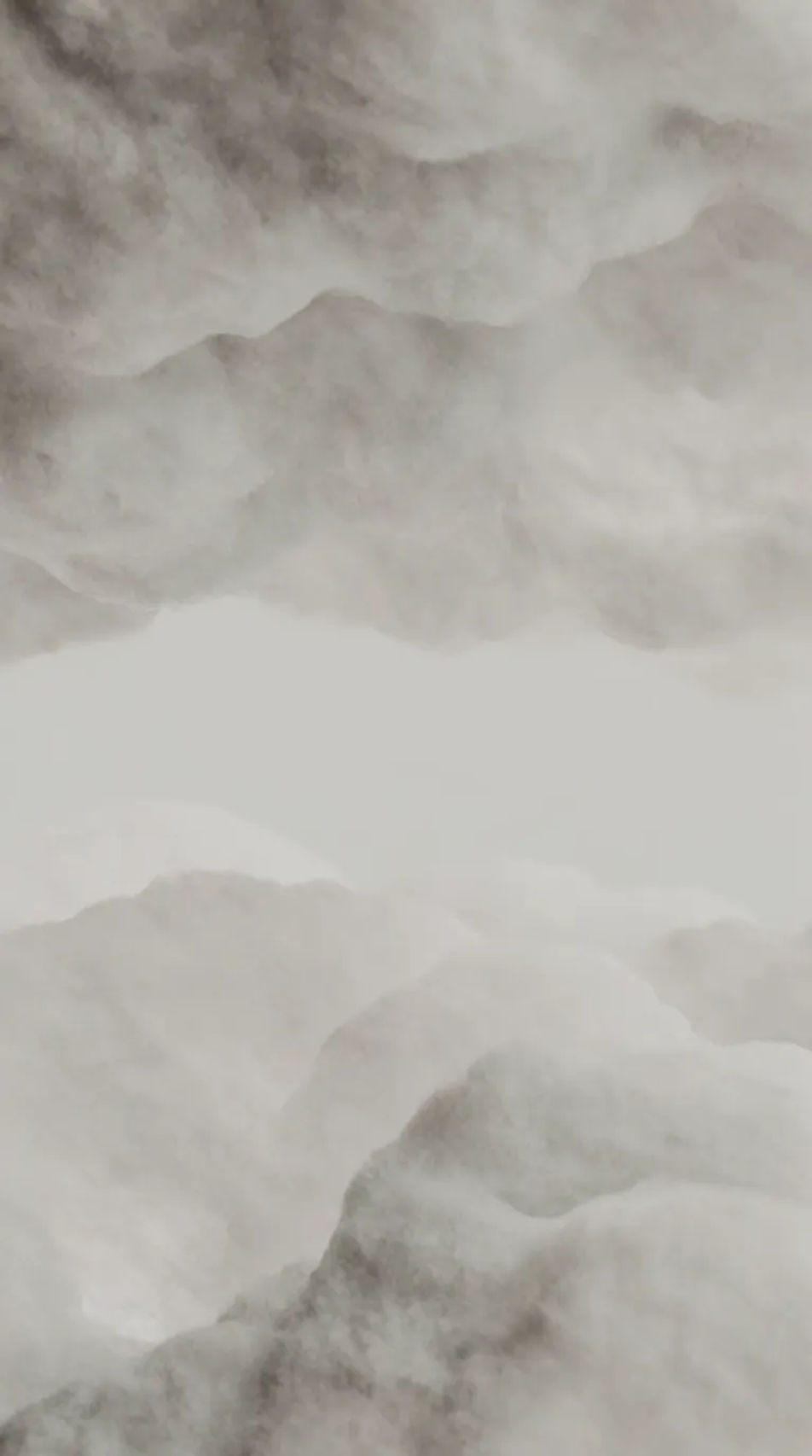
A vertical slideshow background for a reel, gentle motion-friendly detail with a clean band for animated captions.

编辑提示词
Reel or video slide

三步制作Slideshow Background Images

  1. 一

    描述你的图像

    用简单的话描述你想要的Slideshow Background Images。

  2. 二

    生成图像

    Morphic 在几秒内于画布上生成可直接发布的图像。

  3. 三

    优化并分享

    调整提示词,重新生成,满意后即可下载或分享图像。

简单定价

今天就免费开始,随时可以升级或取消。

Basic

$19/ 月
账单金额为 $0 每年

2400 每月 信用

1 个用户

所有模型

工作流

Standard

$24/ 月
账单金额为 $0 每年

3625 每月 信用

1 个用户

所有模型

工作流

Pro

$45/ 月
账单金额为 $0 每年

6350 共享 每月 信用

1 用户

+ 最多 4 人额外付费可增加

所有模型

工作流

Max

$170/ 月
账单金额为 $0 每年

24650 共享 每月 信用

1 用户

+ 最多 9 人额外付费可增加

所有模型

工作流

Enterprise

更高的限制

自定义

定价和账单条款

大容量信用
自定义席位限制
所有模型
工作流
Pricing Gradient

Free

供随意体验

$0

永久免费

最多 20 积分
仅1个用户
部分模型
工作流

常见问题

Where can I get slideshow background images?
Morphic generates original slideshow backgrounds on demand. Describe the style and palette, and Morphic creates text-friendly backgrounds you can download rather than reusing a template pack.
Can I use slideshow backgrounds commercially?
Yes. Every slideshow background you generate with Morphic is original and yours to use in decks, webinars, client presentations, and merchandise.
How do I keep my slide text readable?
Ask for low contrast and calm space in your prompt, then use the Canvas to soften or darken an area so headings and bullets stand out clearly.
What sizes can I download?
Set the aspect ratio first, so a 16:9 deck, a 4:3 slide, or a vertical reel each frame correctly, then download the background in HD.
Which style works best for a professional deck?
A soft gradient wash, a corporate mesh gradient, or minimal line accents read as polished and understated, keeping the focus on your content.
Can I make every slide match?
Yes. Use Style Transfer to lock one look and palette, then regenerate that background across title, content, and divider slides so the whole deck stays consistent.

