Feature card graphic
A single centered spot illustration with generous margin, sized to sit atop a product feature card.
编辑提示词
Create small, focused spot illustrations in your browser with Morphic's AI image generator. Describe the subject and the style, and Morphic renders a single clean graphic on open space, perfect for a feature card, a section break, or an empty state. Adjust the color on the Canvas, then download in HD and drop it into your site or deck.
A single centered spot illustration with generous margin, sized to sit atop a product feature card.
编辑提示词A friendly, low-key illustration on a soft field, the kind that fills an empty inbox or search-results screen.
编辑提示词
A detailed, high-resolution spot illustration composed for a sticker sheet or a printed handout, crisp edges.
编辑提示词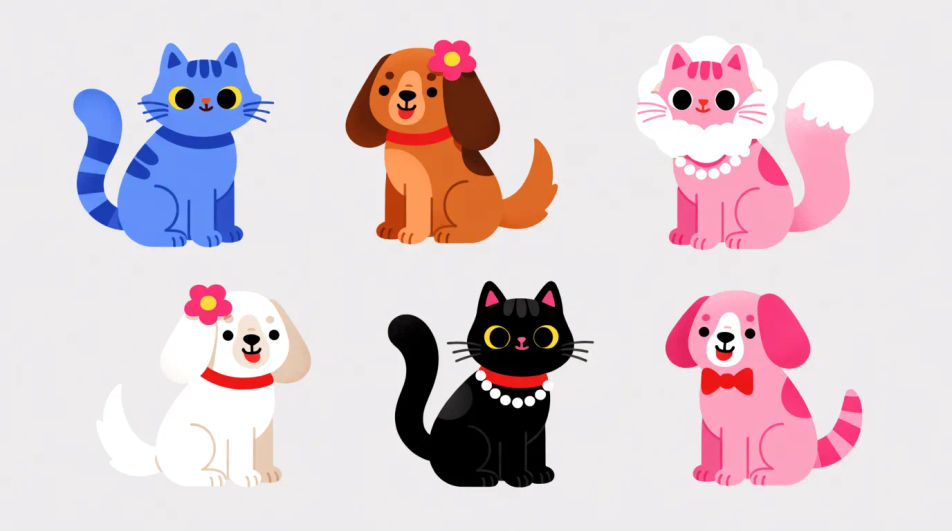
A soft, low-contrast illustration with muted tones, subtle enough to accent a slide without stealing focus.
编辑提示词
用简单的话描述你想要的spot illustration。
Morphic 在几秒内于画布上生成可直接发布的图像。
调整提示词,重新生成,满意后即可下载或分享图像。
Banner AI designs
Create AI banner designs with Morphic's banner design generator, custom, eye-catching graphics in seconds, right in your browser. No design skills needed: describe the look, then download HD banners for websites, ads, and socials.
Squirrel emoji maker
Generate squirrel emoji images in Morphic. Describe the expression, colour and style you want, generate options, then refine the prompt and download it.
Standing emoji generator
Generate standing emoji images in Morphic. Describe the expression, colour and style you want, generate options, then refine the prompt and download it.
Start emoji maker
Generate start emoji images in Morphic. Describe the expression, colour and style you want, generate options, then refine the prompt and download it.
今天就免费开始,随时可以升级或取消。
Basic
2400 每月 信用
1 个用户
所有模型
工作流
Standard
3625 每月 信用
1 个用户
所有模型
工作流
Pro
6350 共享 每月 信用
1 用户
所有模型
工作流
Max
24650 共享 每月 信用
1 用户
所有模型
工作流
Enterprise
更高的限制
自定义
定价和账单条款

Free
供随意体验
$0
永久免费


