
你可以生成的视频通话图片
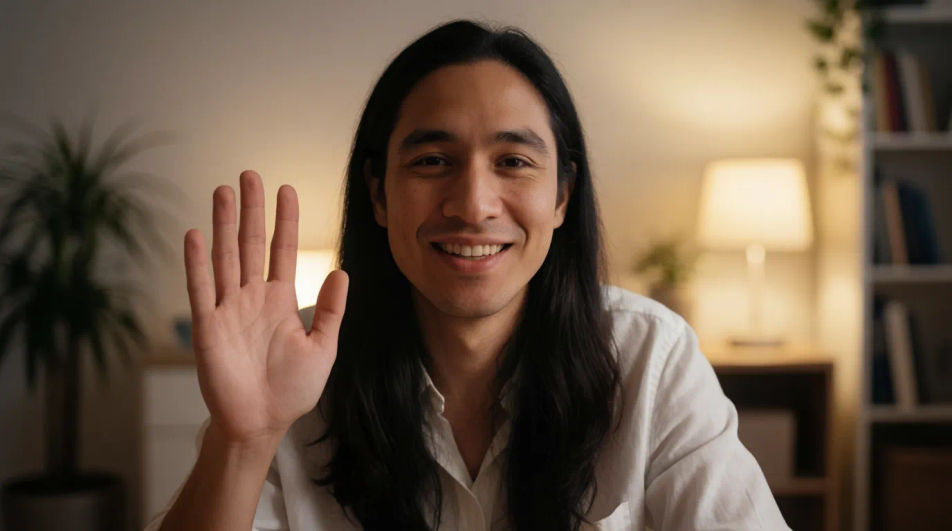
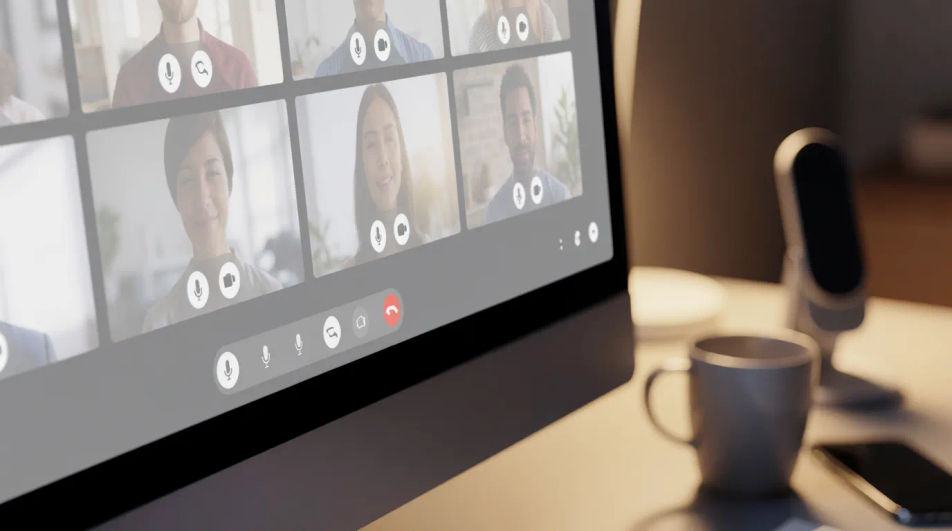
适合各种场景的视频通话图片

三步制作视频通话
- 一
描述你的图像
用简单的话描述你想要的视频通话。
- 二
生成图像
Morphic 在几秒内于画布上生成可直接发布的图像。
- 三
优化并分享
调整提示词,重新生成,满意后即可下载或分享图像。



你可能也喜欢
Accountant AI Images
Turn a brief into accountant images instantly. Specify the people, setting and mood instead of settling for the nearest stock photo. Yours to use commercially.
Architect AI Images
Generate architect images with AI in seconds. Generate the scene your brief describes, not the closest match in a library.
Bank Branch AI Images
Make bank branch images from a text prompt. Specify the people, setting and mood instead of settling for the nearest stock photo.
常春藤AI图片生成
用 Morphic 生成常春藤图片:爬墙藤蔓、露水叶片特写、吊盆绿植、庭院藤门、秋色藤叶。一句描述出图,绿植详情页与家居配图都能用。
简单定价
今天就免费开始,随时可以升级或取消。
Basic
$19/ 月
账单金额为 $0 每年2400 每月 信用
1 个用户
所有模型
工作流
Standard
$24/ 月
账单金额为 $0 每年3625 每月 信用
1 个用户
所有模型
工作流
Pro
$45/ 月
账单金额为 $0 每年6350 共享 每月 信用
1 用户
+ 最多 4 人额外付费可增加
所有模型
工作流
Max
$170/ 月
账单金额为 $0 每年24650 共享 每月 信用
1 用户
+ 最多 9 人额外付费可增加
所有模型
工作流
Enterprise
更高的限制
自定义
定价和账单条款
大容量信用
自定义席位限制
所有模型
工作流

Free
供随意体验
$0
永久免费
最多 20 积分
仅1个用户
部分模型
工作流
常见问题
哪里能获取免费的视频通话图片?
直接在浏览器里打开 Morphic 就能生成。描述好人物、场景与设置,几秒钟就能得到一张原创的写实风格图片,不用注册素材站账号也不用到处找授权。
这些视频通话图片可以免费下载吗?
可以。每张图都是根据你的描述生成的,直接下载高清版本就能随处使用。因为是原创AI作品而不是授权素材,不用担心署名或使用范围的限制。
视频通话图片能做成哪些风格?
居家办公特写、钉钉会议网格、沙发上的自由职业者、会议室大屏连线、耳机摄像头细节,还有家人间的微信视频通话都很常见。直接在描述里写清楚设置与场景,Morphic 就能匹配。
可以把视频通话图片用在博客、演示或网站上吗?
可以。说明用途,比如博客头图、演示文稿还是落地页,Morphic 会按需调整构图。下载前还能在 Canvas 上再微调裁剪。
怎样让一组视频通话图片风格统一?
用 Style Transfer 把同一种色调和光线延续到多张图片上,让整组远程办公场景看起来是一套。描述里保持相同的色彩语言就能延续这种效果。
制作视频通话图片需要设计基础吗?
不需要。Morphic 在浏览器里运行,用日常语言描述人物、设置与场景即可完成。不需要摄影或设计背景,任何人都能上手。