Recast a sports scene with AI
Morphic Recast swaps the actors in finished footage while keeping the original performance, camera and timing, so a sports scene can be recast without a reshoot. Shoot the play once, then add photos of the players for each region: every crossover, drive and finish lands on the same beat.
- 最长 30 秒片段
- 每人一张照片
- 付费套餐
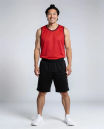
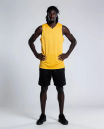
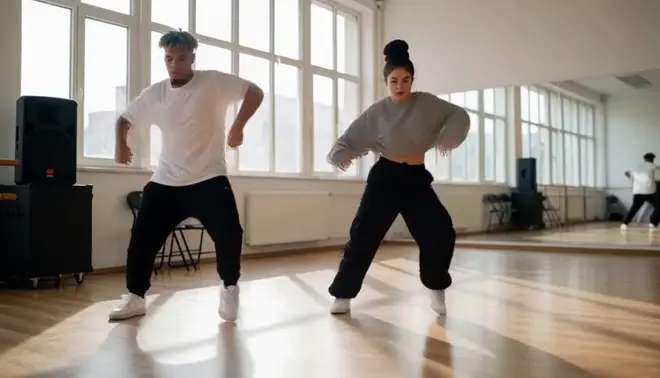
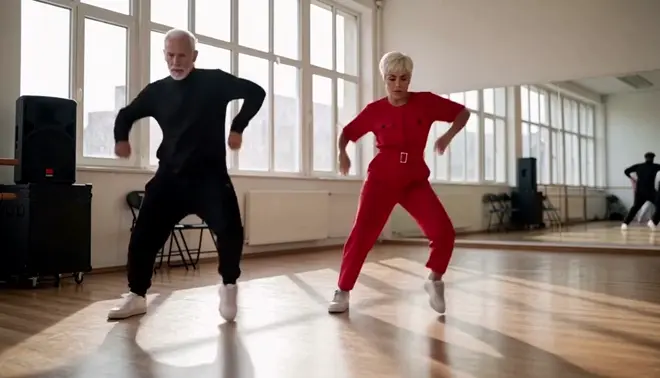
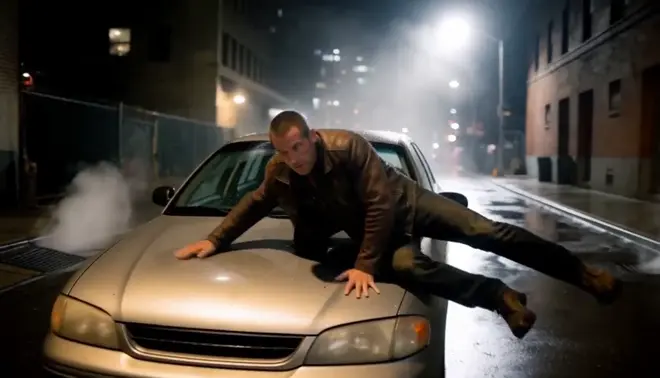
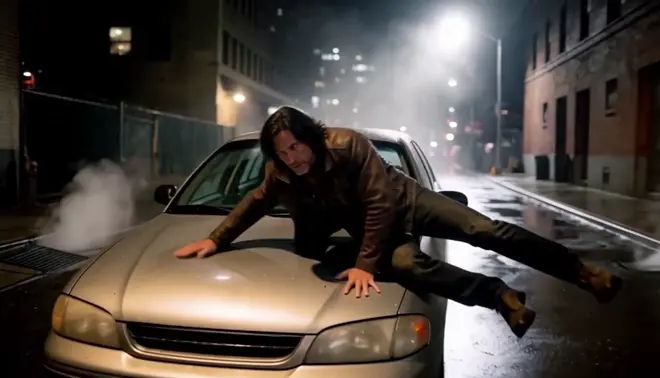
One play, new players for a regional ad. Two photos, two new players in new kit. The crossover, the drive past the defender and the layup land on the same frames, on the same court in the same golden light.
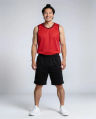 The player in whiteA player with a top knot in red
 The defender in navyA tall defender with locs in yellow
哪些会变,哪些保持不变
| 会变的部分 | 保持原样的部分 |
|---|---|
| Both players: faces, ages and builds | Every dribble, fake and the layup |
| Their kit, taken from the cast photos | The tracking camera and the framing |
| Only the people you give a photo to | The court, the hoop and the golden light |
应用场景示例
A regional ad cut
Shoot the play once with skilled players, then recast them with faces for each region the ad runs in.
Athletes to your cast
Let skilled athletes perform the plays, then put your actors or campaign talent onto the same footage.
Test the lineup
Try several player pairings on the same play and pick the one that fits the campaign best.
How do I recast the actors in a sports scene without reshooting?
- 01
Upload the sports shot
Add one clip up to 30 seconds. For a longer sequence, recast it shot by shot and cut the shots together on the Compose timeline.
- 02
Add a photo per player
One photo for each person you replace, dressed the way they should look on screen. Anyone you give no photo stays exactly as shot.
- 03
Name each swap and run it
Ask Copilot, for example: the player in white becomes the man in photo 1. The moves, the ball and the timing stay as shot.
只替换一个人? 共享工作流只需要片段和一张照片。
打开工作流制作说明
Consent and releases
Recast only footage you hold releases for, and use photos of people who agreed to appear. Every example here uses generated people, not real actors.
When to also dub
The recast keeps the original soundtrack. For new lines or another language, run Morphic Dub on the recast shot so the voices and lips match.
Recast or reshoot
Recasting a sports spot skips a new shoot day and calling the cast back, and one take can carry a cast per market. Reshoot only when the action must change.
Review it as a team
Keep the source shot, the cast photos and every take in one project, where teammates in your workspace open the same versions and comment on each.