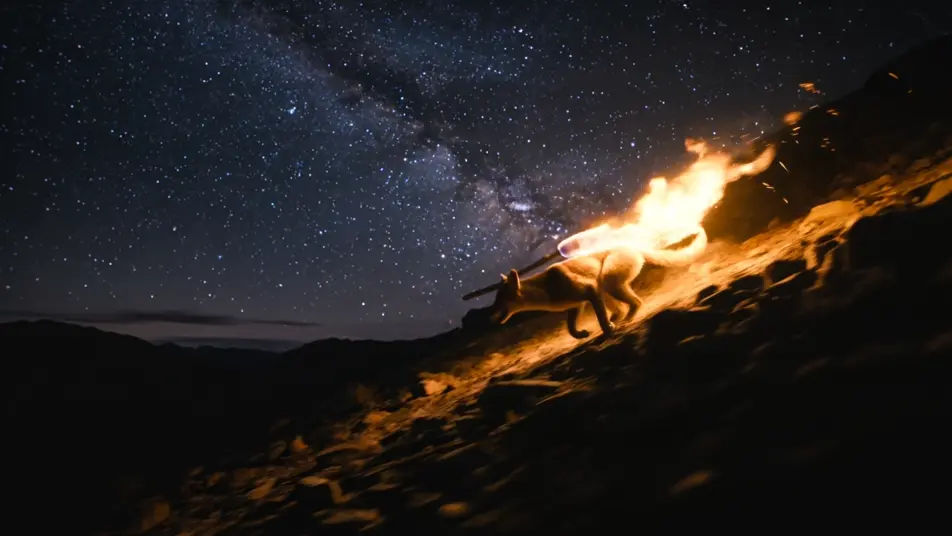
可执导的恶作剧者郊狼形态
可搭建的恶作剧者郊狼场景
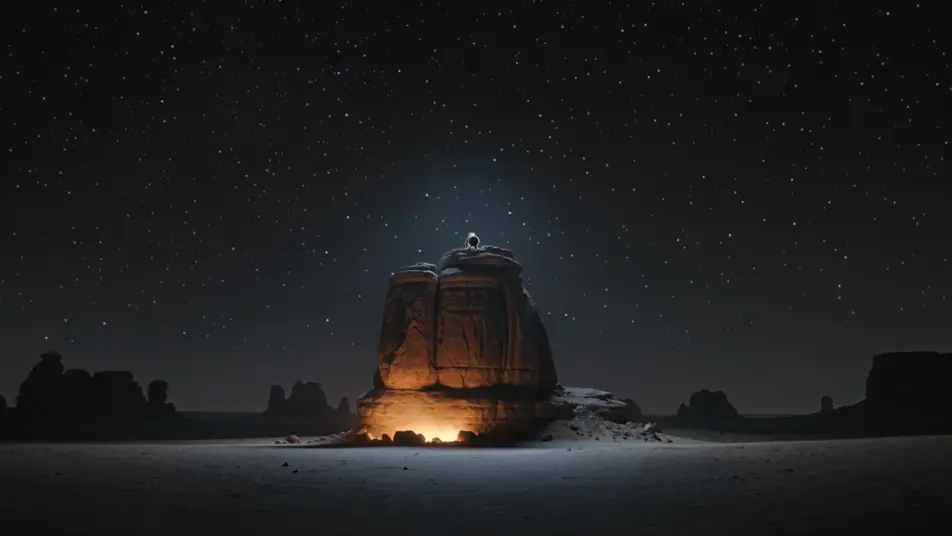
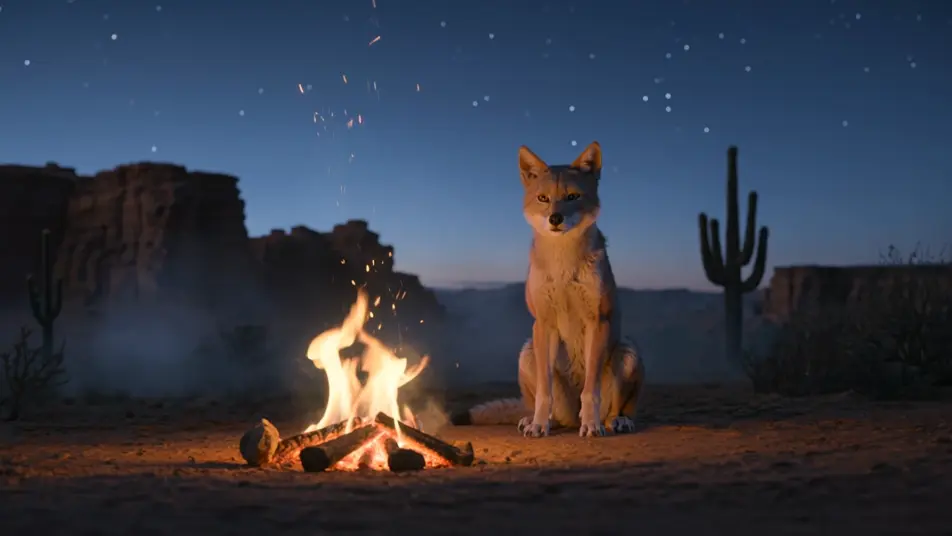
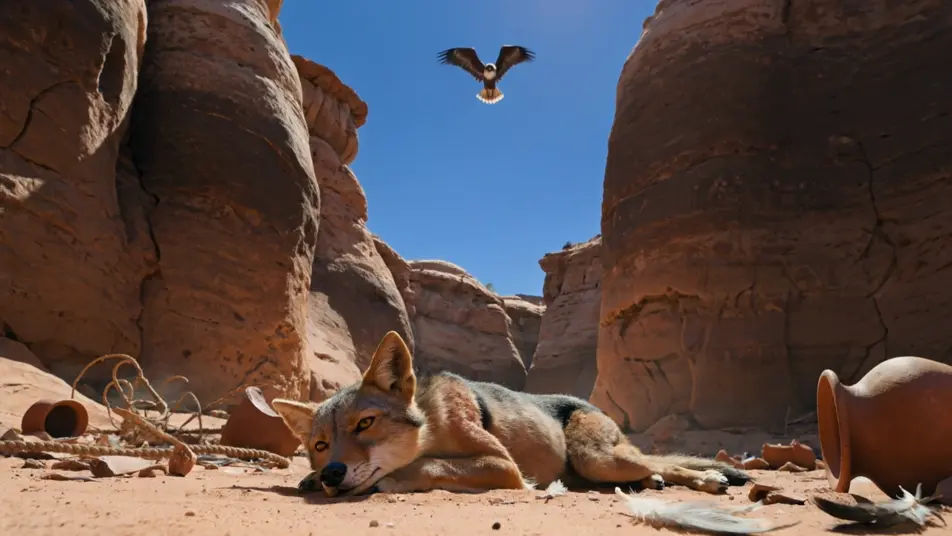
三步制作郊狼视频
- 一
描述你的场景
用简单的话写下你想要的郊狼场景。
- 二
生成视频
Morphic 在几秒内于画布上生成电影级片段。
- 三
优化并分享
调整提示词,重新生成,满意后即可下载或分享。



你可能也喜欢
简单定价
今天就免费开始,随时可以升级或取消。
Basic
$19/ 月
账单金额为 $0 每年2400 每月 信用
1 个用户
所有模型
工作流
Standard
$24/ 月
账单金额为 $0 每年3625 每月 信用
1 个用户
所有模型
工作流
Pro
$45/ 月
账单金额为 $0 每年6350 共享 每月 信用
1 用户
+ 最多 4 人额外付费可增加
所有模型
工作流
Max
$170/ 月
账单金额为 $0 每年24650 共享 每月 信用
1 用户
+ 最多 9 人额外付费可增加
所有模型
工作流
Enterprise
更高的限制
自定义
定价和账单条款
大容量信用
自定义席位限制
所有模型
工作流

Free
供随意体验
$0
永久免费
最多 20 积分
仅1个用户
部分模型
工作流
常见问题
我可以在哪里用 AI 制作恶作剧者郊狼视频?
你可以在 Morphic 上直接通过浏览器创作郊狼场景。打开 Text to Video 工具,描述你想要的场景,Morphic 便会生成片段。无需安装,也不需要专业软件。
哪些郊狼场景最适合 AI 视频?
构图鲜明的单镜头瞬间最为合适:郊狼盗火、撒下群星、在火旁讲故事,或自陷其设之局。让每个郊狼场景都锚定在具体的瞬间、地貌、时段与氛围上。
如何让郊狼在多个场景中保持一致?
使用 Character Lineup 工作流锁定郊狼的体型、毛色与神态,然后在每个提示词中引用该角色卡。Morphic 会在场景之间保留外观,让郊狼系列保持连续。
如何为郊狼场景写出好的提示词?
说明瞬间、地貌、时段、光线与镜头调度,并多用沙漠元素:台地与巨柱仙人掌、星光、峡谷岩壁、眼中映着的火光。例如:「郊狼在月光下的台地上空将一把星辰撒入漆黑的天空,低角度缓慢推进。」画面描述越具体,结果就越贴近你的想象。
我可以为郊狼视频添加旁白和音乐吗?
可以。Speech 工具会用你选择的声音根据脚本生成旁白,Music 工具则会创作原创配乐来烘托场景。把它们叠加到生成的视频上,即可发布一集完整的恶作剧者郊狼。
如何尊重地呈现郊狼故事?
郊狼属于西部与西南部众多不同民族活着的口述传统。请依托广为流传的恶作剧者故事与沙漠意象,当取材于某一传统专属之物时点明该传统之名,并避免呈现你没有资格描绘的神圣仪式。