Dashavatara AI Videos

Direct the ten avatars in your browser with Morphic's Dashavatara AI video generator. Generate Dashavatara video scenes like Matsya towing Manu's boat through the deluge, Narasimha bursting from the splitting pillar, or Vamana growing into the cosmic Trivikrama, and pair them with the Speech and Music tools to chant the Bhagavata Purana and score each yuga. Lock Vishnu's signature with Character Lineup and publish a Hindu mythology series.

Dashavatara avatars you can direct

Dashavatara scenes you can stage

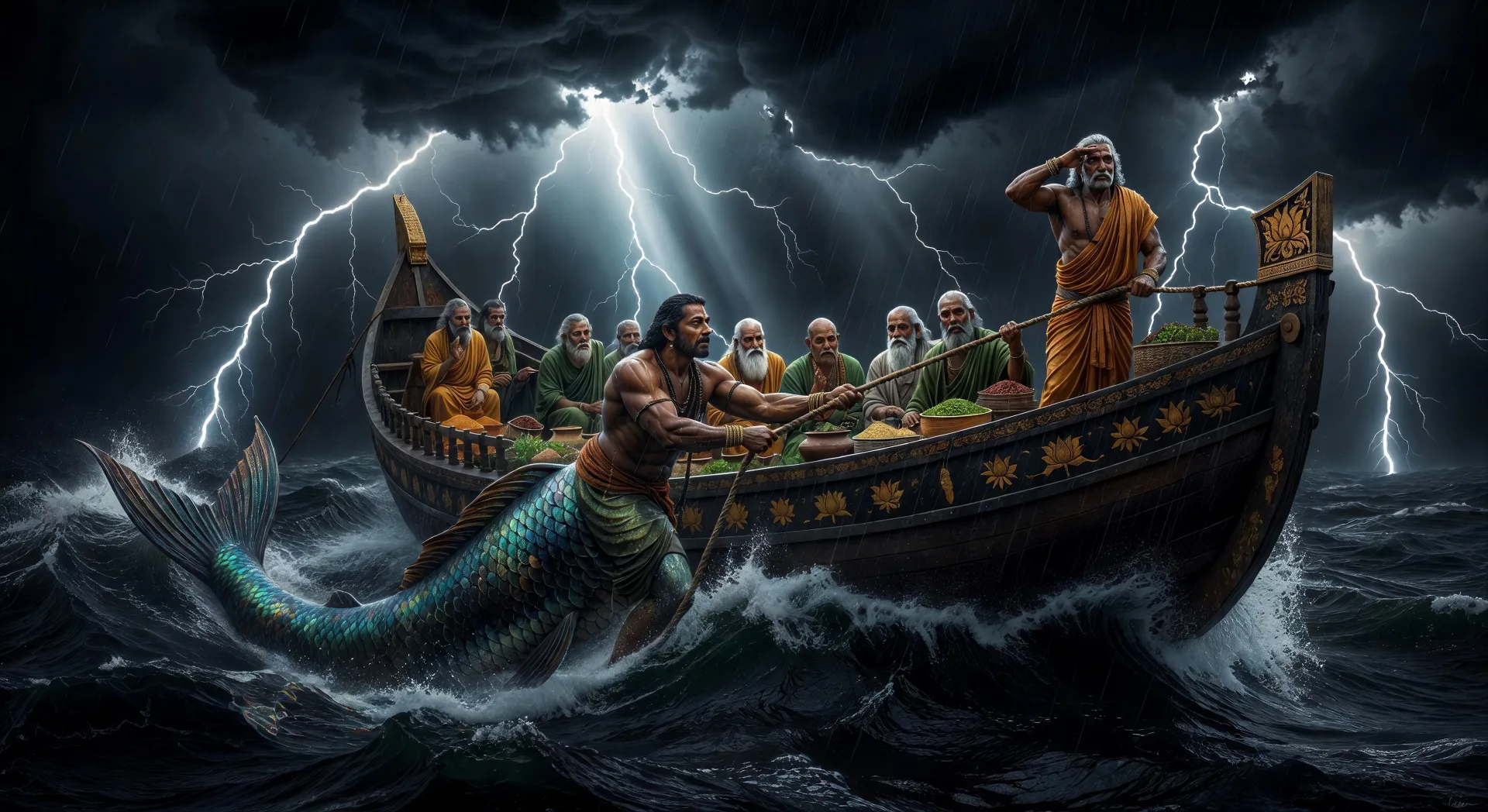
Matsya tows the boat of Manu through the flood

The cosmic deluge. Matsya, half-fish half-man, drags Manu’s boat through black storm-lit seas, the seven sages and the seeds of life sheltered onboard, lightning above.

Edit prompt
Matsya tows the boat of Manu through the flood

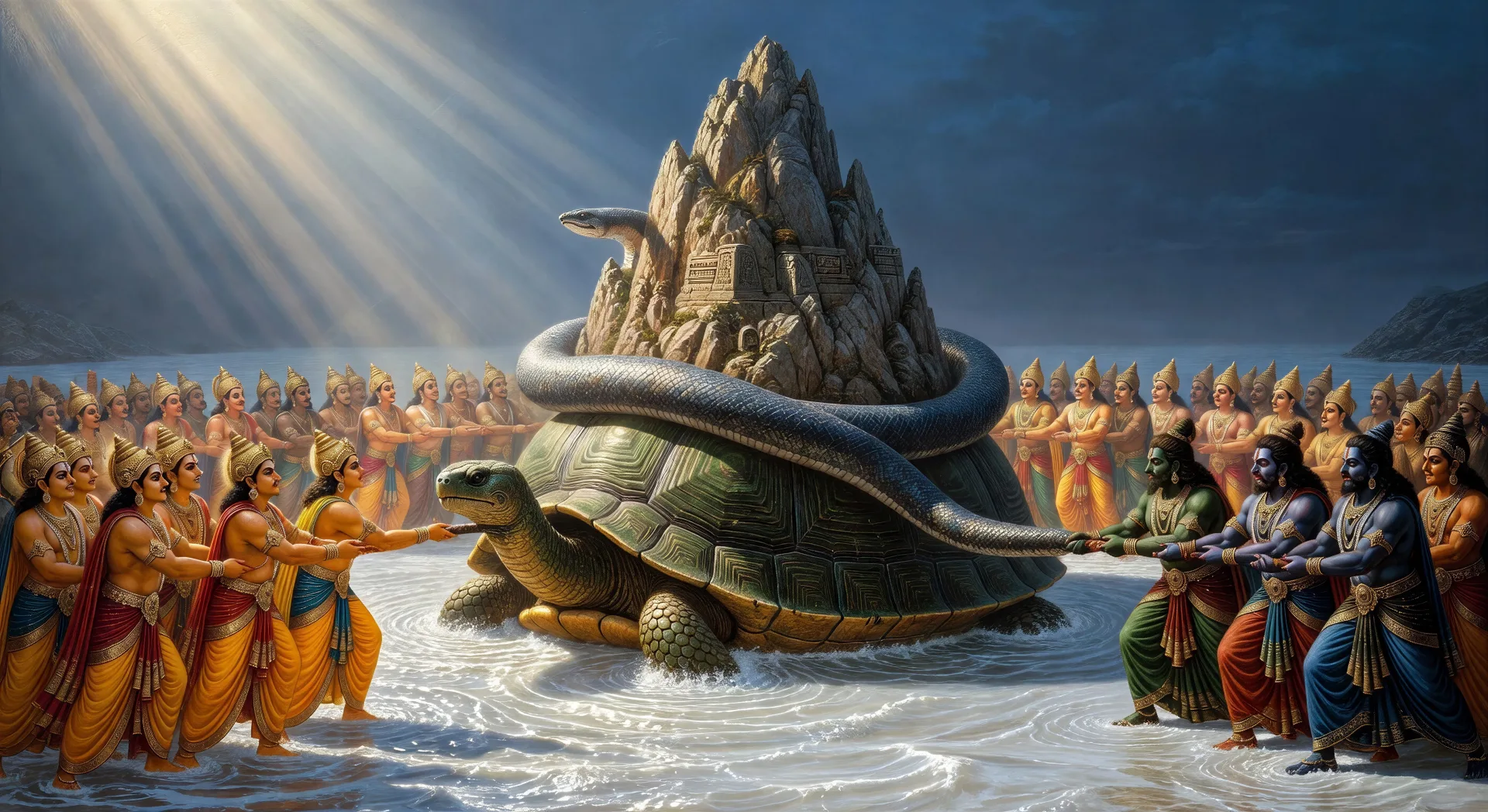
Kurma supports Mount Mandara

The samudra manthan. Devas and asuras pull the serpent Vasuki around Mount Mandara, the mountain spinning on the back of Kurma the tortoise in the milk ocean below.

Edit prompt
Kurma supports Mount Mandara

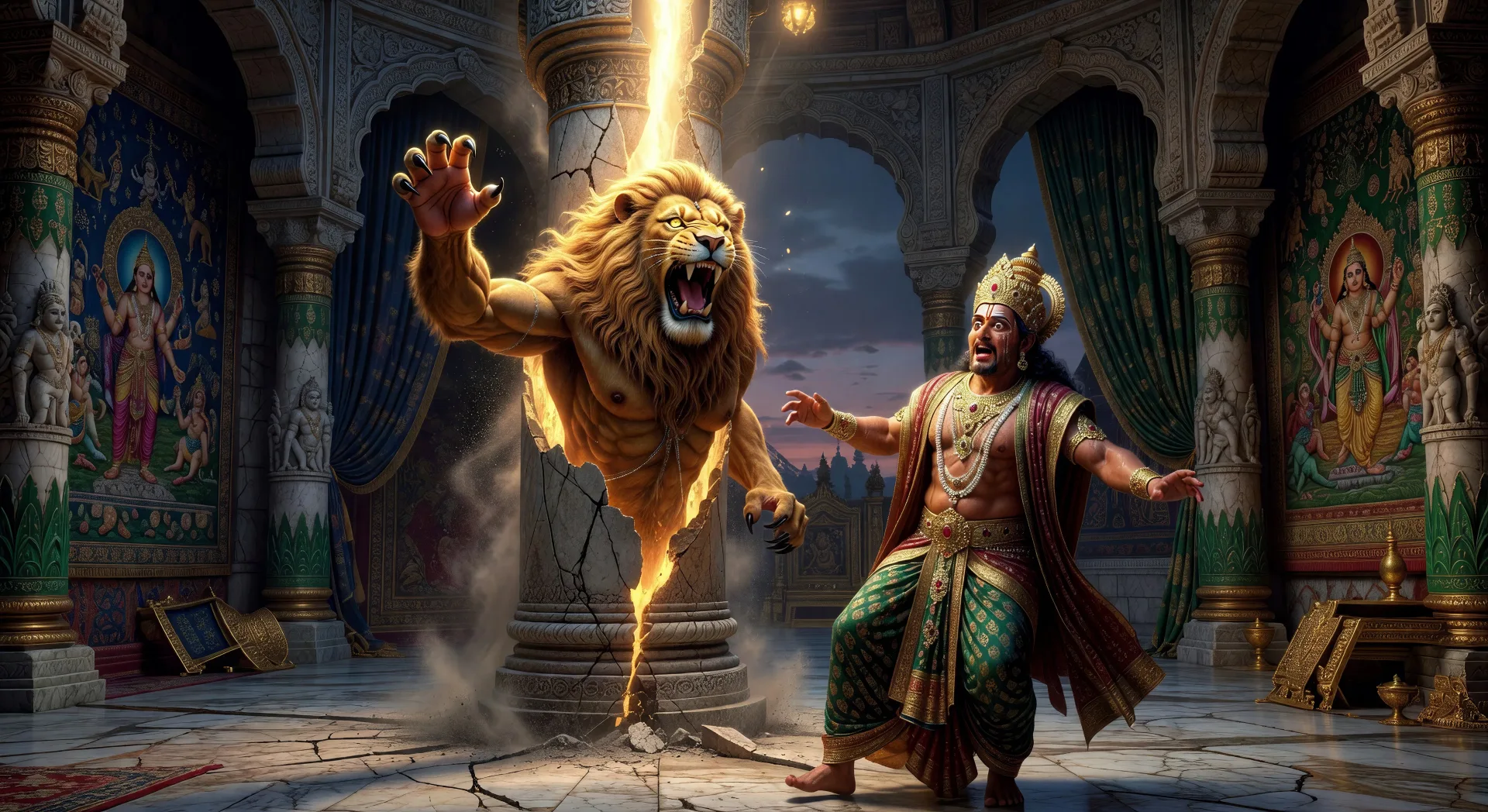
Narasimha bursts from the pillar

Twilight in Hiranyakashipu’s court. The great pillar splits open. Narasimha emerges mid-roar, mane lit gold, claws raised, the asura king staggering back toward his throne.

Edit prompt
Narasimha bursts from the pillar

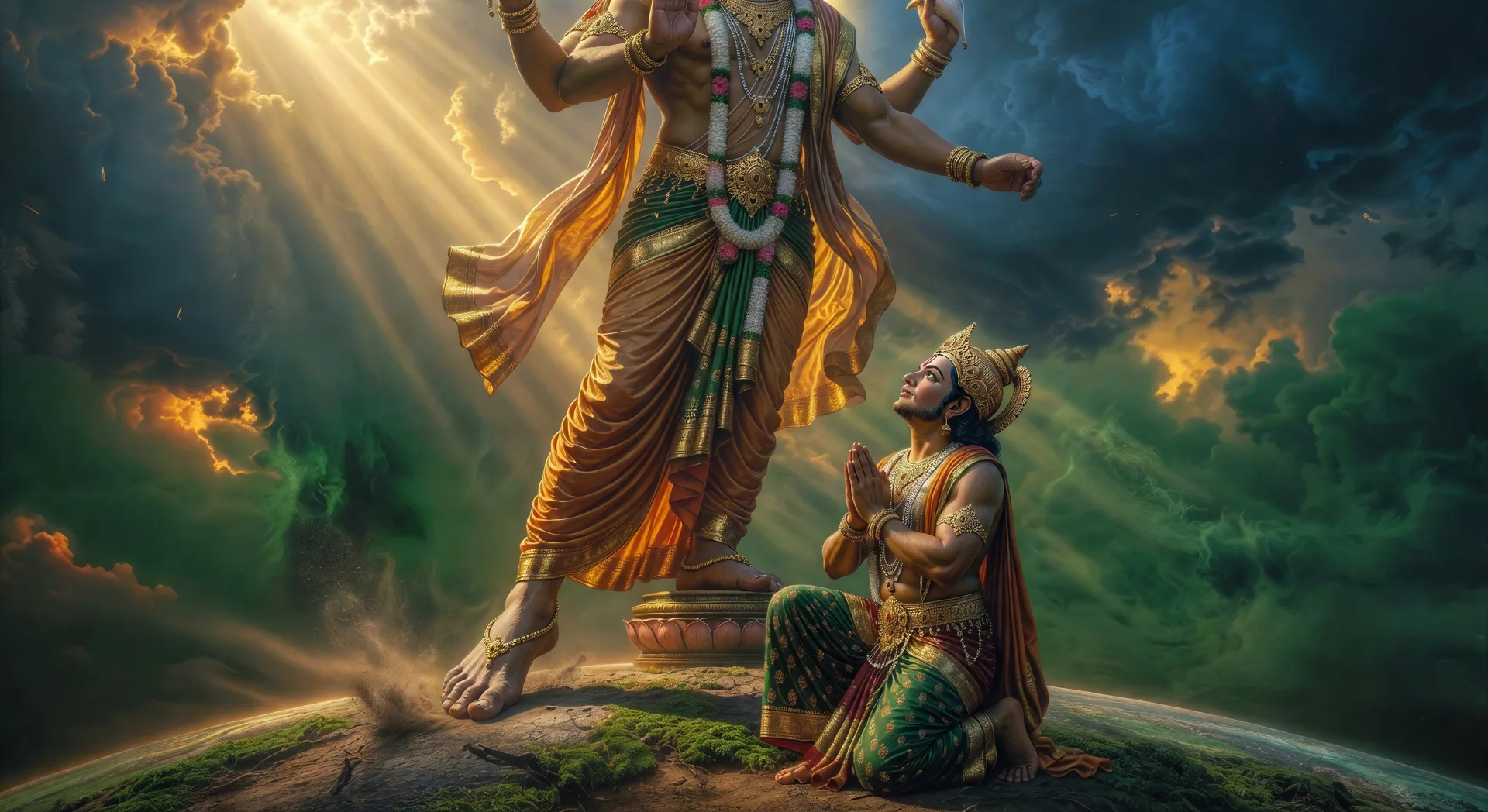
Vamana becomes Trivikrama

Vamana grows from a dwarf into a cosmic figure mid-stride. One foot crosses the earth, the other lifts toward the sky, Bali kneeling at the base, the assembled court in awe.

Edit prompt
Vamana becomes Trivikrama

Make Dashavatara videos in three steps

  1. 01

    Describe your Dashavatara scene

    Write the Dashavatara scene you want, including the moment, location, and camera direction.

  2. 02

    Generate the video

    Morphic generates a cinematic, frame-ready clip on your canvas in seconds, no editing software required.

  3. 03

    Refine your Dashavatara video

    Tweak the prompt, regenerate variations, then download or share the moment the shot lands.

Related workflows

你可能也喜欢

FAQs

Where can I make Dashavatara videos with AI?
You can create the ten avatars of Vishnu directly in your browser on Morphic. Open the Text to Video tool, describe the avatar and scene you want, and Morphic produces the clip. No installs and no specialist software needed.
What kinds of Dashavatara scenes work best with AI video?
Single-shot revelation moments tend to work best: Matsya towing Manu’s boat through the flood, Kurma under Mount Mandara, Narasimha bursting from the pillar, Vamana becoming Trivikrama, or Kalki riding at the end of Kali Yuga. Anchor each Dashavatara scene to a specific avatar, location, time of day, and mood.
How do I keep the avatars consistent across the Dashavatara series?
Use the Character Lineup workflow to lock in each avatar's look, then reference those character cards in every prompt. Morphic preserves the iconography, the colour palette, and the signature attributes so the ten avatars feel like one continuous series.
How do I write a good prompt for a Dashavatara scene?
Name the avatar, the moment, the iconography, the lighting, and the camera direction. For example: "Vamana mid-transformation into Trivikrama, one foot lifted toward the sky, Bali kneeling at the base, gold-and-saffron palette, slow tilt-up camera." The more specific your imagery, the closer the output matches your imagination.
Can I add narration and music to my Dashavatara videos?
Yes. The Speech tool generates a voiceover from your script in the voice you choose, and the Music tool produces an original soundtrack to score the scene. Layer them onto your generated video to publish the full ten-part Dashavatara cycle as a complete series.
What visual style works best for Dashavatara videos?
Two styles consistently land. Pichvai-inspired devotional painting suits the temple-panel and revelation scenes across the cycle. Cinematic photoreal lifts the Matsya flood, Narasimha emergence, and Kalki future scenes. You can mix the two for an episodic series, with the painted style for older yugas and photoreal for the Kalki finale. Name the style directly in the prompt and Morphic will hold it across the series.