AI Digital signage videos

Produce a digital signage video in your browser with Morphic's digital signage video AI generator, in minutes instead of weeks. Generate flowing gradients, drifting geometric patterns, or slow particle fields built to loop on any screen. Lay variations side by side on the Canvas, then pick the loop that fits your space.

Motion styles you can direct

Signage loops you can stage

A gradient wash for a lobby wall

A full-bleed slow melt of deep blue into warm amber, waves rolling edge to edge with no hard seams, motion calm enough to sit behind any layered message all day.

编辑提示词

A geometric drift for retail screens

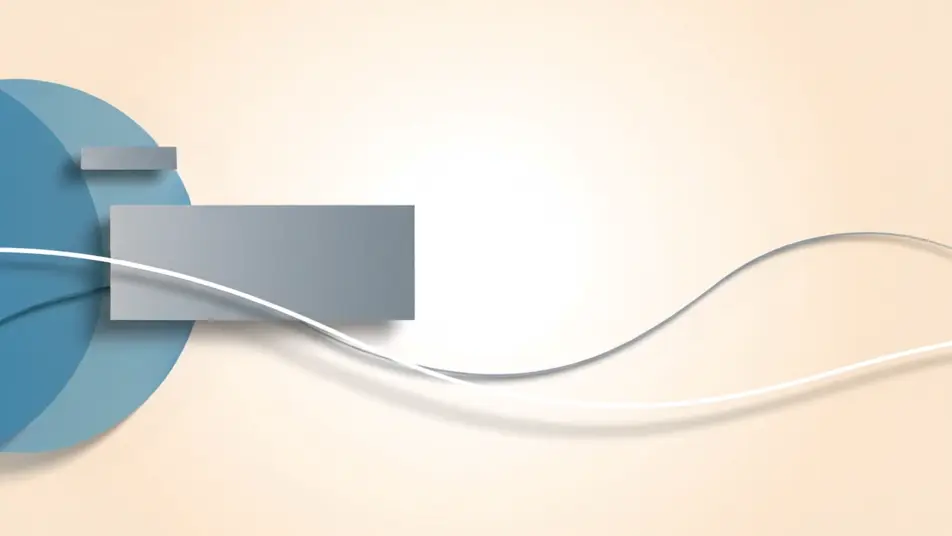
Clean abstract shapes and thin lines gliding past each other in measured rhythm, overlap and soft shadow building depth across a bright neutral field, paced for repeated viewing.

编辑提示词

A particle field for evening windows

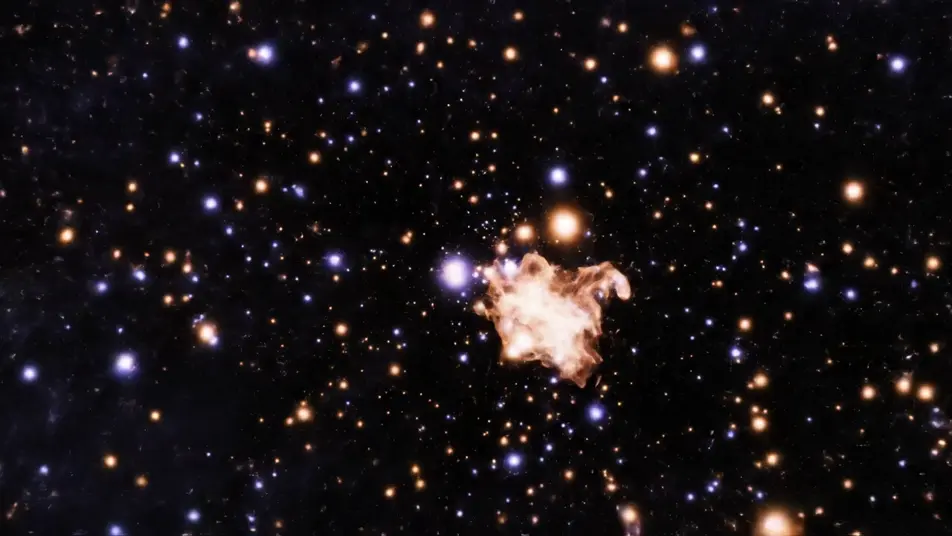
Thousands of soft glowing points drifting through dark space in slow currents that form, swirl, and dissolve, deep contrast tuned to read from across a street at night.

编辑提示词

An ink bloom for a feature screen

Saturated ink plumes folding and curling through clear liquid in slow motion, each bloom feeding the next so the loop never visibly restarts, rich color against a clean background.

编辑提示词

三步制作digital signage video视频

  1. 描述你的digital signage video场景

    用简单的话写下你想要的digital signage video场景。

  2. 生成视频

    Morphic 在几秒内于画布上生成电影级片段。

  3. 优化你的digital signage video视频

    调整提示词,重新生成,满意后即可下载或分享。

简单定价

今天就免费开始,随时可以升级或取消。

Basic

$9/
账单金额为 $0 每年

900 每月 信用

1 个用户

所有模型

工作流

Standard

$24/
账单金额为 $0 每年

3200 每月 信用

1 个用户

所有模型

工作流

Pro

$45/
账单金额为 $0 每年

6200 共享 每月 信用

1 用户

+ 最多 4 人额外付费可增加

所有模型

工作流

Pro Max

$170/
账单金额为 $0 每年

24000 共享 每月 信用

1 用户

+ 最多 9 人额外付费可增加

所有模型

工作流

Enterprise

更高的限制

自定义

定价和账单条款

大容量信用
自定义席位限制
所有模型
工作流

Pricing Gradient

Free

供随意体验

$0

永久免费

最多 20 积分
仅1个用户
部分模型
工作流

常见问题

Where can I make digital signage videos with AI?
You can create digital signage videos directly in your browser on Morphic. Open the Text to Video tool, describe the motion style, a gradient wash, a geometric drift, a particle field, and Morphic generates the loop. Lay a few options on the Canvas and pick the one that fits your screen.
Why should a signage background have no text in it?
Because your message belongs in a separate layer. AI video renders letters and numbers as gibberish, and baked-in words cannot be updated when the offer changes. Generate a purely abstract loop, then add your text in your signage player or editor, where it stays sharp, readable, and editable.
What motion styles work best on signage screens?
Slow, continuous motion wins. Gradient washes suit lobbies and waiting rooms, geometric drifts fit retail walls, and particle fields carry evening windows. Avoid fast cuts and strobing, a screen that plays all day should reward a glance without exhausting the people who work beside it.
How do I make a signage video loop cleanly?
Prompt for continuous motion with no beginning or end, waves that keep rolling, particles that keep drifting, blooms that feed the next bloom. Avoid one-off events like a single reveal. Preview the clip twice through on the Canvas and check the restart point for any visible jump.
What resolution and format do signage screens need?
Most displays run standard landscape video, and portrait screens simply take a vertical frame. Generate the orientation your screen mounts in, then export and load the file into any signage player. Because the loop is abstract, one clip can serve many screens, seasons, and messages without regenerating.