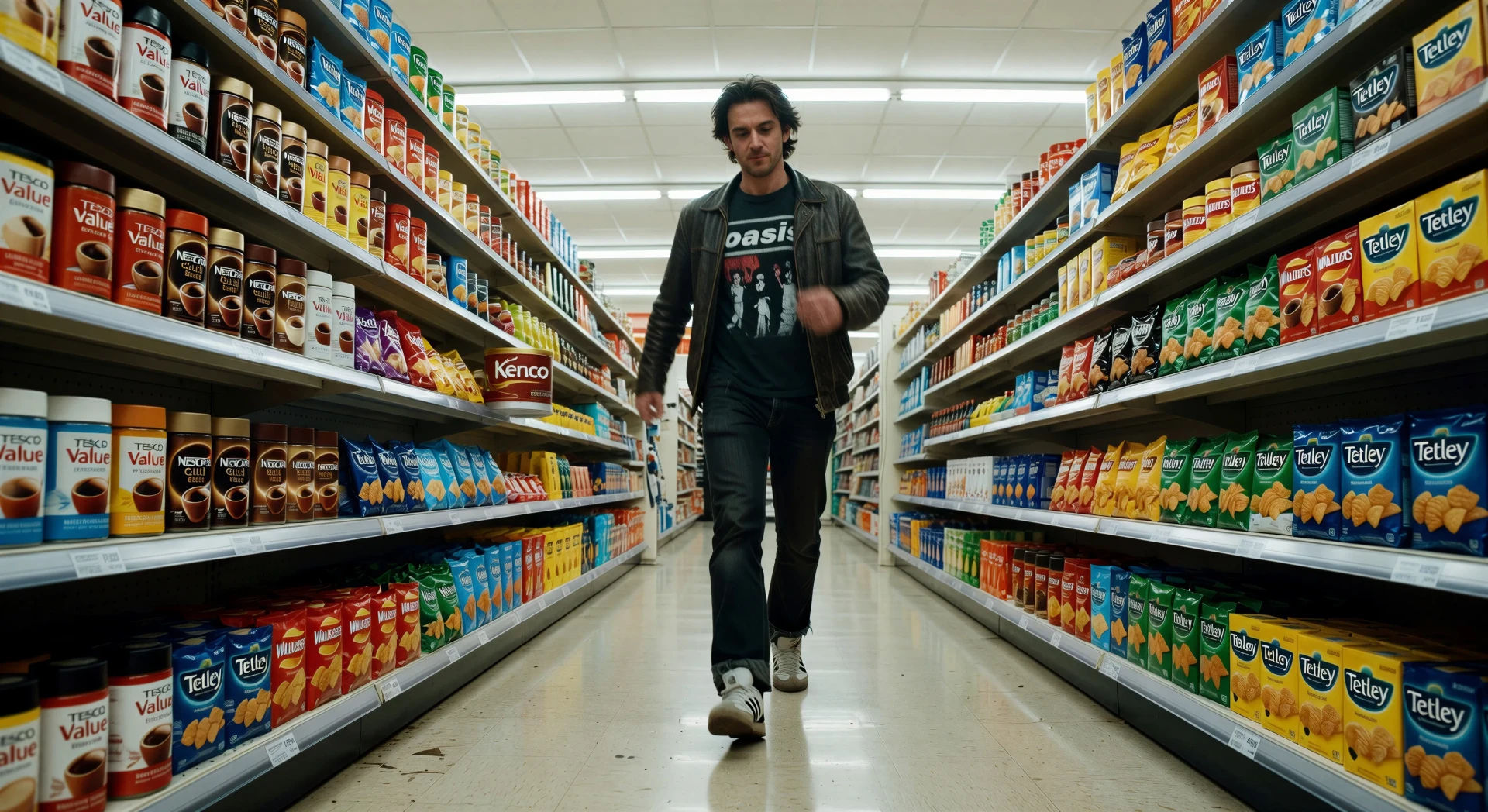
你可以创作的 埃德加·赖特 风格角色
你可以执导的 埃德加·赖特 风格场景
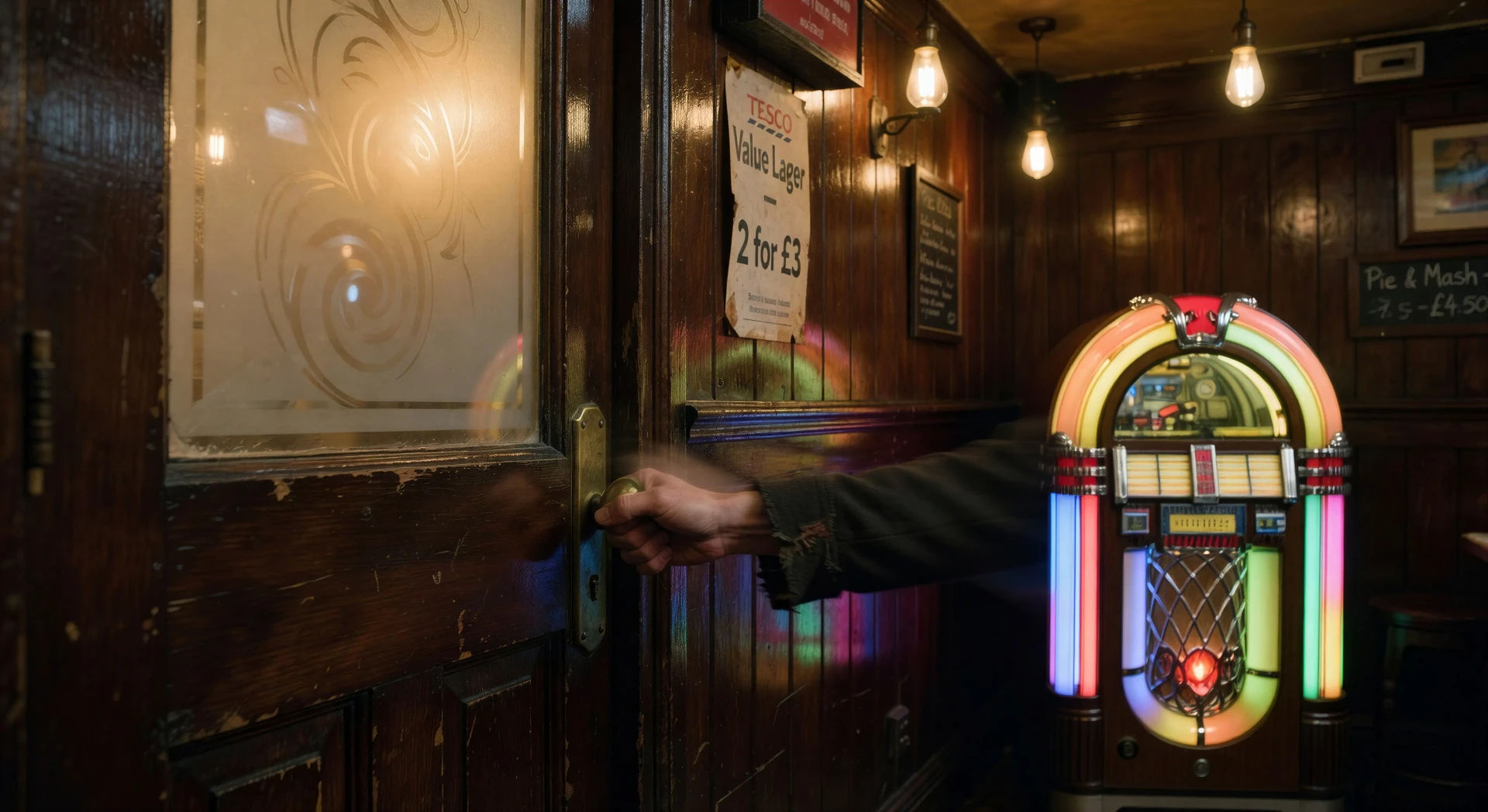
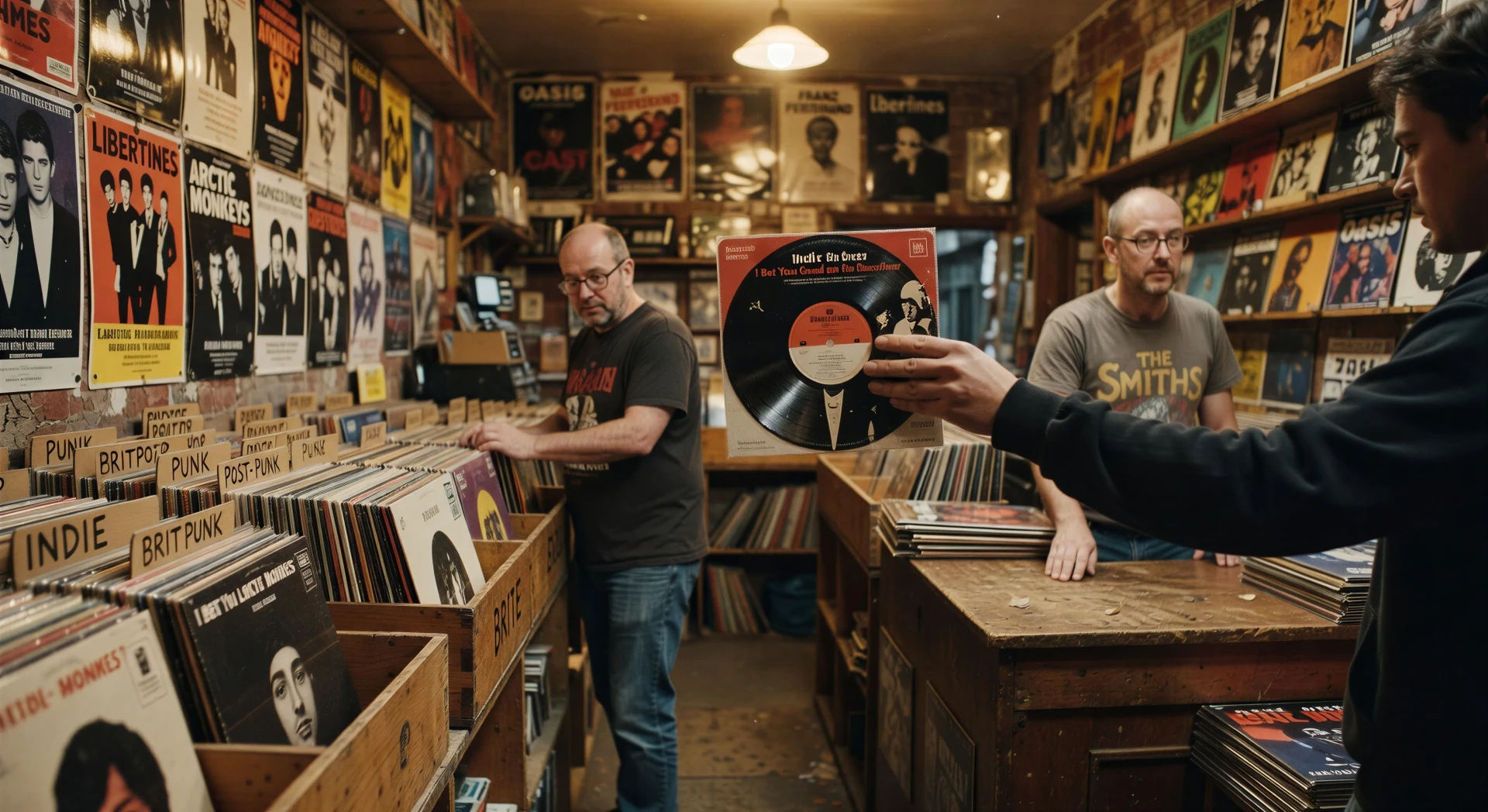
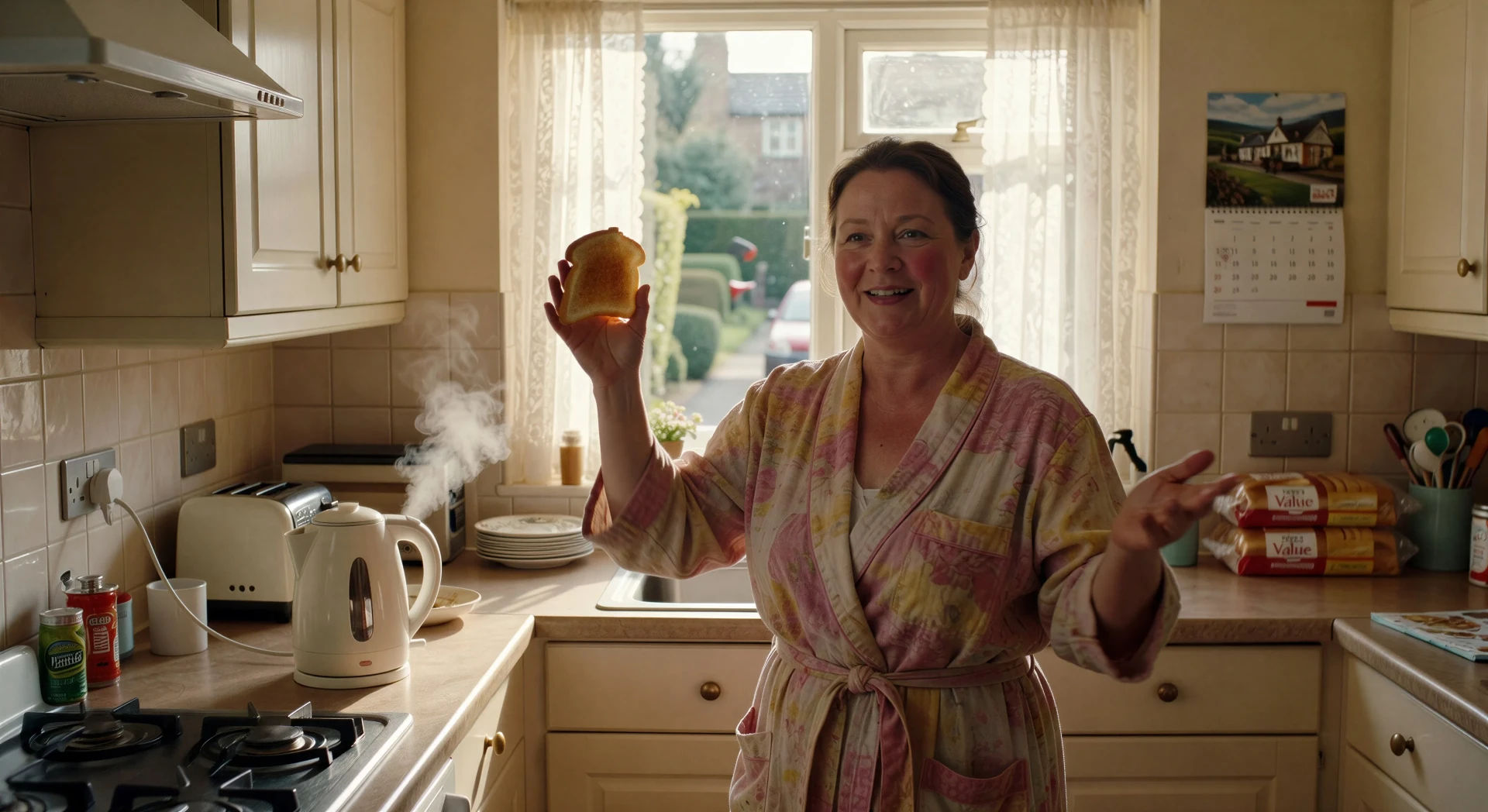
三步制作埃德加·赖特视频
- 一
描述你的埃德加·赖特场景
用简单的话写下你想要的埃德加·赖特场景。
- 二
生成视频
Morphic 在几秒内于画布上生成电影级片段。
- 三
优化你的埃德加·赖特视频
调整提示词,重新生成,满意后即可下载或分享。



你可能也喜欢
简单定价
今天就免费开始,随时可以升级或取消。
Basic
$9/ 月
账单金额为 $0 每年1100 每月 信用
1 个用户
所有模型
工作流
Standard
$24/ 月
账单金额为 $0 每年3625 每月 信用
1 个用户
所有模型
工作流
Pro
$45/ 月
账单金额为 $0 每年6350 共享 每月 信用
1 用户
+ 最多 4 人额外付费可增加
所有模型
工作流
Pro Max
$170/ 月
账单金额为 $0 每年24650 共享 每月 信用
1 用户
+ 最多 9 人额外付费可增加
所有模型
工作流
Enterprise
更高的限制
自定义
定价和账单条款
大容量信用
自定义席位限制
所有模型
工作流

Free
供随意体验
$0
永久免费
最多 20 积分
仅1个用户
部分模型
工作流
常见问题
我可以在哪里用 AI 制作 埃德加·赖特 风格视频?
你可以在 Morphic 上直接用浏览器创作 埃德加·赖特 风格的场景。打开 Text to Video 工具,描述音乐速度、快速变焦的目标和编排好的动作,Morphic 就会生成片段。无需安装,也不需要专业软件。
在 AI 提示词里,什么定义了 埃德加·赖特 风格?
三件事:卡在声音而非动作上的剪辑(水壶鸣笛接汽车喇叭,收银机滴声接门铃)、把快速变焦和甩镜当作标点工具,以及与音乐速度同步、让每一步都落在强拍上的编排式身体动作。把这三点都写明,Morphic 才不会退回到标准的喜剧拍法。
怎样在 埃德加·赖特 风格视频里实现快速变焦的标点效果?
在提示词里把快速变焦作为一个独立的镜头动作来指定:"在军鼓敲击上对水壶把手快速变焦,一帧之后迅速拉回",或"在同一强拍上从警员甩镜到面包师"。点明目标物体和音频提示,正是促使 Morphic 把变焦当作标点而非动作来处理的信号。
怎样在 Wright 风格的场景里让动作与音乐同步?
直接点明速度和动作同步。像"超市货架行走卡在 110 BPM 节拍上,每一步踩在强拍上"或"在灵魂乐段强拍上转动点火钥匙"这样的表述,会促使 Morphic 让动作对齐 Music 工具的输出。用 Music 工具生成同一速度的曲子,剪辑和配乐就会对齐。
我可以为我的 埃德加·赖特 风格视频添加旁白和音乐吗?
可以。Speech 工具会用你选择的声音生成旁白,Music 工具会制作原创配乐。一段酒吧摇滚段子、一段 1970 年代灵魂乐,或一支充满动感的独立流行曲,都能干净地融入 Wright 的调性。
制作 埃德加·赖特 风格视频需要任何视频剪辑经验吗?
不需要。Morphic 在浏览器中运行,你用平实的语言提示词来执导。任何能描述一个 埃德加·赖特 场景的人都能做出一个。无需 After Effects、Blender 或手动绑定。