AI flooding stock video

Generate flooding stock video in Morphic's AI video generator: a car wheel half under brown water, or a river brimming at the top of its bank. Cut the whole run on Compose.

Flooding plates you can generate

Flooding sequences you can stage

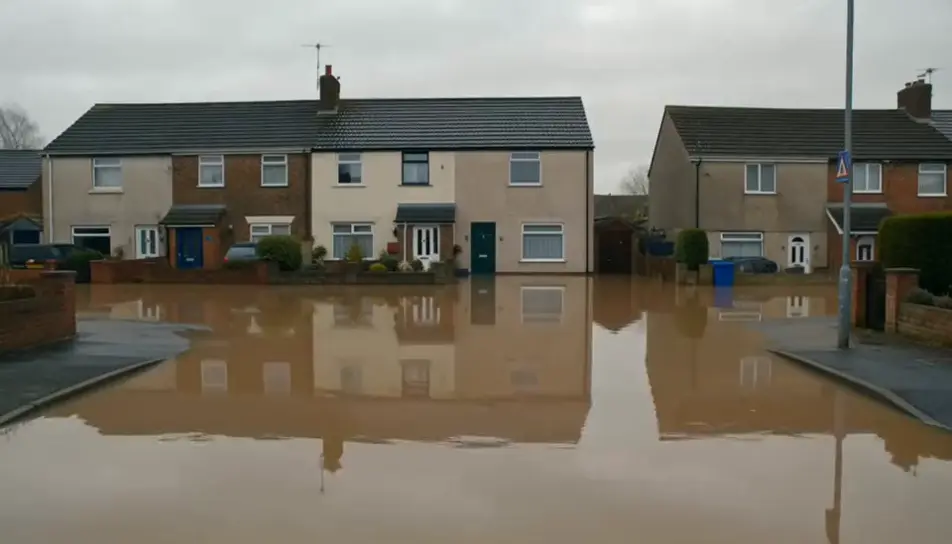
Street under standing water

A wide hold on a residential street with brown water at the tops of the kerbs, houses and a grey sky reflected in the flat surface.

编辑提示词
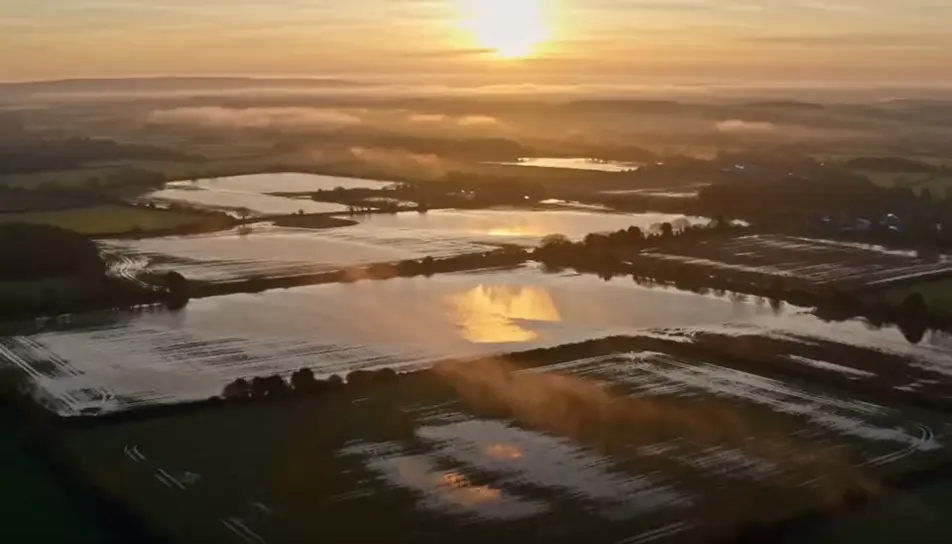
Field water catching first light

A high slow drift over flooded farmland at sunrise, the water turning gold around fence lines and hedges while mist lifts off the surface.

编辑提示词
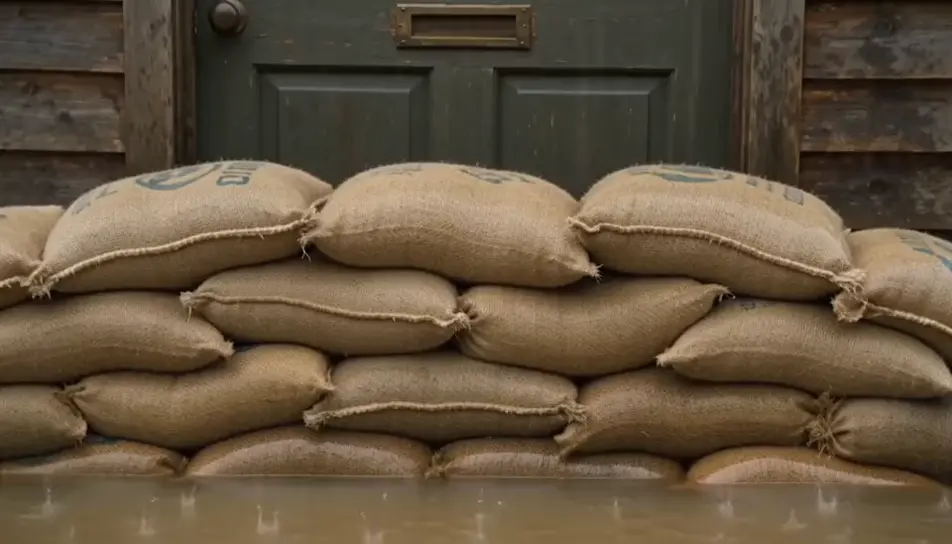
Water rising against sandbags

A mid shot of a sandbag line across a doorway with brown water creeping up its face in steady rain, the door behind it dry for now.

编辑提示词
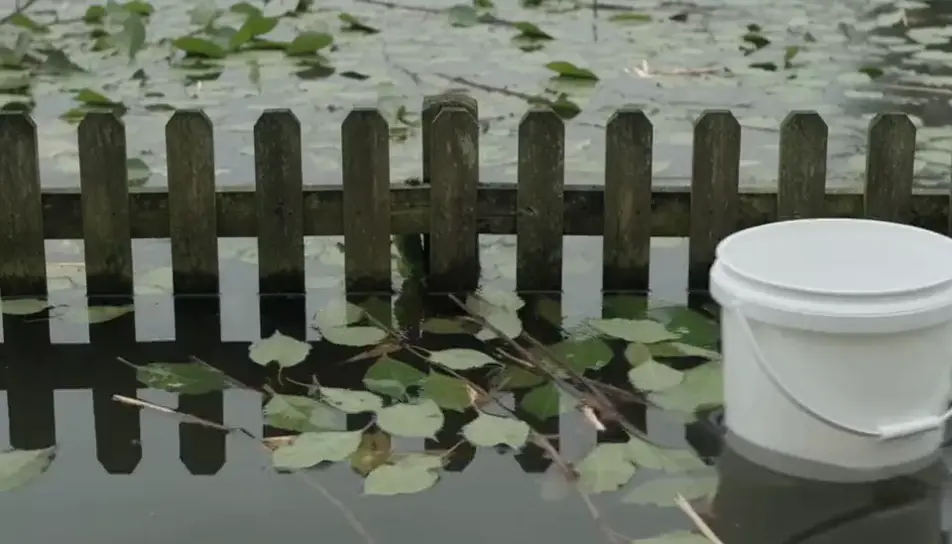
Debris drifting past a fence

Leaves, twigs and a plastic bucket drift slowly past a half-submerged garden fence, the current visible in the trail each object leaves.

编辑提示词
三步制作flooding stock视频

  1. 一

    描述你的场景

    用简单的话写下你想要的flooding stock场景。

  2. 二

    生成视频

    Morphic 在几秒内于画布上生成电影级片段。

  3. 三

    优化并分享

    调整提示词,重新生成,满意后即可下载或分享。

简单定价

今天就免费开始,随时可以升级或取消。

Basic

$19/ 月
账单金额为 $0 每年

2400 每月 信用

1 个用户

所有模型

工作流

Standard

$24/ 月
账单金额为 $0 每年

3625 每月 信用

1 个用户

所有模型

工作流

Pro

$45/ 月
账单金额为 $0 每年

6350 共享 每月 信用

1 用户

+ 最多 4 人额外付费可增加

所有模型

工作流

Max

$170/ 月
账单金额为 $0 每年

24650 共享 每月 信用

1 用户

+ 最多 9 人额外付费可增加

所有模型

工作流

Enterprise

更高的限制

自定义

定价和账单条款

大容量信用
自定义席位限制
所有模型
工作流
Pricing Gradient

Free

供随意体验

$0

永久免费

最多 20 积分
仅1个用户
部分模型
工作流

常见问题

Where can I make flooding stock video with AI?
You can generate it in your browser on Morphic. Open the Text to Video tool, describe the place, the water level and the light, and the clip generates in minutes. Nobody has to wait for a storm, drive into a closed road or license archive from a named event to get the shot.
Which flooding shots render most convincingly?
Water meeting an edge: a kerb, a tyre, a doorstep, the lip of a riverbank, a wall of sandbags. The model handles slow brown water and a visible current well, and standing water at dawn with mist on it is close to foolproof. Fast white water breaking through a barrier and anything with people in it are the shots to avoid, both for render quality and for what the page is for.
How do I control how high the floodwater looks?
Anchor the level to an object in the same sentence: halfway up the wheel, at the top of the kerb, one course of bricks above the step. Without an anchor the model picks a depth at random, usually too deep. Naming a silt-brown colour and a slow current keeps it reading as flood, and a drifting leaf or bucket gives the viewer a scale to judge the depth by.
Can I use generated flooding footage in an insurance or climate explainer?
Yes. No real property, street or river appears, so there is no owner to clear and no event being misrepresented. Caption it as illustrative, keep it away from a named storm where viewers expect the real record, and it does the job archive footage cannot: the exact depth, the exact doorway and the exact weather the script describes.
How is this different from a stock library subscription?
Library flood clips are one storm at one height, shot from wherever the camera operator could safely stand, with number plates and shop signs to blur before broadcast. Generating lets you set how deep the water sits, which way it moves and what hour it is, at the exact length the sequence runs, with nothing in frame to clear and no watermark sitting across the frame while you time the sequence.


