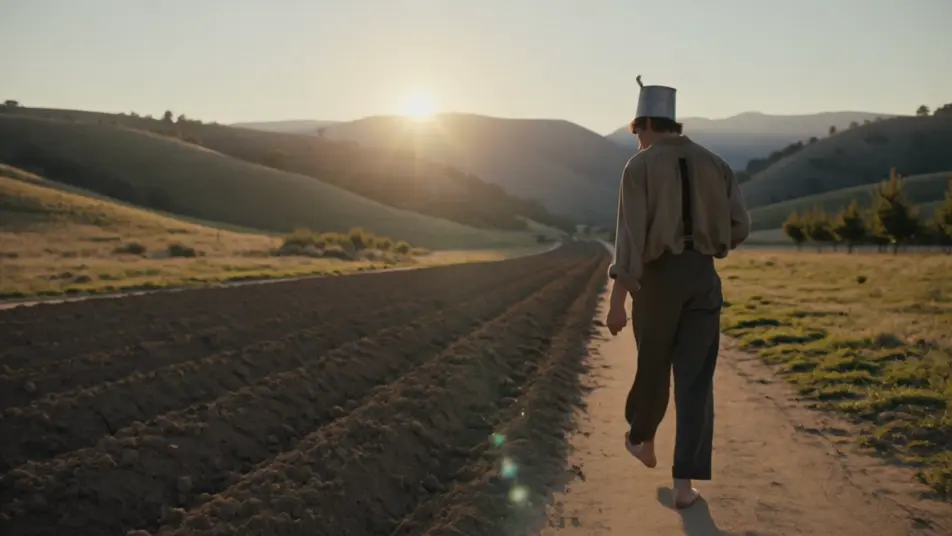
你可以创作的 苹果佬约翰尼 角色
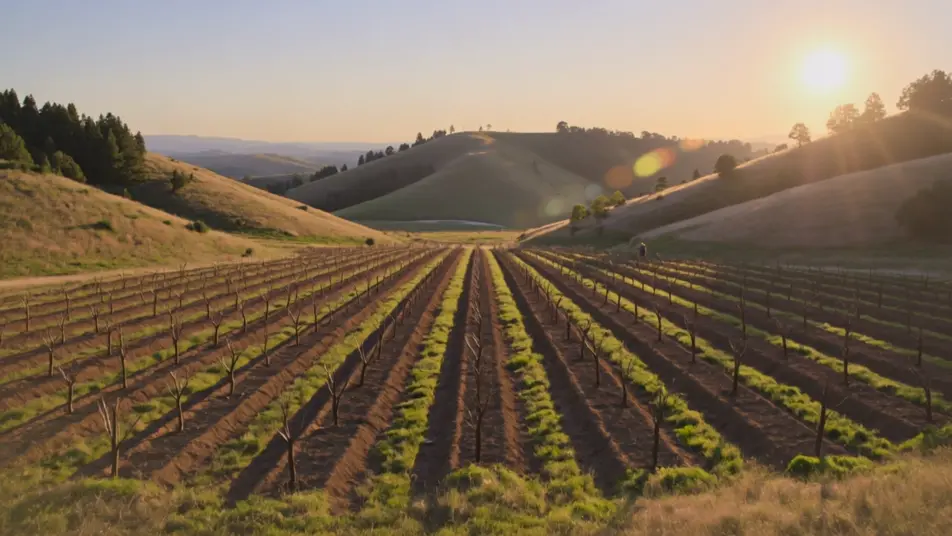
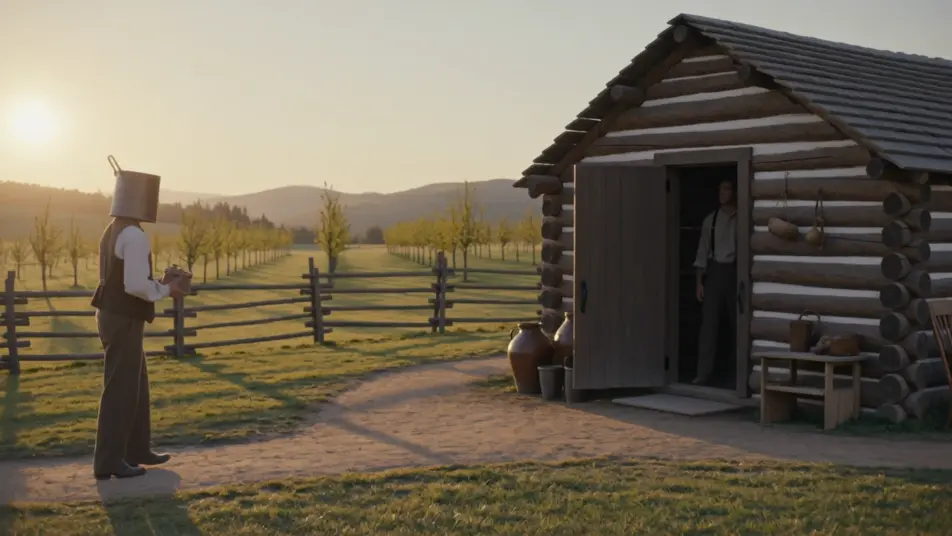
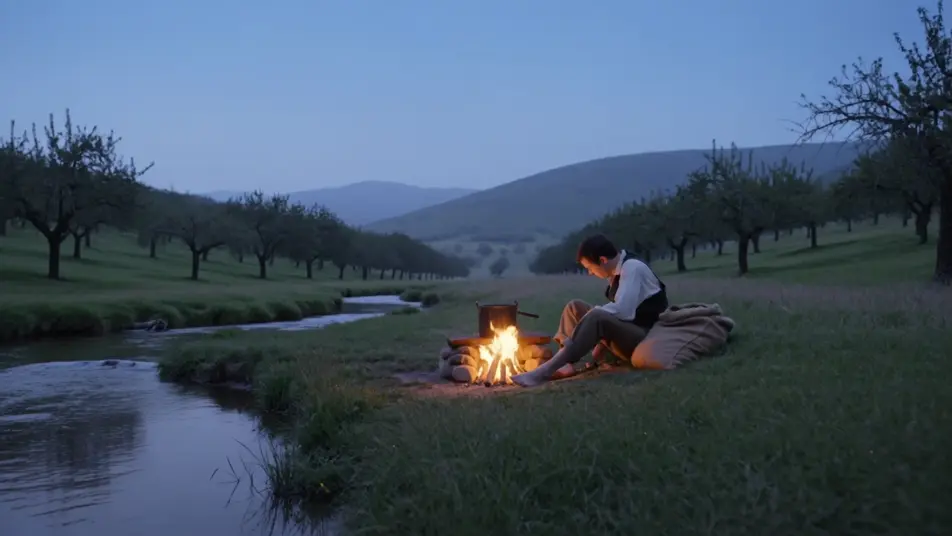
你可以执导的 苹果佬约翰尼 场景
三步制作苹果佬约翰尼视频
- 一
描述你的场景
用简单的话写下你想要的苹果佬约翰尼场景。
- 二
生成视频
Morphic 在几秒内于画布上生成电影级片段。
- 三
优化并分享
调整提示词,重新生成,满意后即可下载或分享。



你可能也喜欢
简单定价
今天就免费开始,随时可以升级或取消。
Basic
$19/ 月
账单金额为 $0 每年2400 每月 信用
1 个用户
所有模型
工作流
Standard
$24/ 月
账单金额为 $0 每年3625 每月 信用
1 个用户
所有模型
工作流
Pro
$45/ 月
账单金额为 $0 每年6350 共享 每月 信用
1 用户
+ 最多 4 人额外付费可增加
所有模型
工作流
Max
$170/ 月
账单金额为 $0 每年24650 共享 每月 信用
1 用户
+ 最多 9 人额外付费可增加
所有模型
工作流
Enterprise
更高的限制
自定义
定价和账单条款
大容量信用
自定义席位限制
所有模型
工作流

Free
供随意体验
$0
永久免费
最多 20 积分
仅1个用户
部分模型
工作流
常见问题
我可以在哪里用 AI 制作 苹果佬约翰尼 视频?
你可以在 Morphic 上直接用浏览器创作 苹果佬约翰尼 场景。打开 Text to Video 工具,描述流浪者、果园山谷和金色时分的光线,Morphic 就会生成片段。无需安装,也不需要专业软件。
在提示词层面,是什么定义了一个 苹果佬约翰尼 场景?
在提示词中,有三样东西定义了 苹果佬约翰尼:头戴锡锅帽、背着种子袋的柔和流浪播种人形象,田园式的边疆果园山谷场景,以及带有质朴插画质感的温暖金色美式光线。点明人物、场景和光线,让 Morphic 倾向于民间故事,而不是一幕平淡的年代场景。
我该如何用提示词表现金色果园的观感?
把低垂的暖光和田园式的尺度一并写明。可以试试"低垂的金色阳光洒过一片繁花盛开的苹果树宽谷,土路上拖着长长的影子,花瓣在暖空气中飘动"。点明果园山谷和柔和的光线,正是唤起温和民间故事调子的关键。
如何在多个场景之间保持 苹果佬约翰尼 一致?
用 Character Lineup 工作流锁定粗麻布外套、锡锅帽、粗麻种子袋和那张慈祥而饱经风霜的脸,然后在每条提示词里引用那张卡片。Morphic 会让这位流浪者从第一道山谷一直到溪边营地都保持一致。
我能给 苹果佬约翰尼 视频加上提琴配乐和讲故事的旁白吗?
可以。Music 工具会生成一段原创配乐,提琴与赞美诗般旋律构成的柔和边疆调子,会干净利落地铺在播种与果园场景之下。Speech 工具可以用你选择的声音生成温暖的旁白和民间故事对白,叠加到生成的视频上,发布一部完整的 苹果佬约翰尼 短片。