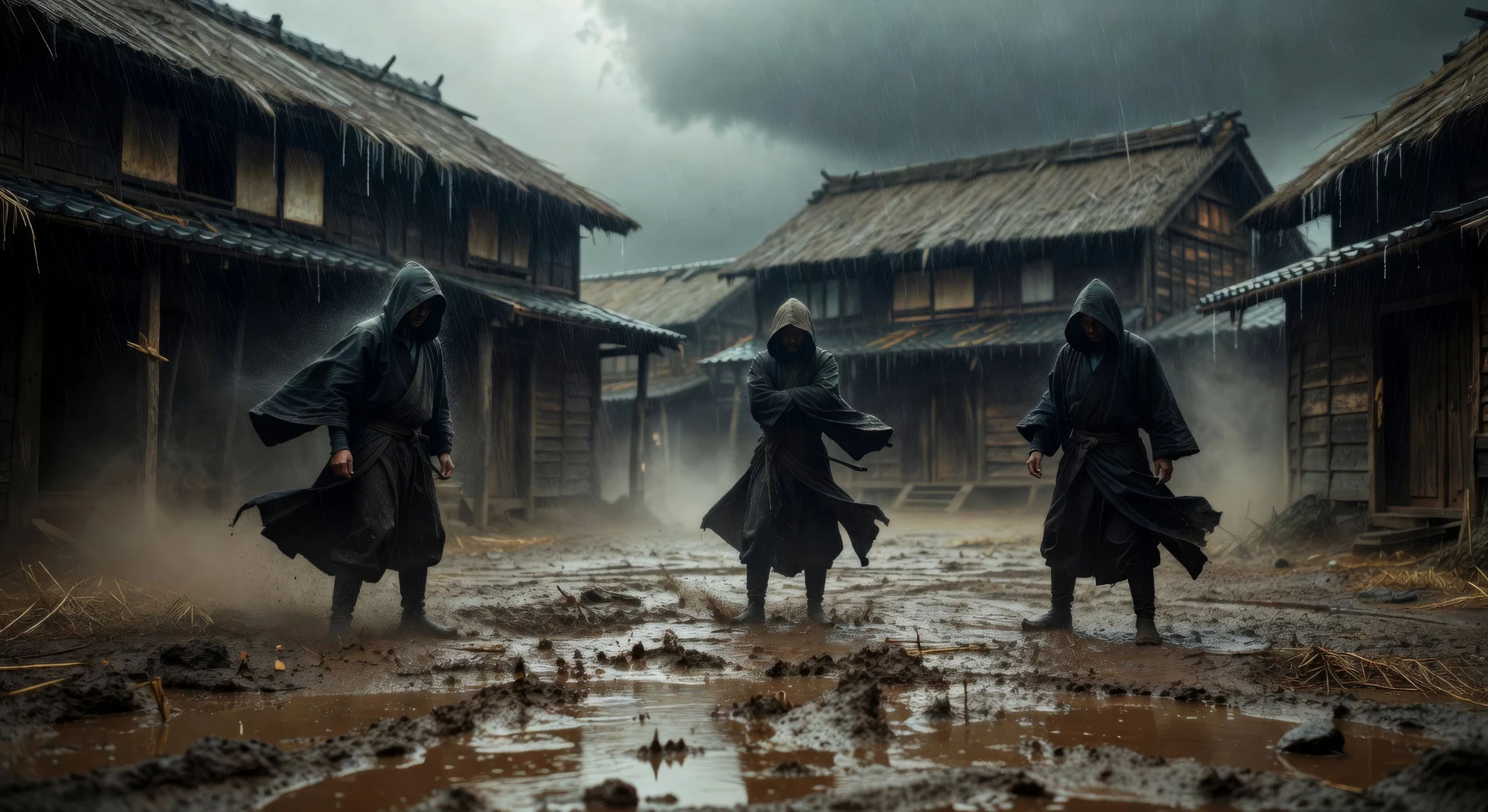
可创作的黑泽明风格角色
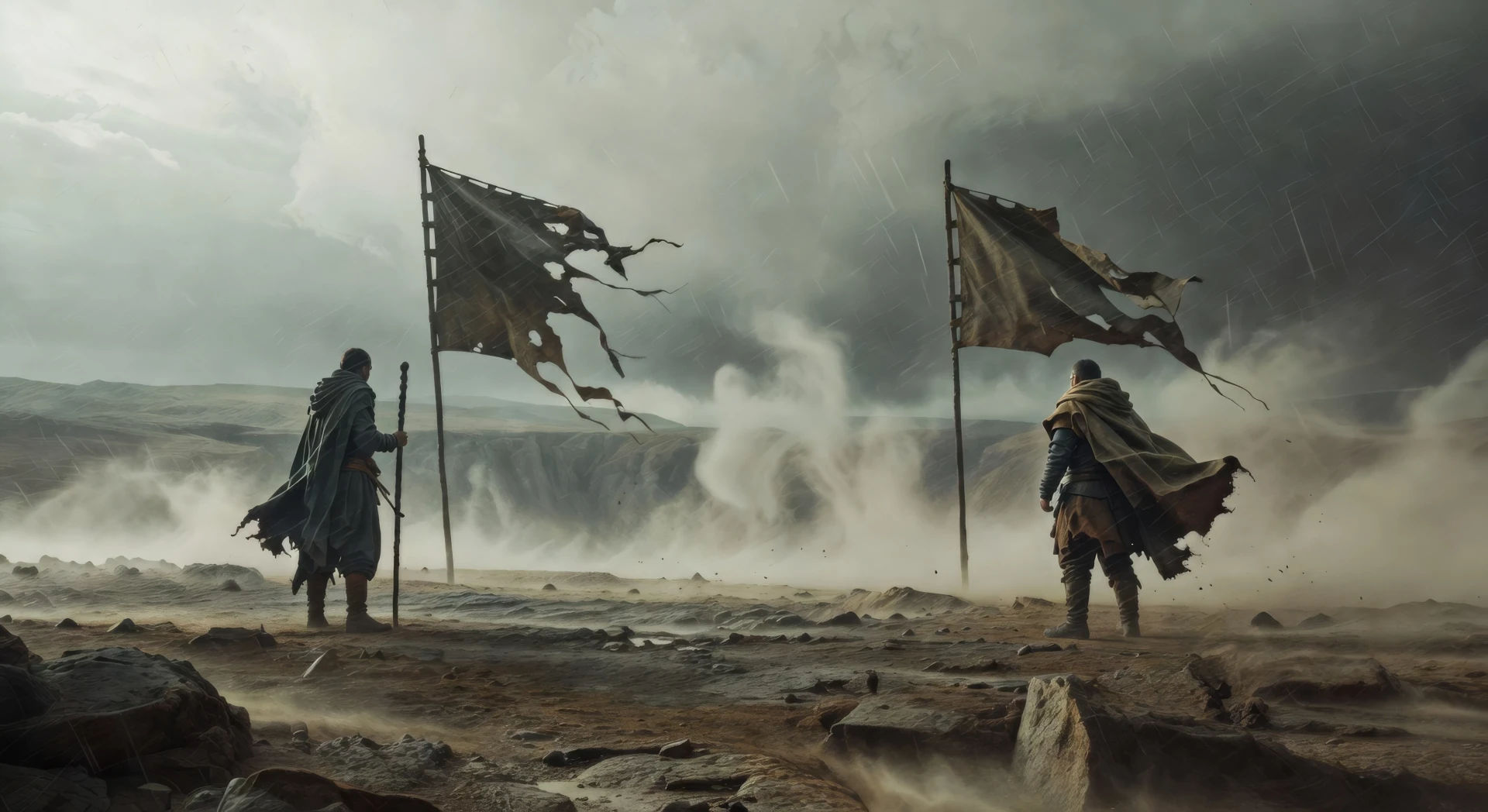
可执导的黑泽明风格场景

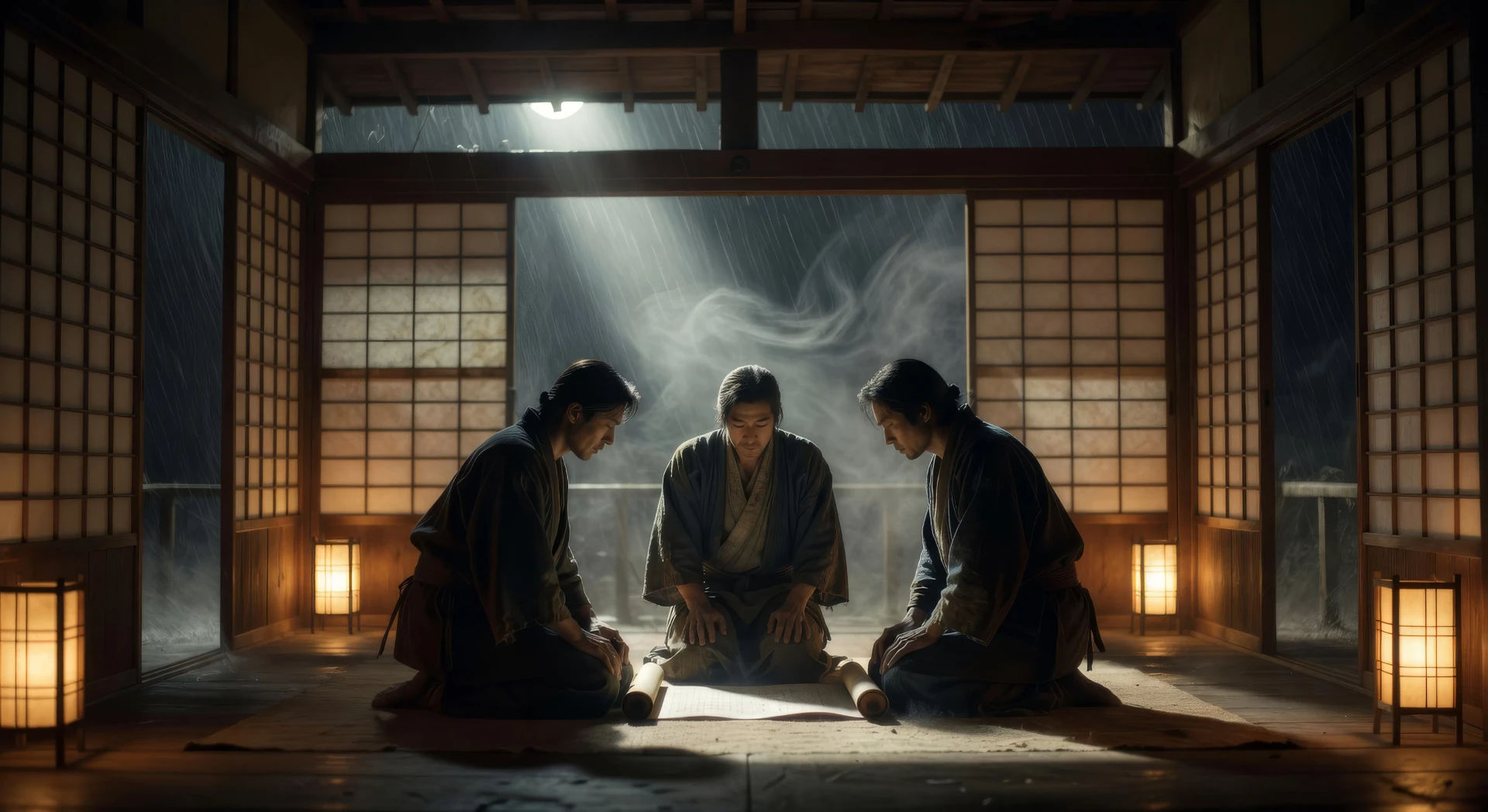
三步制作黑泽明视频
- 一
描述你的黑泽明场景
用简单的话写下你想要的黑泽明场景。
- 二
生成视频
Morphic 在几秒内于画布上生成电影级片段。
- 三
优化你的黑泽明视频
调整提示词,重新生成,满意后即可下载或分享。



你可能也喜欢
简单定价
今天就免费开始,随时可以升级或取消。
Basic
$9/ 月
账单金额为 $0 每年1100 每月 信用
1 个用户
所有模型
工作流
Standard
$24/ 月
账单金额为 $0 每年3625 每月 信用
1 个用户
所有模型
工作流
Pro
$45/ 月
账单金额为 $0 每年6350 共享 每月 信用
1 用户
+ 最多 4 人额外付费可增加
所有模型
工作流
Pro Max
$170/ 月
账单金额为 $0 每年24650 共享 每月 信用
1 用户
+ 最多 9 人额外付费可增加
所有模型
工作流
Enterprise
更高的限制
自定义
定价和账单条款
大容量信用
自定义席位限制
所有模型
工作流
Free
供随意体验
$0
永久免费
最多 20 积分
仅1个用户
部分模型
工作流
常见问题
在哪里可以用AI制作黑泽明风格视频?
你可以在Morphic上直接用浏览器创作黑泽明风格的场景。打开Text to Video工具,描述镜头压缩、天气和人物走位,Morphic便会生成片段。无需安装,也无需专业软件。
在AI提示词中,黑泽明风格由什么定义?
三点:把纵深压平到单一平面的长焦压缩;把天气当作首要元素而非布景来对待;以及棋盘式的群体走位,让人物排布成刻意的几何图案。把这三点都写出来,Morphic才不会退回到平淡的广角武士拍法。
如何在AI视频里得到黑泽明的长焦压缩?
明确写出镜头:「把纵深压平的长焦压缩」或「把三个身影叠进单一平面的长焦镜头」。再把它和低位水平机位以及一种前景质感(雨、尘、竹)搭配,就能得到那种标志性的观感。
在黑泽明风格场景里,如何把天气写成一个角色?
把天气当作场景的首要元素,而不是背景。诸如「雨就是这场戏」「在任何身影穿过画面之前,风先吹动竹子」「雾把远处的身影化为剪影」之类的措辞,会提示Morphic把天气当作表演,并围绕它来安排动作。
可以给我的黑泽明风格视频加上旁白和音乐吗?
可以。Speech工具会用你选择的声音生成旁白,Music工具会生成原创配乐。一支竹笛、一段缓慢的太鼓脉动,或一个疏朗的筝乐主题,都能干净地嵌进黑泽明的调色之中。
制作黑泽明风格视频需要任何视频剪辑经验吗?
不需要。Morphic在浏览器里运行,你用平实的语言提示词来执导。任何能描述黑泽明场景的人都能做出一段。无需After Effects、Blender或手动绑定。