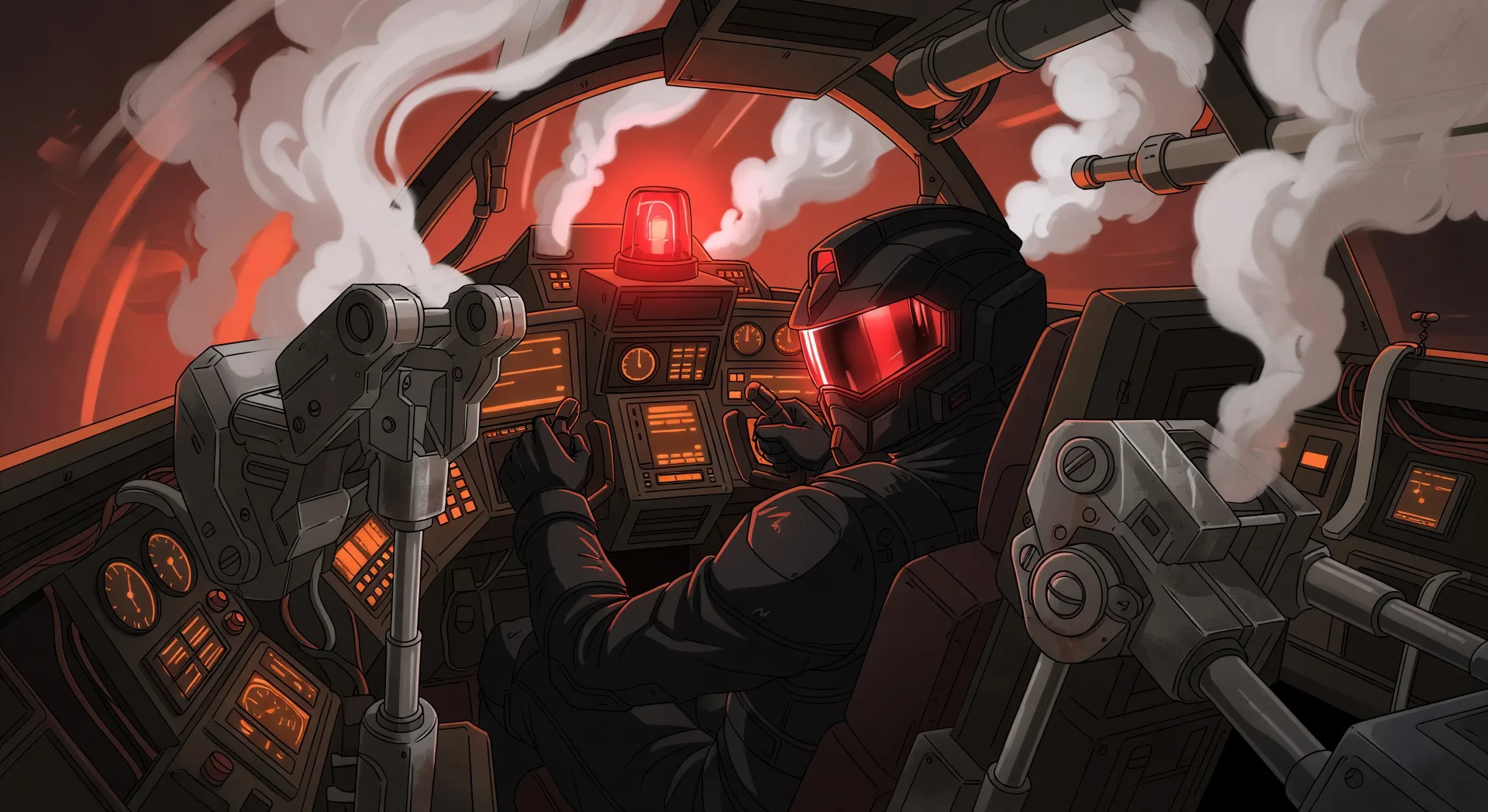
你可以创作的机甲角色
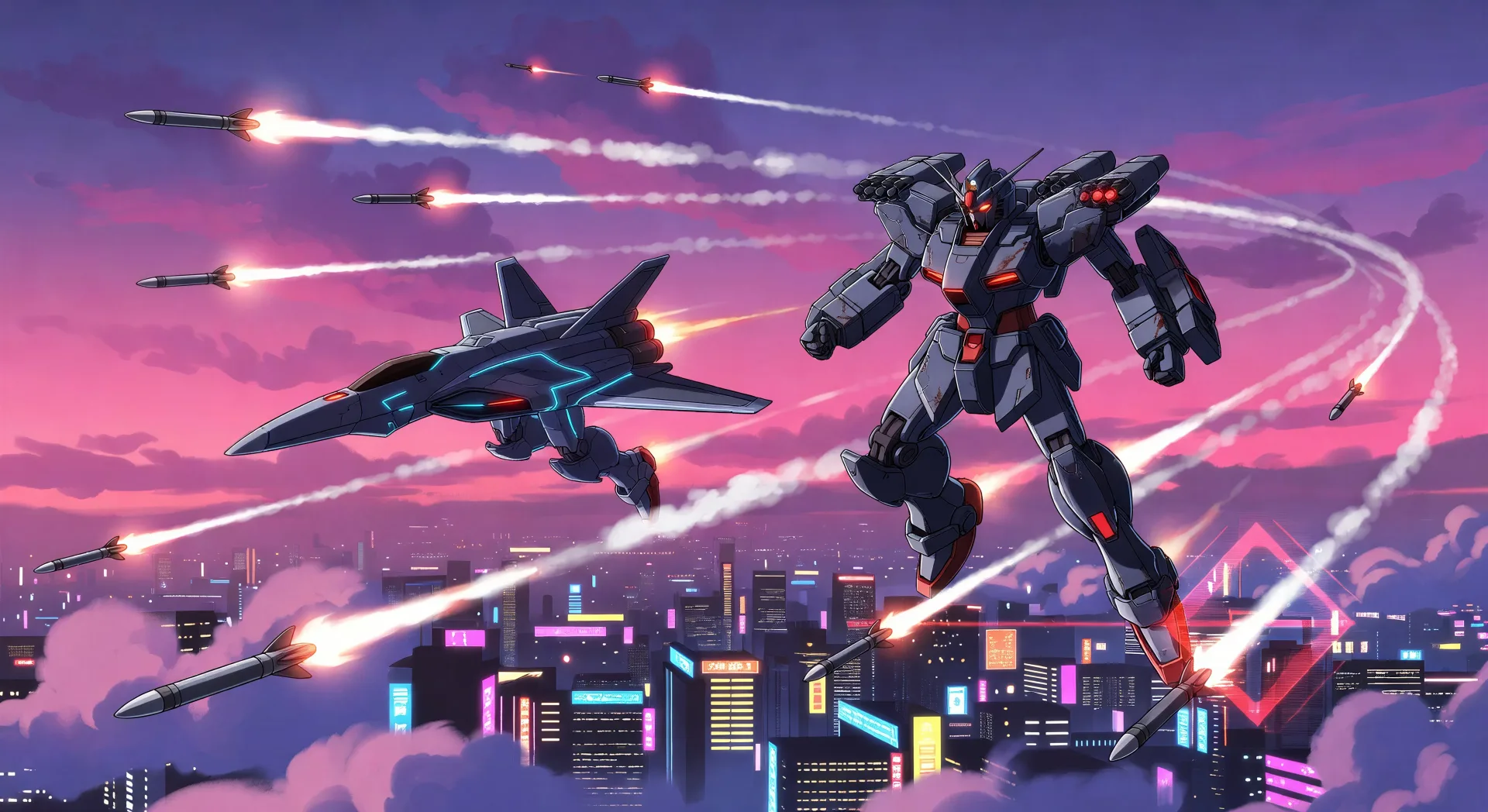
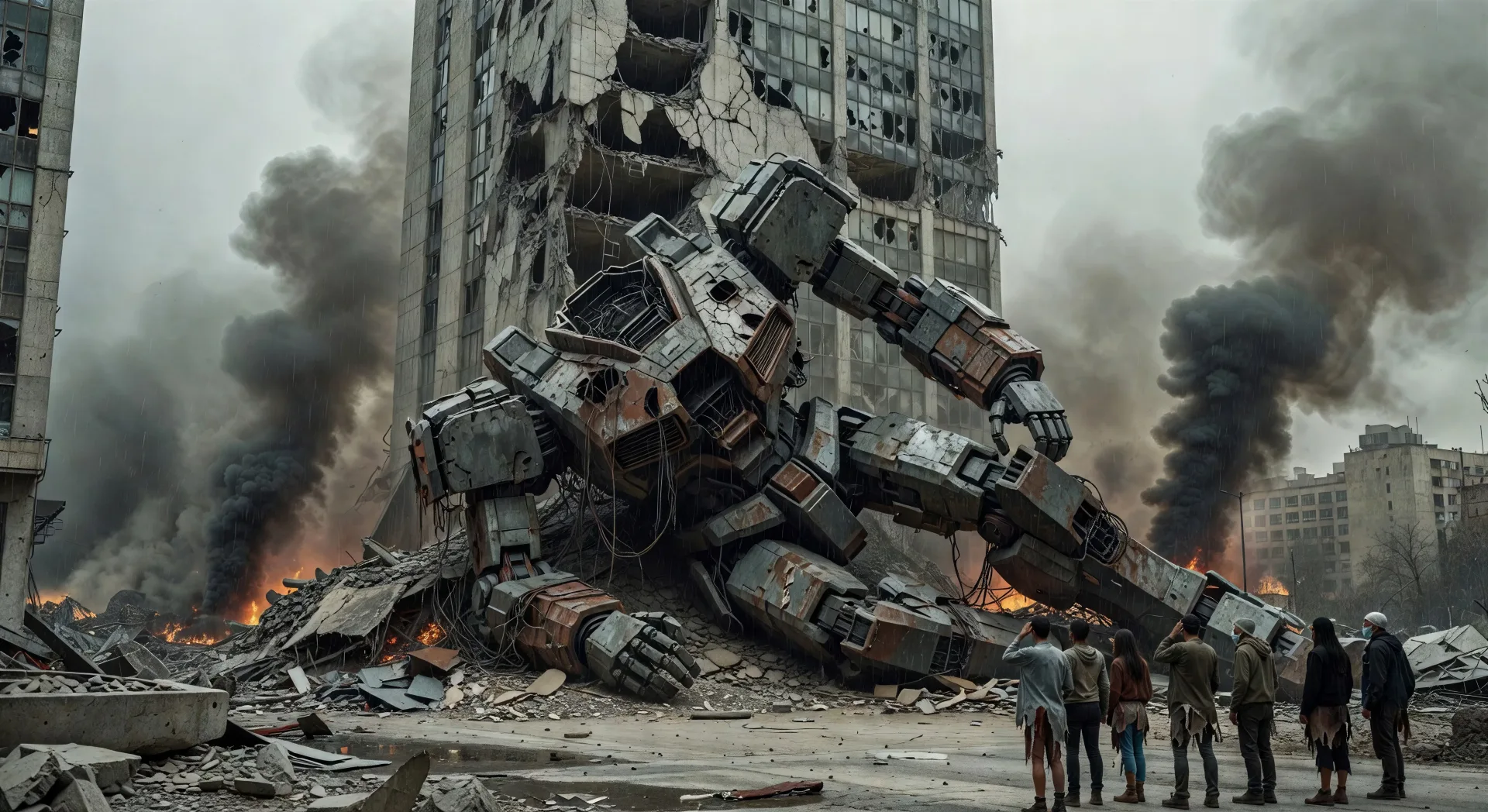
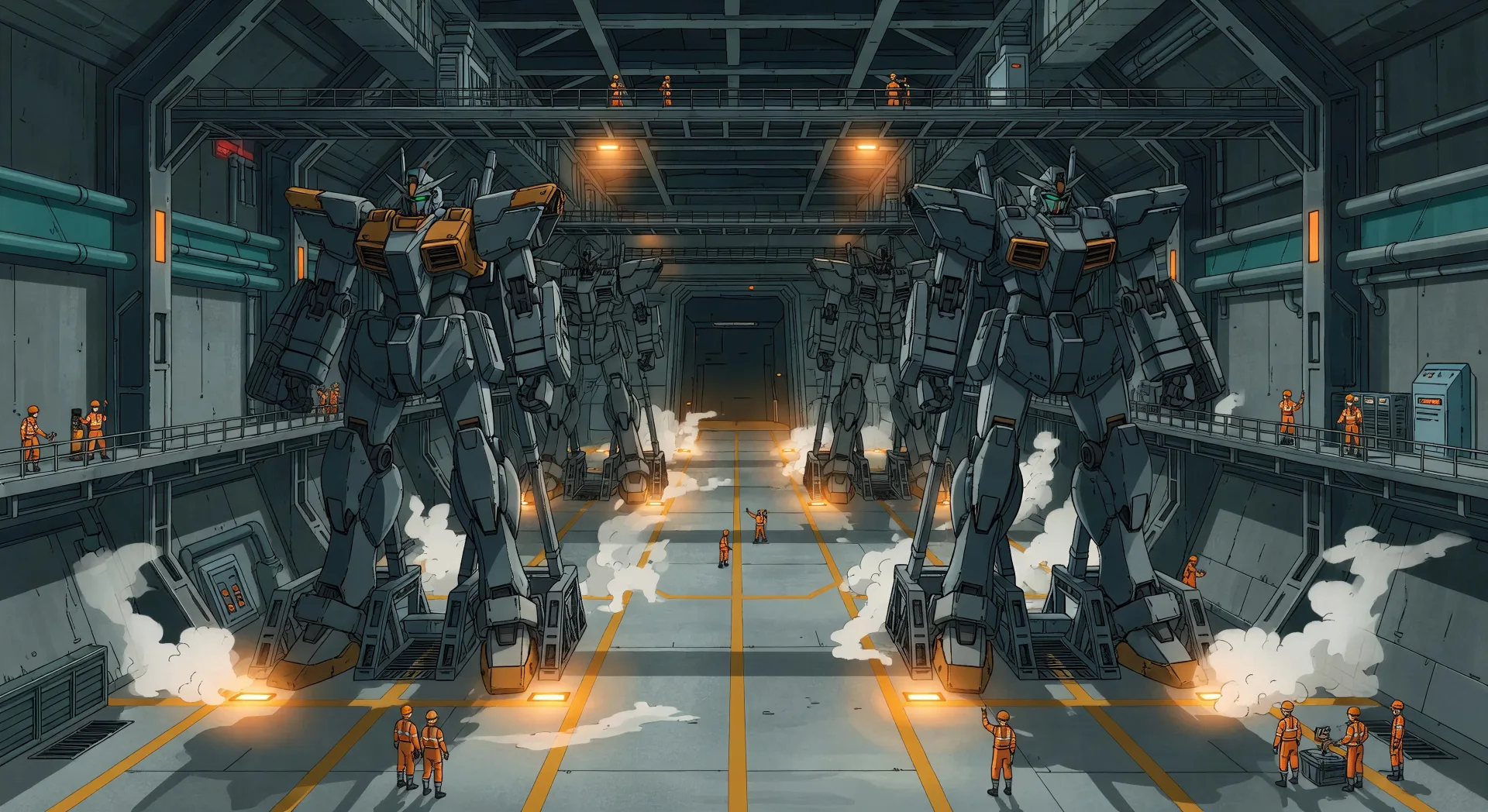
你可以执导的机甲场景
三步制作机甲视频
- 一
描述你的场景
用简单的话写下你想要的机甲场景。
- 二
生成视频
Morphic 在几秒内于画布上生成电影级片段。
- 三
优化并分享
调整提示词,重新生成,满意后即可下载或分享。





你可能也喜欢
简单定价
今天就免费开始,随时可以升级或取消。
Basic
$19/ 月
账单金额为 $0 每年2400 每月 信用
1 个用户
所有模型
工作流
Standard
$24/ 月
账单金额为 $0 每年3625 每月 信用
1 个用户
所有模型
工作流
Pro
$45/ 月
账单金额为 $0 每年6350 共享 每月 信用
1 用户
+ 最多 4 人额外付费可增加
所有模型
工作流
Max
$170/ 月
账单金额为 $0 每年24650 共享 每月 信用
1 用户
+ 最多 9 人额外付费可增加
所有模型
工作流
Enterprise
更高的限制
自定义
定价和账单条款
大容量信用
自定义席位限制
所有模型
工作流

Free
供随意体验
$0
永久免费
最多 20 积分
仅1个用户
部分模型
工作流
常见问题
我在哪里可以用 AI 制作机甲视频?
你可以在 Morphic 上直接于浏览器中创作机甲视频。打开 Text to Video 工具,写明子类型和镜头语法来描述镜头,Morphic 便会生成片段。无需安装,也无需专业软件。
哪类机甲镜头最适合 AI 视频?
构图鲜明的单镜头瞬间:一次座舱发射、一场空中缠斗、城市规模战斗的余波、机库舱的揭幕、雨中的最后防线。把每个镜头锚定到子类型、取景、灯光和损伤状态上。
如何让机甲飞行员和机体在各场景间保持一致?
在制作任何片段之前,用 Character Lineup 工作流锁定每位飞行员的面容与战服,以及机甲机体的剪影和配色分块。在每个镜头提示词中引用这些卡片,Morphic 就能在整个系列中保持外观一致。
如何写提示词来表现机甲厚重的硬件质感?
明确加入重量线索。使用诸如"低角度英雄镜头""胸甲上的焦痕""喷出的液压废气""关节处崩裂的陶瓷装甲"或"承接机库灯光的天线"等措辞。损伤细节和贴地取景才是卖出规模感的关键。
我能给机甲视频添加旁白和音乐吗?
可以。Speech 工具会用你选择的声音从脚本生成旁白,Music 工具则制作原创配乐。把它们叠加到生成的视频上,便可发布一集完整的机甲剧集或预告片。
制作机甲视频需要动画经验吗?
不需要。Morphic 在浏览器中运行,你用平实的语言提示词来执导。任何能描述机甲镜头的人都能制作。无需 After Effects、Maya 或手动绑定。