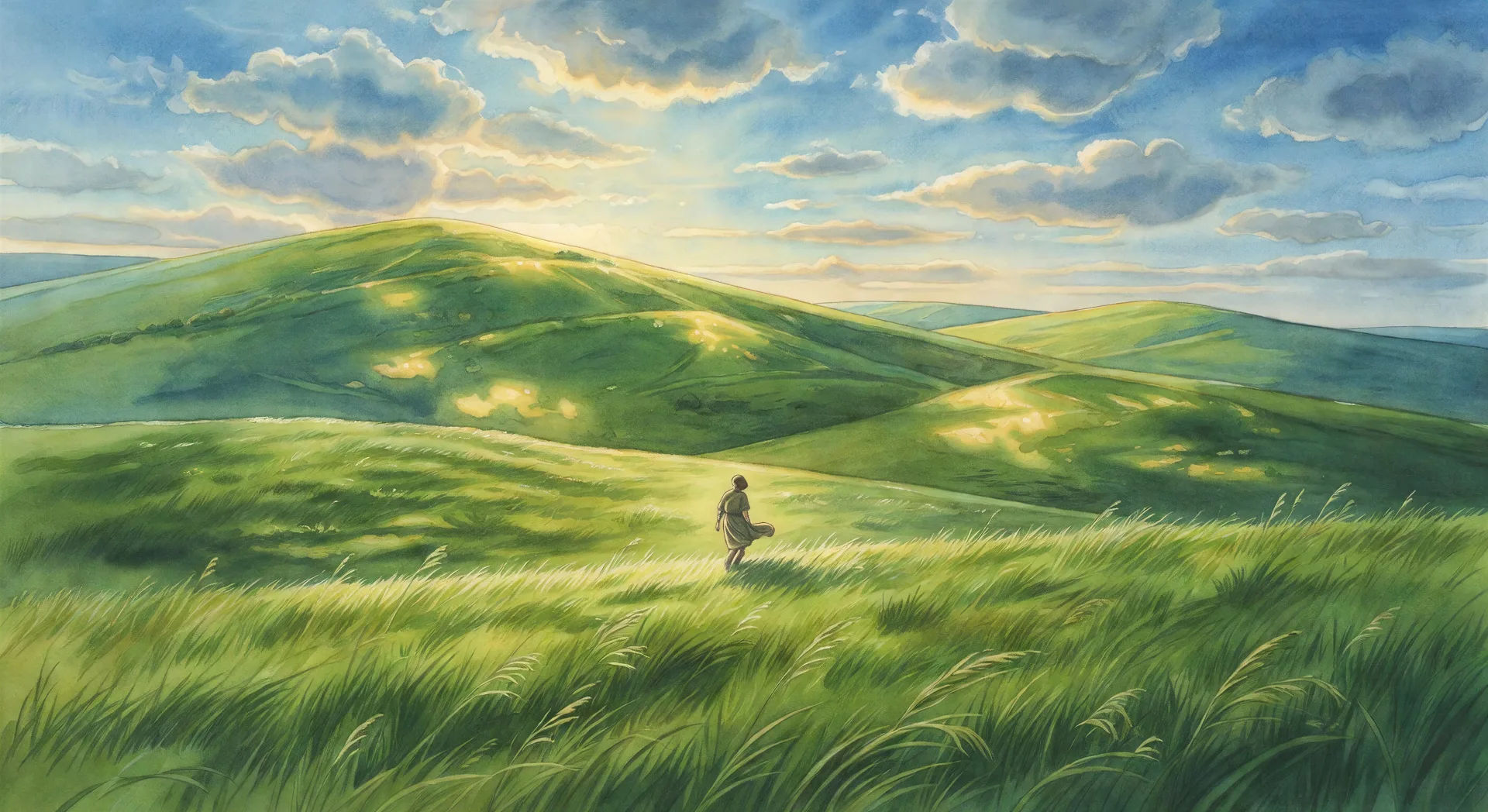
你可以创建的 Ghibli 风格角色
你可以执导的 Ghibli 风格场景
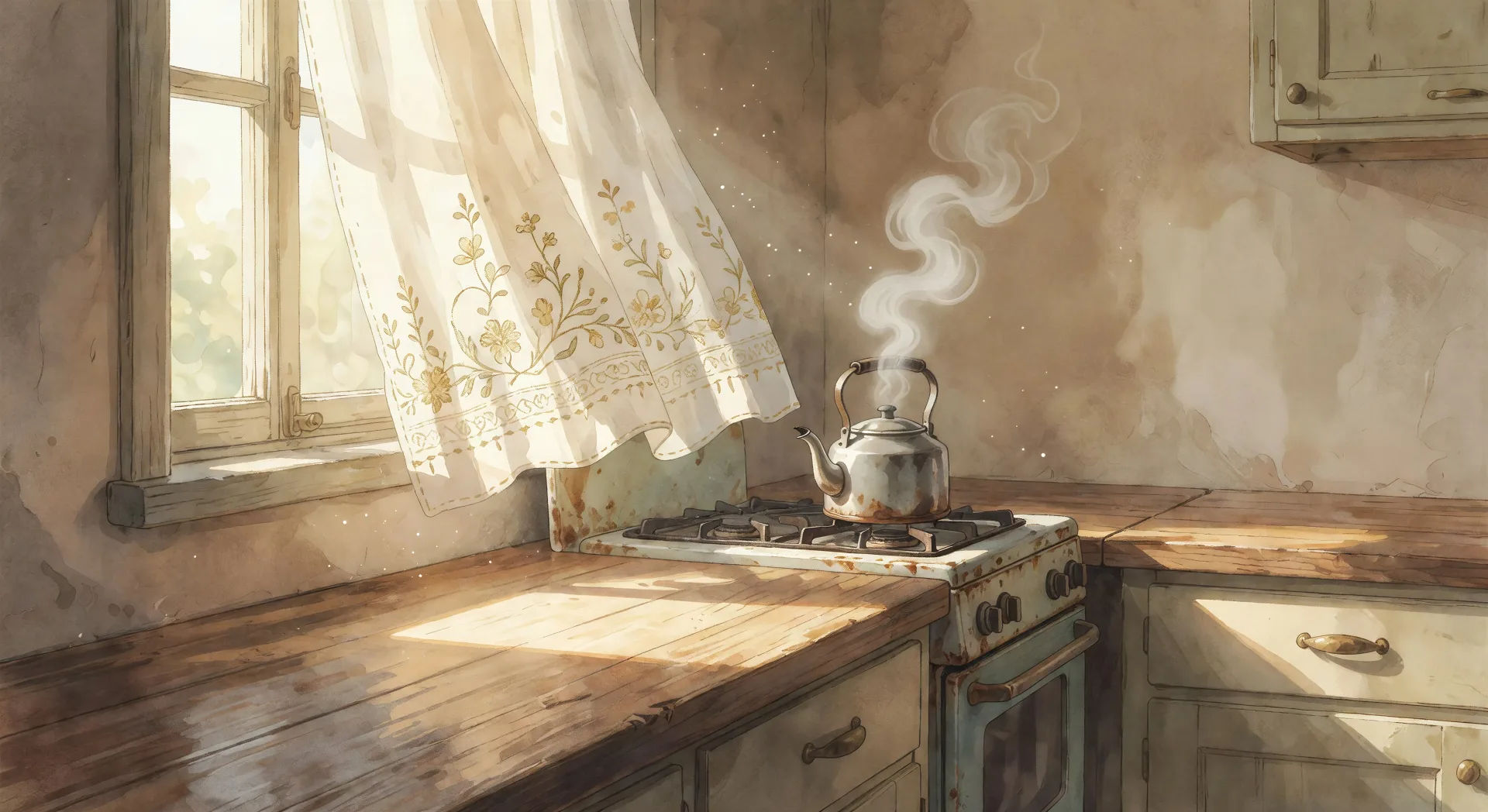
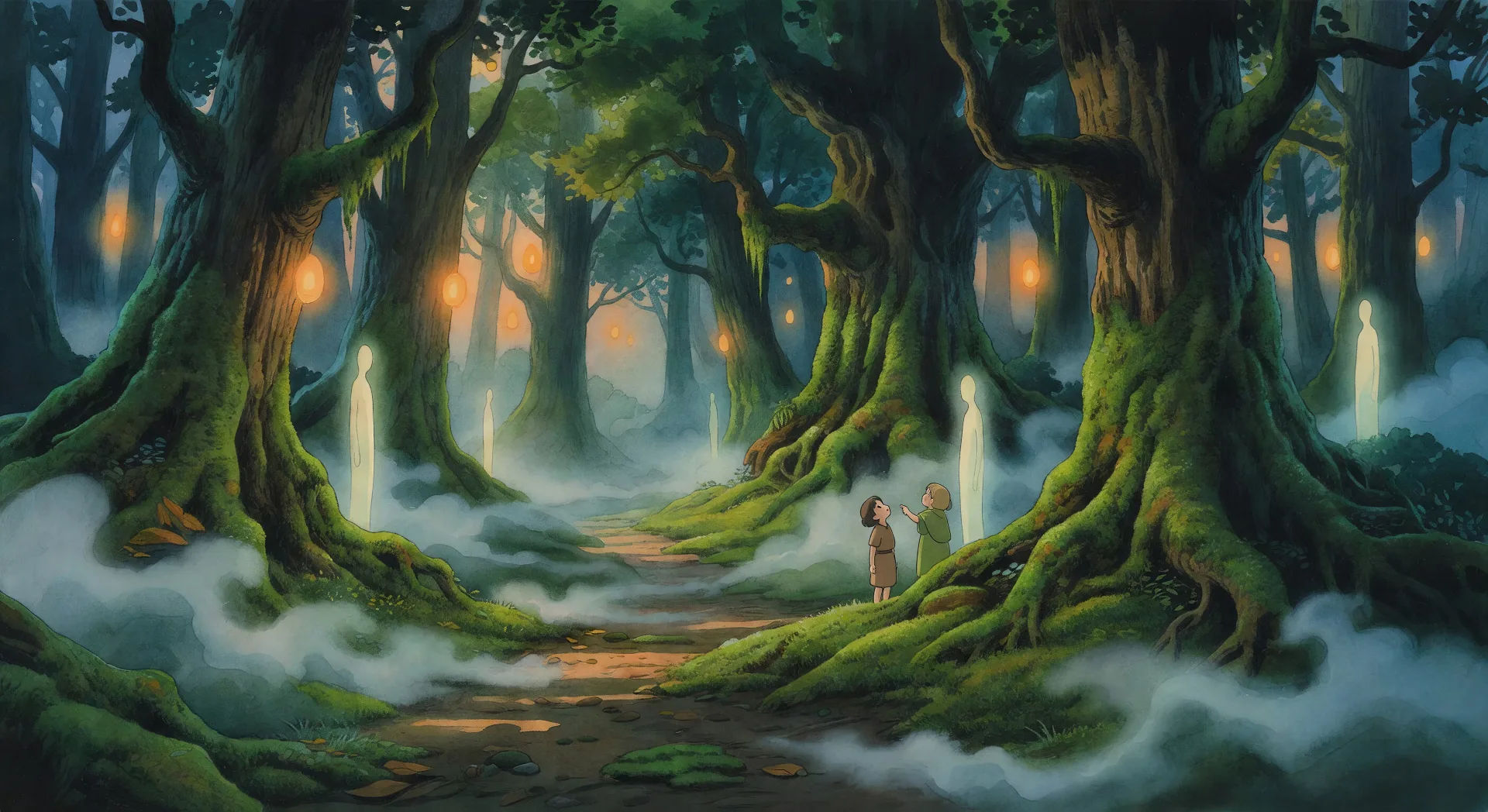
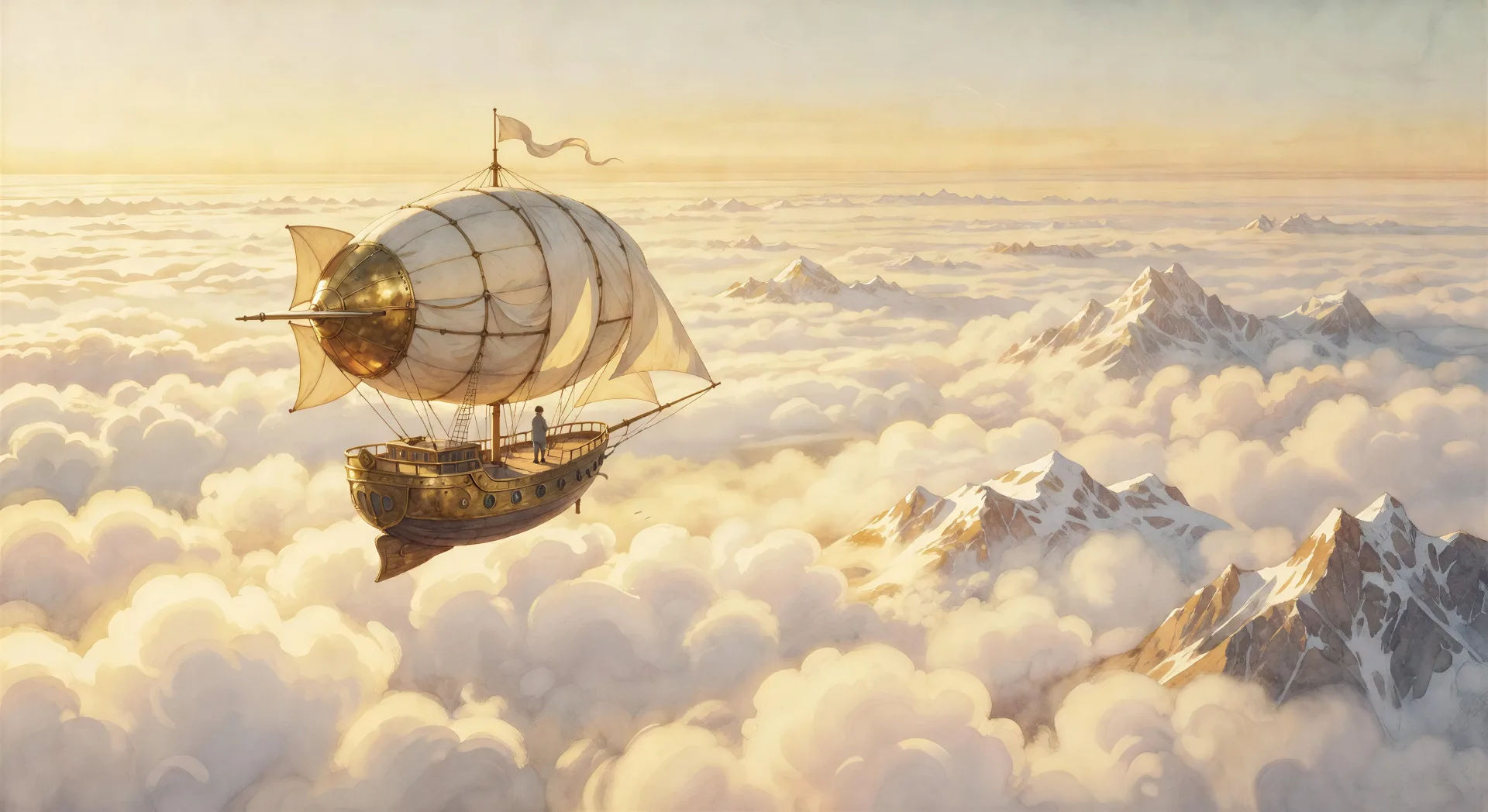
三步制作吉卜力工作室风格视频
- 一
描述你的吉卜力工作室风格场景
用简单的话写下你想要的吉卜力工作室风格场景。
- 二
生成视频
Morphic 在几秒内于画布上生成电影级片段。
- 三
优化你的吉卜力工作室风格视频
调整提示词,重新生成,满意后即可下载或分享。





你可能也喜欢
简单定价
今天就免费开始,随时可以升级或取消。
Basic
$9/ 月
账单金额为 $0 每年1100 每月 信用
1 个用户
所有模型
工作流
Standard
$24/ 月
账单金额为 $0 每年3625 每月 信用
1 个用户
所有模型
工作流
Pro
$45/ 月
账单金额为 $0 每年6350 共享 每月 信用
1 用户
+ 最多 4 人额外付费可增加
所有模型
工作流
Pro Max
$170/ 月
账单金额为 $0 每年24650 共享 每月 信用
1 用户
+ 最多 9 人额外付费可增加
所有模型
工作流
Enterprise
更高的限制
自定义
定价和账单条款
大容量信用
自定义席位限制
所有模型
工作流

Free
供随意体验
$0
永久免费
最多 20 积分
仅1个用户
部分模型
工作流
常见问题
我可以在哪里用 AI 制作 Studio Ghibli 风格视频?
你可以在 Morphic 上直接用浏览器制作 Studio Ghibli 风格视频。打开 Text to Video 工具,把季节、天气和镜头调度讲清楚来描述场景,Morphic 就会生成镜头。无需安装,也无需专业软件。
哪些 Ghibli 风格场景最适合 AI 视频?
具有强烈画意构图的单镜头时刻:炉灶上的水壶、盛夏的山坡、云海之上的飞艇、村街上的雨、驶过被淹平原的火车。把每个场景锚定在季节、时间、天气,以及一段缓慢而从容的镜头运动上。
怎么在 AI 视频里得到画意的 Ghibli 外观?
把画意线索叠起来。用「水彩天空」「手绘云层结构」「柔和的夏日薄雾」「灯笼橙的黄昏」「缓慢横摇扫过田野」这样的短语。点明绘画媒介和光线的类型,正是把 Ghibli 风格的结果与一幅通用动画风景区分开来的关键。
怎么让我的 Ghibli 风格角色跨场景保持一致?
在制作任何镜头之前,用 Character Lineup 工作流锁定每个角色的脸、发型和服装,然后在每条镜头提示词里引用这些角色卡。Morphic 会跨厨房、田野和森林的剪切保持设计,让一个系列衔接连续。
我可以为 Ghibli 风格视频加上旁白和音乐吗?
可以。Speech 工具以你选择的嗓音从脚本生成配音,Music 工具则制作出这一类型所依凭的缓慢、旋律性曲调的原创配乐。把它们叠到你生成的视频上,发布一部完整的短片。
制作 Ghibli 风格视频需要任何动画基础吗?
不需要。Morphic 在你的浏览器里运行,你用平实语言的提示词来执导它。任何能描述一个 Ghibli 风格场景的人都能做出一个。After Effects、手绘背景和逐帧中间画都不需要。