AI University course videos

Direct a university course video in your browser with Morphic's video generator and show applicants what a programme actually offers. Generate a course intro card, an instructor welcome, a syllabus montage, and a graduate outcomes beat. Voice it with Speech, then assemble the segments into one film for internal and external use on Compose.

Course video segments you can direct

University course scenes you can stage

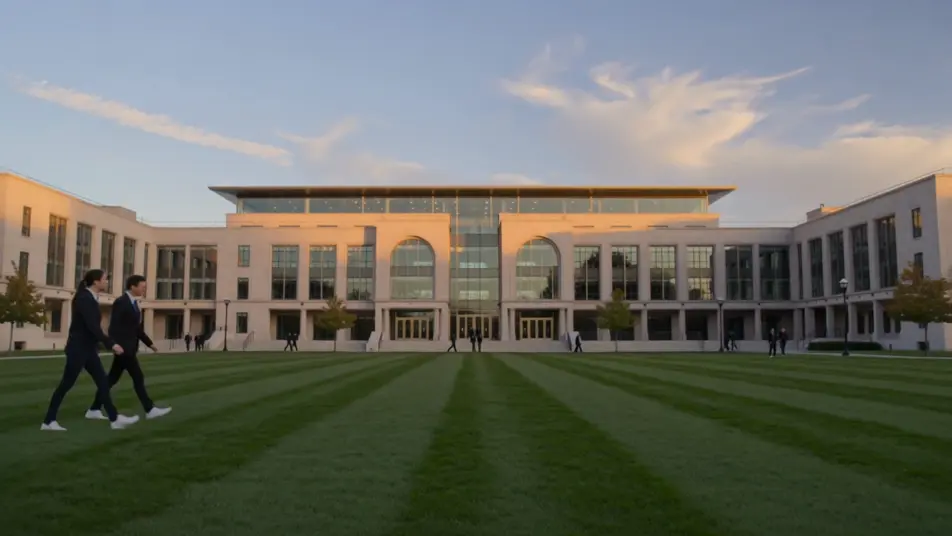
A course intro title card

A bright campus backdrop where the programme name and level resolve in with clean type, gentle motion and a calm palette that reads clearly on a prospectus page or a phone.

编辑提示词

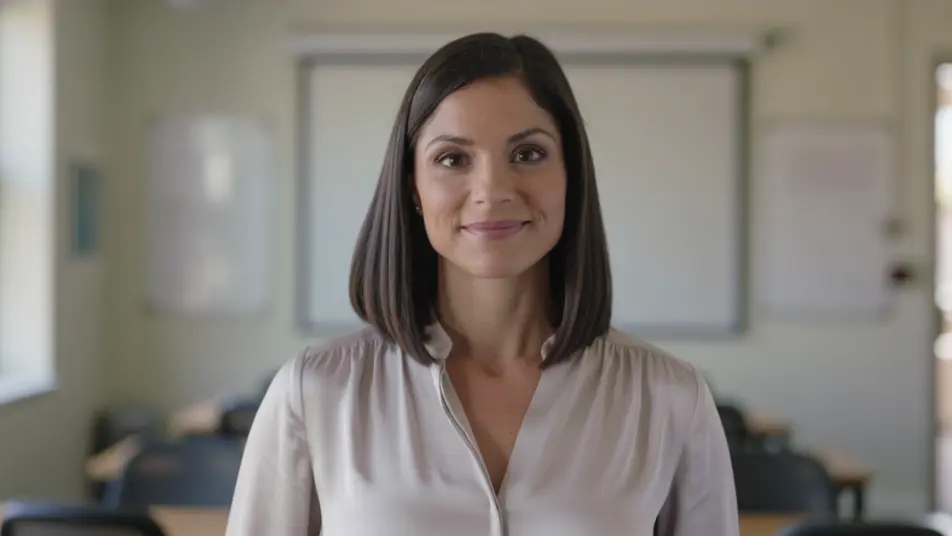
An instructor welcome

A wide bright lecture space where the course lead speaks warmly to camera, soft natural light and shallow depth of field, the whiteboard behind left blank and out of focus. A steady, personal introduction.

编辑提示词

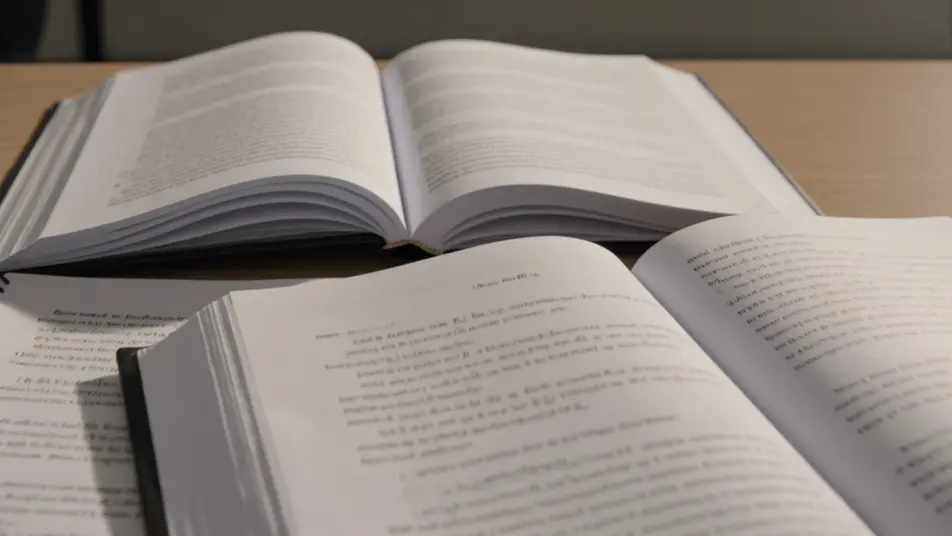
A syllabus montage

A sequence of titled module beats that read the programme scope at a glance, consistent type and clean transitions carrying one topic into the next at an easy pace.

编辑提示词

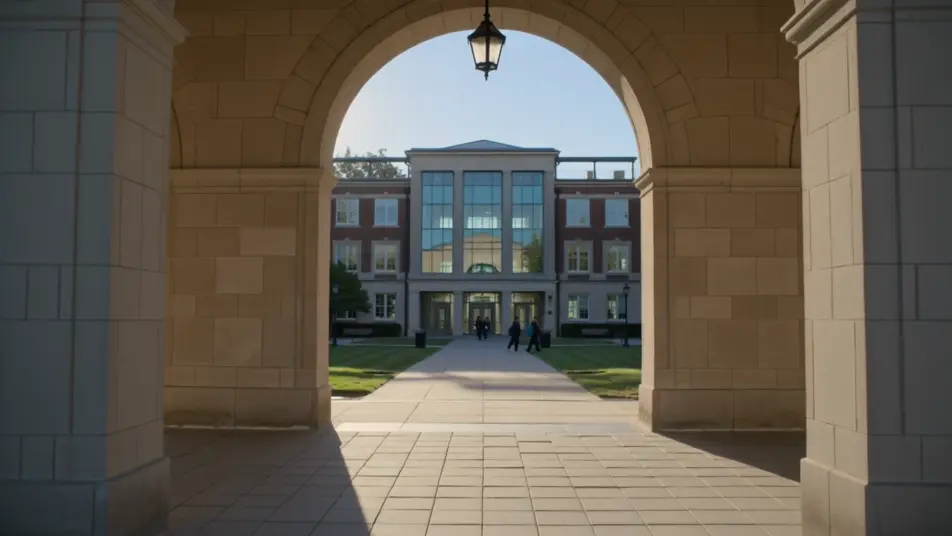
An enrol and dates card

A branded closing frame holding the application deadline and start date, gentle motion on the type, a calm palette that keeps the key details clear and unmissable.

编辑提示词

三步制作university course video视频

  1. 描述你的university course video场景

    用简单的话写下你想要的university course video场景。

  2. 生成视频

    Morphic 在几秒内于画布上生成电影级片段。

  3. 优化你的university course video视频

    调整提示词,重新生成,满意后即可下载或分享。

简单定价

今天就免费开始,随时可以升级或取消。

Basic

$9/
账单金额为 $0 每年

900 每月 信用

1 个用户

所有模型

工作流

Standard

$24/
账单金额为 $0 每年

3200 每月 信用

1 个用户

所有模型

工作流

Pro

$45/
账单金额为 $0 每年

6200 共享 每月 信用

1 用户

+ 最多 4 人额外付费可增加

所有模型

工作流

Pro Max

$170/
账单金额为 $0 每年

24000 共享 每月 信用

1 用户

+ 最多 9 人额外付费可增加

所有模型

工作流

Enterprise

更高的限制

自定义

定价和账单条款

大容量信用
自定义席位限制
所有模型
工作流

Pricing Gradient

Free

供随意体验

$0

永久免费

最多 20 积分
仅1个用户
部分模型
工作流

常见问题

Where can I make a university course video?
You can make one directly in your browser on Morphic. Open the Text to Video tool, describe each segment, the intro card, the instructor welcome, the syllabus montage, and generate them one at a time. Assemble the clips into one film on Compose.
What segments work best in a course video?
An intro card, an instructor welcome, a syllabus montage, campus footage, and a graduate outcomes beat cover what applicants weigh. Close on a clear enrol card with the deadline and start date so interest turns into an application.
How do I write a good prompt for a university course video?
Prompt each segment separately and hold one bright consistent style and light across all of them. Name the space, the people and the on-screen build, a lecture space, a titled module beat, a campus tour. A steady look ties the film together.
Can I update the video for a new intake?
Yes. Because each segment is prompt-built, you regenerate only what changed, a new module, a new deadline, a new instructor. Swap that clip on Compose and reuse the rest, so refreshing the film each year is a quick edit, not a reshoot.
Can I add narration and music to the course video?
Yes. The Speech tool generates a clear narration track in the voice you choose, which carries the syllabus and the outcomes. Add a light music bed underneath so the film feels welcoming without pulling focus off the detail.