Nasser Boulevard
Ein breiter Stadtboulevard bei Nacht im Regen, warme Straßenlaternen-Reflexionen auf dem Asphalt, Scheinwerfer und sanfter Nebel.
Prompt bearbeiten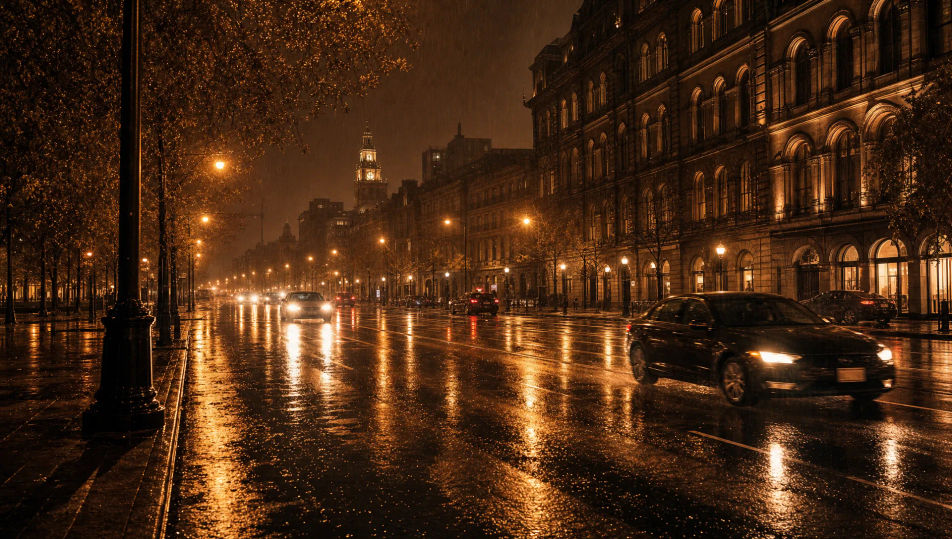
Gestalten Sie Bilder einer regennächtlichen Stadt im Browser mit Morphics KI-Bildgenerator. Erzeugen Sie eine regennasse Allee, einen Spaziergänger mit Regenschirm oder den Blick durch ein beschlagenes Fenster. Halten Sie Reflexionen und Palette mit Style Transfer fest und animieren Sie jedes Standbild mit Image to Video.
Ein breiter Stadtboulevard bei Nacht im Regen, warme Straßenlaternen-Reflexionen auf dem Asphalt, Scheinwerfer und sanfter Nebel.
Prompt bearbeitenEine breite Stadtbrücke bei Nacht im Regen, warmes Lampen-Leuchten auf nassem Stein und eine beschlagene Skyline dahinter.
Prompt bearbeiten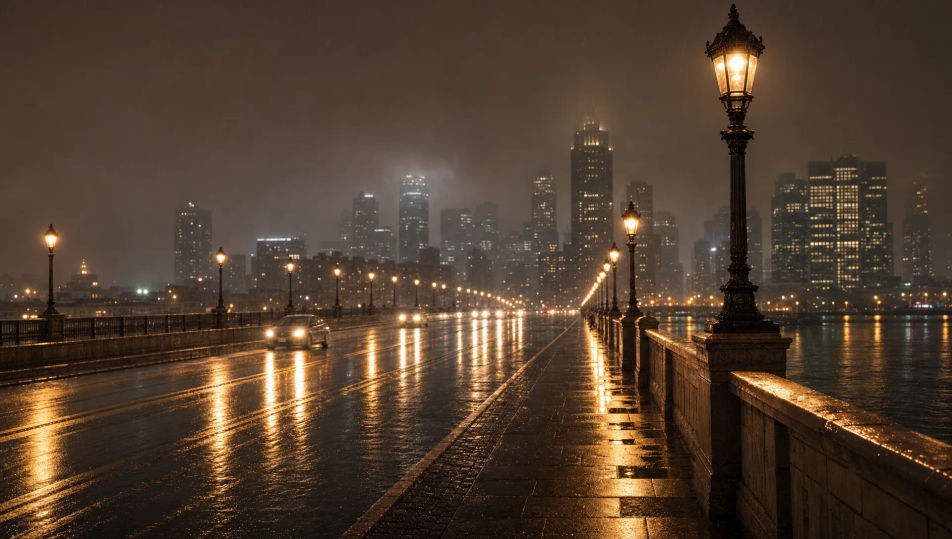
Ein breiter regendurchtränkter Nachtplatz, der warme Gebäudelichter spiegelt, verstreute Regenschirme und treibender Dunst.
Prompt bearbeiten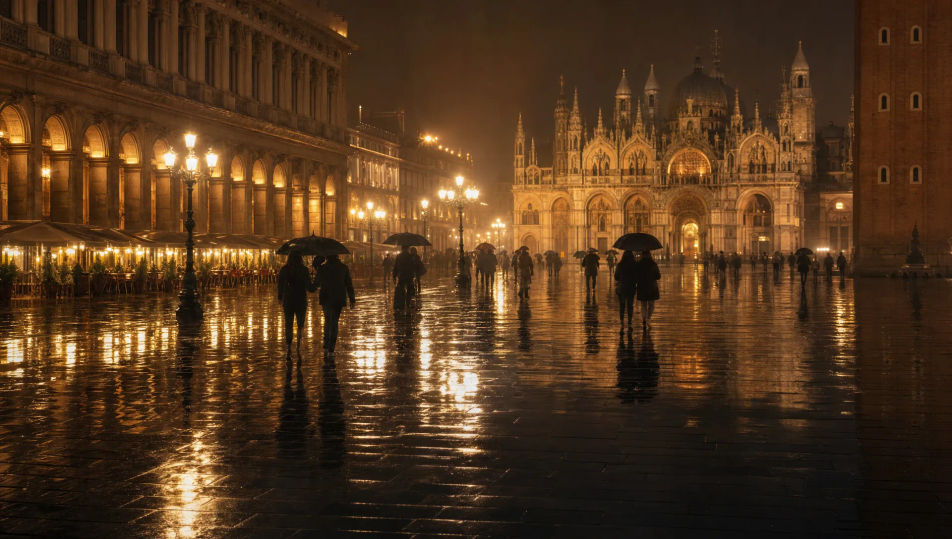
Ein breiter regnerischer Hafen bei Nacht, warme Docklichter, gespiegelt auf dunklem nassem Wasser, Boote und niedriger Nebel.
Prompt bearbeiten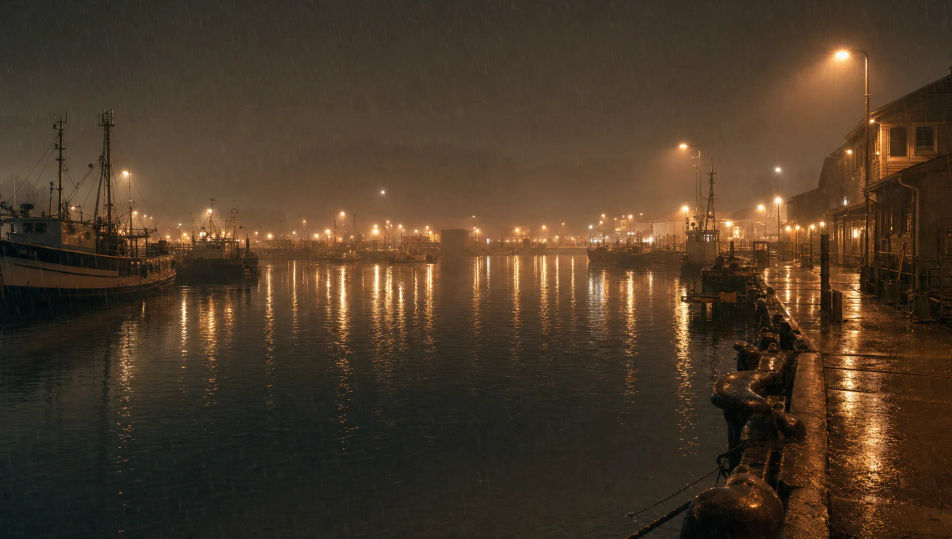
Beschreiben Sie das Regennächtliche Stadt, das Sie möchten, in einfachen Worten.
Morphic generiert in Sekunden ein sauberes, veröffentlichungsfertiges Bild auf Ihrer Canvas.
Passen Sie den Prompt an, generieren Sie Varianten und laden Sie das Bild herunter oder teilen Sie es.
One image to a 9-scene cinematic video.

Share a scene description with character references. Get a full storyboard with shot angles and mood.

Feed in a single image. Get 9 cinematic beats laid out as a 3x3 storyboard grid.

Dramatize any text conversation into a cinematic multi-shot video.
Cinematic time-freeze short film for any scene
Drop in a photo of yourself. Get a 12-second cinematic movie with animation and a matched soundtrack.
Neo-Tokyo-Straße-KI-Bilder
Erstellen Sie Neo-Tokyo-Straße-KI-Bilder mit Morphic. Generieren Sie Neo-Tokyo-Straße-Szenen, Landschaften und Umgebungen für jedes Projekt in Sekunden.
Cyberpunk-Stadt-KI-Bilder
Erstellen Sie KI-Cyberpunk-Stadt-Bilder auf Morphic. Neon-Straßenschluchten, Megatürme, Hinterhof-Märkte und regendurchnässte Skylines aus Prompts in einfacher Sprache.
Nachtfotografie-KI-Bilder
Erstellen Sie KI-Nachtfotografie-Bilder mit Morphic. Generieren Sie Nachtfotografie-Aufnahmen, Porträts und Motive für jedes Projekt in Sekunden.
Dystopische-Stadt-KI-Bilder
Erstellen Sie KI-Dystopische-Stadt-Bilder auf Morphic. Überwachungstürme, Propaganda-Bildschirme, Smog-Skylines und graue Betonstraßen aus Prompts in einfacher Sprache.
Starten Sie noch heute kostenlos, mit der Option, jederzeit zu upgraden oder zu kündigen.
Basic
2400 monatliche Credits
1 Nutzer
Alle Modelle
Workflows
Standard
3625 monatliche Credits
1 Nutzer
Alle Modelle
Workflows
Pro
6350 gemeinsame monatliche Credits
1 Nutzer
Alle Modelle
Workflows
Max
24650 gemeinsame monatliche Credits
1 Nutzer
Alle Modelle
Workflows
Enterprise
Für höhere Limits
Individuell
Preis- und Abrechnungsbedingungen

Free
Zum Ausprobieren
$0
dauerhaft kostenlos