Land the moment a message is sent
A run that stops on one deeper strike puts a full stop on the action. It reads the same in a thriller, a game cutscene and an app demo with no narration.
プロンプトを編集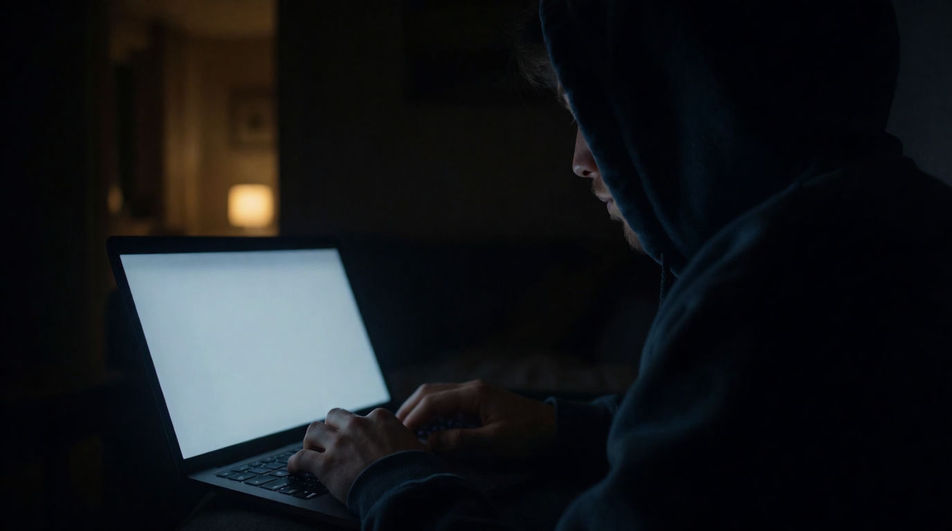
Typing is a cadence before it is a click. Say how fast the hands move, how even the run is, and how long it lasts, and Morphic builds it to your edit.


An even mid-pitch run that holds its pace without pauses. This is the version most edits want, because it reads as someone working rather than as someone performing a moment of typing.

Eight strikes and a stop. Reach for it when typing has to land on a specific frame, since a short run can be placed exactly where a long one only ever drifts.

Single strikes with uneven gaps between them. The pauses carry the meaning here: the same keyboard sounds like doubt rather than competence purely because of the spacing.
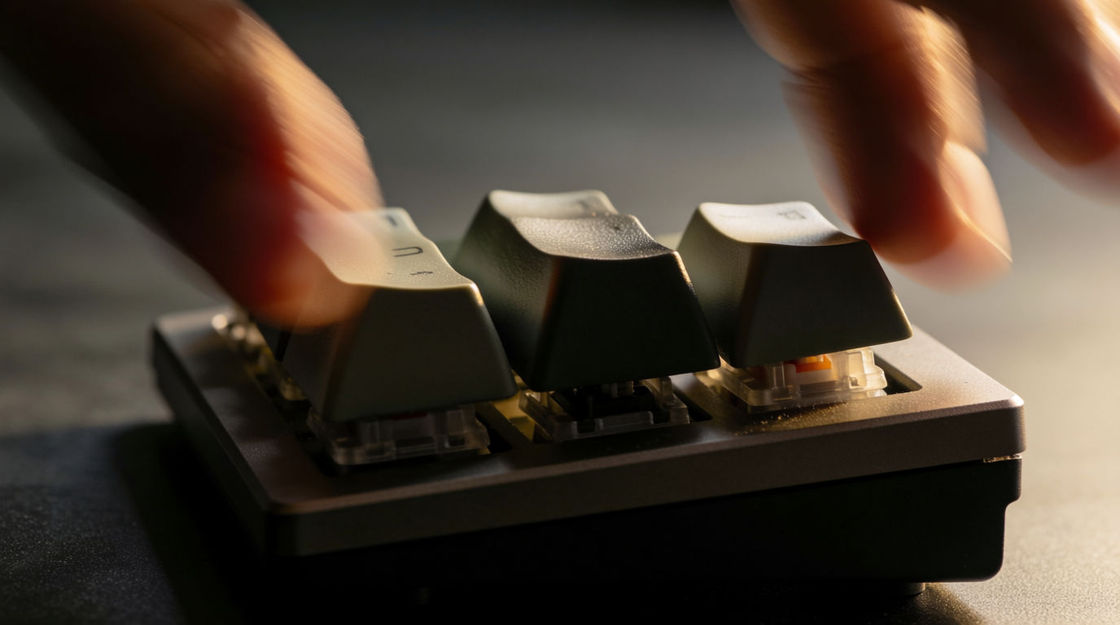
Dense, bright and rattling, with the strikes almost overlapping. It pushes urgency without any change in level, which makes it useful under a montage that is already busy.

Shallow, muted strikes with almost no ring. It sits far enough back to run under narration, which the brighter takes never manage without fighting the voice.

A short run, a beat of nothing, then one deeper strike. That final key is a full stop, which is why it works as the exact moment a message is sent on screen.
出発点を選び、好きなように編集して、Morphicで生成しましょう。
A run that stops on one deeper strike puts a full stop on the action. It reads the same in a thriller, a game cutscene and an app demo with no narration.
プロンプトを編集A steady run holds a long shot together on its own. Screen recordings, animated study scenes and documentary sequences all stay watchable without a track under them.
プロンプトを編集
Even strikes read as focus, uneven ones as hesitation, fast clatter as pressure. The keyboard never changes, only the rhythm, and an audience reads it instantly.
プロンプトを編集
A muted run under dialogue implies a person nobody has to cast or frame. Audio drama leans on it hardest, but games use it to make an empty level feel staffed.
プロンプトを編集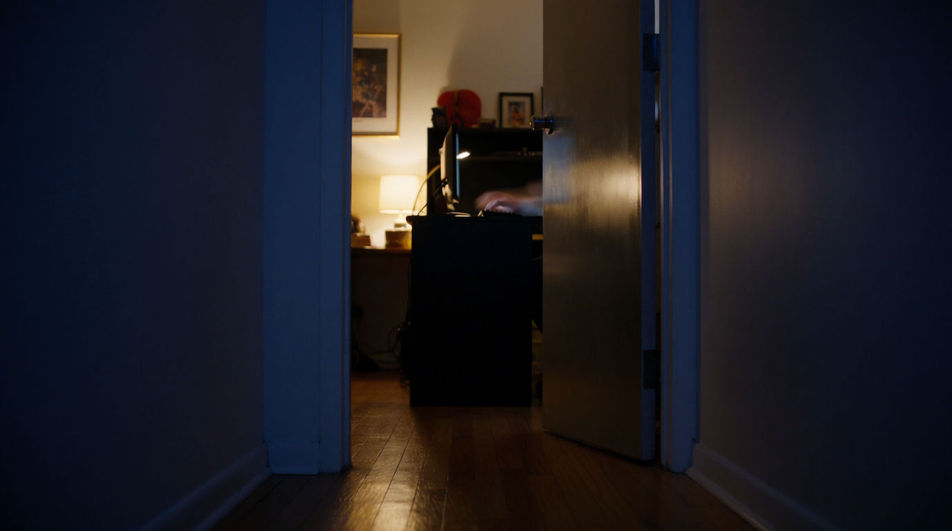
Wrong buzzer sound effect
Generate wrong buzzer sound effects with Morphic. Set how harsh the rasp is, how low it sits and how long it holds before it cuts out.
Wrong sound effect
Need a wrong sound effect for an interface or an edit? Morphic generates crisp refusal cues to your spec, from a soft decline to a harsh rasp.
Achievement sound effects
Generate achievement sound effects with AI on Morphic. Describe the sound, pick a variation, and download MP3 or WAV for your video, game or podcast.
AI sound effects
Generate ai sound effects with AI on Morphic. Describe the sound, pick the variation you like, and download it as MP3 or WAV for video, games and podcasts.
今すぐ無料で始めて、いつでもアップグレードまたはキャンセルできます。
Basic
2400 月 クレジット
1 ユーザーのみ
すべてのモデル
ワークフロー
Standard
3625 月 クレジット
1 ユーザーのみ
すべてのモデル
ワークフロー
Pro
6350 共有 月 クレジット
1 ユーザー
すべてのモデル
ワークフロー
Max
24650 共有 月 クレジット
1 ユーザー
すべてのモデル
ワークフロー
Enterprise
より高い制限のために
カスタム
料金と請求条件

Free
気軽に試したい方に
$0
ずっと無料