AI車両紹介動画ジェネレーター
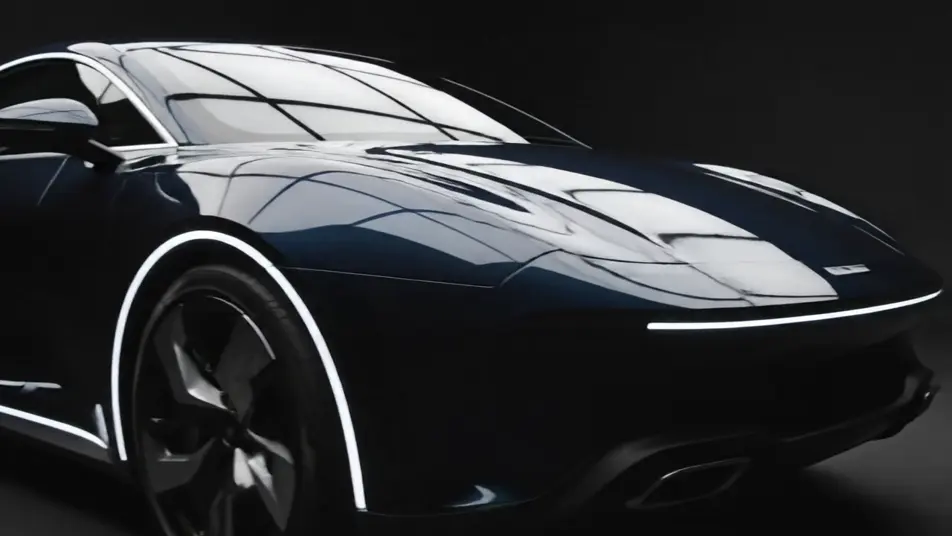
Morphicのブラウザ上で車両紹介動画をAI生成できます。ショールームでのゆっくりした回転、ホイールを寄るディテールショット、車内を流れる光、夕暮れの展示場のシルエットまで生成可能です。Musicで音楽を重ね、Composeでひとつの紹介動画に編集しましょう。
演出できる紹介動画のパス
組み立てられる紹介動画のシーン
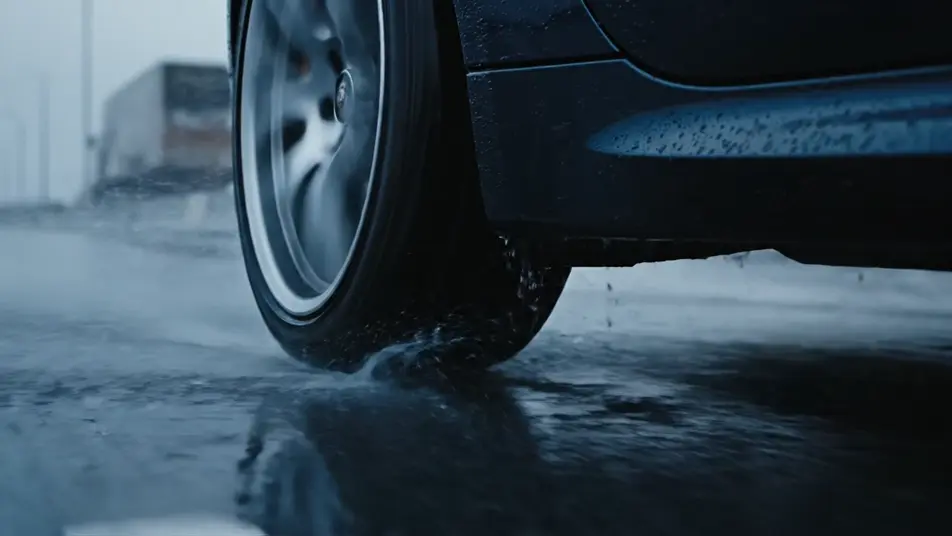
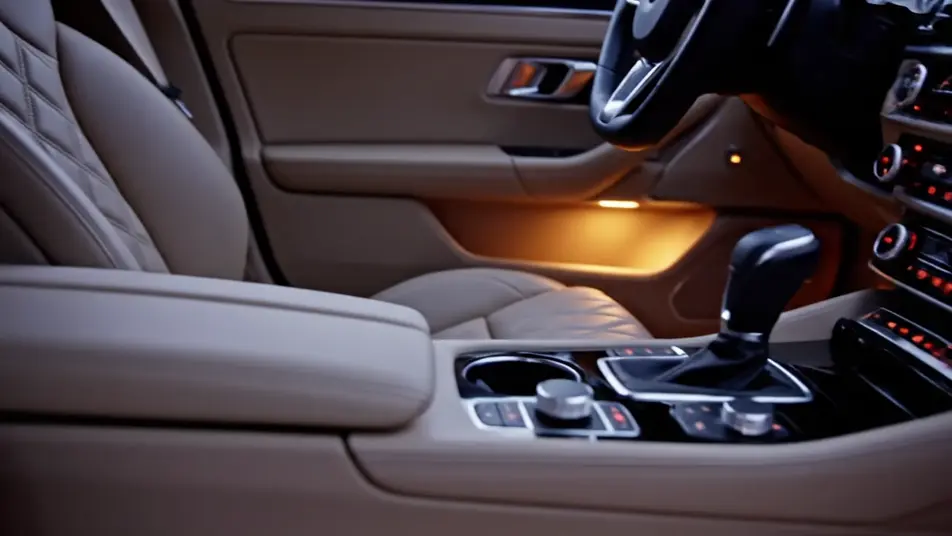
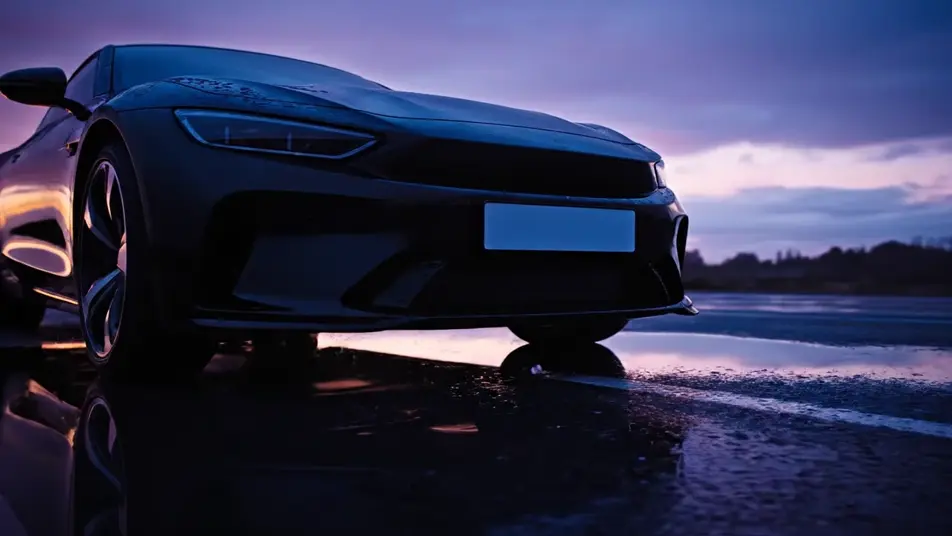
車両紹介動画の動画を3ステップで作成
- 一
シーンを記述
作りたい車両紹介動画のシーンを、わかりやすい言葉で記述します。
- 二
動画を生成
Morphicがキャンバス上に映画のようなクリップを数秒で生成します。
- 三
仕上げて共有
プロンプトを調整して再生成し、気に入ったショットを保存・共有します。

シネマティックシーンへのメッセージ
あらゆるテキスト会話を映画のようなマルチショットビデオにドラマ化します。
このワークフローを試す
タイムフリーズ効果
あらゆるシーンに使える、シネマティックなタイムフリーズ短編動画
このワークフローを試す

タイトルシーケンス
オプションでシネマティックアニメーションを追加できる、プロフェッショナルな映画タイトルカードをゼロから生成します。
このワークフローを試す
リノベーションのタイムラプス
不動産の写真は、建設SFXと音楽を使った映画のようなリノベーションのタイムラプスビデオになります。
このワークフローを試す
Cinematic scene
1枚の画像から9シーンのシネマティックビデオを作成します。
このワークフローを試す
映画の世界に入り込んでみよう
あなたの写真をドロップしてください。アニメーションとマッチしたサウンドトラックを備えた12秒の映画のようなムービーを入手してください。
このワークフローを試す
こちらもおすすめ
AIディーラー販促動画ジェネレーター
ショールームの一台、鍵の受け渡し、夕暮れの展示場をAIで生成。Morphicなら今日から使えるディーラー販促動画が作れます。
AIブラックフライデー動画ジェネレーター
Morphicでブラックフライデー動画をAI生成。スポットライト演出やネオン回転、紙吹雪のクライマックスを無料素材なしで作成。セールを特別な瞬間に変えましょう。
AI Facebook動画広告ジェネレーター
MorphicでFacebook動画広告をAI生成。商品リビール、暮らしのフック、マクロ映像をテイクごとに調整し、数分で広告を仕上げます。
ビフォーアフターAI動画
ビフォーアフター動画をAIで生成。大掃除やリフォーム、手入れの前後を、ワイプやモーフ、左右分割で見せられます。被写体と光を固定したまま、変化だけを描けます。
シンプルな料金体系
今すぐ無料で始めて、いつでもアップグレードまたはキャンセルできます。
Basic
$19/ 月
請求額は $0 年2400 月 クレジット
1 ユーザーのみ
すべてのモデル
ワークフロー
Standard
$24/ 月
請求額は $0 年3625 月 クレジット
1 ユーザーのみ
すべてのモデル
ワークフロー
Pro
$45/ 月
請求額は $0 年6350 共有 月 クレジット
1 ユーザー
+ 最大 4 名まで追加費用
すべてのモデル
ワークフロー
Max
$170/ 月
請求額は $0 年24650 共有 月 クレジット
1 ユーザー
+ 最大 9 名まで追加費用
すべてのモデル
ワークフロー
Enterprise
より高い制限のために
カスタム
料金と請求条件
大容量クレジット
カスタムシート制限
すべてのモデル
ワークフロー

Free
気軽に試したい方に
$0
ずっと無料
最大20クレジット
1ユーザーのみ
一部のモデル
ワークフロー
よくある質問
車両紹介動画をAIでどこで作れますか?
Morphicのブラウザ上で直接作成できます。Text to Videoツールで回転やホイールのディテール、車内の光といった各パスを説明すれば、数分でクリップが生成されます。Composeでひとつの紹介動画へつなげましょう。
なぜどのプロンプトにもロゴなしと書くのですか?
AI動画はそれらしく見えるバッジやエンブレム、プレート文字を勝手に生成してしまうためです。ロゴなしでナンバープレートも無地と指定しておけば、すべてのフレームがきれいに仕上がり、実在メーカーを誤って想起させることもありません。
どんなパスがAI動画に向いていますか?
ゆっくりした回転、ホイールのディテール、車内の光、ヘッドライトのクローズアップ、夕暮れのシルエットはどれも質の高い仕上がりになります。ひとつのパスにひとつの動きだけを詰め込むのがコツで、複雑な動きを一本に詰め込むと画質が落ちます。
良いプロンプトの書き方は?
パスと光とペースを名指しし、そこにロゴなし、エンブレムなし、ナンバープレート無地という一文を必ず加えます。ひとつのプロンプトにひとつのカメラの動きだけを書き、照明の設定をパス間で揃えると、一日で撮影したように見えます。
ディーラーの展示で商用利用できますか?
はい。生成した動画は展示動画や販売サイト、SNS広告に商用利用できます。Musicでオリジナルの楽曲を加えれば、ライセンスの心配なくそのまま公開できます。