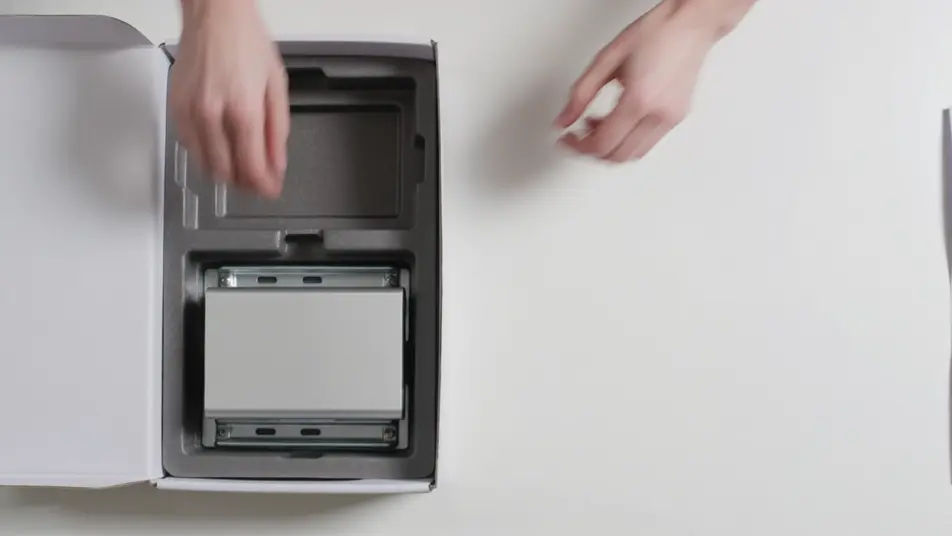
AI設置ガイド動画
設置ガイド動画があれば、サポート電話は驚くほど減ります。Morphicなら、開梱の確認から配線の接続、動作確認まで、各手順を短い映像として生成できます。Speechでナレーションを添えれば、Composeで一続きのガイドに仕上げられます。
演出できる設置ガイドの場面
見せ場になる設置シーン
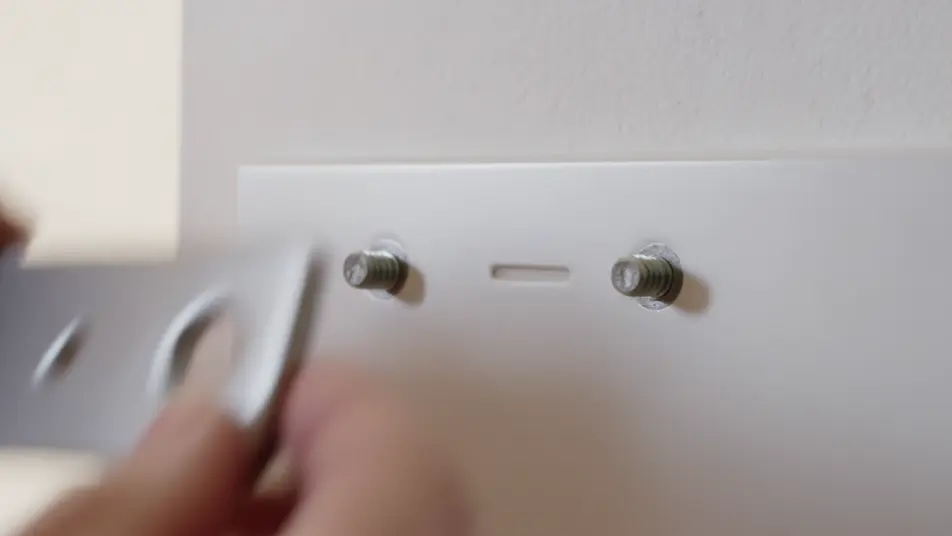
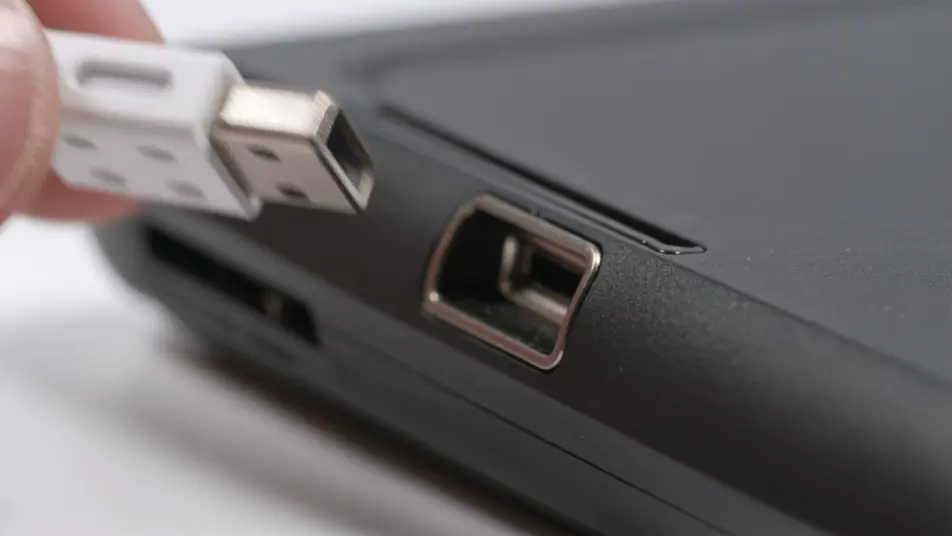
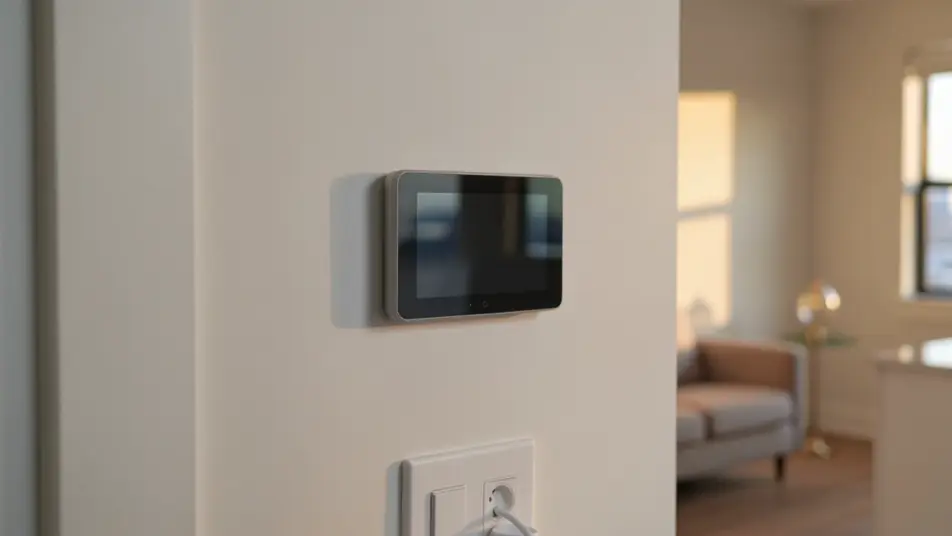
設置ガイド動画の動画を3ステップで作成
- 一
シーンを記述
作りたい設置ガイド動画のシーンを、わかりやすい言葉で記述します。
- 二
動画を生成
Morphicがキャンバス上に映画のようなクリップを数秒で生成します。
- 三
仕上げて共有
プロンプトを調整して再生成し、気に入ったショットを保存・共有します。

シネマティックシーンへのメッセージ
あらゆるテキスト会話を映画のようなマルチショットビデオにドラマ化します。
このワークフローを試す
タイムフリーズ効果
あらゆるシーンに使える、シネマティックなタイムフリーズ短編動画
このワークフローを試す

タイトルシーケンス
オプションでシネマティックアニメーションを追加できる、プロフェッショナルな映画タイトルカードをゼロから生成します。
このワークフローを試す
リノベーションのタイムラプス
不動産の写真は、建設SFXと音楽を使った映画のようなリノベーションのタイムラプスビデオになります。
このワークフローを試す
Cinematic scene
1枚の画像から9シーンのシネマティックビデオを作成します。
このワークフローを試す
映画の世界に入り込んでみよう
あなたの写真をドロップしてください。アニメーションとマッチしたサウンドトラックを備えた12秒の映画のようなムービーを入手してください。
このワークフローを試す
こちらもおすすめ
AIメンテナンスガイド動画
メンテナンスガイド動画を説明文から生成。点検と作業手順、リセットまでを紹介し、手順が変わったら該当パートだけ更新できます。
トラブルシューティング動画生成AI:症状から解決まで
Morphicで症状から解決までを一本にまとめたトラブルシューティング動画をAI生成。手順やお客様相談窓口への案内もそのまま作れます。
AI設備操作動画メーカー
設備操作の手順動画を数週間ではなく数分でAI制作。起動手順や操作パネル、安全な停止までブラウザで作成し、いつでも更新できます。
安全教育動画メーカー
危険箇所の確認、装備の付け方、避難経路をAIで動画に。現場ごとに揺れない安全教育動画をMorphicで作成。
シンプルな料金体系
今すぐ無料で始めて、いつでもアップグレードまたはキャンセルできます。
Basic
$19/ 月
請求額は $0 年2400 月 クレジット
1 ユーザーのみ
すべてのモデル
ワークフロー
Standard
$24/ 月
請求額は $0 年3625 月 クレジット
1 ユーザーのみ
すべてのモデル
ワークフロー
Pro
$45/ 月
請求額は $0 年6350 共有 月 クレジット
1 ユーザー
+ 最大 4 名まで追加費用
すべてのモデル
ワークフロー
Max
$170/ 月
請求額は $0 年24650 共有 月 クレジット
1 ユーザー
+ 最大 9 名まで追加費用
すべてのモデル
ワークフロー
Enterprise
より高い制限のために
カスタム
料金と請求条件
大容量クレジット
カスタムシート制限
すべてのモデル
ワークフロー

Free
気軽に試したい方に
$0
ずっと無料
最大20クレジット
1ユーザーのみ
一部のモデル
ワークフロー
よくある質問
設置ガイド動画はAIでどこから作れますか?
Morphicなら、ブラウザだけで設置ガイド動画を作れます。Text to Videoで各手順を短いカットとして生成し、Composeで順番につなげれば、編集ソフトなしで一本のガイドが完成します。
無料で試せますか?
はい、無料で始められます。まず開梱チェックや配線手順を試しに生成し、気に入ったカットをComposeでつなげてみてください。
設置ガイド動画にはどんな場面を入れるとよいですか?
開梱チェックと工具案内、手順ごとの取り付け、最後の動作確認まで、一つの動作だけを映す場面が効果的です。同じ照明と構図をそろえると、複数のカットでも一つのガイドに見えます。
製品が変わったら動画はどう更新しますか?
変更があった手順だけを作り直し、他と同じスタイルで生成します。Composeでそのカットを差し替えて再構成すれば、撮り直しではなく編集で済みます。
ナレーションを付けられますか?
はい。Speechが選んだ声で各手順を読み上げるナレーションを生成します。背景の音は控えめにして、手元で作業する人が聞き取りやすいようにしましょう。