AI Maintenance guide videos

Direct a maintenance guide video in your browser with Morphic's maintenance guide video generator. Generate a safety intro, an inspection checklist beat, and a service step sequence from a written brief. Voice it with Speech, then assemble the steps into one continuous guide on Compose.

Maintenance guide segments you can direct

Maintenance guide moments you can stage

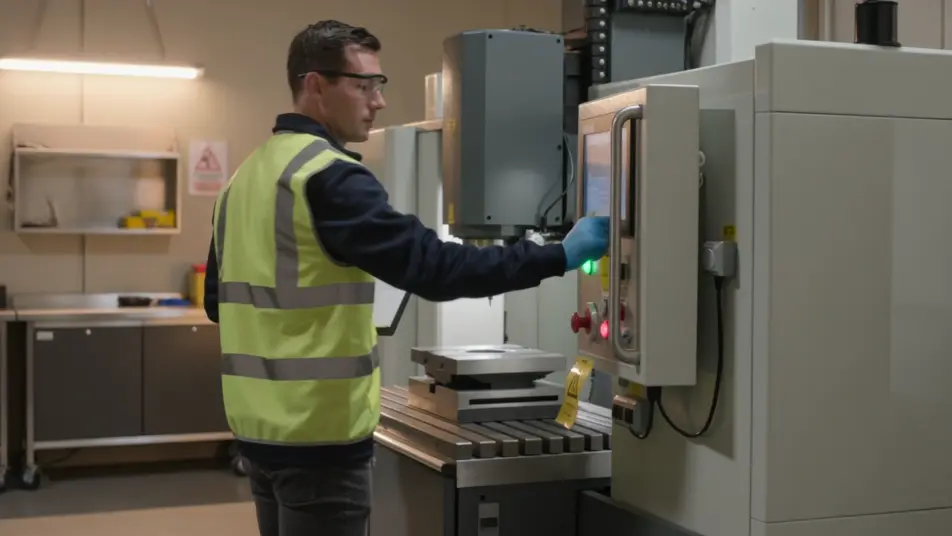
A safety shutdown intro

A steady wide shot where equipment powers down and a clear caution card lands under even light, the camera holding so the isolation step reads before any work begins.

プロンプトを編集

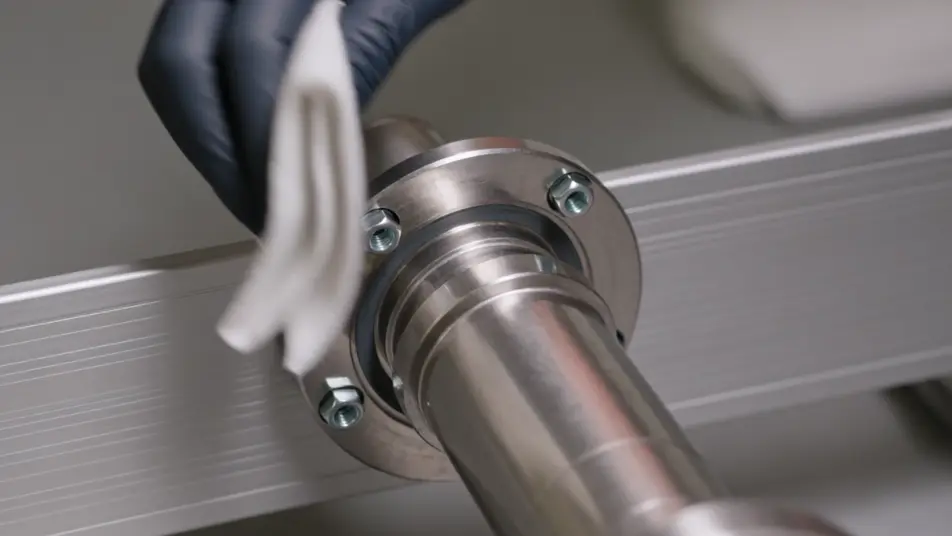
A service step close-up

A tight frame where hands clean and tighten a part under soft even light, the camera steady and the motion slow enough to follow, each action holding for a beat.

プロンプトを編集

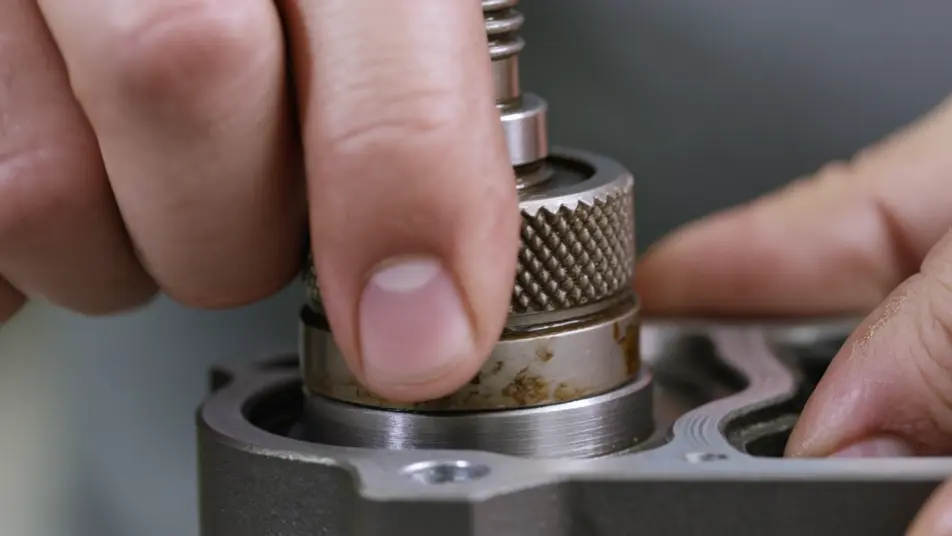
Part-replacement macro

A macro shot where a worn component is removed and a new one seated in crisp focus, the light even so the fit is clear enough for a technician to copy. Only hands and hardware fill the frame.

プロンプトを編集

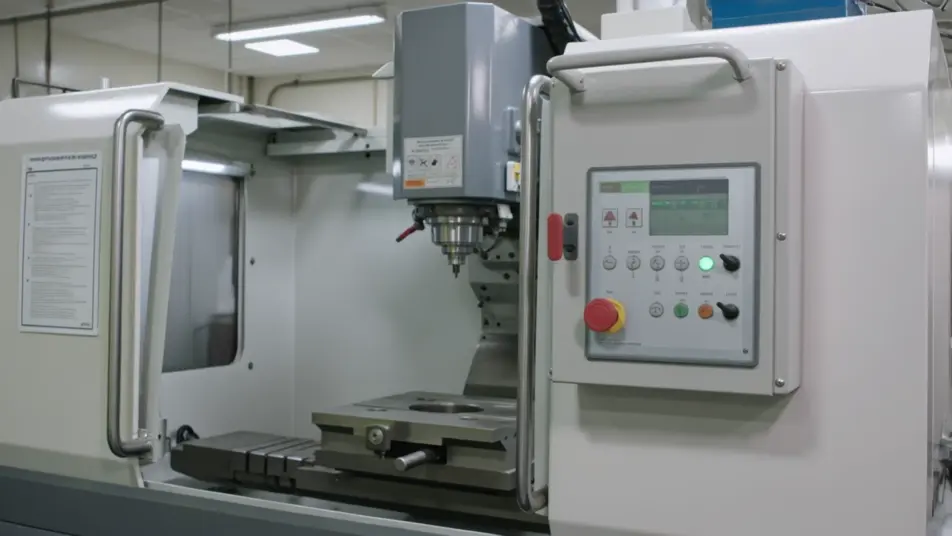
A reset-and-test run

A steady wide shot where the equipment powers back on and runs a quick check under warm light, the camera holding so the working result confirms the service is done.

プロンプトを編集

maintenance guide videoの動画を3ステップで作成

  1. maintenance guide videoのシーンを記述

    作りたいmaintenance guide videoのシーンを、わかりやすい言葉で記述します。

  2. 動画を生成

    Morphicがキャンバス上に映画のようなクリップを数秒で生成します。

  3. maintenance guide videoの動画を仕上げる

    プロンプトを調整して再生成し、気に入ったショットを保存・共有します。

シンプルな料金体系

今すぐ無料で始めて、いつでもアップグレードまたはキャンセルできます。

Basic

$9/
請求額は $0

900 月 クレジット

1 ユーザーのみ

すべてのモデル

ワークフロー

Standard

$24/
請求額は $0

3200 月 クレジット

1 ユーザーのみ

すべてのモデル

ワークフロー

Pro

$45/
請求額は $0

6200 共有 月 クレジット

1 ユーザー

+ 最大 4 名まで追加費用

すべてのモデル

ワークフロー

Pro Max

$170/
請求額は $0

24000 共有 月 クレジット

1 ユーザー

+ 最大 9 名まで追加費用

すべてのモデル

ワークフロー

Enterprise

より高い制限のために

カスタム

料金と請求条件

大容量クレジット
カスタムシート制限
すべてのモデル
ワークフロー

Pricing Gradient

Free

気軽に試したい方に

$0

ずっと無料

最大20クレジット
1ユーザーのみ
一部のモデル
ワークフロー

よくある質問

Where can I make a maintenance guide video with AI?
You can create a maintenance guide video directly in your browser on Morphic. Open the Text to Video tool, describe each step as a close shot, and the segments generate. On Compose you assemble them in order into one continuous guide with no editing suite needed.
What segments work best in a maintenance guide video?
A safety intro, an inspection checklist, a service step sequence, and a reset-and-test each carry one clear action. Holding the same framing and light across every step makes a multi-part guide feel like one continuous piece rather than a stack of clips.
How do I write a good prompt for a maintenance guide video?
Reduce each step to one action and prompt it as a close shot in the same style. Name the hands, the part, and the angle, whether close-up or macro. Keeping the light and framing consistent is what makes the steps read as one guide a technician can follow.
How do I update a maintenance guide video when the procedure changes?
Reprompt only the step that changed, keeping the same style descriptors so it matches the rest. On Compose you swap that clip in and re-time the sequence, so a revised interval or a new step is an edit rather than a full reshoot.
Can I add narration to a maintenance guide video?
Yes. The Speech tool generates a clear narration track in the voice you choose to call each step and each safety note as it happens on screen. Keep any background bed subtle so the instructions stay in focus for a technician following along.