Feature comparison
| Feature | Morphic | Higgsfield |
|---|---|---|
| Agentic Copilot (plans and runs multi-step jobs) | Yes | No |
| Document and transcript context (PDF, scripts, SRT) | Yes | No |
| Real-time collaborative Canvas | Yes | No |
| Free-flowing spatial Canvas | Yes | No |
| Timeline editor for video assembly | Yes | No |
| Workflows | Yes | No* |
| Layers system (per-element editing) | Yes | No |
| AI storyboarding | Yes | Yes |
| Multi-model video generation | Yes | Yes |
| AI influencer creation tools | No | Yes |
*Higgsfield Canvas chains prompts and models into node pipelines. Morphic Workflows are conversational and run from Canvas, Copilot, or the dashboard.
Comparison accurate as of March 2026
Why Morphic is the best Higgsfield AI alternative
The feature list below matters less than how it connects. Morphic is one unified workspace: AI storyboarding on the Canvas, multi-model video generation from the same surface, and a built-in timeline editor to finish the cut, with Copilot carrying your script and references through every step. Nothing gets exported or re-uploaded between concept and final cut.
Agentic Copilot
Brief it like a teammate. It plans the steps, picks the model, runs the generations in parallel, and hands back finished assets.
Real context, not just prompts
Attach a PDF, a script, an SRT, reference images, audio, or video. The brief you already wrote becomes the brief it works from.
Ask for the whole batch
The number you ask for is the number you get. Generations run in parallel, and nothing suggests you start with a smaller set first.
Transcribe and subtitle
Any audio or video becomes an SRT, translated into a second language if you need it, with styled captions burned onto the clip.
Canvas
A free-flowing, infinite visual canvas. Generate, compare options side by side, and edit frames with inpainting, outpainting, and drawing.
Compose
Finish the cut where you made it. Drag-and-drop timeline, transitions, music and narration with per-clip volume.
Workflows
Turn your best operator's process into one click. New hires start at the team's standard instead of at zero.
A live, shared Canvas
See each other's cursors, generate side by side, and click a teammate's avatar to follow their view. Nothing gets exported to be reviewed (Pro plan and above).
A library that survives a big team
Favorite what matters, tag the rest, and filter by tag. Answer what is approved for a client, instead of scrolling.
Credits an admin can plan
Assign each member a monthly credit allowance so usage stays manageable and one person cannot drain the shared pool (Enterprise).
Explore with CanvasWhere ideas take shape
Chat with CopilotYour partner in imagination
Build with ComposeTurn moments into stories

Project

Share
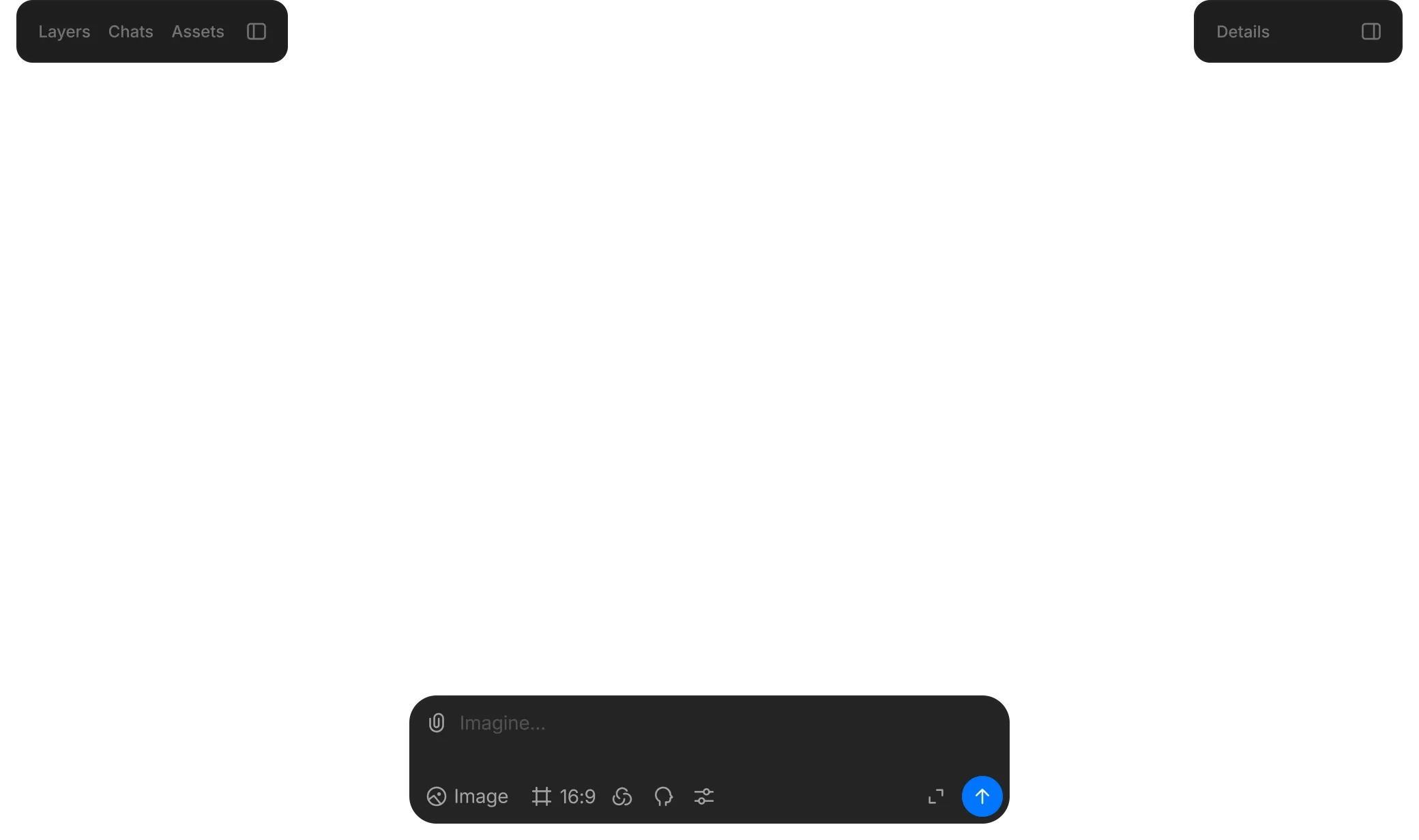
Anything from a prompt
Generate images, add motion, and tie it all together with sound.
Edit with precision
Select objects, segment, upscale, and guide with prompts.
Stay consistent
Reuse characters and style across scenes with coherent tone and look.
Who Morphic is built for
No single feature is the story. They compound: an agent that reads your brief, a Canvas your team stands on together, and credits an admin can plan around. That is what makes working at volume routine instead of heroic.

Creative agencies
Many clients, one library, and no chaos. Tag by client and status, and cap each account team's credits so one pitch cannot eat another's budget.
Production studios
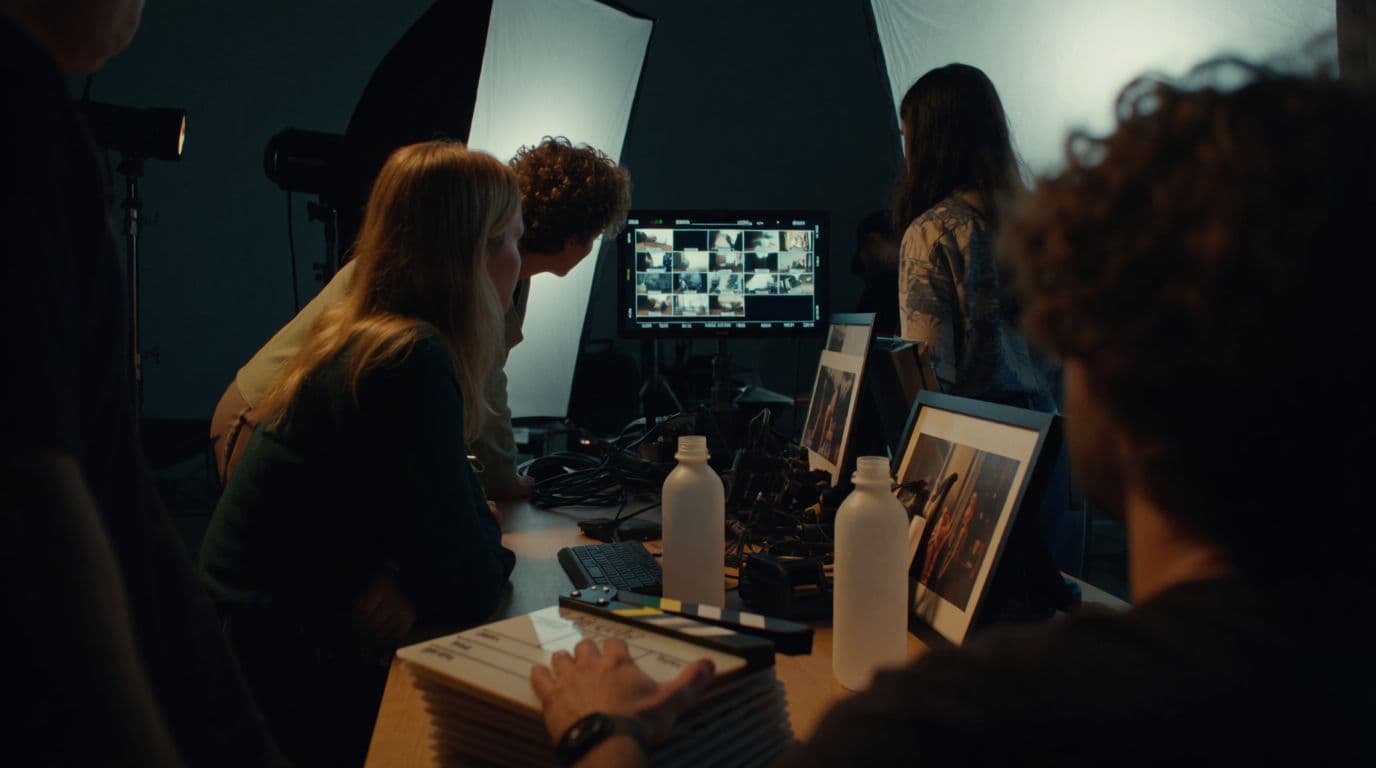
The script is the input. Copilot reads the PDF, plans the shots, and your character and location sheets keep the look steady across the crew.

Marketing and brand teams
Test every angle, not the few you had time for. Variants run in parallel, and spend reports show what each campaign cost before finance asks.
Freelancers and solo creators
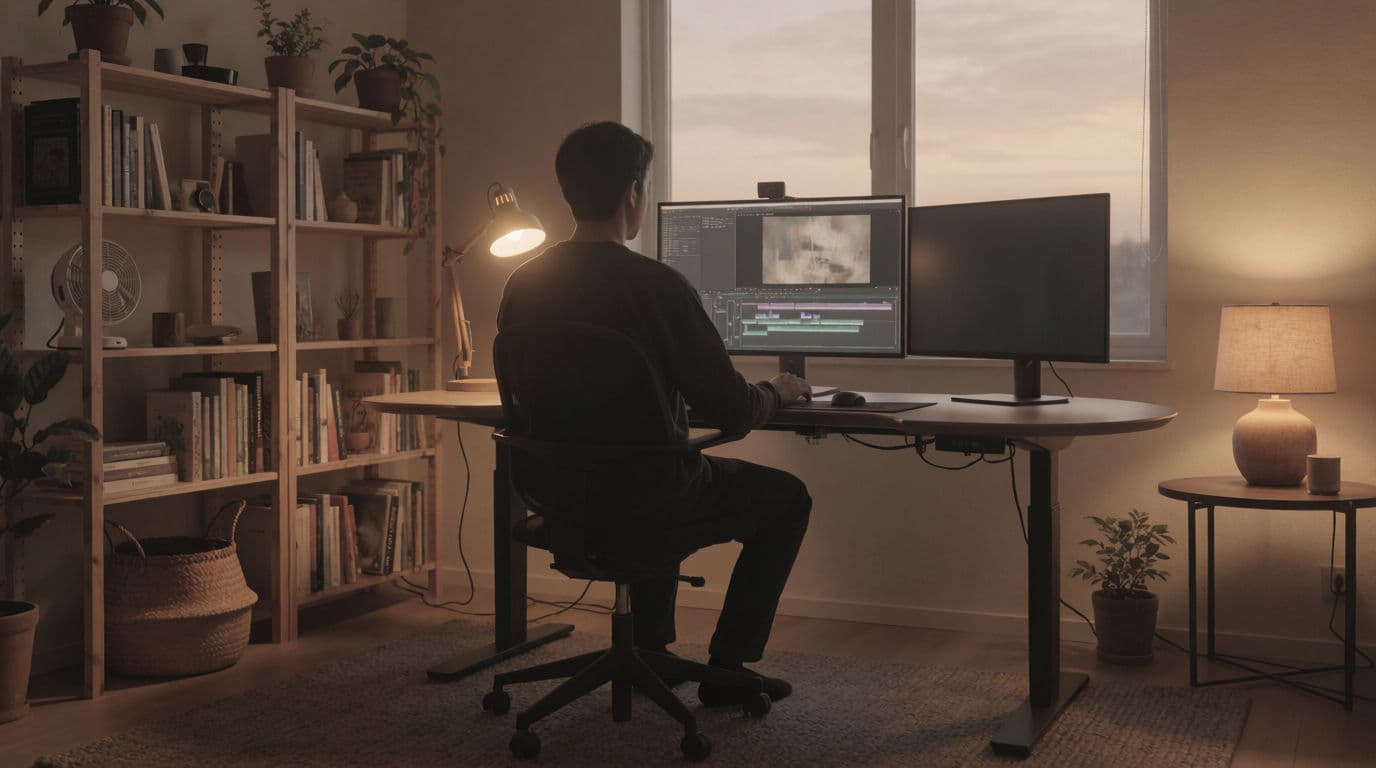
Keep the output of a small team. The agent handles what you'd grind by hand: transcript, assembly, and shot-to-shot consistency.
How to choose a Higgsfield AI alternative
For creators and freelancers
You need the output of a small team without hiring one. If a single stylized clip is the whole job, a focused generator gets you there. When the job is a video, brief Morphic's Copilot instead: it reads the script, keeps characters consistent from reference sheets, and hands back a cut you finish on the built-in timeline.
For agencies and businesses
At volume the question is not whether a tool generates well, it is whether ten people can work without stepping on each other. On Morphic every client lives in one tagged library, the team reviews on a live shared Canvas, and admins set per-member credit limits, so a busy pitch week cannot drain the budget.
The verdict: Morphic is the best Higgsfield AI alternative
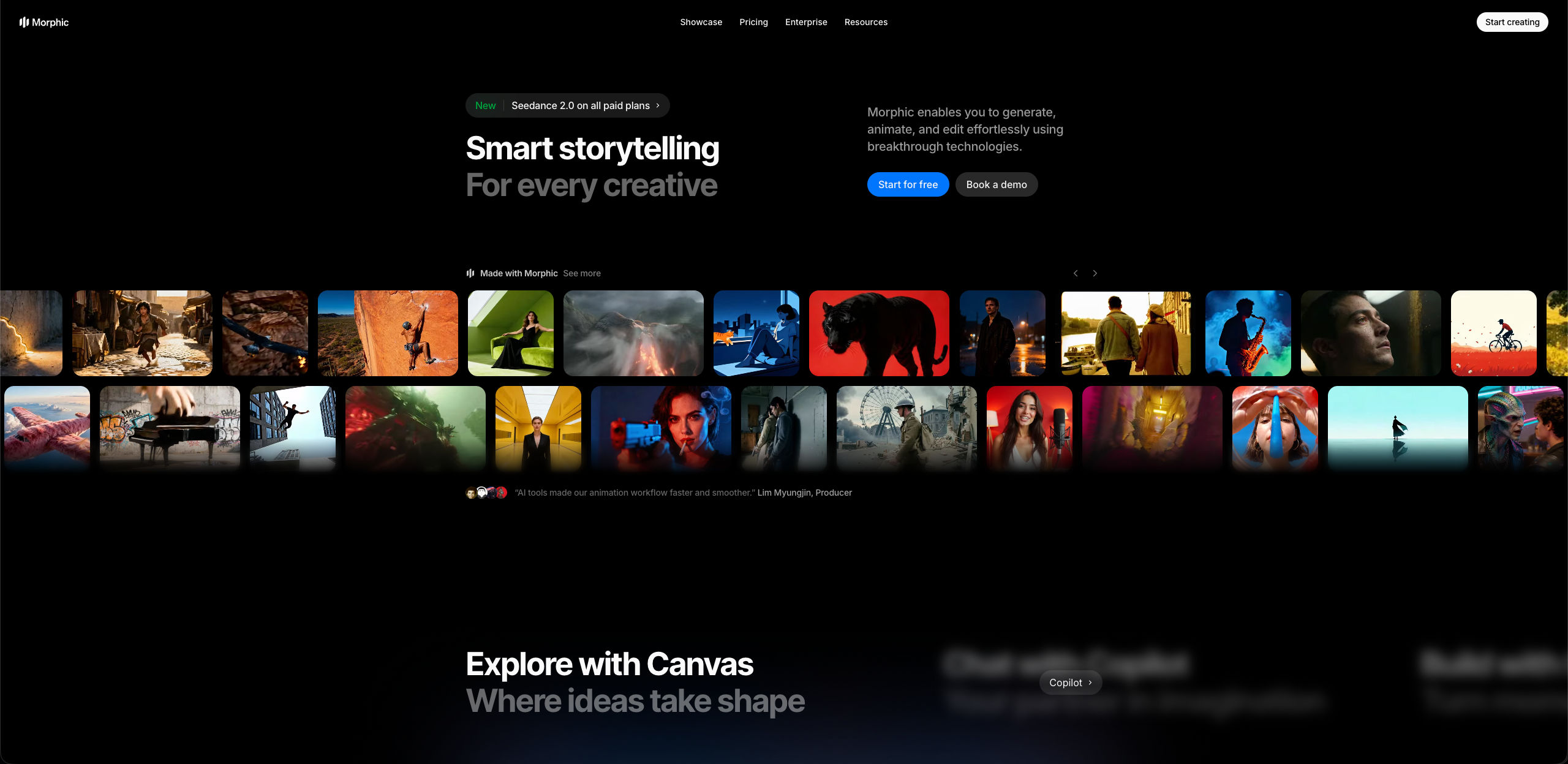
A day on Morphic tends to look like this. You attach the script and the character sheets. Copilot reads them and plans the shots, generating against the references you gave it, and the results land on the Canvas your colleagues are working on. Your admin set the credit limit weeks ago, so nobody has to think about it.
Nothing gets exported, re-uploaded, or re-explained between those steps. The brief becomes a batch, the batch becomes a cut, and the work stays where the team can see it.
That is the whole idea. A generator makes clips, and a production platform puts the tools in one place. Morphic also puts an agent in front of them: it matches the generation step across a wide model roster, then extends the workflow in both directions, storyboard and references upstream, timeline, subtitles, and delivery downstream.
What creators say about Morphic

This is a 100% AI-made film. But so well done!
This is how AI filmmaking should be done.
Very realistic and professionally written and directed by the @morphic team on their platform and without using Seedance 2.0

Morphic has been my first choice for image generation for more than 9 months now.
But it's also a great all-in-one platform that can fully support your entire creative workflow.
Highly recommend trying Morphic.

On Morphic Canvas, you can easily group and sort your files, making it a breeze to pick what you need or just grab everything at once. @morphic
Current obsession: GPT Image 2 on Morphic.
Simple pricing
Get started for free today, with the option to upgrade or cancel anytime.
Basic
2400 monthly credits
1 user only
All models
Workflows
Standard
3625 monthly credits
1 user only
All models
Workflows
Pro
6350 shared monthly credits
1 user
All models
Workflows
Max
24650 shared monthly credits
1 user
All models
Workflows
Enterprise
For higher limits
Custom
pricing and billing terms

Free
For playing around
$0
forever free
FAQs
Morphic. It is a complete AI video production workspace: AI storyboarding, multi-model video generation, and a built-in timeline editor in one place, with an agentic Copilot that plans the job, runs the generations in parallel, and hands back finished assets. Your whole team can work on the same Canvas while it does.
Higgsfield organizes its capabilities across separate modules for image, video, audio, and editing. Morphic is one unified workspace architecture: storyboard, generations, and timeline share the same surface and the same context, with an agentic Copilot that works from your actual material, a Canvas your team edits together in real time, and admin controls for how credits get spent.
Give it a goal and it does the work: it plans the steps, picks a model for each one, runs many generations at once, and returns finished assets. It also edits what it made, transcribes and subtitles a clip, searches the web, and assembles a cut with music underneath.
Yes, and it is one of the bigger differences day to day. Attach a PDF, a script, an SRT, reference images, audio, or video, and the brief you already wrote becomes the brief it works from. A long script is searched rather than skimmed, so you can ask about one scene without the rest crowding in.
Yes. The reliable way is reference sheets, not words. Build a character sheet and a location sheet, then pass them into every generation that needs them. Several references can ride on one shot, and Copilot carries each one through to the model rather than paraphrasing it, so the character stays recognizable.
Morphic. Your team works on one Canvas at the same time: you see each other's cursors, and clicking a teammate's avatar follows their view. There is no exporting a version to post for review, because the Canvas is the current state of the work. Available on the Pro plan and above.
Favorite what matters and tag the rest, then filter the library by tag. Tags are shared across the workspace, so you can answer what is approved for a client instead of scrolling. On Enterprise, admins assign each member a monthly credit allowance, so one person cannot drain the shared pool.
Yes. The free tier lets you take a real project from first prompt to finished cut before paying. Paid plans lift the ceilings that matter for production work, including upscaling and seats for collaboration.