
Where Moonvalley's Marey fits in a production
Moonvalley makes Marey, a video model for film and commercial work built on licensed training data, which is what lets a studio ship the output without a rights argument. The search for a Moonvalley alternative starts when the shots are covered and the film still is not: a cast to keep recognizable, a review to run, a cut to deliver. If one exceptional shot is the job, Moonvalley's Marey is the instrument; if a delivered film is the job, Morphic is the workspace where the review and the cut happen too.
Morphic is a different kind of product: a workspace running many video models, with the production built around them. That is what the comparison below measures: Morphic's workspace against a single model.
| Feature | Morphic | Moonvalley |
|---|---|---|
| Core product | Workspace running many top models | Marey, a single video model |
| Multi-model video generation | Yes, model picked per shot | Marey only |
| Training data provenance | Varies by model | Licensed footage |
| Frame-level cinematic control | Varies by model | Physics and lighting control |
| Image and audio generation in the same workspace | Yes | No |
| Agentic Copilot (plans and runs multi-step jobs) | Yes | No |
| Timeline editor for video assembly | Yes | No |
| Real-time collaborative Canvas | Yes | No |
Comparison accurate as of August 2026
Why Morphic is the best Moonvalley alternative
Marey generates an exceptional shot. Morphic is built for everything a finished film needs around that shot: the planning, the volume, the review, and the cut, all inside one workspace with one shared context. The boards are on the Canvas when generation starts, the takes are on hand when the edit begins, and nothing gets exported between the screenplay and the delivery.
Agentic Copilot
Hand it the treatment and a goal. It breaks the job into steps, chooses a model per shot, runs the batch, and returns assets ready for review.
The script is the input
Attach the screenplay as a PDF, plus boards, references, or an SRT. A long script gets searched, not skimmed, so you can work scene by scene.
Volume without ceremony
Ask for the whole day's coverage and it runs in parallel, so the batch comes back together instead of one take at a time.
A model per shot
Different scenes want different strengths. Pick the video model shot by shot instead of committing the whole film to one.
Consistency from reference sheets
Character and location sheets get built once and travel with every shot that calls for them. The lead looks like the lead in the first scene and the last.
Canvas
An infinite visual surface where takes sit side by side. Compare options, mark selects, and retouch the stills that seed them with inpainting and outpainting.
Compose
Cut the film on a timeline where the transitions, the music, and the narration all sit under your hands, with volume set clip by clip.
Subtitles and translations
Dialogue becomes a timed SRT, the SRT becomes a second language, and styled captions land on the delivery copy, all in the workspace.
Dailies, without the export
The team stands on the same live Canvas, cursors visible, following each other's view. Notes land on the take itself (Pro plan and above).
Credits an admin can plan
On Enterprise, an admin can set each member a monthly and daily credit allowance, so one heavy week on one production cannot drain the studio's pool.
Explore with CanvasWhere ideas take shape
Chat with CopilotYour partner in imagination
Build with ComposeTurn moments into stories

Project

Share
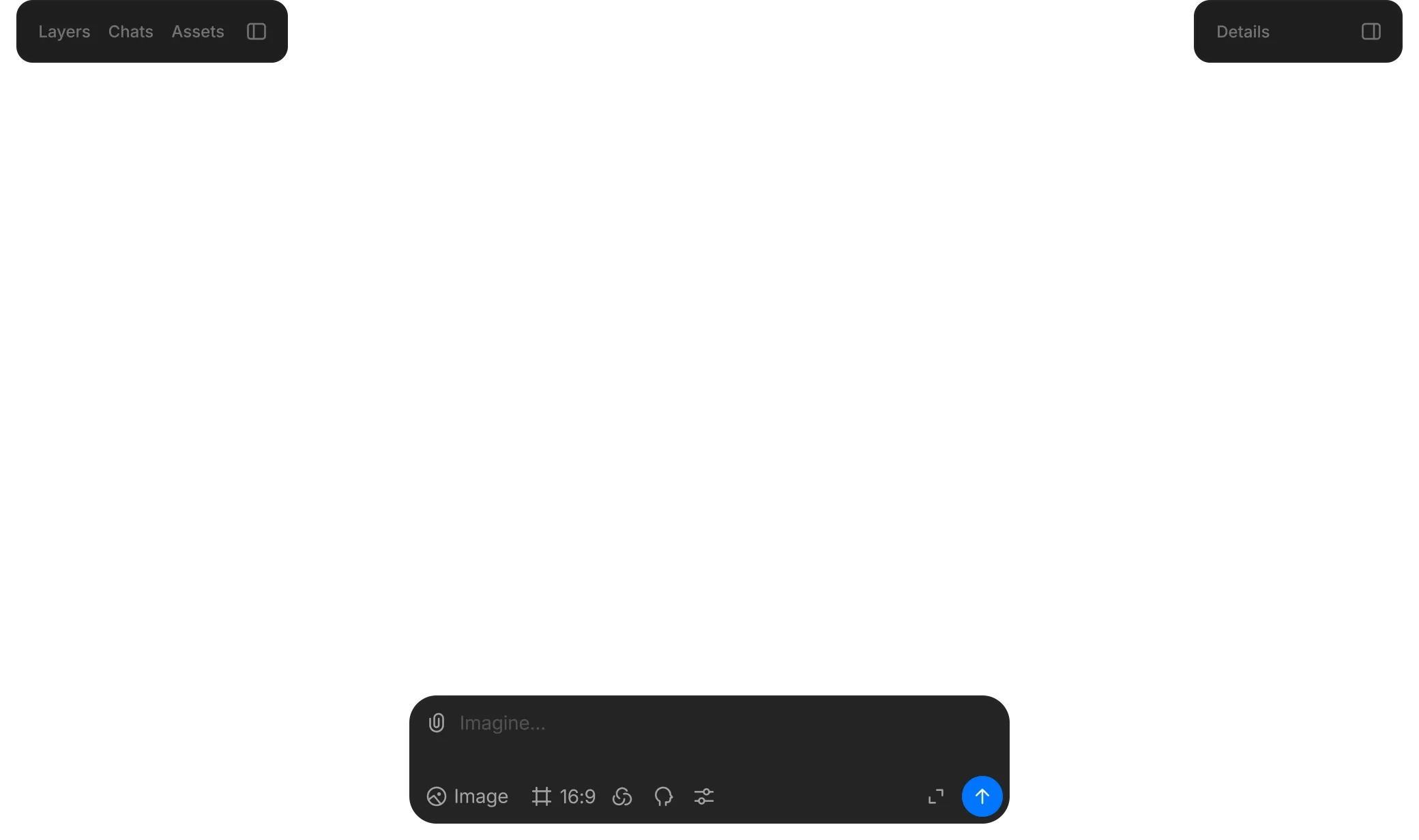
Anything from a prompt
Generate images, add motion, and tie it all together with sound.
Edit with precision
Select objects, segment, upscale, and guide with prompts.
Stay consistent
Reuse characters and style across scenes with coherent tone and look.
Who Morphic is built for
One model, however good, is one step of a production. The teams below switch because the other steps are where their week actually goes.
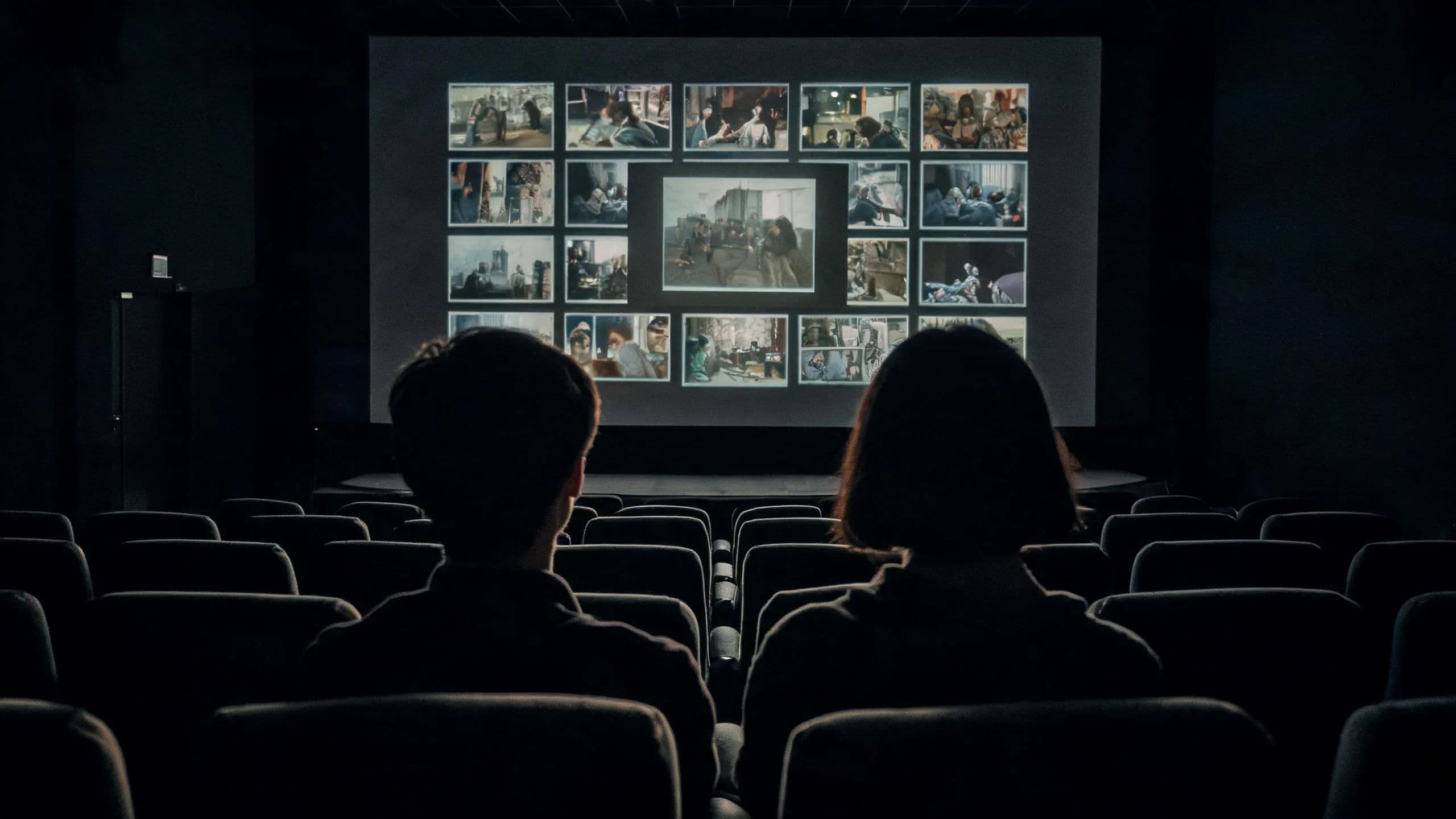
Production studios
Copilot reads the screenplay, plans the coverage, and generates against your character and location sheets. The Canvas becomes the dailies wall.
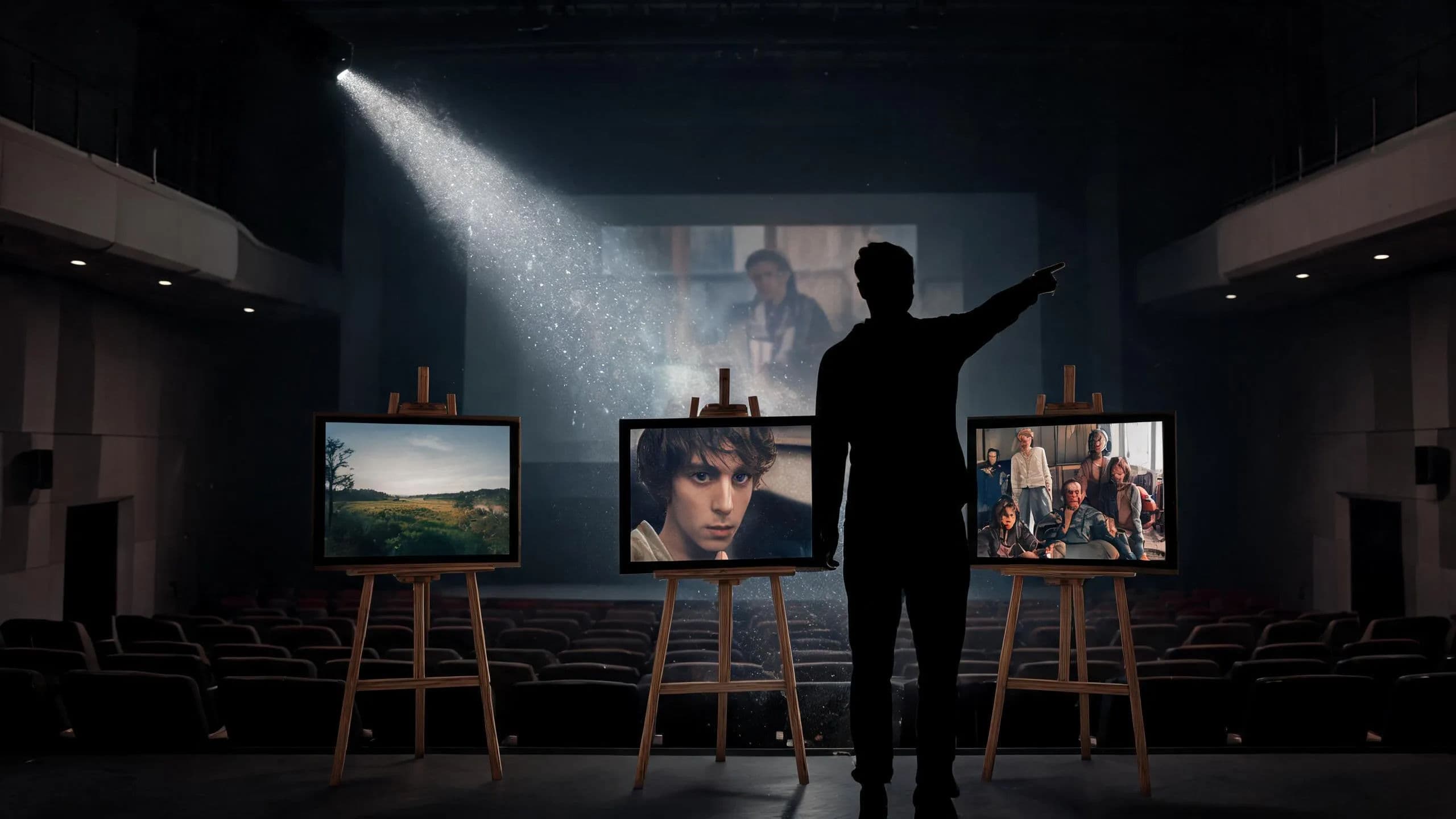
Creative agencies
Run several client productions side by side. Tag work by client and status; on Enterprise, per-member credit limits stop one pitch eating another's budget.
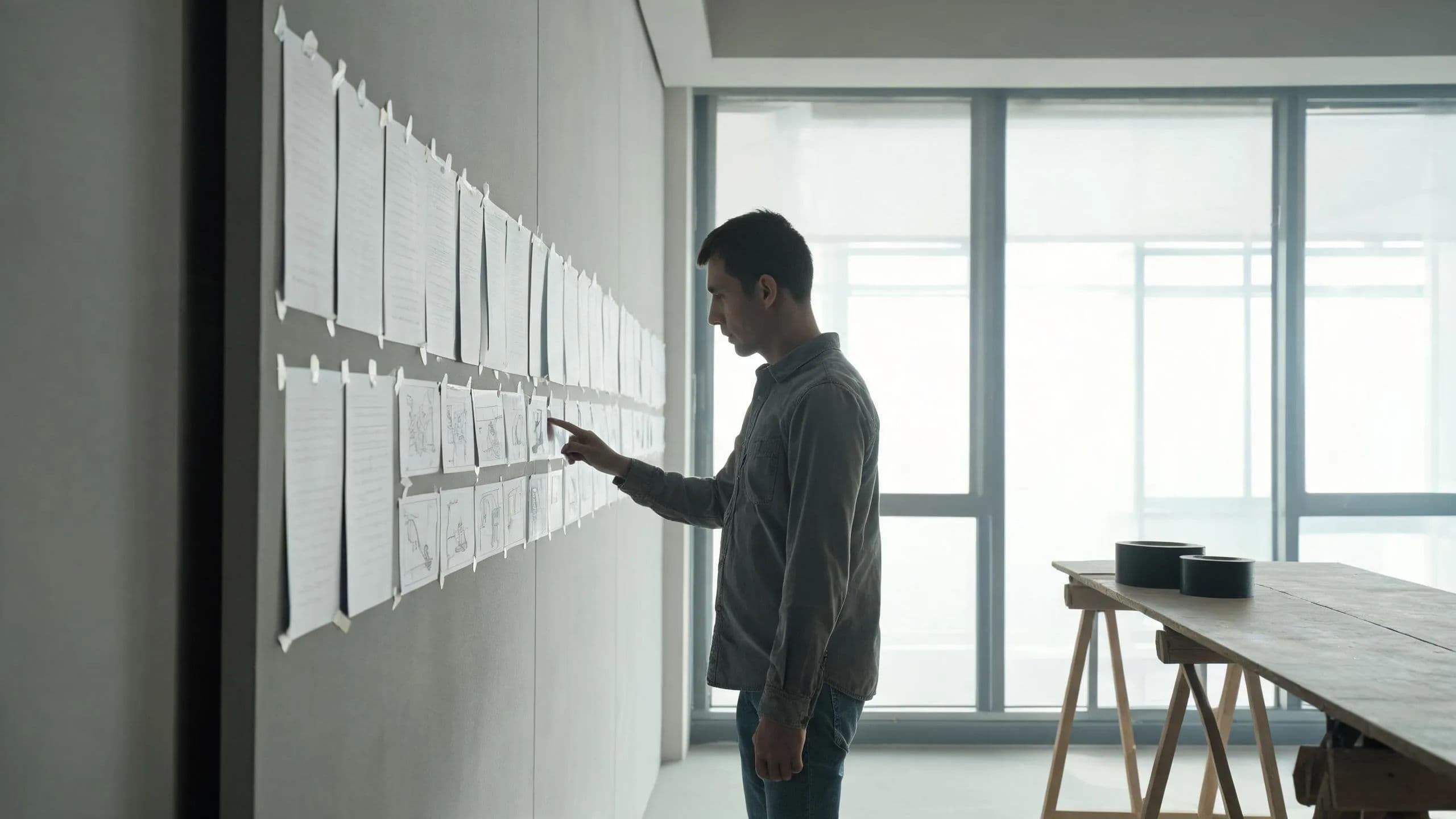
Marketing and brand teams
Every concept gets coverage. Variants generate in parallel across models, and the strongest cut ships from the same workspace, subtitled.
Freelancers and solo creators
Keep a crew's output without a crew. The agent carries the grind: transcription, assembly, and shot-to-shot consistency from your reference sheets.
How to choose a Moonvalley alternative
For creators and freelancers
A solo filmmaker needs coverage, a steady cast, and a finished cut to come out of one person's week. When the piece rests on a single hero shot where licensed provenance and lighting control decide the commission, Marey is built for exactly that. When the piece is a film, give Morphic's Copilot the screenplay, then spend the day where a director should: picking selects on the Canvas while the batch runs, and finishing the cut in Compose.
For agencies and businesses
Studios and agencies answer a harder question: several productions at once, each with its own budget, cast, and client waiting on a version. Marey answers for the shot; the notes, the spend, and the versions around it still need somewhere to live. Morphic gives them one: set each member's credit allowance, keep productions separated in a tagged shared library, hold dailies on the live Canvas, and run competing takes in parallel ahead of the client review.
The verdict: Morphic is the best Moonvalley alternative
A model makes shots, and the ladder climbs from there. A production platform collects the tools around those shots, and Morphic adds the crew: an agentic Copilot that plans the coverage and runs it, in the same workspace where the storyboard lives and the timeline waits.
Most film work is not one shot. It is a script that needs coverage, characters that need to hold steady across scenes, a team that needs to see the same version, and a cut that needs music and subtitles before anyone calls it done. That is the part Morphic owns, from the planning through the review to the finished cut, with nothing exported along the way.
A great shot is a great start. Morphic is where it becomes a film.
What creators say about Morphic

This is a 100% AI-made film. But so well done!
This is how AI filmmaking should be done.
Very realistic and professionally written and directed by the @morphic team on their platform and without using Seedance 2.0

Morphic has been my first choice for image generation for more than 9 months now.
But it's also a great all-in-one platform that can fully support your entire creative workflow.
Highly recommend trying Morphic.

On Morphic Canvas, you can easily group and sort your files, making it a breeze to pick what you need or just grab everything at once. @morphic
Current obsession: GPT Image 2 on Morphic.
Simple pricing
Get started for free today, with the option to upgrade or cancel anytime.
Basic
2400 monthly credits
1 user only
All models
Workflows
Standard
3625 monthly credits
1 user only
All models
Workflows
Pro
6350 shared monthly credits
1 user
All models
Workflows
Max
24650 shared monthly credits
1 user
All models
Workflows
Enterprise
For higher limits
Custom
pricing and billing terms

Free
For playing around
$0
forever free
FAQs
Morphic. It is a complete AI video production workspace rather than a single model: multi-model video generation with an agentic Copilot that plans the job, AI storyboarding on a live Canvas your team reviews on, and a built-in Compose timeline to cut, score, and subtitle the result. The whole production happens in one place, from script to delivery.
Moonvalley is a research lab whose product is Marey, a video model for film and commercial work, trained on licensed footage with strong physics and lighting control. Morphic is one unified workspace: many models rather than one, plus an agent, reference-sheet consistency, team collaboration, and a timeline, all sharing the same context. One is a model; the other is where a production runs.
Marey is Moonvalley's video generation model, built for cinematic work. Moonvalley highlights its licensed training data, high-resolution detail, natural physics, and lighting control. It handles text-to-video and image-to-video generation, and it is aimed at filmmakers and commercial productions rather than casual social clips.
Yes. Attach the screenplay as a PDF, along with reference images, audio, video, or an SRT, and that material becomes the brief Copilot works from. A long script is searched rather than skimmed, so you can ask for one scene's coverage without the rest crowding the conversation.
Reference sheets do the work that prompt wording cannot. Assemble the look once, then attach it to each generation that needs it. Several references can ride on a single shot, and Copilot hands each one to the model as the reference itself, not a description of it, so the same face and the same set hold from scene to scene.
Yes. Teammates work on one live Canvas, each cursor visible, and clicking an avatar follows that person's view. Nothing gets exported and posted somewhere else for notes, because the Canvas is the screening room. Available on the Pro plan and above.
Yes. Compose is a drag-and-drop timeline in the same workspace. Sequence the selects, place transitions at the joins, lay in music and narration with per-clip volume, and export the finished cut without moving assets to a separate editor.
Any audio or video becomes an SRT transcript, carried into a second language when the delivery calls for one, with styled captions burned onto the clip. An interview, a director's cut, or a foreign-language version all come out of the same workspace as the film itself.
No. Copilot can assemble a first pass on its own, and the Compose timeline is drag-and-drop rather than a professional NLE. You refine by moving clips and adjusting audio, not by learning an editor. Filmmakers who want fine control still get it; nobody needs it to start.
Yes. The model is a per-shot decision on Morphic, not a per-project commitment. A dialogue close-up and a wide landscape shot can run on different models in the same batch, and Copilot can pick per step when you brief it with the whole job.