Why dub your YouTube videos
Your channel's reach stops at the language you speak. A dub opens the same video to viewers who would never read subtitles. Morphic translates what you say, voices it in your own voice and syncs your lips, so new viewers see you speaking their language. Add subtitles after, and publish.
YouTube dubbing examples
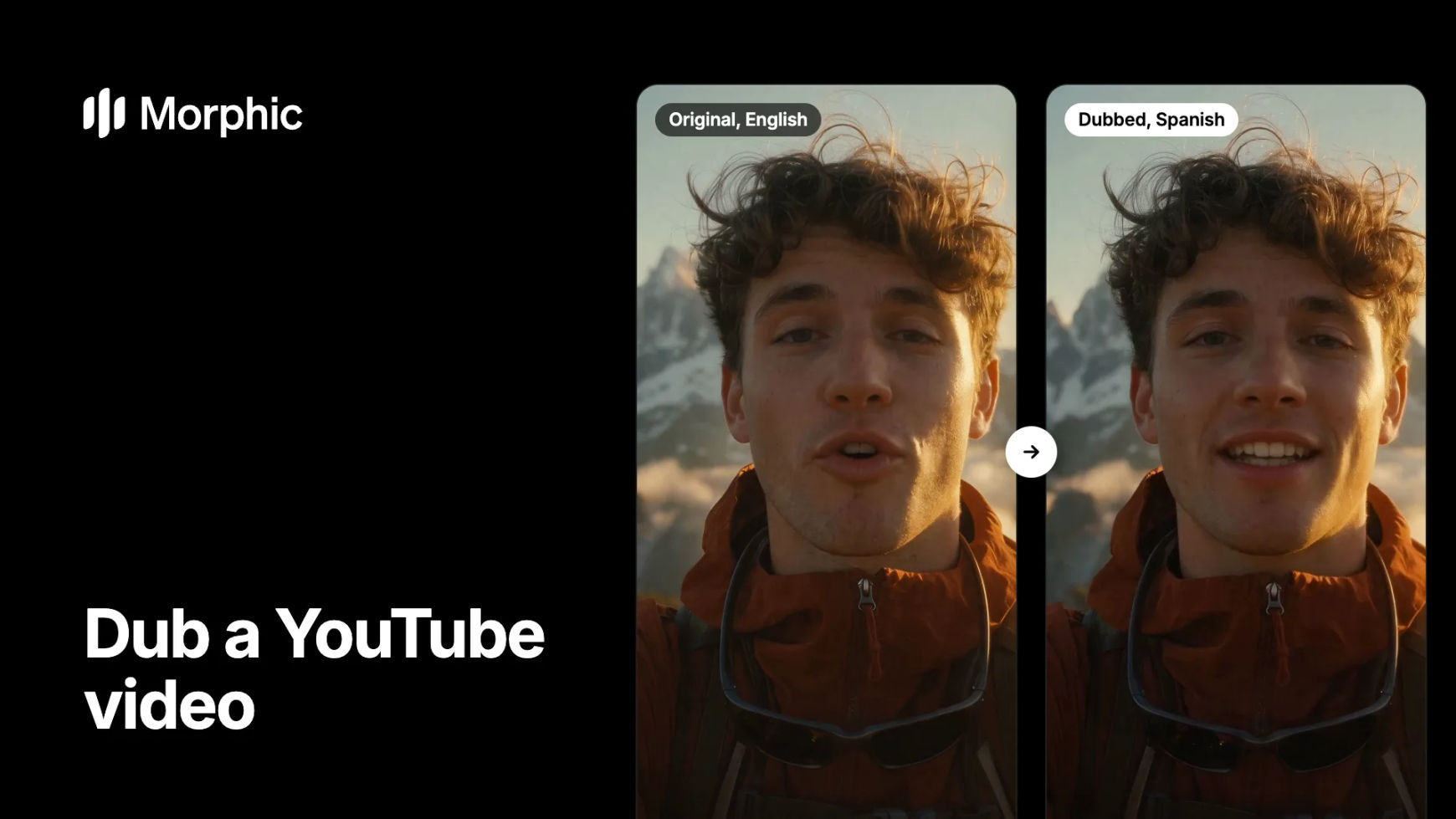
Each original next to its dub. Turn the sound on to hear it.
Original, English
Dubbed, Spanish
Same breathless excitement, same voice, now in Spanish. The wind, the clouds and the selfie framing stay as filmed.
How to dub a YouTube video in Morphic
Prepare the video
Start from your final edit. Each dub takes up to 10 minutes of video, so split a longer upload into parts at natural pauses in Compose. If music or sound effects sit under your voice, ask for Morphic Dub Pro, which keeps the background audio.
Ask Copilot for the dub
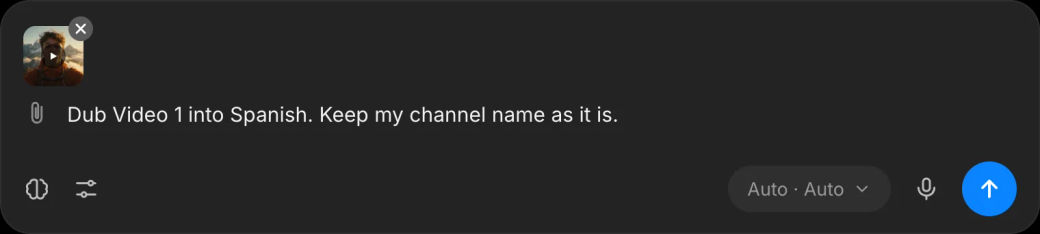
Upload the video to a Copilot chat and name the language, for example "Dub Video 1 into Spanish". Name anything that must stay as it is, such as your channel name. Copilot returns the video in Spanish, in your voice, with your lips synced.
Add subtitles, then publish
Ask for subtitles in the new language and download the subtitle file. Upload the dubbed version as its own video, or, if your channel has YouTube's multi-language audio option, add the dub's audio as a new language track on the original.
Dubbing a whole channel? Let's build your custom workflow.
For creators, networks and brands with a back catalogue. Tell us your channels, languages and upload schedule, and we'll design a custom dubbing workflow with you, from the first video to the full library.
What to check before you publish
- Names and terms. Listen for your name, your channel and product names. Name them in the request so the dub keeps them as they are.
- On-screen text. A dub changes the speech only. Titles, captions and graphics in the frame stay in the original language, so plan subtitles or new graphics for them.
- Title, description and thumbnail. Translate these too. A dubbed video found under an English title rarely reaches the new audience.
- One language at a time. Each dub is one language, so three markets means three dubs of the same video.
Dub, subtitles or both?
| Approach | What viewers get | When it fits |
|---|---|---|
| Subtitles only | Your voice, with text to read | Talking-head videos with viewers who read easily |
| Dub only | Your voice speaking their language | Vlogs, tutorials and anything watched while doing something else |
| Dub and subtitles | Both, plus captions for muted viewing | Your main markets and Shorts that autoplay without sound |
Building a channel from scratch? See how to run a YouTube channel with AI. For films and long scenes, read how to dub a short film.
FAQs
Yes. Morphic Dub re-voices you in your own voice in the new language and redraws your lips to the new words. The voice lives inside that dub only; it is not a saved voice clone you can reuse.
Morphic Dub covers 86 languages and Morphic Dub Pro covers 94, including Spanish, Portuguese, French, German, Hindi, Japanese, Korean and Arabic. Morphic Dub Pro adds 14 regional accents, such as Mexican Spanish and Brazilian Portuguese.
Up to 10 minutes per dub. Split a longer video into parts of 10 minutes or less, dub each part, then join them again in Compose.
Upload the dubbed video as its own video, or, where your channel offers YouTube's multi-language audio, add the dub's audio as an extra language track on the original upload. Add the subtitle file in the same language either way.
Ask for Morphic Dub Pro, which keeps the background audio under the new voice. Clear speech over quiet music gives the cleanest dub.
Dubbing with the lips synced is on every paid plan. On the free plan Morphic dubs the audio track only.