MiniMax H3 features and capabilities
MiniMax H3, also written Hailuo 3.0 or Hailuo 03, is MiniMax's open-weight, general-purpose multimodal video model. Instead of one model to generate, another to edit, and another to follow a reference, H3 reads text, images, video, and audio as a single context and returns a finished audio-visual clip from it.
| Capability | What it does | Best for |
|---|---|---|
| Omni reference | Reads up to 9 images, 3 video clips, and 3 audio files as one brief | Locking a face, a motion, and a voice at once |
| Native stereo audio | Generates dialogue, effects, and room tone with the picture | Drama, ads, and title cues that need sound |
| Instruction-based editing | Changes the element you name and leaves the rest of the frame alone | Fixing a keeper without a re-roll |
| Voice cloning and transfer | Gives a character a voice taken from a reference recording | Dubbing, recasting a line, language swaps |
| Multi-shot in one clip | Several shots inside a single 5 to 15 second generation | Title sequences, shot-reverse-shot coverage |
| 2K at 24fps | A 1440-pixel short edge at the cadence film is shot at | Delivering without an upscaling pass |
Omni reference
This is the part that changes how you work. One generation takes up to 9 images, 3 video clips, and 3 audio files, 12 files at most, and each one can do a different job: an image sets the character, a second sets the location, a video carries the motion or the edit rhythm, an audio file carries the voice. Reference video and audio run 2 to 15 seconds each and 15 seconds in total, and audio has to travel with at least one image or video rather than on its own.
Native stereo audio
Sound is not a second step. Every generation returns stereo audio produced in the same pass as the picture, so a scene comes back with the line spoken, the footsteps landing, and the room already sounding like a room. That also means audio is something you direct rather than something you accept, which is why a brief that names instruments, sound effects, and the moment a cue lands returns a different result to one that says nothing.
Instruction-based editing
When a clip is right except for one thing, you name that thing. Replace a subject, remove an object, swap a background, relight a scene from day to night, add an effect, change a line of dialogue: the targeted element moves and the rest of the frame holds. Several changes can travel in a single instruction, which is what makes an edit pass faster than starting again and hoping the good parts survive.
Voice cloning and transfer
A reference recording can give a character a voice they did not have, and a supplied line can replace what was said on camera with the performance adjusted to match. Paired with an identity image, that is enough to keep one character recognizable across a sequence in both face and sound.
Framing and finishing
Six aspect ratios are available on text-to-video and reference runs, 21:9 through 9:16, plus an auto mode that lets H3 choose when references are setting the shot. First and last frame runs simply follow the uploaded image's ratio. Output is 1440p at 24fps, with 1440 as the short edge, so a 21:9 master lands near 2976 by 1248. A 768p mode is announced as coming, and its output can be upscaled to 1440p, which makes it a natural drafting mode once it lands.
MiniMax H3 use cases
Brand films and commercials
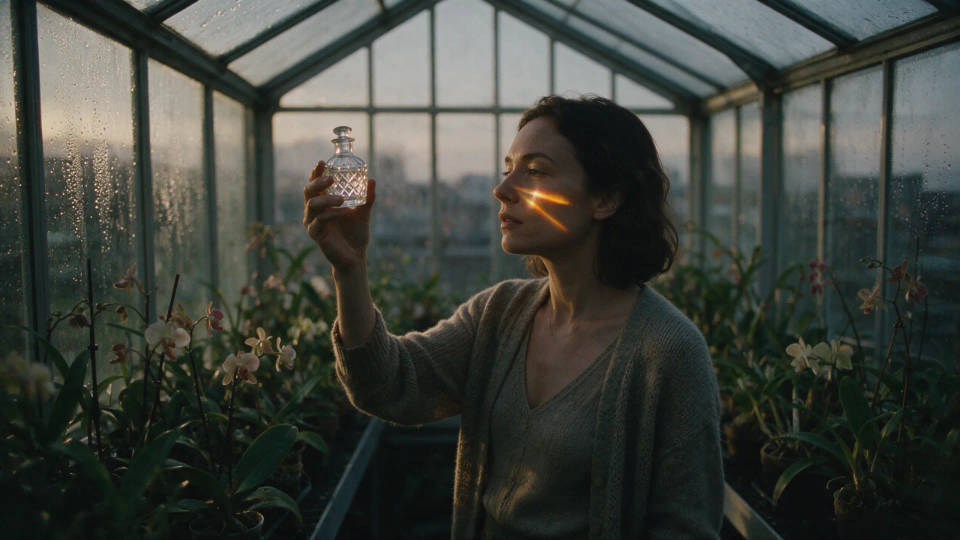
Spots and premium brand films, where a reference set fixes the talent, the product, and the closing mark, and the film texture is specified rather than left to chance.
Vertical drama and dialogue
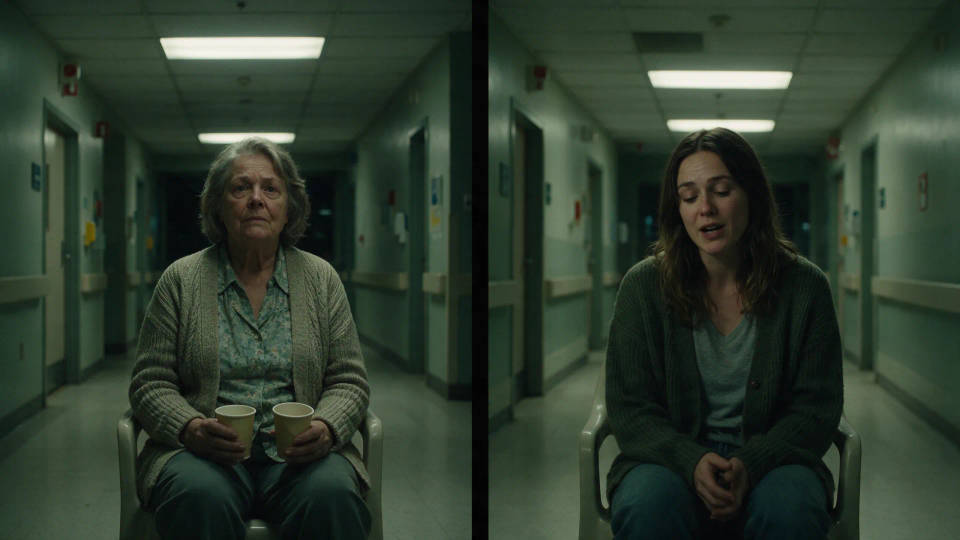
Short-form drama in 9:16, built on close coverage and shot-reverse-shot cutting. Because the line is spoken in the same pass as the picture, the performance and the delivery arrive together.
Title sequences and motion design
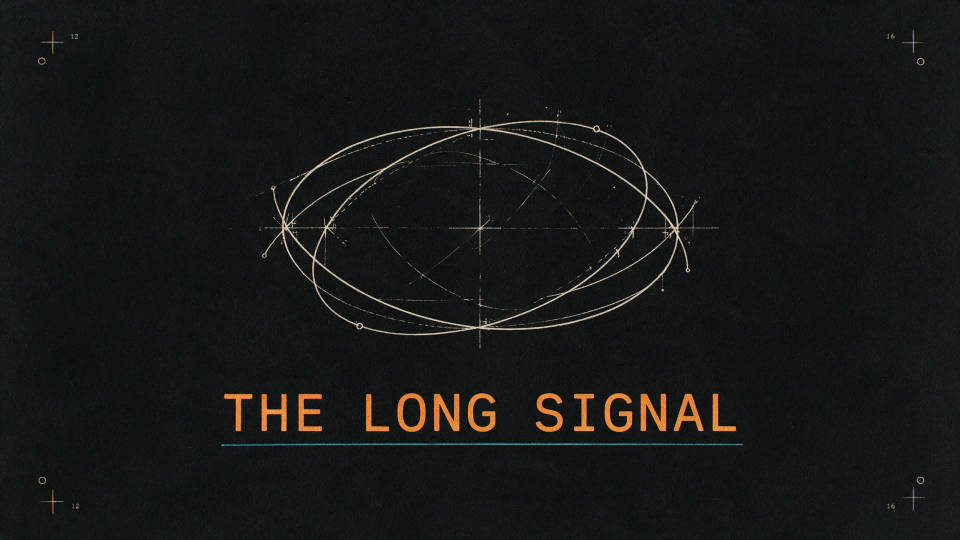
Graphic title work where type behaves as its own layer: credits type on, diagrams assemble, and the music cue is timed to the beat you name rather than added later.
Product and e-commerce
Product films built from a still of the real object, moving from a full reveal into macro detail and a held wide. The product image holds the shape while the camera and light do the selling.
Interface and game concepts
Menus, HUDs, and interaction demos timed beat by beat across the clip, so panels slide, a selection lands, and the world loads in an order you wrote rather than one the model guessed.

Stylized and animated work
Paper-cut, stop-motion, and stylized character work. An identity reference holds the design across shots, so a character keeps its costume, proportions, and finish from one cut to the next.

How to get the best out of MiniMax H3
H3 rewards a brief that reads like production paperwork rather than a sentence. The prompt field holds up to 7,000 characters, and the model's own reference examples use most of that room. A few habits carry most of the quality:
- Give every reference a job. "Image 1 sets the mood and film texture, Image 2 is the talent, Image 3 is the product" beats attaching four images and hoping.
- Write the beats with timings. Blocking the clip as 0 to 2 seconds, 2 to 5 seconds, and so on gives the model an order to follow across all 15.
- Say what must not change. Naming the locked elements, a mask that stays fixed, a face that keeps its hair and wardrobe, is what stops drift mid-clip.
- Write the negatives explicitly. No subtitles, no watermarks, no modern clothing, no soft dissolves: constraints are followed when they are stated.
- Direct the sound as its own track. Name the instruments, the specific effects, and where the cue lands, since the audio is generated with the picture either way.
- Name the transitions. A wipe, a hard cut, a whip pan, a match cut on a shape: listing them keeps an edit rhythmic instead of generically smooth.
- Describe the capture, not only the scene. Handheld phone tremor, exposure breathing, delayed autofocus, and grain are what separate a look that feels filmed from one that feels rendered.
- Spec the type animation. Give text an entrance, a duration, and a ban list, and titles stop spinning and bouncing.
- Edit by naming the target. For a fix, say what changes and what stays. Re-rolling the whole shot risks losing the take you liked.
- Budget the references. Twelve files is the ceiling, video and audio references cap at 15 seconds each in total, and audio only counts if an image or video rides with it.
For the full specification list, see the MiniMax H3 model page.
MiniMax H3 prompt guide
A strong H3 brief is built in five blocks. Run through them before you send, and the parts the model would otherwise guess are all decided.
| Block | Include | Example |
|---|---|---|
| Roles | What each attached reference is for | Image 1 sets the location, Image 2 is the lead |
| Beats | The action across the clip, with timings | 0 to 5s she sits, 5 to 11s the question lands |
| Look | Style, palette, lighting, and film texture | 16mm grain, restrained color, hard overhead light |
| Sound | Dialogue, effects, music, and when they land | Room tone throughout, one hit as the title locks |
| Limits | What is locked and what must not appear | Hold the wardrobe, no subtitles, no watermark |
Weak versus strong prompts
The difference is almost always specificity about time, reference roles, and sound.
| Focus | Weak | Strong |
|---|---|---|
| Reference roles | Use these images | Image 1 fixes the film texture, Image 2 is the lead, Image 3 is the bottle she lifts |
| Timing | She picks up the bottle | 0 to 5s she moves along the benches, 5 to 10s she lifts it into the light, 10 to 15s she sets it down |
| Sound | Add some music | An irrigation drip and traffic below throughout, one sustained cello note as the light passes through |
Common mistakes
- Attaching references without saying what each one is for, so the model has to guess which image drives the scene.
- Describing a frozen frame instead of an action that runs the length of the clip.
- Leaving the audio unwritten, then treating the sound that comes back as a fault of the model.
- Sending an audio reference on its own, which is rejected unless an image or video accompanies it.
- Re-rolling a whole shot to fix one object, when an edit instruction would have kept the rest of the take.
