What makes Mirelo SFX 2.0 different
Mirelo SFX 2.0 works on a video that already exists. You keep the picture and the performance, and it replaces everything else in the soundtrack. Turn on sound and switch between the two tracks to hear it.
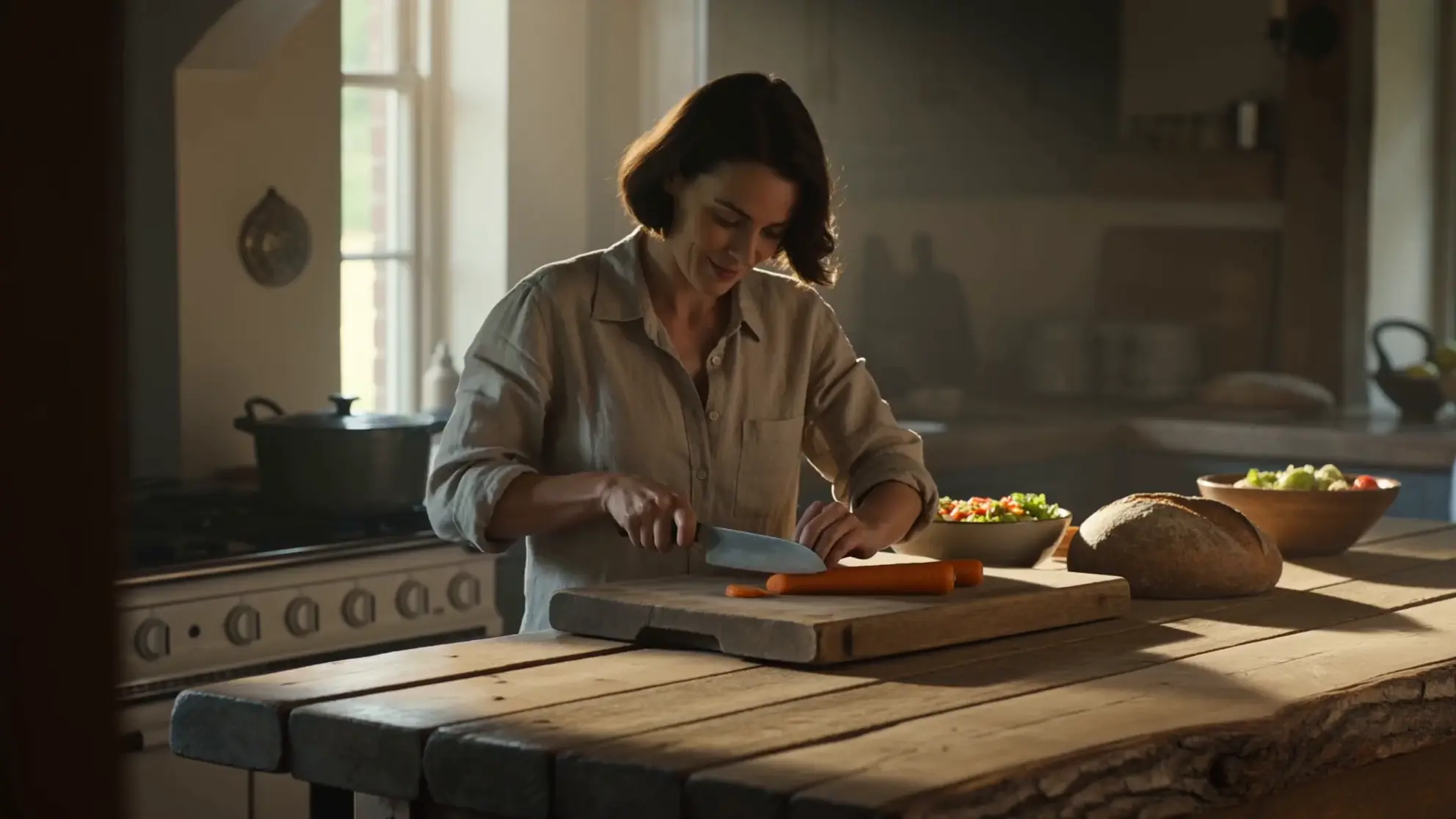
Music out, dialogue kept
The original has a guitar track under her line. The rebuilt sound keeps the line, drops the music and adds the knife.
Five things set it apart, and each one changes how you finish a video.
| Mirelo SFX 2.0 | What it means for your edit |
|---|---|
| Sound from the picture | Effects land on the action and fit the space, so a hall echoes and a forest does not. No hand syncing |
| Dialogue kept | The spoken lines stay as performed, and new sound is built around them and kept lower while people talk |
| Unwanted music removed | Music a video model added on its own is gone. Keep the take and add your own track later |
| One sound across cuts | Shots of the same place sound like one scene when you run the stitched edit together |
| A full edit at once | Up to 10 minutes per run, so a finished edit does not have to be cut into pieces first |
How Mirelo SFX 2.0 works
You give it a video, and three choices shape the result. Most clips need only the first.
| Input | What it does |
|---|---|
| Your video | The main input. It reads the action, timing and setting and builds the sound to match |
| Keep speech | On by default. Turn it off for sound effects only, for example when you will record a voiceover later |
| Prompt and sounds to leave out | Optional. A short line for the sound you want, plus a short list of sounds to keep out, such as music or wind |
| Takes | One run can return up to four versions. Pick the one that fits |
Source: Mirelo's launch post and Mirelo's API docs.
Remove music and keep the dialogue
Video models sometimes put music under a scene that nobody asked for. Generating the clip again costs credits and can lose a take you liked, and muting it loses the dialogue too. Run the clip through Mirelo SFX 2.0 with speech kept, and the line stays while the music is replaced by sound that fits the scene.
Piano score out, rain in
Same line, now with rain on the umbrella and the street around them.
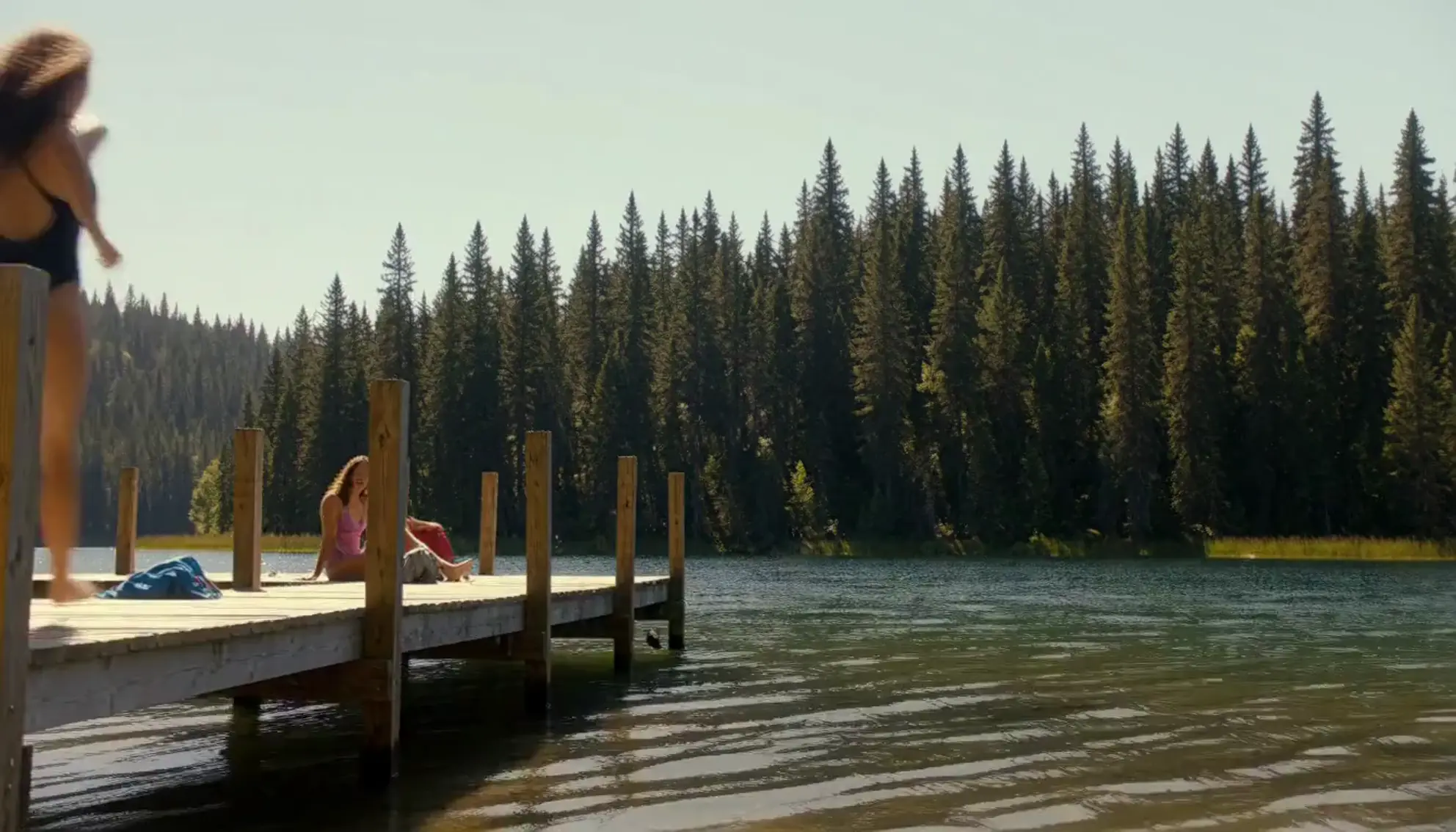
Pop track out, splash in
The pop track goes. The run on the planks, the splash and the laugh stay with the picture.
Keep the music out of the new sound, then add your own track on top in the editor. That way the only music in the video is music you chose and have the rights to use.
Sound that follows the action
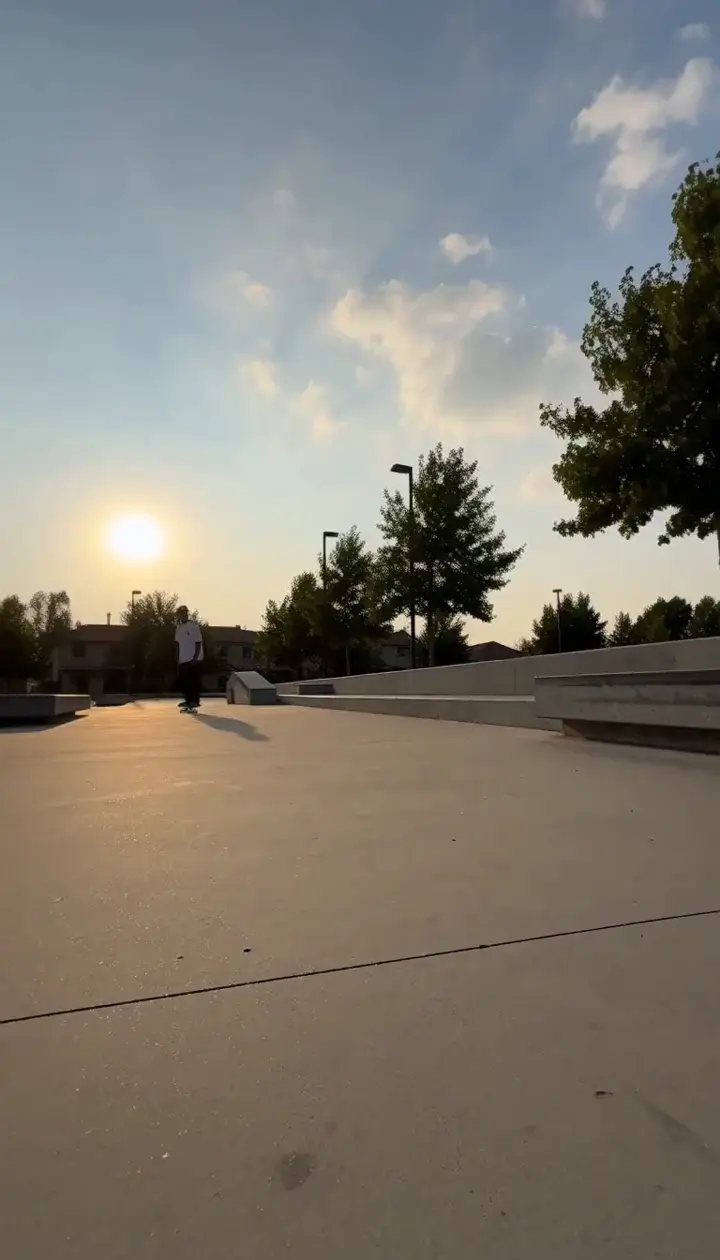
Effects are timed to what happens on screen: a hammer blow on the strike, a splash on the entry, the board clacking on the landing. You do not need to describe them. Leave the prompt empty first and see what it hears in the picture.
Timed to the board
Wheels on concrete, the grind along the ledge and the landing, with no prompt.

Timed to the shake
Surf, paws on wet sand and the spray as the dog shakes off, with no prompt.
Steer it with a prompt
Add a prompt when the scene needs a sound the picture cannot show, or when you want one sound to lead. Name sounds, not feelings, and keep it to one line.
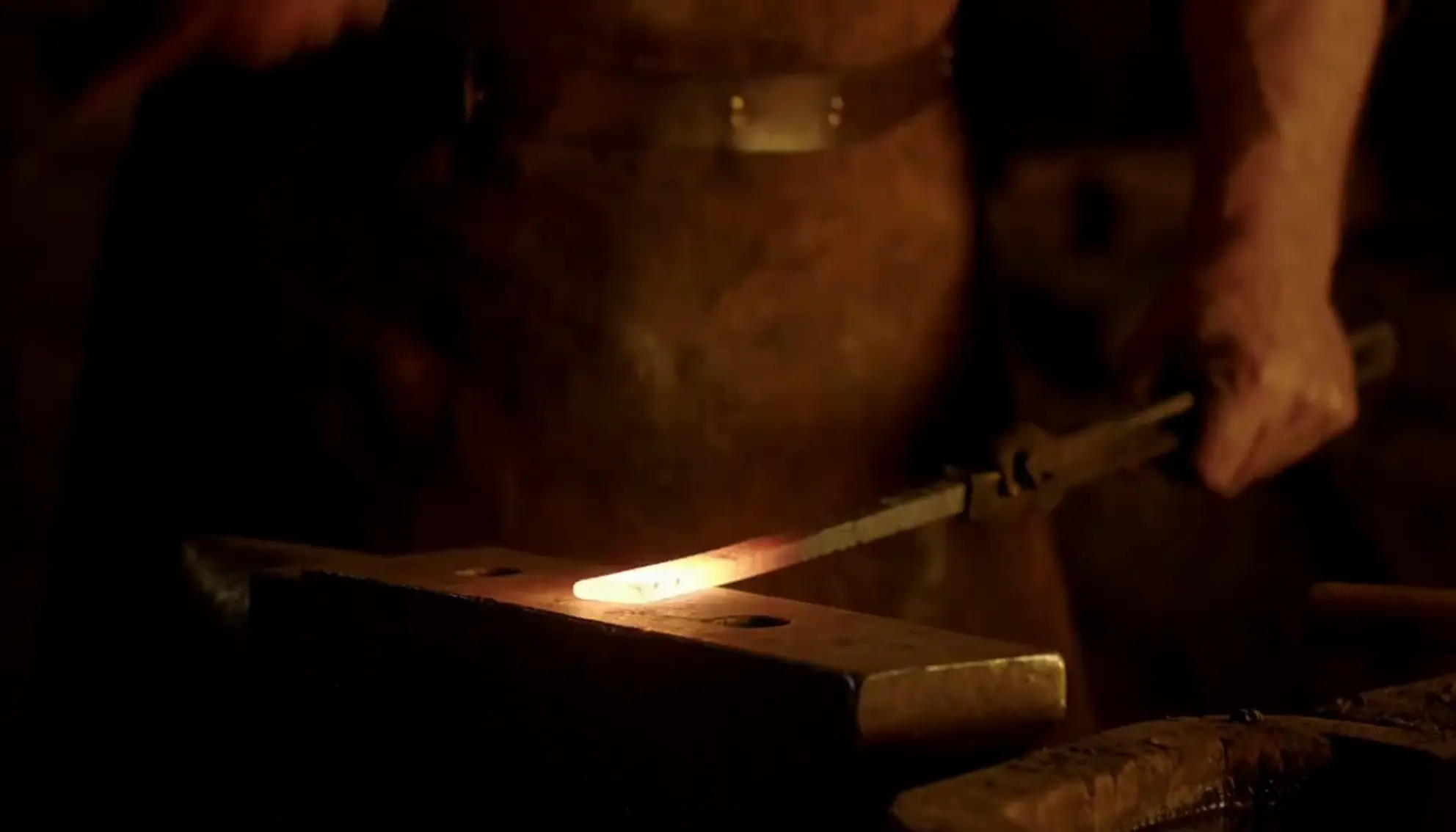
Same clip, with and without a prompt
With prompt: heavy ringing hammer blows on the anvil, a roaring forge fire, a sharp hiss of steam when the metal hits the water.
| You want | Write |
|---|---|
| A sound that is off screen | distant church bells, a dog barking two streets away |
| One sound to lead | heavy rain on a tin roof, footsteps quiet underneath |
| A specific material | boots on fresh snow, leather creaking |
| A quieter scene | soft room tone, a clock ticking, nothing else |
| Sounds kept out | In the leave-out list: music, wind, crowd |
One sound across cuts
Clips generated one at a time each come with their own audio, so a stitched scene jumps from one ambience to another at every cut. Finish the edit first, then run it all at once. Shots of the same place come back sounding like one continuous scene.
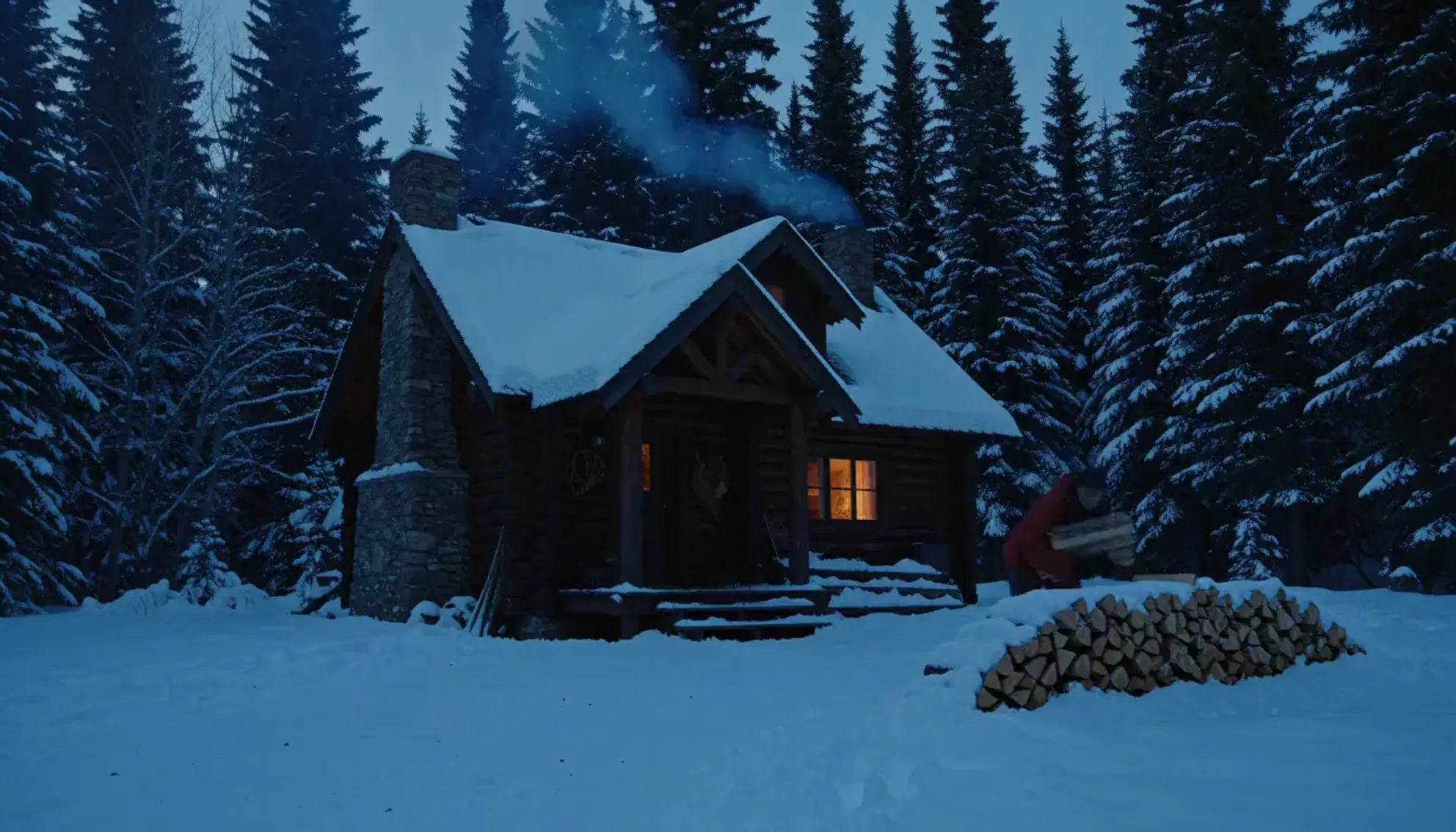
Three shots, one pass
A wide shot, a close-up and a follow shot, generated separately and stitched. One run gives them one sound.
Mirelo SFX 2.0 tips
| Tip | Why |
|---|---|
| Lock the cut first | The sound follows the picture, so trims after the run can cut an effect in half |
| Run the whole edit, not each clip | One run keeps the ambience the same from shot to shot |
| Start with no prompt | The picture usually says enough. Add a prompt only for what is missing |
| Turn speech off for a voiceover | You get effects and ambience only, with room for your own recording |
| Add music last | Keep music out of the new sound, then lay your licensed track on top and set its level |
| Ask for more than one take | Sound for the same clip varies from take to take. Compare two or three |
Which version of Mirelo SFX 2.0 to use
Mirelo SFX 2.0 comes in three versions, according to Mirelo.
| Version | Use it for |
|---|---|
| Video-to-sound | The full soundtrack for a video, synced and built around the dialogue. This is the main model |
| Text-to-sound | A sound from a prompt when it does not need to match the picture, such as a background ambience |
| Stem (coming soon) | One synced sound at a time, to add a missing sound on top of audio you already have |
Mirelo SFX 2.0 and Sonilo SFX
Both rebuild a video's sound and keep its dialogue. Sonilo SFX is live on Morphic today, and every example in this guide was made with it. Mirelo SFX 2.0 is coming soon.
| Mirelo SFX 2.0 | Sonilo SFX | |
|---|---|---|
| On Morphic | Coming soon | Live on paid plans |
| Longest video | 10 minutes | 10 minutes |
| Keeps dialogue | Yes, on by default | Yes, on by default |
| Replaces music and ambience | Yes | Yes |
| Prompt | Optional, plus a list of sounds to leave out | Optional |
| Takes per run | Up to 4 | 1 |
In Mirelo's own blind listening test, listeners preferred Mirelo SFX 2.0 over Sonilo in 46% of comparisons and Sonilo in 33%, with no preference in 21% (source).
Add new sound to a video on Morphic today
- Open Copilot and attach your finished video, up to 10 minutes long.
- Ask for new sound effects with the dialogue kept, and name any sound you want to lead.
- Download the result, or open it in the editor and add your own music on its own track.
FAQs
Run the video through a video-to-sound model with speech kept, such as Mirelo SFX 2.0 or Sonilo SFX. Everything in the soundtrack except the speech is replaced with new effects and ambience, so the music is gone and the lines stay.
No. The video is the main input. Add a short prompt only for a sound the picture cannot show, or to make one sound lead, and use the leave-out list for sounds you do not want.
Mirelo describes it as keeping speech and does not say how singing is handled. If your video has a sung part, test a short section before you run the full edit.
Yes. A silent clip gets a full soundtrack built from the picture: effects, foley and ambience timed to the action.
Up to 10 minutes per run with Mirelo SFX 2.0, according to Mirelo, and up to 10 minutes with Sonilo SFX on Morphic. For a longer film, split it at scene changes, where a change in sound is expected anyway.
Yes, and that is the intended order. Keep music out of the new sound, then add your track on its own layer in the editor and balance it against the effects and dialogue.