Seed Audio 1.5 is ByteDance's full-scene audio model, released on 28 October 2026 and coming soon to Morphic. One prompt returns dialogue, music, ambience and sound effects as separate tracks, up to six minutes long. This guide covers how to write for it; to try scene prompts right away, open the Seed Audio 1.5 AI audio generator.
How a Seed Audio 1.5 prompt is built
Write the scene in the order a listener hears it: where we are, who is speaking, what they say, then what happens around them. Put the story first and the sound list second.
| Part | What to write | Example |
|---|---|---|
| Scene | Place, time, weather, room size | [Night. An empty train platform, rain on the roof.] |
| Voice | Name, age, accent, emotion, pace | Mara (30s, calm, tired) |
| Line | The exact words, in quotes | "Last train's gone." |
| Sound effects | The source and how it moves | [Footsteps on wet concrete, fading.] |
| Music | Genre, instruments, mood, level | [A low synth pad under everything.] |
| Timing | A timestamp where it matters | [0:06] Footsteps start. |
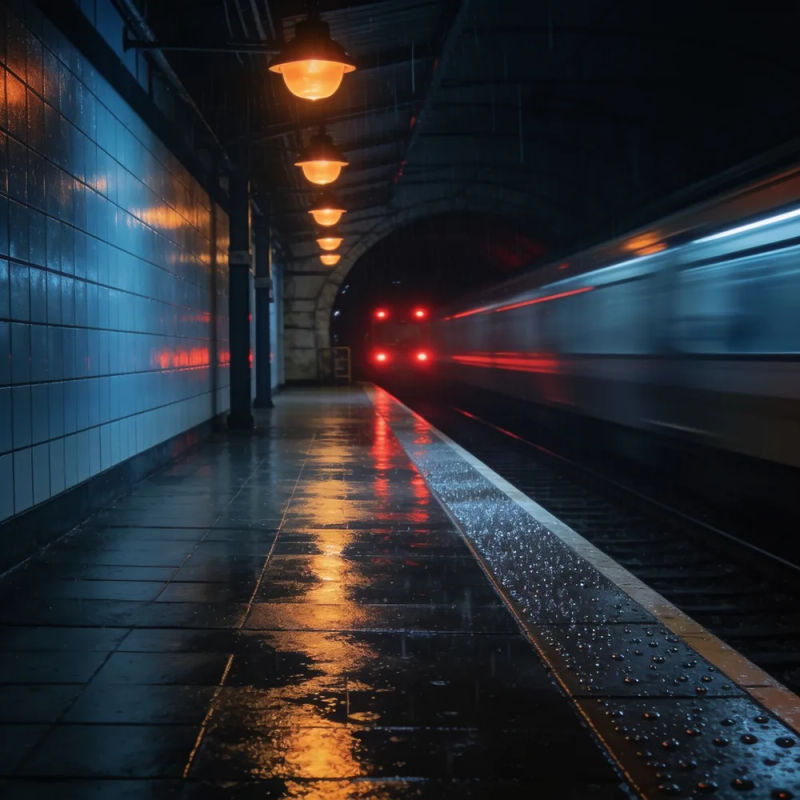
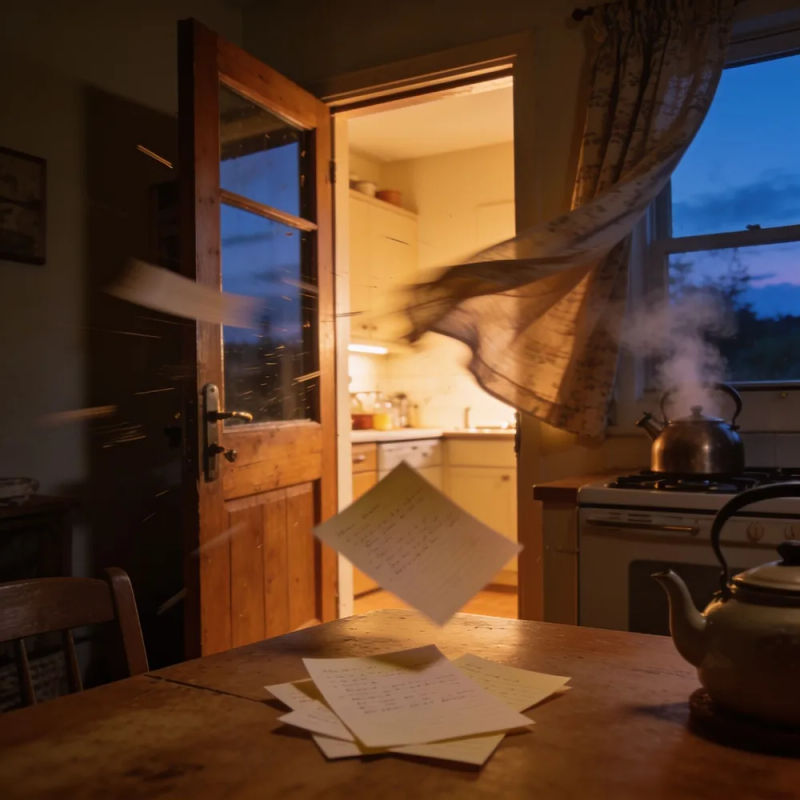

Seed Audio 1.5 is not yet on Morphic, so these samples were made on Morphic with ElevenLabs voices and sound effects and Lyria music, mixed to match each prompt.
The five Seed Audio 1.5 input modes
Every mode starts from a text prompt. What you add to it decides how much the model invents and how much it follows.
| Mode | What you add | Best for |
|---|---|---|
| Text to audio | A prompt and an optional reference image for mood | First drafts, ads, sound beds |
| Reference voice | Up to six reference clips (2–30 s each) for voices | A recurring cast, a narrator you already use |
| Video to audio | A video clip the model watches, optional voice refs | Scoring a cut, sound design to picture |
| Video dubbing | A video and a target language, optional glossary | Translating dialogue into 30 languages |
| Stem separation | A single audio clip (up to 6 min) | Splitting a mix into vocals, effects and music tracks |
Timestamps in Seed Audio 1.5
Seed Audio 1.0 accepted a time window on dialogue, such as [5.5s:8.0s]. Seed Audio 1.5 extends timestamps to sound effects and music cues, so a door, a sting or a swell lands where you put it instead of where the model guesses.
- Time the beats that have to hit picture: a line on a cut, an impact on a hit, a swell on a reveal.
- Leave the rest untimed. Room tone and background music sound more natural when the model places them.
- Keep the timestamps in order and leave a little room between lines so speech does not overlap by accident.
[0:00] Crowd murmurs in a small theater. [0:04] Lights click off. [0:05] Host (warm, hushed): "Welcome, everyone." [0:09] A single piano chord.
Voice references in Seed Audio 1.5
Add up to six reference clips, one per character, and tag each in the prompt so the model knows which voice speaks which line. The reference sets the sound of the voice. The prompt sets the performance.
| Direct this | Write it like |
|---|---|
| Emotion | (reference 2; hurt, holding back tears) |
| Style | (reference 1; dry, understated, a little amused) |
| Pace | (reference 3; slow, long pauses between sentences) |
| Non-speech sounds | (reference 1; a sigh before the line, a short laugh after) |
Use clean recordings of a voice you have the rights to. A real person's voice needs their permission.
Dubbing and translating video with Seed Audio 1.5
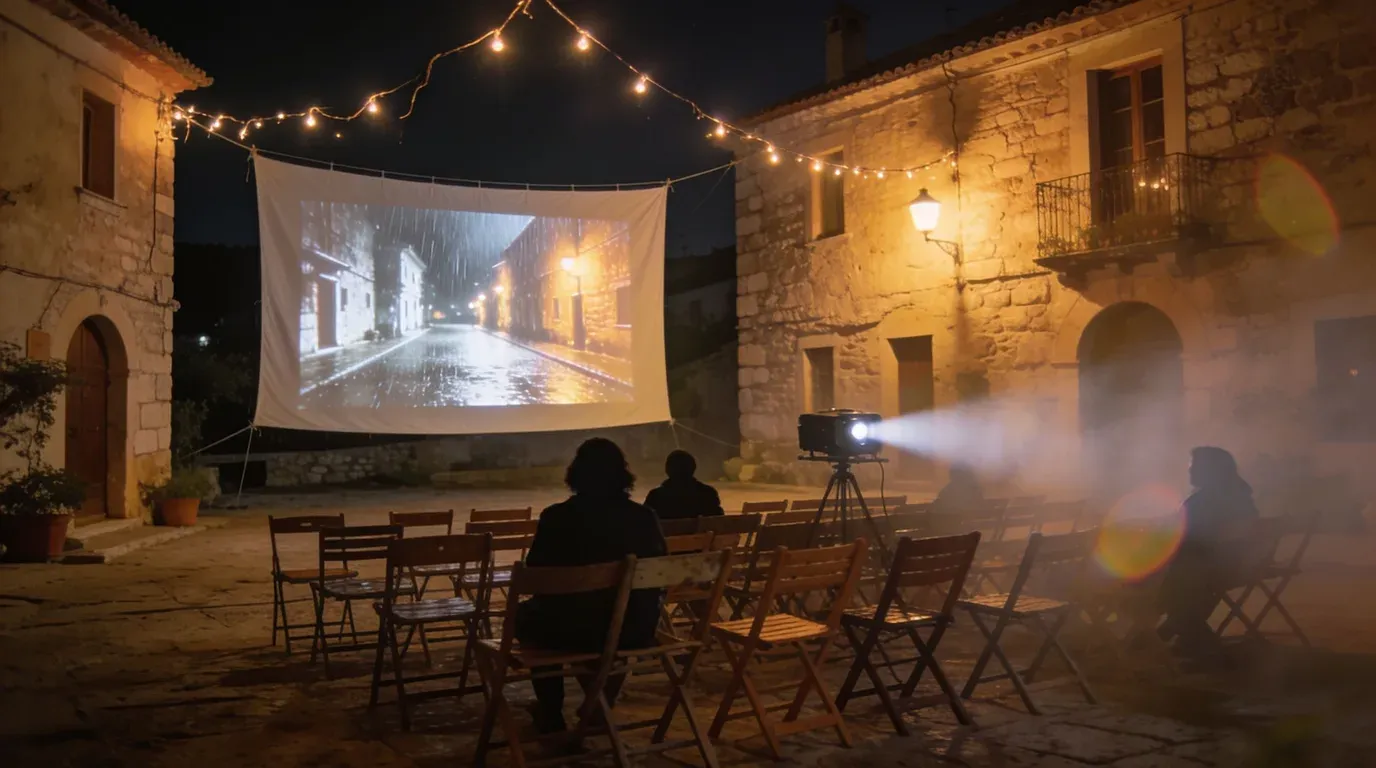
Give Seed Audio 1.5 a video and it writes voice-over, music, effects and ambience that follow the action, with context held across the whole clip. For translation, it replaces the spoken language and keeps the original sound effects and music.
- Describe each speaker's voice, or add a reference, so the dub keeps the same cast in every language.
- Say what to keep: "keep the original music and effects, replace dialogue only".
- Have a fluent speaker check pronunciation, meaning and phrasing before you publish.
On Morphic today, AI video dubbing translates and re-voices a clip, and the dubbing and localization walkthrough covers captions, lip sync and the final edit.
Translate the dialogue into Brazilian Portuguese. Keep the original music and sound effects. Narrator: warm, relaxed, same pace as the source.
Seed Audio 1.5 separate tracks
Seed Audio 1.0 returned one mixed file. Seed Audio 1.5 returns dialogue, ambience, effects and music as separate tracks, and can split dialogue per voice. Press play to hear one storm scene, then mute or solo any track while it runs. Each voice has its own lane.
| In the edit | What separate tracks let you do |
|---|---|
| Level | Turn the music down under a line without touching the voices |
| Mute | Drop the effects for a quieter cut, or the dialogue for a trailer bed |
| Replace | Swap one character's line or one cue and keep the rest of the scene |
| Reuse | Lay the same ambience under the next scene so the location sounds continuous |
Seed Audio 1.5 vs Seed Audio 1.0: what changed
ByteDance's Seed Audio 1.0 page named video input, longer audio and multitrack output as next steps. Seed Audio 1.5 brings all three, with the official API available through BytePlus ModelArk from 28 October 2026.
| Seed Audio 1.0 | Seed Audio 1.5 | |
|---|---|---|
| Length per generation | 2 minutes | 6 minutes |
| Voice references | 3 | 6 |
| Languages | 20 | 30 |
| Inputs | Text, audio references, one image | Adds video |
| Output | One mixed track | Separate dialogue, ambience, effects and music |
| Timestamps | Dialogue lines | Lines, effects and music cues |
| Songs with lyrics | No | Yes |
Most Seed Audio 1.0 prompts carry over unchanged. For the full 1.0 prompt detail, see the Seed Audio 1.0 guide.
FAQs
ByteDance released Seed Audio 1.5 on 28 October 2026, with the official API available through ModelArk. It is coming to Morphic soon. Seed Audio 1.0 is live on Morphic in the meantime.
Seed Audio 1.5 is released and coming to Morphic soon. You can build full scenes today with Seed Audio 1.0, and with ElevenLabs, Lyria and the other audio models on the same Canvas.
Yes. The scene, voice, line and effect structure is the same. To use what is new, add a video, more voice references, timestamps on effects and music, or ask for separate tracks.
Write the lines in the language you want spoken. Scene and voice directions can stay in English if that is easier, but keep each line in its target language and have a fluent speaker review the result.
Only with their permission. ByteDance's limits block recognizable imitations of a real person's voice without consent, along with copyrighted material and existing lyrics. Reference clips should be recordings you have the rights to use.