Design Bauhaus art in your browser with Morphic's Bauhaus AI image generator. Create a Kandinsky-style circle-triangle-square on cream or a Dessau lecture poster, lock the primary-colour geometry with Style Transfer, then animate any still with Image to Video.

Bauhaus subjects you can compose

Bauhaus compositions you can design

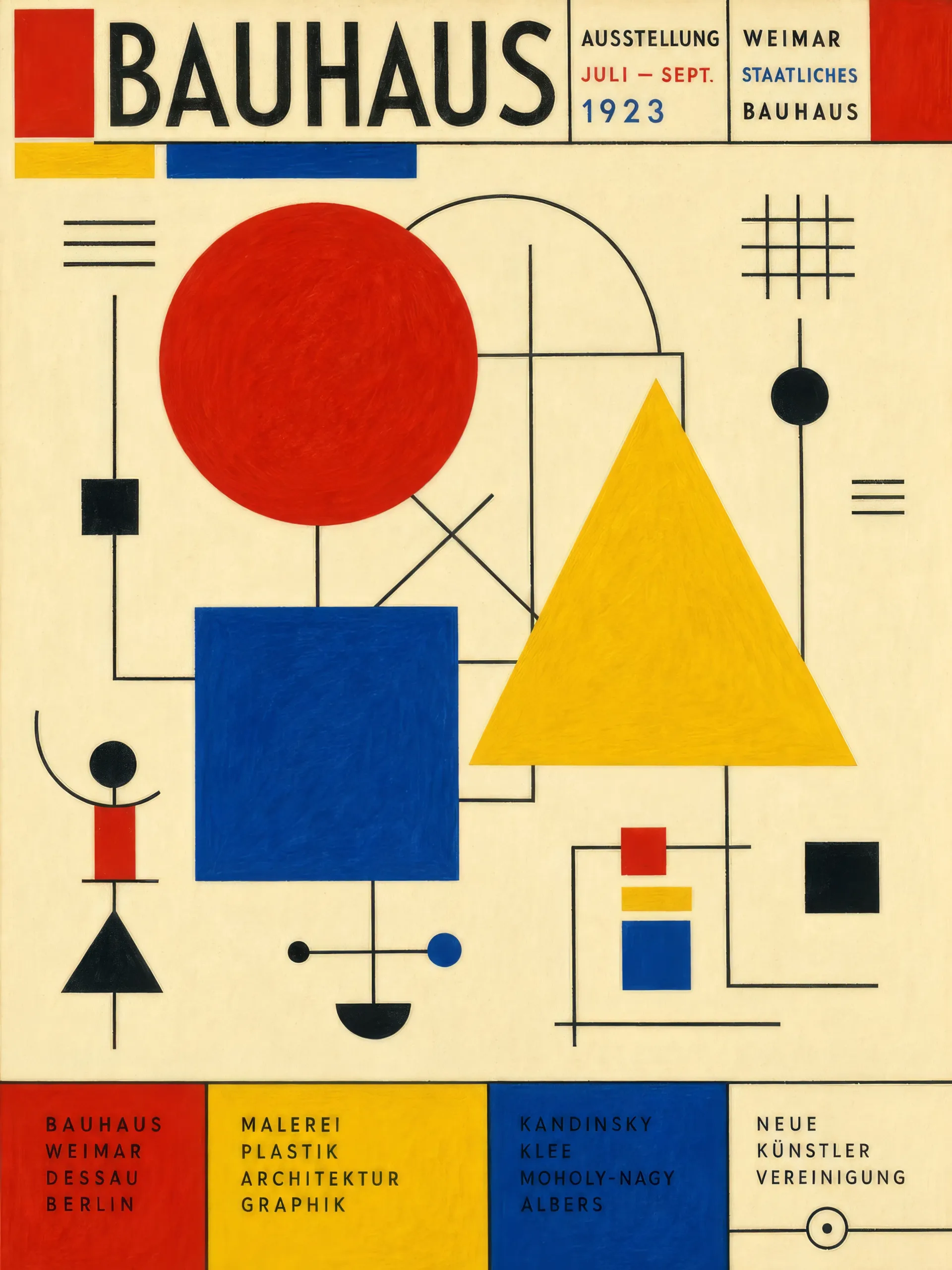
Kandinsky circle-triangle-square composition

A flat composition of a single primary-red circle, primary-yellow triangle, and primary-blue square arranged on a cream field, fine black geometric line elements threading between them, hand-painted brush grain.

Edit prompt
Kandinsky circle-triangle-square composition

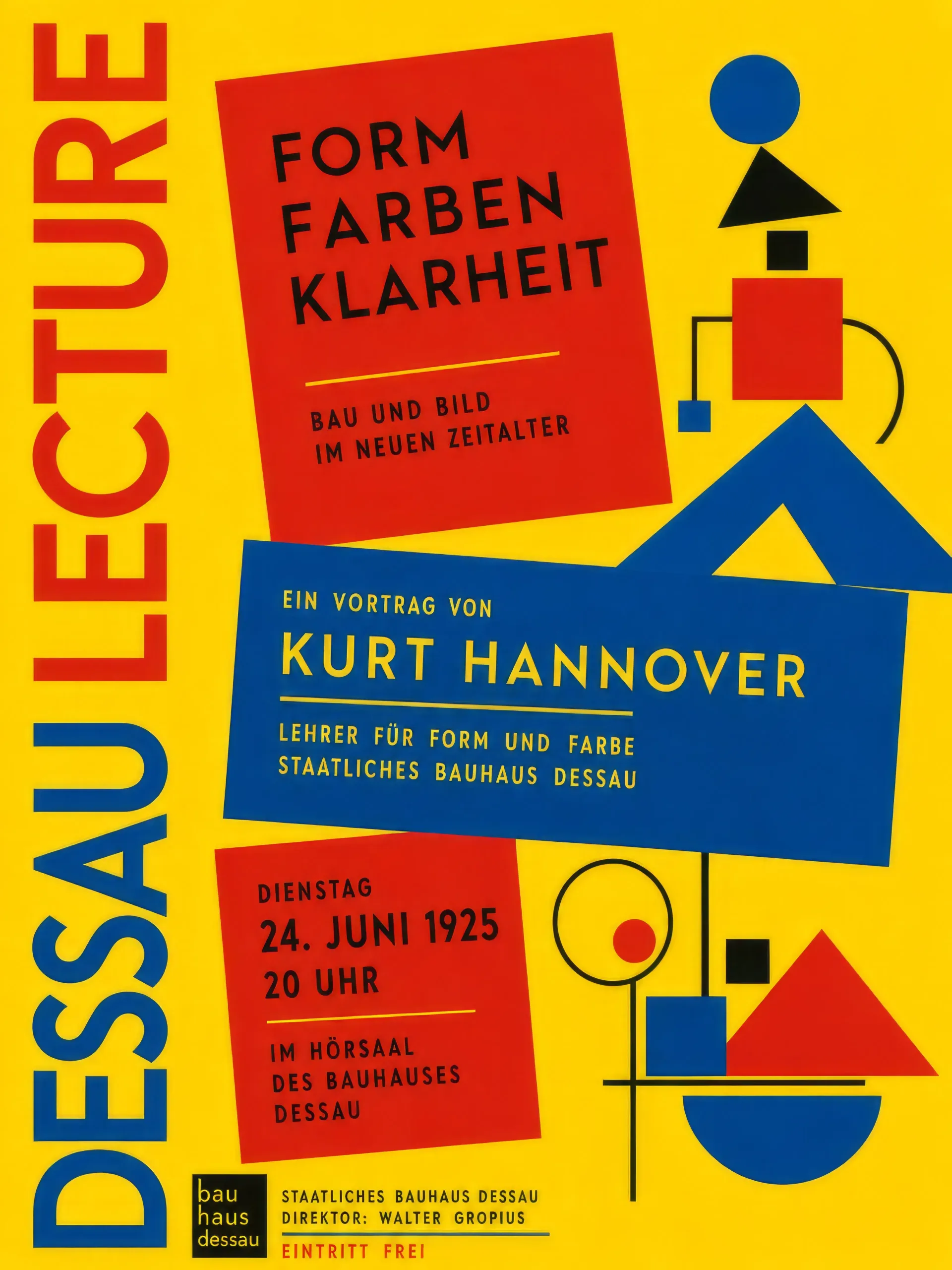
Dessau lecture poster

A tall vertical poster announcing an invented Dessau lecture, primary-yellow ground, flat primary-red and blue rectangles stacked at angles, hand-lettered geometric sans-serif headline rotated ninety degrees up the left edge.

Edit prompt
Dessau lecture poster

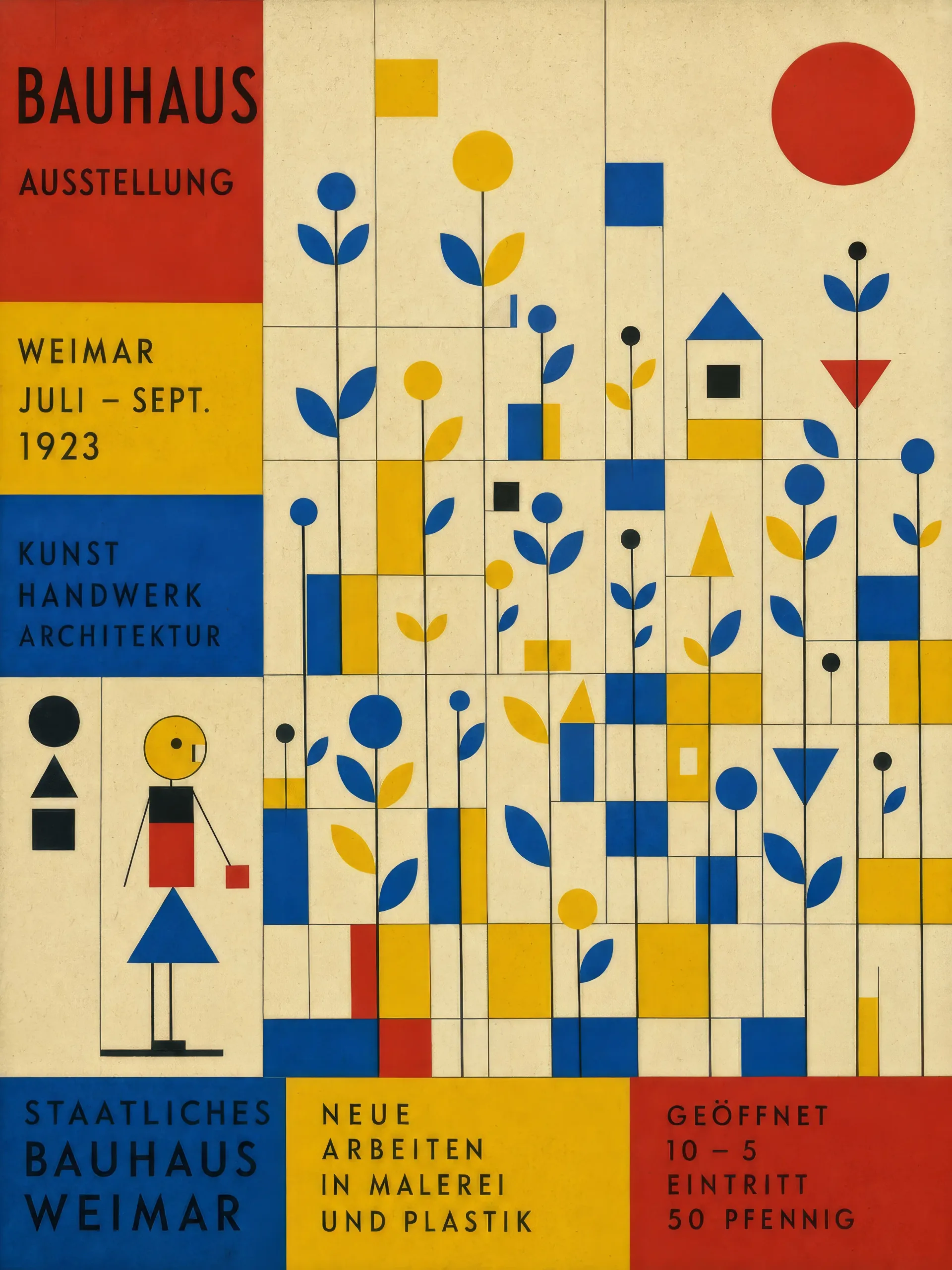
Klee abstract garden

A Klee-style abstract garden of small rectangles and circles arranged on a grid, primary-blue and yellow blocks for plants, a single primary-red sun-circle top-right, visible cream paper grain under the colour.

Edit prompt
Klee abstract garden

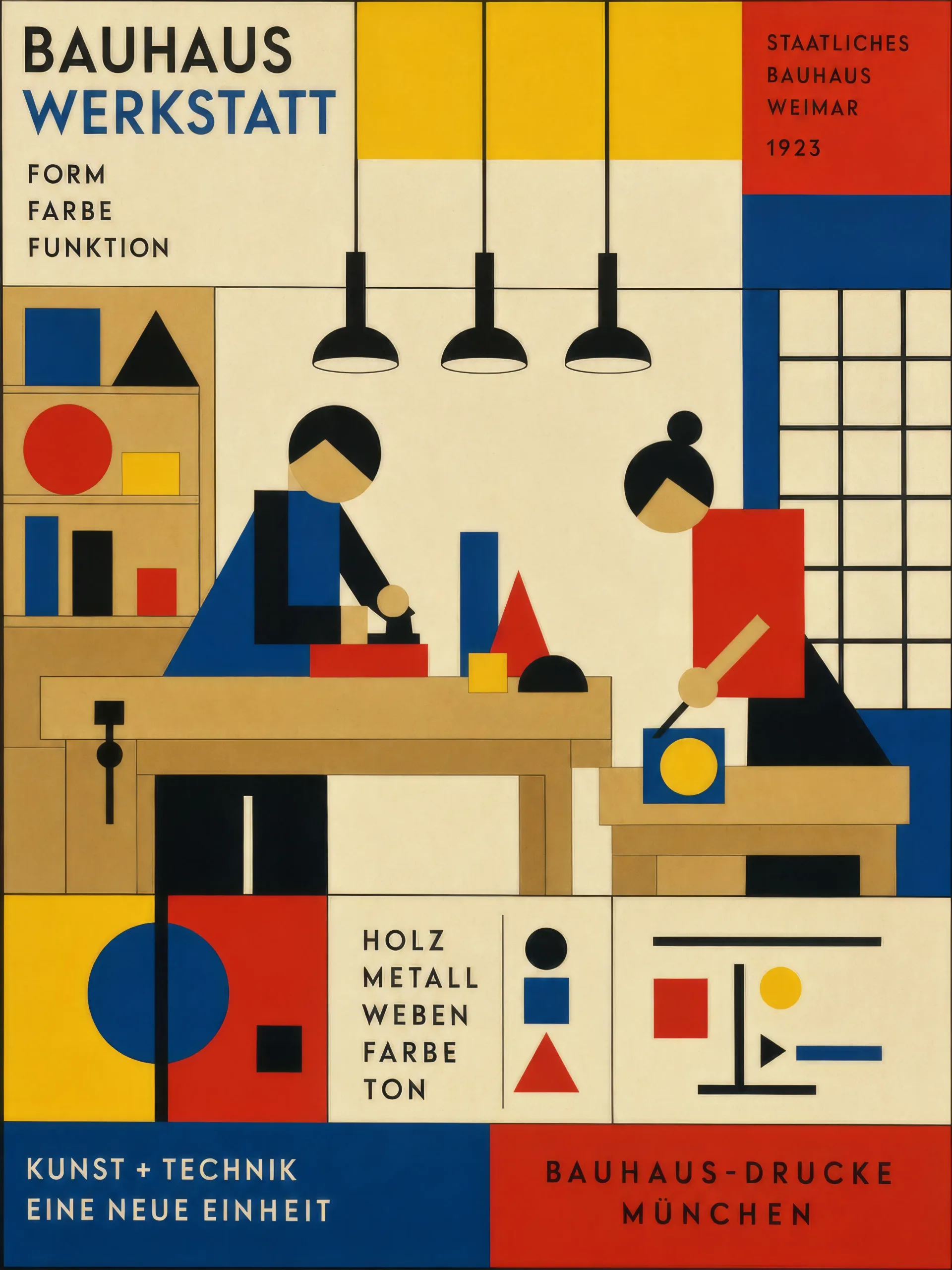
Workshop interior in primary blocks

A Bauhaus workshop interior flattened to primary-colour rectangles, plywood benches in tan blocks, three black-tube pendant lamps overhead, two geometric apprentices reduced to circles and rectangles at work.

Edit prompt
Workshop interior in primary blocks

Make Bauhaus in three steps

  1. 01

    Describe your Bauhaus

    Describe the Bauhaus you want, in plain words.

  2. 02

    Generate the image

    Morphic generates a clean, ready-to-publish image on your canvas in seconds.

  3. 03

    Refine your Bauhaus

    Tweak the prompt, regenerate variations, then download or share the frame.

Related workflows

You might also like

Simple pricing

Get started for free today, with the option to upgrade or cancel anytime.

Basic

$0/ month
billed as $0 per year

900 monthly credits

1 user only

All models

Workflows

Standard

$0/ month
billed as $0 per year

3200 monthly credits

1 user only

All models

Workflows

Pro

$0/ month
billed as $0 per year

6200 shared monthly credits

1 user

+ up to 4 more at extra cost

All models

Workflows

Pro Max

$0/ month
billed as $0 per year

24000 shared monthly credits

1 user

+ up to 9 more at extra cost

All models

Workflows

Enterprise

For higher limits

Custom

pricing and billing terms

Unlimited credits
Custom seat limits
All models
Workflows
Pricing Gradient

Free

For playing around

$0

forever free

Up to 20 credits
1 user only
Limited models
Workflows

FAQs

Where can I make Bauhaus art with AI?
You can create Bauhaus images directly in your browser on Morphic. Open the Image tool, describe the primary-colour palette, the geometric vocabulary, and the figure or poster register, and Morphic produces the composition. No installs and no specialist software needed.
What defines Bauhaus for an AI prompt?
Four locked-in choices: a primary-colour palette (red, yellow, blue, cream, black), reduced geometric vocabulary (circle, triangle, square, rectangle), an abstract-figure register (Klee stacked-shape figure, Schlemmer disc-and-cone dancer), and hand-lettered geometric sans-serif typography. Name all four for the look to land.
How do I get the Kandinsky composition feel in AI art?
Specify it directly: "Kandinsky-style composition, a single primary-red circle, primary-yellow triangle, and primary-blue square on a cream field, fine black geometric line elements threading between them, hand-painted brush grain." Reuse those words to carry the look across a series.
How do I keep a Bauhaus poster series feeling like one design system?
Use the Style Transfer workflow to lock the palette and geometric vocabulary before producing additional posters, then reference that style card in every prompt. A lecture-poster series across speakers or an exhibition-poster series across workshops stays consistent across the run.
Can I turn Bauhaus compositions into animated video?
Yes. The Image to Video tool animates any still you generate, and a slow rotation of the primary-red circle or a stepped reveal of the geometric vocabulary suits the register. Pair with the Music tool for a chamber-piece score.
Do I need any prior design experience to make Bauhaus art?
No. Morphic runs in your browser and you direct it with plain-language prompts. Anyone who can describe a primary-red circle on cream and a hand-lettered sans-serif headline can produce a Bauhaus composition. A draughting set and a letterpress are not required.