Open book on a wooden table
A wide graphite composition with the open Bible on a plank table, grain running past it and a long soft shadow cast to one side.
Edit prompt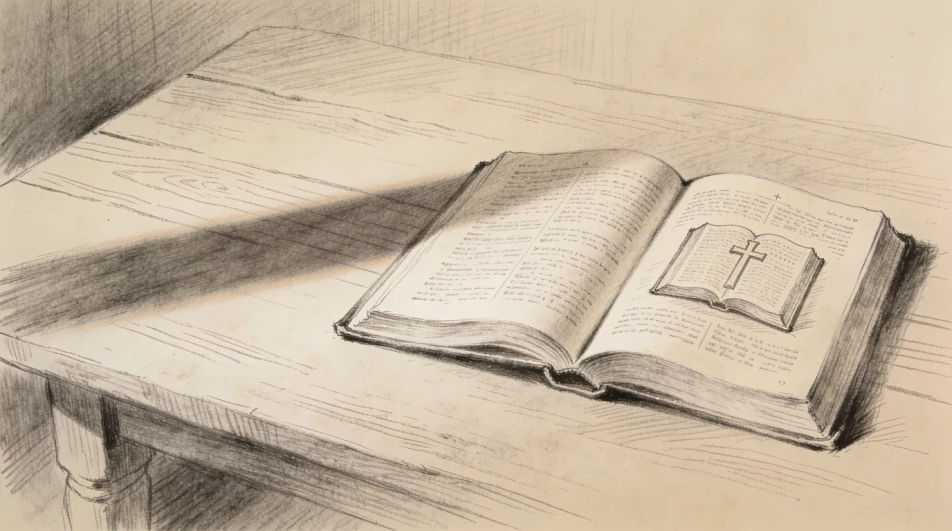
Describe the Bible drawing you want in Morphic's Image tool, from an open book with a ribbon marker to a simple outline for a journal page, and get a finished drawing back. Set the medium, the angle, the line weight and the surface, refine it on the Canvas, then download in HD.
A wide graphite composition with the open Bible on a plank table, grain running past it and a long soft shadow cast to one side.
Edit promptA quiet still life in ink and wash with the open book, a pair of reading glasses resting on one page and a cup beside it.
Edit prompt
A flat top-down arrangement of a journal page with a small Bible drawing, a leaf border and ruled lines left blank for writing.
Edit prompt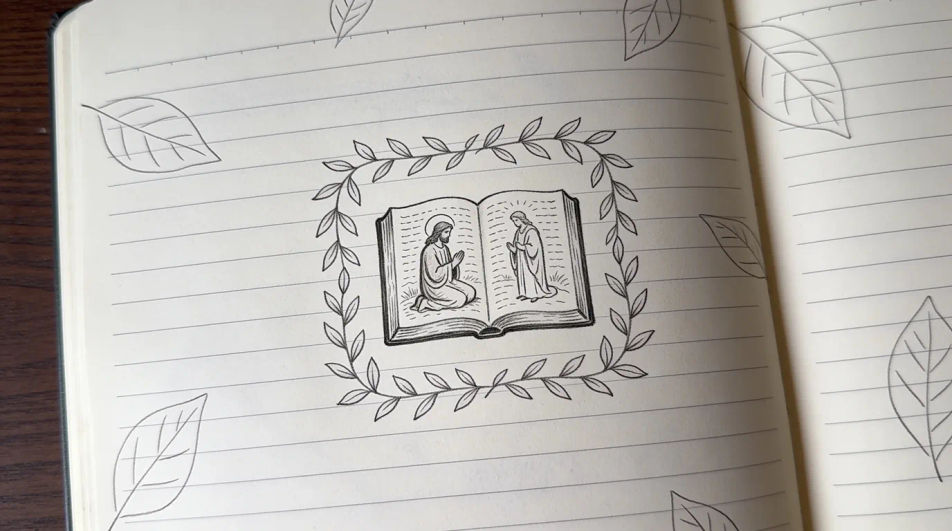
A mid-scale drawing of two hands holding the Bible open, fingers along the outer edge and the pages fanning slightly toward the viewer.
Edit prompt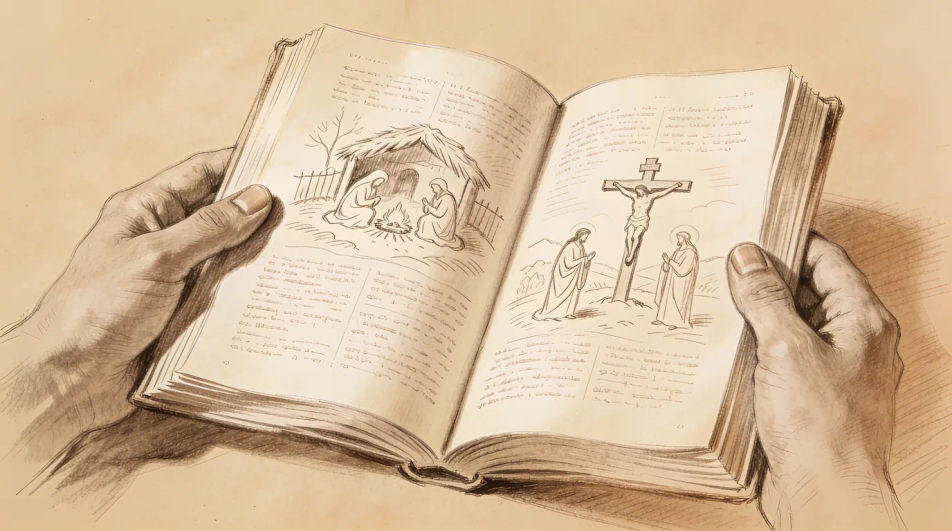
Describe the Bible drawing you want, in plain words.
Morphic generates a clean, ready-to-publish image on your canvas in seconds.
Tweak the prompt, regenerate variations, then download or share the frame.
Pick a reference image, apply its visual style to your own photo or artwork.
Convert any image to a new aspect ratio. Smart crop or extend the edges to fit.

Turn any sketch or drawing into a finished render.
Restyle any video in a completely new visual style. Every frame transforms, all motion stays intact.
Reimagine any anime character as a photorealistic, high-fashion live-action portrait.
One selfie becomes a set of professional headshots. Studio-quality, multiple styles.
Cross drawing generator
Turn a cross drawing idea into a finished image in Morphic. Describe the line work and style, generate variations, then refine it on the canvas.
Jesus drawing generator
Turn a Jesus drawing idea into a finished image in Morphic. Describe the line work and style, generate variations, then refine it on the canvas.
Angel drawing generator
Turn an angel drawing idea into a finished image in Morphic. Describe the line work and style, generate variations, then refine it on the canvas.
September drawing maker
Turn a September drawing idea into a finished image in Morphic. Describe the line work and style, generate variations, then refine it on the canvas.
Get started for free today, with the option to upgrade or cancel anytime.
Basic
2400 monthly credits
1 user only
All models
Workflows
Standard
3625 monthly credits
1 user only
All models
Workflows
Pro
6350 shared monthly credits
1 user
All models
Workflows
Max
24650 shared monthly credits
1 user
All models
Workflows
Enterprise
For higher limits
Custom
pricing and billing terms

Free
For playing around
$0
forever free