Page gutter close study
A macro crop into the gutter of an open book, page edges fanning as fine parallel lines, deep shadow where the pages meet.
Edit prompt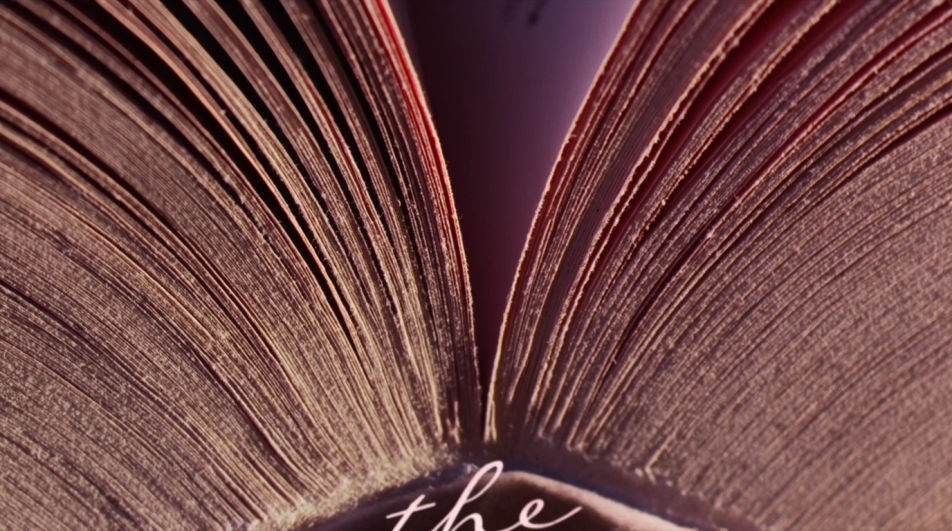
Turn a book drawing idea into a finished image with Morphic's Image tool, from an open hardback in clean contour line to a charcoal study of a worn stack on a reading table. Choose the line weight, the paper tone, and how much the pages curl, then refine the drawing on the Canvas.
A macro crop into the gutter of an open book, page edges fanning as fine parallel lines, deep shadow where the pages meet.
Edit promptThree books leaning on a sunlit windowsill, cast shadows raking left, light hatching on the wall, empty space above them.
Edit prompt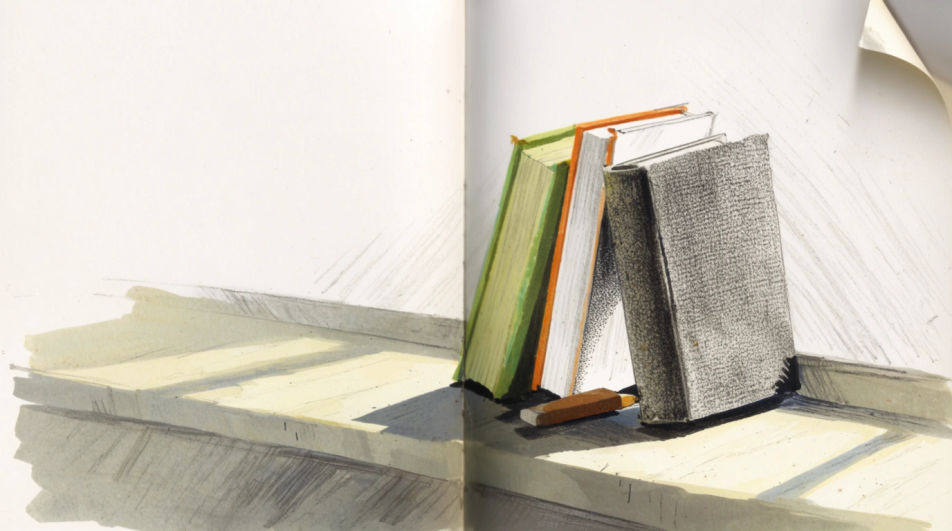
A wider composition with an armchair, a side table, a lamp and a stack of books, drawn in even contour line with light shading.
Edit prompt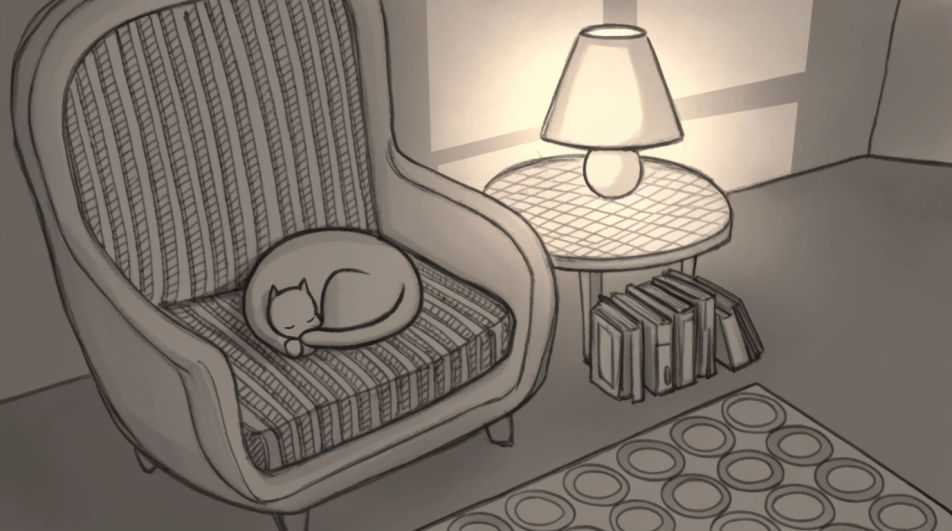
A book open at the centre with several pages caught mid-turn, each page edge drawn as a single confident curved line.
Edit prompt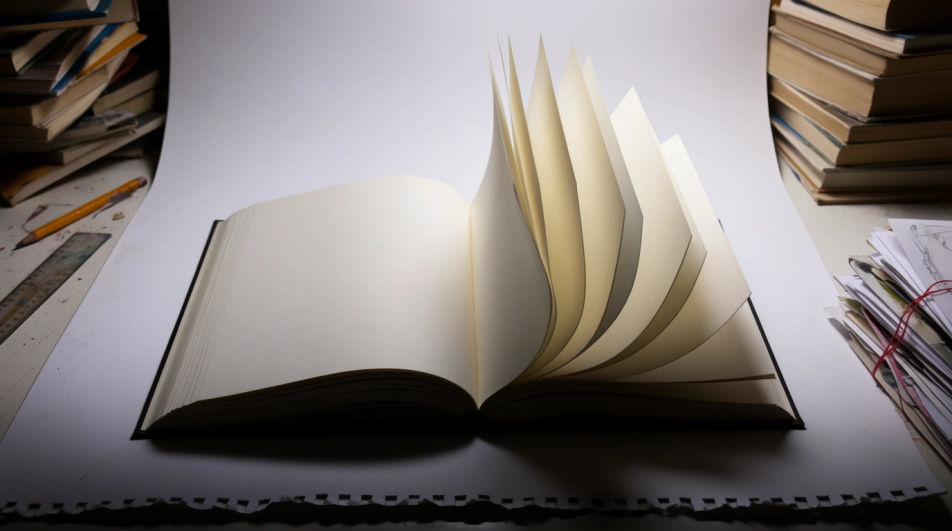
Describe the Book drawing you want, in plain words.
Morphic generates a clean, ready-to-publish image on your canvas in seconds.
Tweak the prompt, regenerate variations, then download or share the frame.
Pick a reference image, apply its visual style to your own photo or artwork.

Turn any sketch or drawing into a finished render.
Convert any image to a new aspect ratio. Smart crop or extend the edges to fit.

Pick any anime illustration as your style guide. Apply its look to any image.
Provide first frame and last frame and generate a video from uploaded keyframes.
Restyle any video in a completely new visual style. Every frame transforms, all motion stays intact.
Pencil drawing generator
Turn a pencil drawing idea into a finished image in Morphic. Describe the line work and style, generate variations, then refine it on the canvas.
Simple drawing maker
Turn a simple drawing idea into a finished image in Morphic. Describe the line work and style, generate variations, then refine it on the canvas.
House drawing generator
Turn a house drawing idea into a finished image in Morphic. Describe the line work and style, generate variations, then refine it on the canvas.
Wing drawings and feather studies
Turn a wing drawing idea into a finished image in Morphic. Describe the line work and style, generate variations, then refine it on the canvas.
Get started for free today, with the option to upgrade or cancel anytime.
Basic
2400 monthly credits
1 user only
All models
Workflows
Standard
3625 monthly credits
1 user only
All models
Workflows
Pro
6350 shared monthly credits
1 user
All models
Workflows
Max
24650 shared monthly credits
1 user
All models
Workflows
Enterprise
For higher limits
Custom
pricing and billing terms

Free
For playing around
$0
forever free